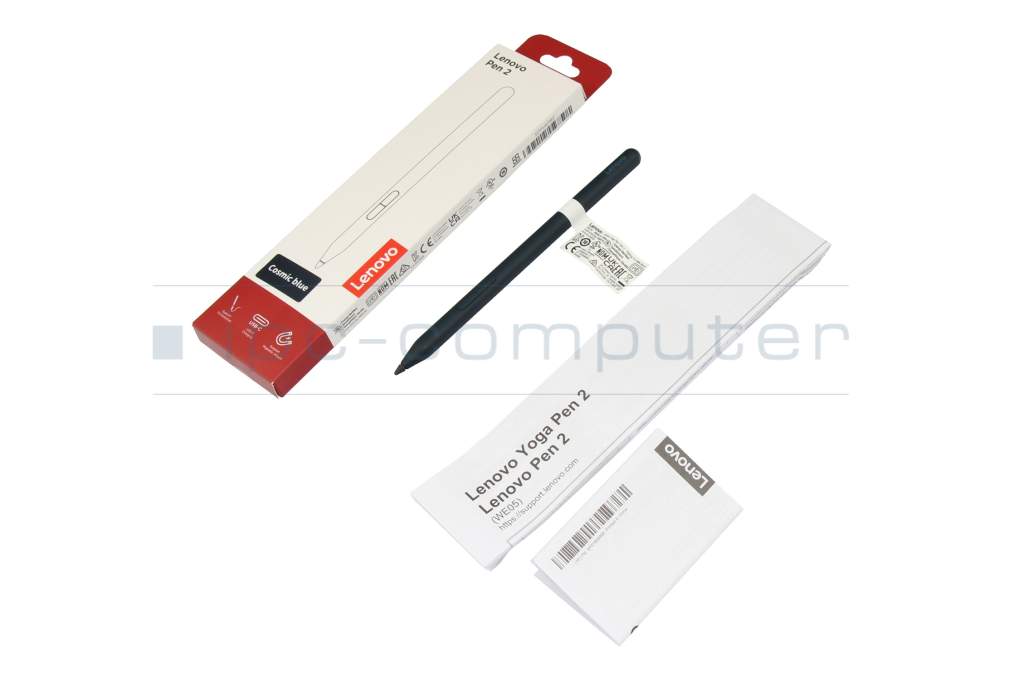
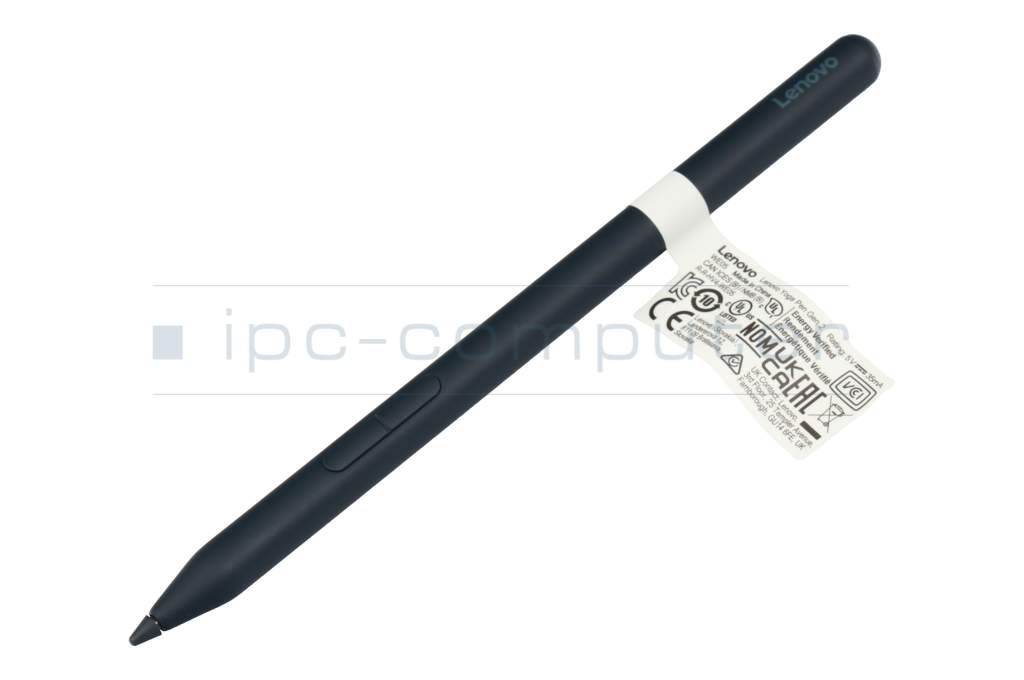
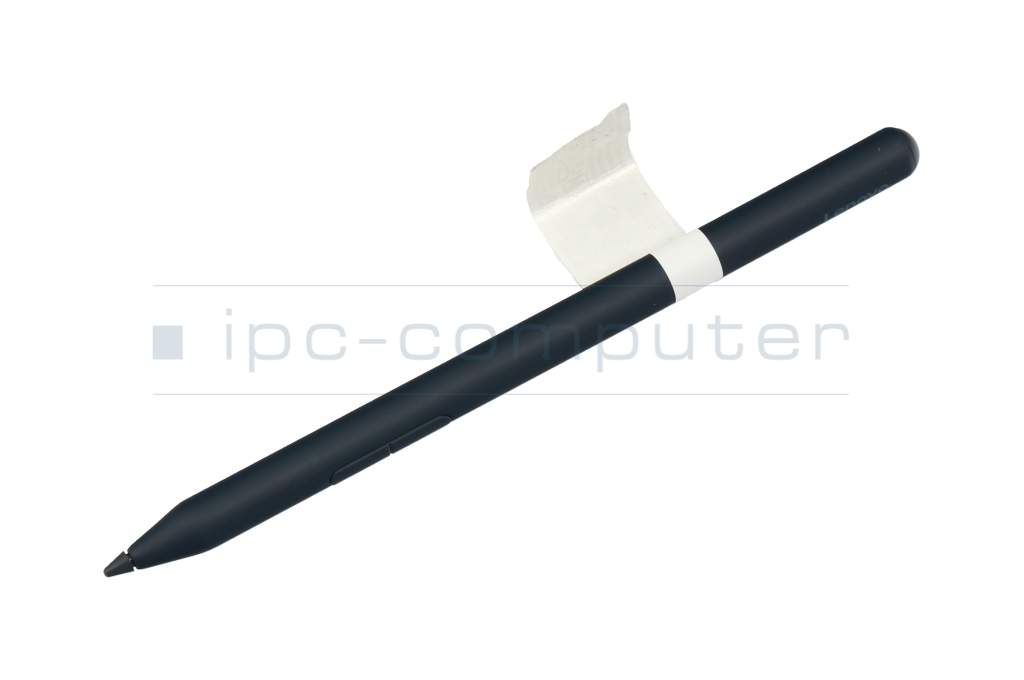
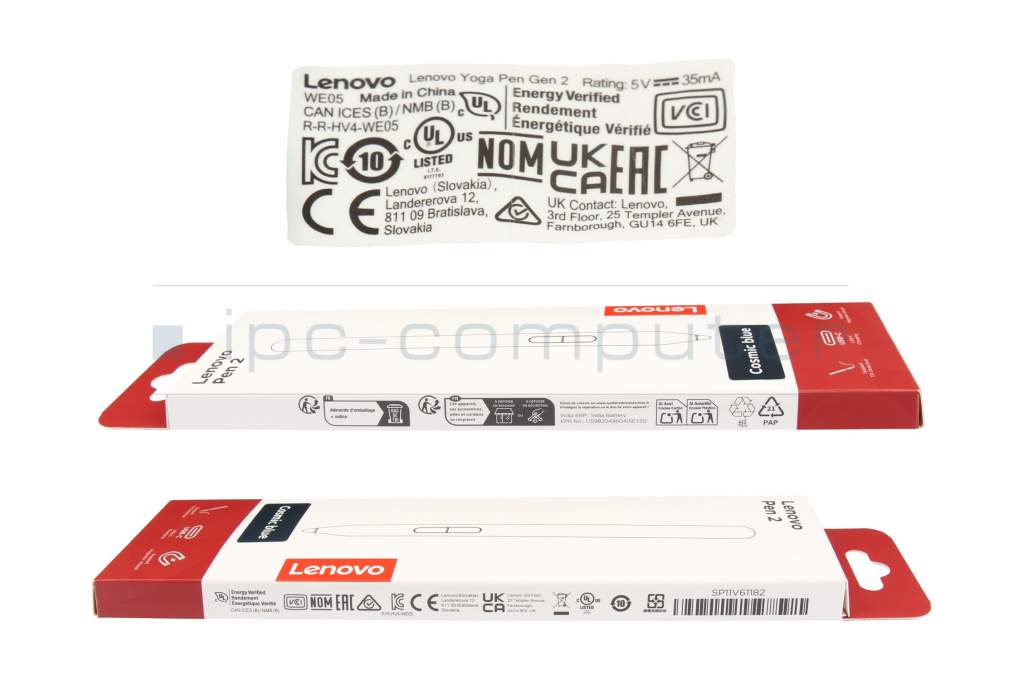
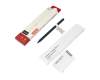
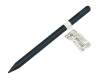
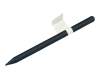
GX81W25733 original Lenovo Linear Pen 2 - Cosmic Blue

plus shipping charges
- Standardlieferung 1. December - 2. December
- Expresslieferung 1. December
- bei Bestellung innerhalb 15 hrs 48 min





5T71R03117 original Lenovo Linear Pen - Black
plus shipping charges

5T71T09718 original Lenovo Yoga Pen 2 - Seashell
plus shipping charges
Product Info
- Manufacturer
- Lenovo
- Item Number
- GX81W25733
- Primary Partnummer
- 5T71W23647
- Safety information
- Sicherheits- & Herstellerkontakt-Informationen
Common data
- Condition
- New
- Color
- blue
Technical Data
- Pen protocol
- AES 1.0 Wacom / AES 2.0 Wacom / AES 3.0 Wacom / MPP 2.0 / MPP 2.6 / USI 2.0 / WGP
- Weight (g)
- 11 g
- Length (cm)
- 15.2 cm
- Diameter (mm)
- 9 mm
- Number of buttons
- 2
- Pressure levels
- 8192
- Tilt function
- yes
- Power supply
- USB-C
- Operating system
- Windows 10 / Windows 11
Lenovo Linear Pen 2 – Precision Meets Maximum Flexibility
Experience a whole new way of writing and drawing with the Lenovo Linear Pen 2. This modern stylus was specially designed to take your creativity and productivity to the next level—whether you’re at the office, in school, or on the go.
Write as naturally as on paper
Thanks to its high pressure sensitivity of up to 8,192 levels, the Lenovo Linear Pen 2 delivers an exceptionally precise and smooth writing experience. The built-in tilt detection ensures that shading and line widths are adjusted intuitively—perfect for drawings, sketches, or handwritten notes.
Powerful & Long-Lasting
The built-in, rechargeable Li-ion battery offers an impressive runtime of up to 180 hours (depending on usage). With the fast USB-C charging feature, the pen is ready to use again in about 1.5 hours. The handy LED indicator keeps you informed of the current battery level at all times.
Smart Design for On-the-Go Use
Thanks to the magnetic attachment feature, the stylus can be securely and conveniently attached directly to your device—ideal for mobile work. With its slim design, a weight of just 13.5 g, and a comfortable length of 152 mm, the pen fits perfectly in your hand.
Smart technology
The Lenovo Linear Pen 2 supports numerous modern touch protocols such as AES 1.0, 2.0 & 3.0, MPP 2.0/2.6, WGP, and USI 2.0. This makes it widely compatible and ensures reliable performance across a wide variety of devices.
Efficient Power-Saving Mode
When the pen is not in use, it automatically switches to power-saving mode after approximately 10 minutes—for even longer battery life of up to 230 days on standby.
Your benefits at a glance:
- Magnetic attachment for maximum comfort
- Precise tilt detection for natural writing
- Fast USB-C charging
- High-capacity battery with long runtime
- LED indicator for full control
- Ultra-lightweight & ergonomic
Conclusion:
The Lenovo Linear Pen 2 is the ideal companion for anyone who values precision, comfort, and portability. Whether for creative projects or productive work—with this stylus, you’re always well-equipped.
Category
- Category
- Pens / Stylus
- Usage
- Laptop
- Excerpt of suitable models for P/N GX81W25733
- Asus VivoBook 13 Slate T3300KA , Asus VivoBook 13 Slate T3300KA , Asus T3300KAL , Asus T3300KA , Asus VivoBook 13 Slate T3300KAL , Asus B3402FBA , Asus ExpertBook B3 Flip B3402FBA
You've found this article over a part number. We'll check if it's the correct sparepart for your machine. To do this, please insert the manufacturer and the name of the model in the order comment.
Videos & Contributions

How do styluses work and what should be considered?