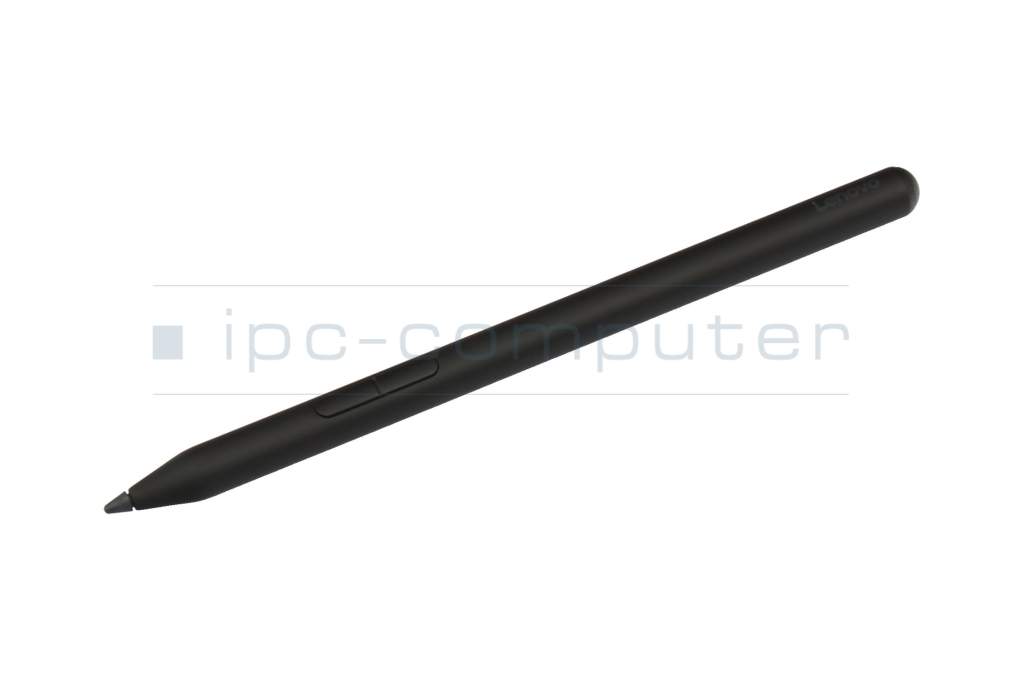
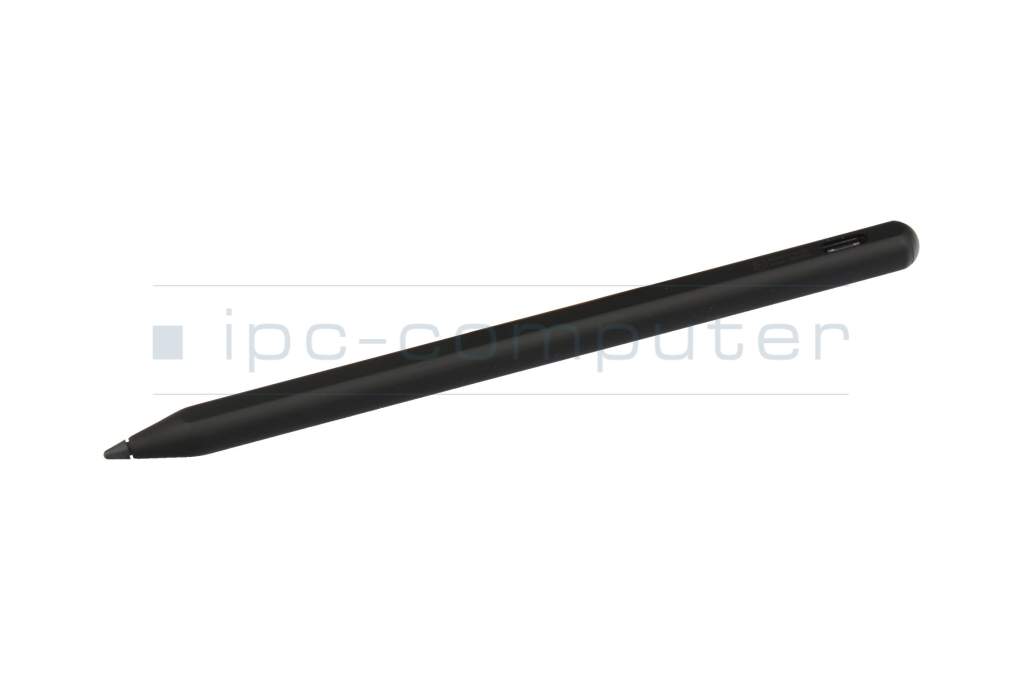
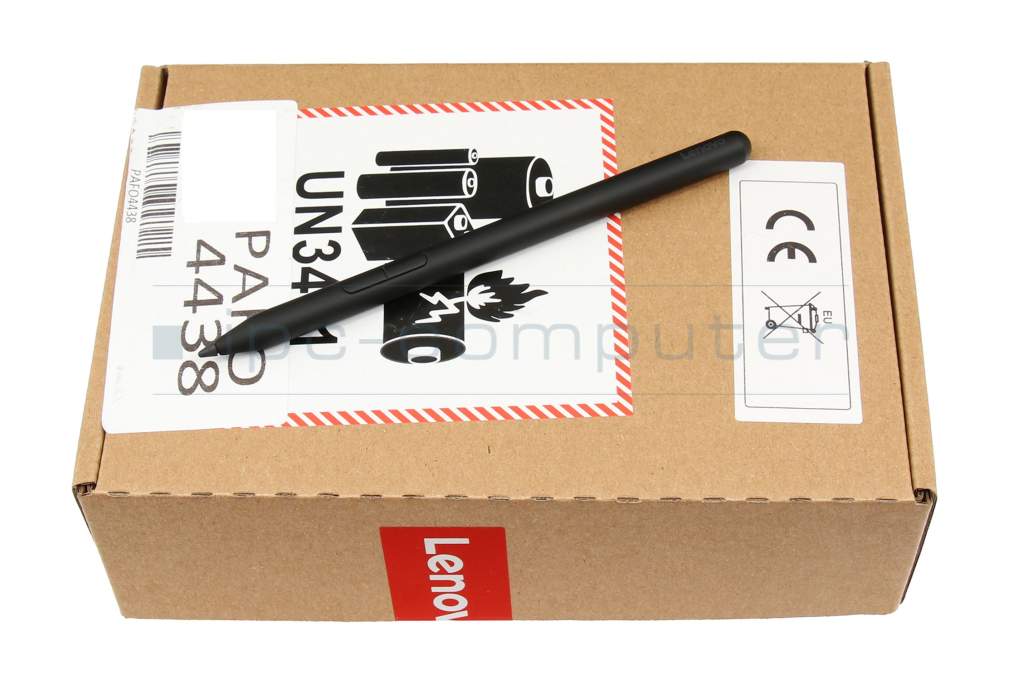
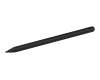
5T71R03117 original Lenovo Yoga Pen (Linear Pen) - Black

plus shipping charges
- Standardlieferung 22. October - 26. October
- Expresslieferung 21. October
- bei Bestellung innerhalb 7 hrs 57 min




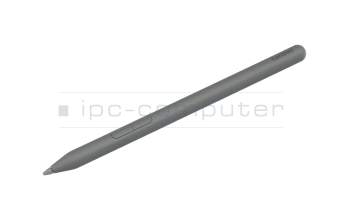
5T71Q51955 original Lenovo Yoga Pen (Linear Pen) - Luna Grey
plus shipping charges

5T71T09724 original Lenovo Yoga Pen (Linear Pen) - Tidal Teal
plus shipping charges
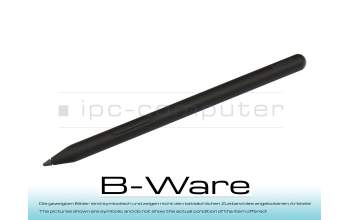
PEN17R Yoga Pen (Linear Pen) - Black b-stock
plus shipping charges
Product Info
- Manufacturer
- Lenovo
- Item Number
- 5T71R03117
- Primary Partnummer
- 5T71R03117
- Safety information
- Sicherheits- & Herstellerkontakt-Informationen
Common data
- Condition
- New
- Color
- black
Technical Data
- Pen protocol
- AES 1.0 Wacom / AES 2.0 Wacom / MPP 2.0 / MPP 2.6 / USI 2.0 / WGP
- Weight (g)
- 11 g
- Length (cm)
- 14.8 cm
- Diameter (mm)
- 9 mm
- Number of buttons
- 2
- Pressure levels
- 4096
- Tilt function
- yes
- Power supply
- USB-C
- Operating system
- Windows 10 / Windows 11
Lenovo Yoga Pen (Linear Pen) – Precision Meets Maximum Flexibility
Experience a whole new way of writing and drawing with the Lenovo Yoga Pen. This modern stylus was specially designed to take your creativity and productivity to the next level—whether you’re at the office, in school, or on the go.
Write as naturally as on paper
Thanks to its high pressure sensitivity of up to 4,096 levels, the Lenovo Yoga Pen delivers an exceptionally precise and fluid writing experience. The built-in tilt detection ensures that shading and line widths are adjusted intuitively—perfect for drawings, sketches, or handwritten notes.
Powerful & Long-Lasting
The built-in, rechargeable Li-ion battery offers an impressive runtime of up to 180 hours (depending on usage). With the fast USB-C charging feature, the pen is ready to use again in about 1.5 hours. The convenient LED indicator keeps you informed of the current battery level at all times.
Smart Design for On-the-Go Use
Thanks to the magnetic attachment feature, the stylus can be securely and conveniently attached directly to your device—ideal for mobile work. With its slim design, a weight of just 13.5 g, and a comfortable length of 152 mm, the pen fits perfectly in your hand.
Smart technology
The Lenovo Yoga Pen supports numerous modern touch protocols such as AES 1.0 & 2.0, MPP 2.0/2.6, WGP, and USI 2.0. This makes it widely compatible and ensures reliable performance across a wide variety of devices.
Efficient Power-Saving Mode
When the pen is not in use, it automatically switches to power-saving mode after approximately 10 minutes—for even longer battery life of up to 230 days on standby.
Your benefits at a glance:
- Magnetic attachment for maximum comfort
- Precise tilt detection for natural writing
- Fast USB-C charging
- High-capacity battery with long runtime
- LED indicator for full control
- Ultra-lightweight & ergonomic
Conclusion:
The Lenovo Yoga Pen is the ideal companion for anyone who values precision, comfort, and portability. Whether you’re working on creative projects or getting things done—with this stylus, you’re always well-equipped.
Category
- Category
- Pens / Stylus
- Usage
- Laptop
- Excerpt of suitable models for P/N 5T71R03117
- Lenovo Thinkbook 14 2-in-1 G5 (21SQ) , Lenovo IdeaPad Duet 5 Chromebook 13Q7C6 (82QS) , Lenovo Tab P11 Plus (ZA9L) , Lenovo Yoga 7a 2-in-1 16AGP11 (83TF) , Lenovo ThinkPad X12 Detachable Gen 2 (21LK/21LL) , Lenovo Yoga 7i 2-in-1 Gen 10 (83JT) , Lenovo Yoga 7i 2-in-1 Gen 10 (83JQ) , Lenovo Yoga 9i 2-in-1 Gen 10 (83LC) , Lenovo ThinkPad X1 2-in-1 G10 (21Q0/21Q1) , Lenovo ThinkPad T14s 2-in-1 Gen 1 (21R3)
You've found this article over a part number. We'll check if it's the correct sparepart for your machine. To do this, please insert the manufacturer and the name of the model in the order comment.
Videos & Contributions
Der beste Lenovo Stylus Pen für Yoga, ThinkBook uvm.? - Yoga Pen vorgestellt
✍? *Den Lenovo Yoga Pen gibt's hier*? Grau (5T71Q51955):https://www.ipc-computer.de/notebook-ersatzteile/pens/pen-5t71q51955-136291252?utm_source=YouTube+N...
Learn more >
How do styluses work and what should be considered?