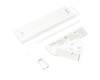
EJ-PP610 original Samsung S-PEN
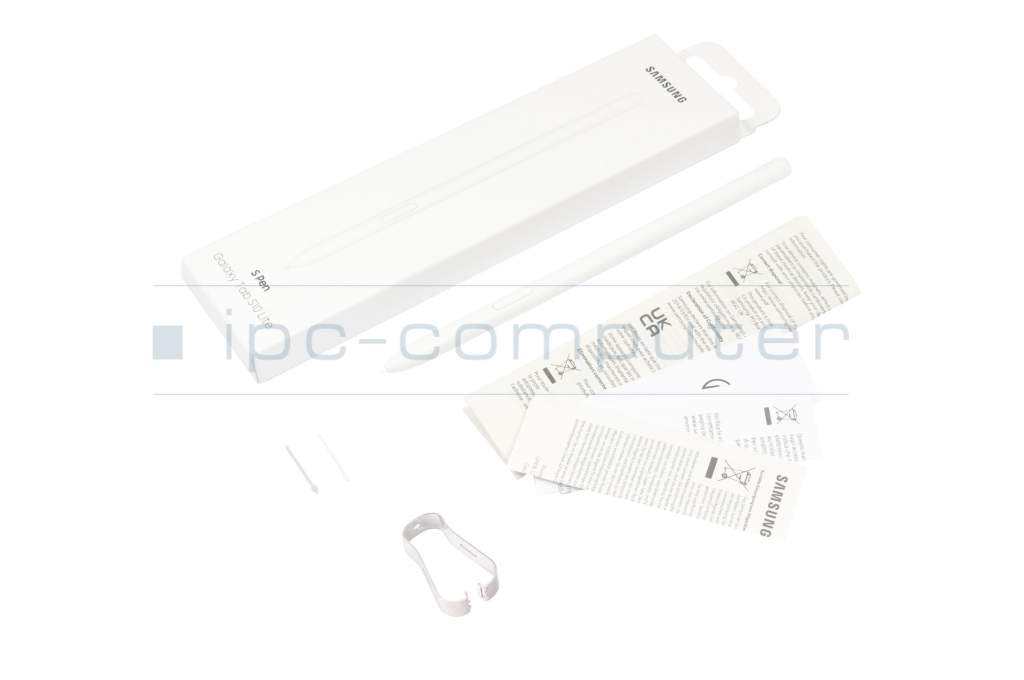
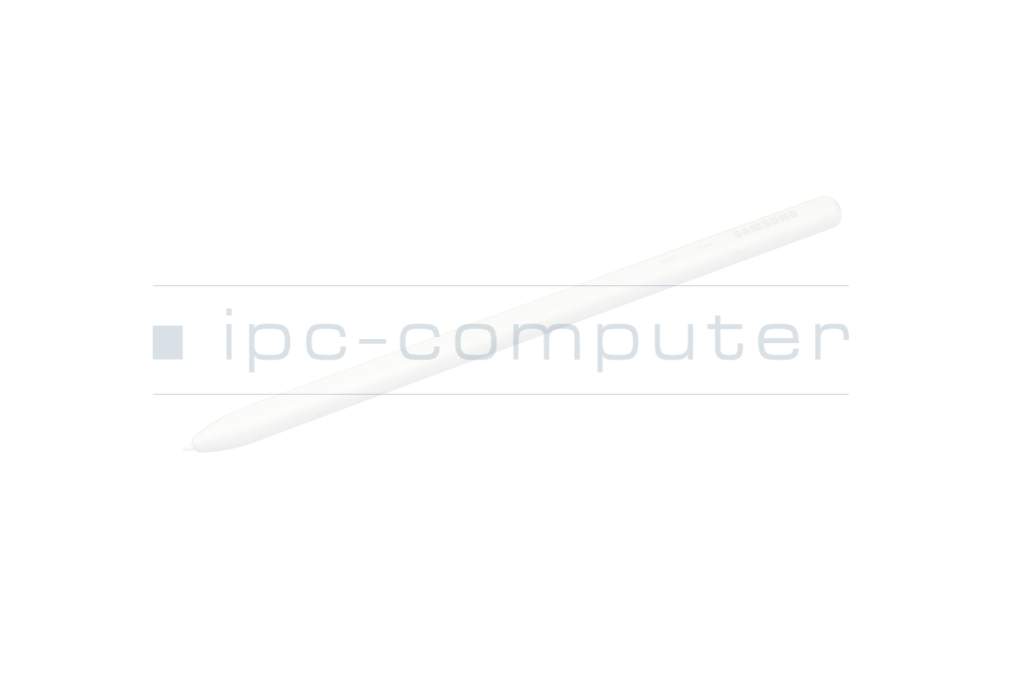
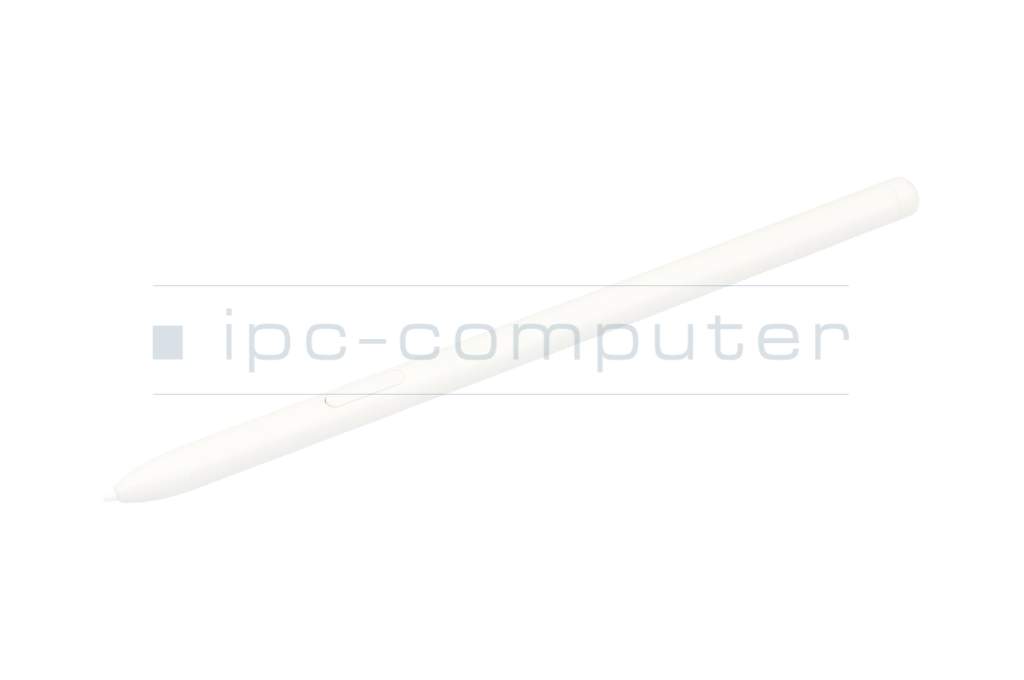
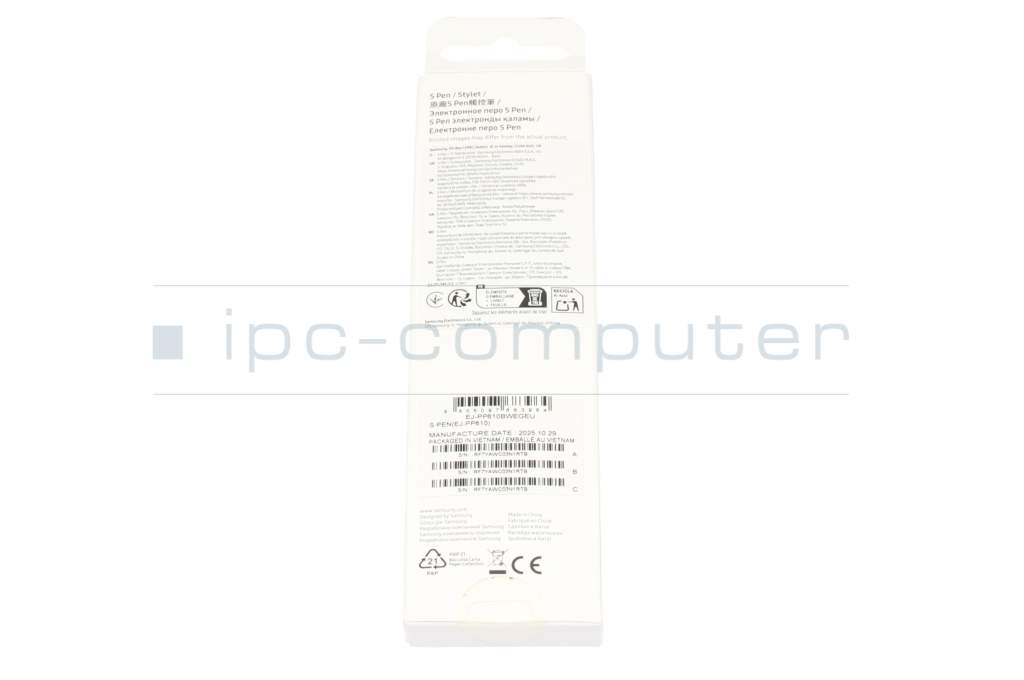
plus shipping charges
- Standardlieferung 28. September - 29. September
- Expresslieferung 28. September
- bei Bestellung innerhalb 20 hrs 09 min




- Manufacturer
- Samsung
- Item Number
- EJ-PP610
- Primary Partnummer
- EJ-PP610
- Safety information
- Sicherheits- & Herstellerkontakt-Informationen
Common data
- Condition
- New
- Color
- white
- Delivery includes
- 2x replacement tips / manual / tip removal tool
Technical Data
- Weight (g)
- 7 g
- Length (cm)
- 12.0 cm
- Diameter (mm)
- 7 mm
- Number of buttons
- 1
- Power supply
- Wireless Charging
- Operating system
- Android
Original Samsung S Pen for Galaxy Tab S10 Lite / Galaxy Tab S6 Lite – White
Perfect for creative work and productive note-taking. The original Samsung S Pen was specially designed for the Galaxy Tab S10 Lite and provides a natural, precise writing and drawing experience.
Precise & intuitive: With its 0.7 mm fine tip, you can write, sketch, and design with high accuracy – ideal for notes, drawings, and ideas.
Always within reach: Thanks to its magnetic attachment, the S Pen sticks directly to the tablet – so you always have it handy when you're on the go.
Lightweight & comfortable: It sits comfortably in your hand, feels ergonomic, and supports you during long sessions – whether at university, in the office, or while working creatively.
Benefits at a glance:
• Original Samsung quality – perfectly compatible
• Fine 0.7 mm tip for precise work
• Magnetic attachment directly to the tablet
• Lightweight & comfortable for extended use
Category
- Category
- Pens / Stylus
- Usage
- Laptop
- Excerpt of suitable models for P/N EJ-PP610
- Samsung Galaxy Tab S10 Lite , Samsung Galaxy Tab S6 Lite
You've found this article over a part number. We'll check if it's the correct sparepart for your machine. To do this, please insert the manufacturer and the name of the model in the order comment.
Videos & Contributions
How do styluses work and what should be considered?
