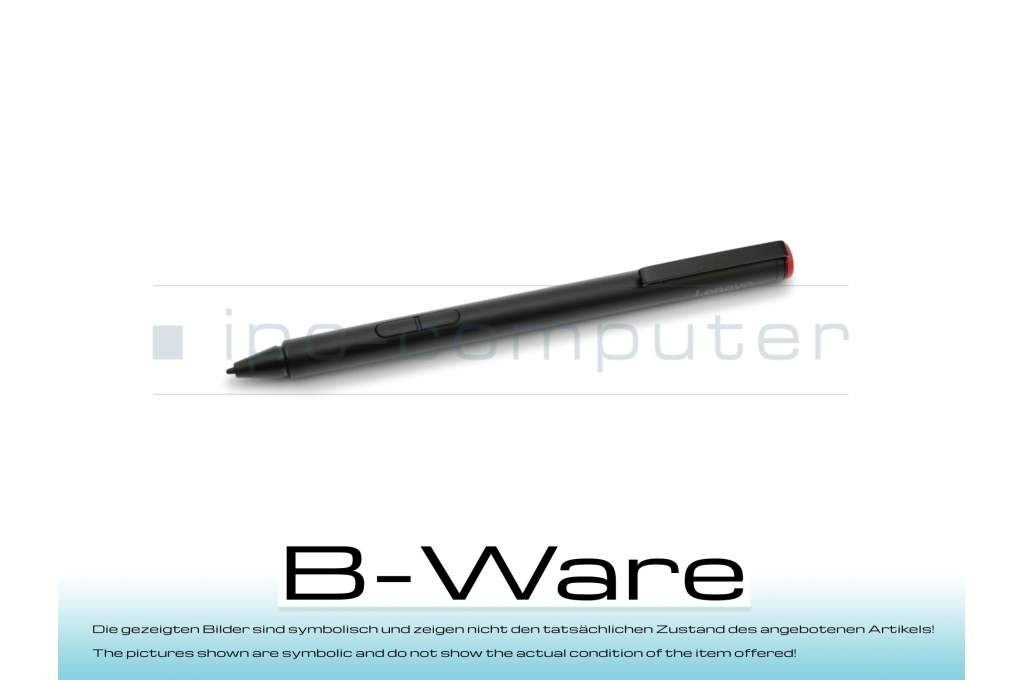
Lenovo 4X80H34888 Pen

7900€
incl. Tax (19%)
plus shipping charges
plus shipping charges
Only1 pieces in stock.
- Standardlieferung 20. October - 20. October
- Expresslieferung 20. October
- bei Bestellung innerhalb 23 hrs 14 min




Condition: B-goods - This is a technically flawless spare part/accessory item from a customer return or an item with traces of storage. The item may have optical defects or signs of use such as scratches, abrasion or similar, but these do not affect the function and/or the original packaging may be damaged or missing. // The pictures shown are symbolic and do not show the actual condition of the item on offer!
- Manufacturer
- Lenovo
- Item Number
- 4X80H34888
- Primary Partnummer
- 4X80H34888
- Safety information
- Sicherheits- & Herstellerkontakt-Informationen
The offered manufacturer number is an alternative (substitute) to the spare part number you are looking for.
Partnumber: 4X80H34888
Condition: B-goods - This is a technically flawless spare part/accessory item from a customer return or an item with traces of storage. The item may have optical defects or signs of use such as scratches, abrasion or similar, but these do not affect the function and/or the original packaging may be damaged or missing. // The pictures shown are symbolic and do not show the actual condition of the item on offer!
Condition: B-goods - This is a technically flawless spare part/accessory item from a customer return or an item with traces of storage. The item may have optical defects or signs of use such as scratches, abrasion or similar, but these do not affect the function and/or the original packaging may be damaged or missing. // The pictures shown are symbolic and do not show the actual condition of the item on offer!
You've found this article over a part number. We'll check if it's the correct sparepart for your machine. To do this, please insert the manufacturer and the name of the model in the order comment.
Videos & Contributions
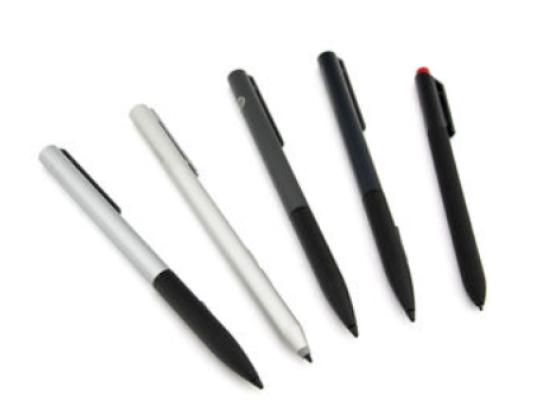
How do styluses work and what should be considered?
Using a pen to operate the touchscreen is a convenient feature. But not every pen works with every notebook or tablet. You have to pay attention to these features.
Learn more >