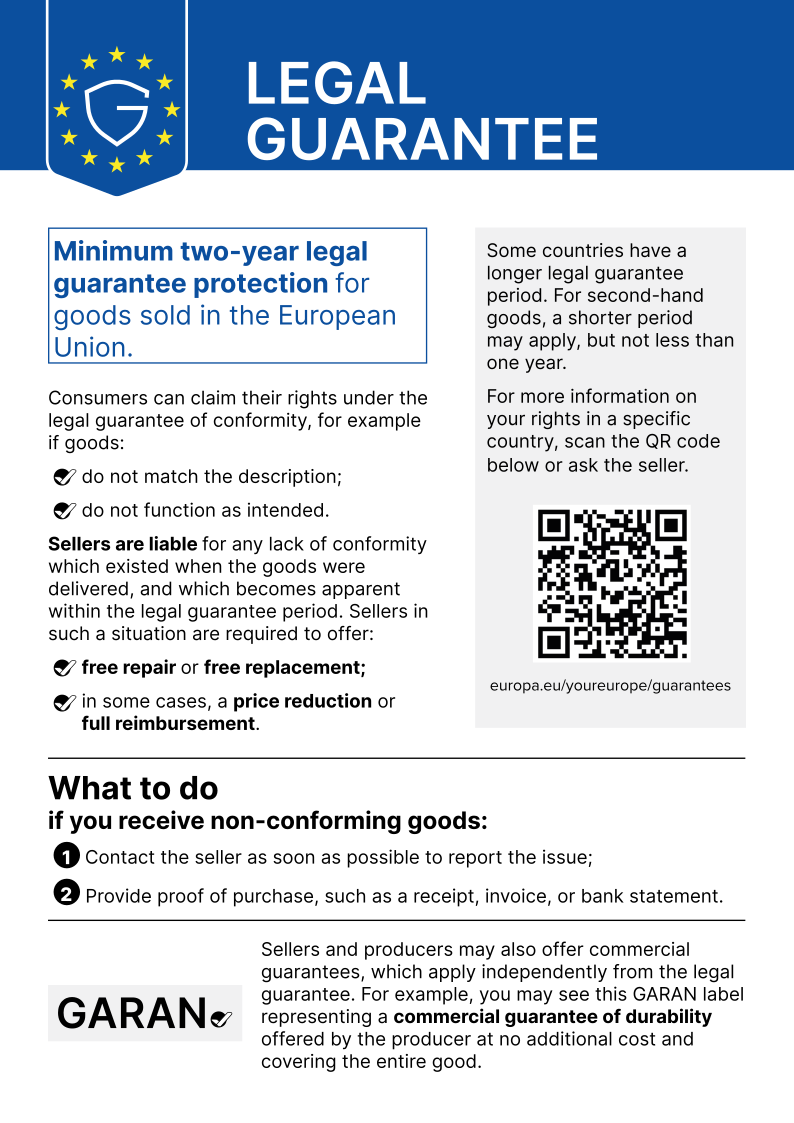
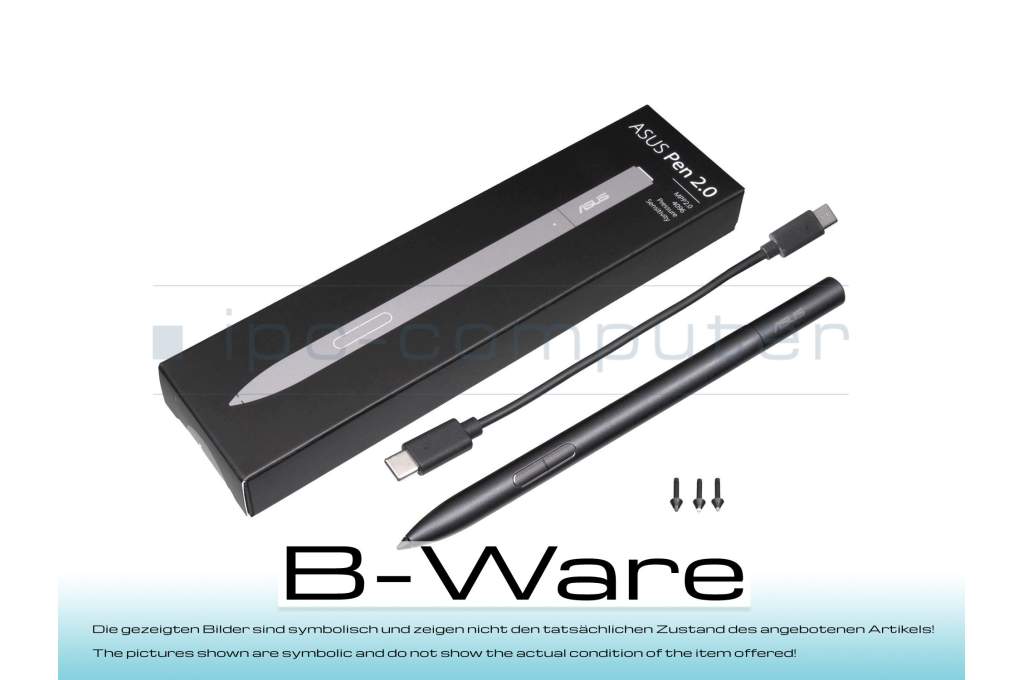
04190-00270100 original Asus Pen 2.0 SA203H b-stock

5400€
incl. Tax (19%)
plus shipping charges
plus shipping charges
Only1 pieces in stock.
- Standardlieferung 27. October - 29. October
- Expresslieferung 27. October
- bei Bestellung innerhalb 23 hrs 05 min




Customer return/one tip (2H) missing out of a total of 4 tips.
- Manufacturer
- Asus
- Item Number
- 04190-00270100
- Primary Partnummer
- 04190-00270100
- Safety information
- Sicherheits- & Herstellerkontakt-Informationen
Common data
- Color
- black
- Delivery includes
- 3x replacement tips / USB-C cable / tip removal tool
Technical Data
- Pen protocol
- MPP 2.0
- Weight (g)
- 16 g
- Length (cm)
- 16.5 cm
- Diameter (mm)
- 9 mm
- Number of buttons
- 3
- Pressure levels
- 4096
- Tilt function
- yes
- Bluetooth
- yes
- Power supply
- USB-C
- Running time
- 140h
- Operating system
- Windows 10 / Windows 11
Condition: B-goods - This is a technically flawless spare part / accessory item from customer returns or an item with traces of storage. The article may have optical defects such as signs of use such as scratches, abrasion or the like, but which do not affect the function and / or the original packaging may be damaged or not present. // The pictures shown are symbolic and do not show the actual condition of the item offered!
Category
- Category
- Pens / Stylus
- Usage
- Laptop
- Excerpt of suitable models for P/N 04190-00270100
- Asus UX3402VA , Asus TN3402YA , Asus ZenBook Pro 16X UX7602IV , Asus ROG Flow X16 GV601VI , Asus ROG Flow X16 GV601VV , Asus VivoBook S 14 Flip TN3402QA , Asus ProArt StudioBook 16 H7604JI , Asus UX5400ZF , Asus ZenBook S 13 UM5302TA , Asus ProArt StudioBook 16 H7604JV
You've found this article over a part number. We'll check if it's the correct sparepart for your machine. To do this, please insert the manufacturer and the name of the model in the order comment.
Videos & Contributions
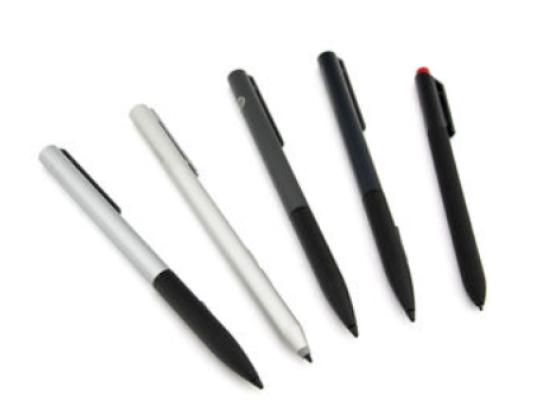
How do styluses work and what should be considered?
Using a pen to operate the touchscreen is a convenient feature. But not every pen works with every notebook or tablet. You have to pay attention to these features.
Learn more >