GHC0N Hitachi DVD Writer b-stock
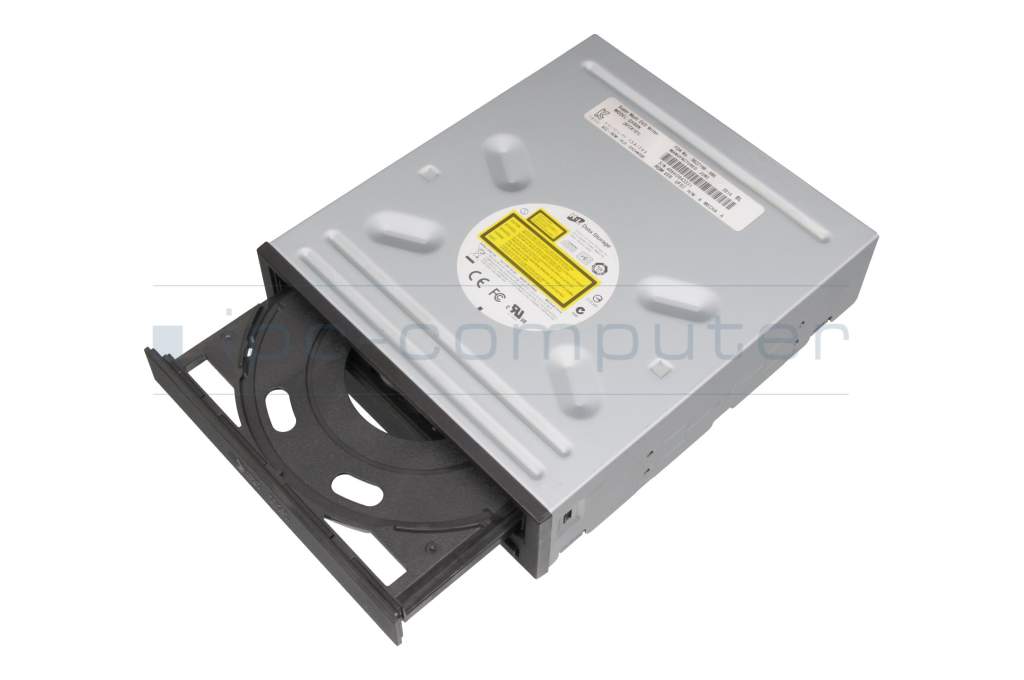
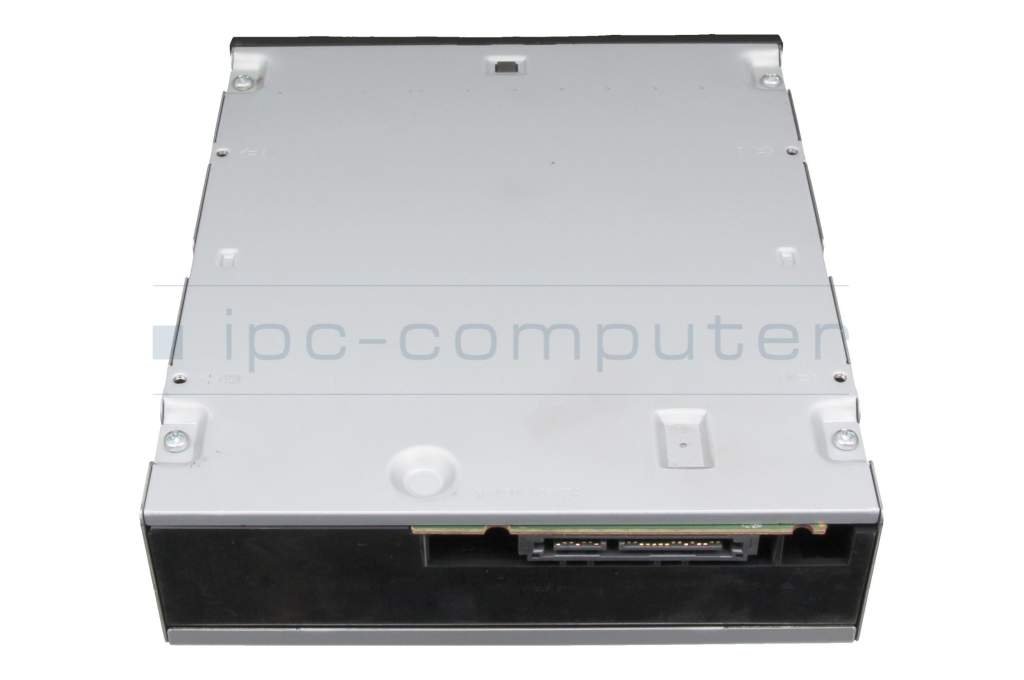
plus shipping charges
- Standardlieferung 24. September - 28. September
- Expresslieferung 23. September
- bei Bestellung innerhalb 13 hrs 48 min




Condition: B-Grade - This is a used item that may show signs of use, such as wear and tear, scratches, or other marks. Returns or complaints based on any of these reasons are therefore not accepted. The item has been tested by one of our technicians.
- Manufacturer
- Hitachi
- Item Number
- GHC0N
- Primary Partnummer
- GHC0N
- Safety information
- Sicherheits- & Herstellerkontakt-Informationen
Common data
- Manufacturer
- Hitachi / LG
Technical Data
- Type
- DVD Writer
- Interface
- S-ATA
- Mechanism
- Tray
- Height
- 41.0 mm
- Front bezel fixation
- aberrant
- Delivery includes
- Bezel
Reading speed
- Readable CD-R
- 24x
- Readable CD-ROM
- 24x
- Readable DVD+R
- 8x
- Readable DVD+R DL
- 8x
- Readable DVD+RW
- 8x
- Readable DVD-R
- 8x
- Readable DVD-R DL
- 8x
- Readable DVD-RAM
- 5x
- Readable DVD-ROM
- 8x
- Readable DVD-RW
- 8x
Writing speed
- Recordable CD-R
- 24x
- Recordable CD-RW
- 16x
- Recordable DVD+R
- 8x
- Recordable DVD+RW
- 4x
- Recordable DVD-R
- 8x
- Recordable DVD-RW
- 4x
Note
Category
- Category
- Optical drives
- Usage
- Laptop
- Excerpt of suitable models for P/N GHC0N
- Fujitsu Celsius W580 , Fujitsu Esprimo P7012 , Fujitsu Esprimo P9013 , Fujitsu Primergy RX2560 M1 , Fujitsu Primergy TX2540 M1 , Fujitsu Primergy TX2550 M4 , Fujitsu Celsius W550 , Fujitsu Primergy TX1330 M3 , Fujitsu Primergy TX1330 M4 , Fujitsu Celsius M7010
You've found this article over a part number. We'll check if it's the correct sparepart for your machine. To do this, please insert the manufacturer and the name of the model in the order comment.
Videos & Contributions
Instructions - BluRay burner upgrade
Would you like to upgrade your drive to a Blu Ray compatible one? Here we show you how this is possible and what requirements your notebook should have.
Learn more >
Just a DVD dummy in your notebook?
Replacing the optical drive including the front panel
This video serves as a step-by-step guide for replacing the optical drive including the cover from your notebook.
Learn more >Important and useful informations about laptop Optical drives
Frequently asked questions about Optical drives
This is technically possible, although there are a few things you need to consider.
First your DVD drive needs to be connected via SATA and not PATA, because that is what all Blu-Ray drives use. Second you should test, whether your system meets the requirements of playing a Blu-Ray with a tool like BD & 3D Advisor by Cyberlink.
Optical drive manufacturers used o use different types of bezels for their drives, which made it hard wo find one for your drive. That is why the “General Bezel Assembling Standard” has been created, now most bezels should fit on most optical drives.

All questions about Optical drives
Optical drives FAQ