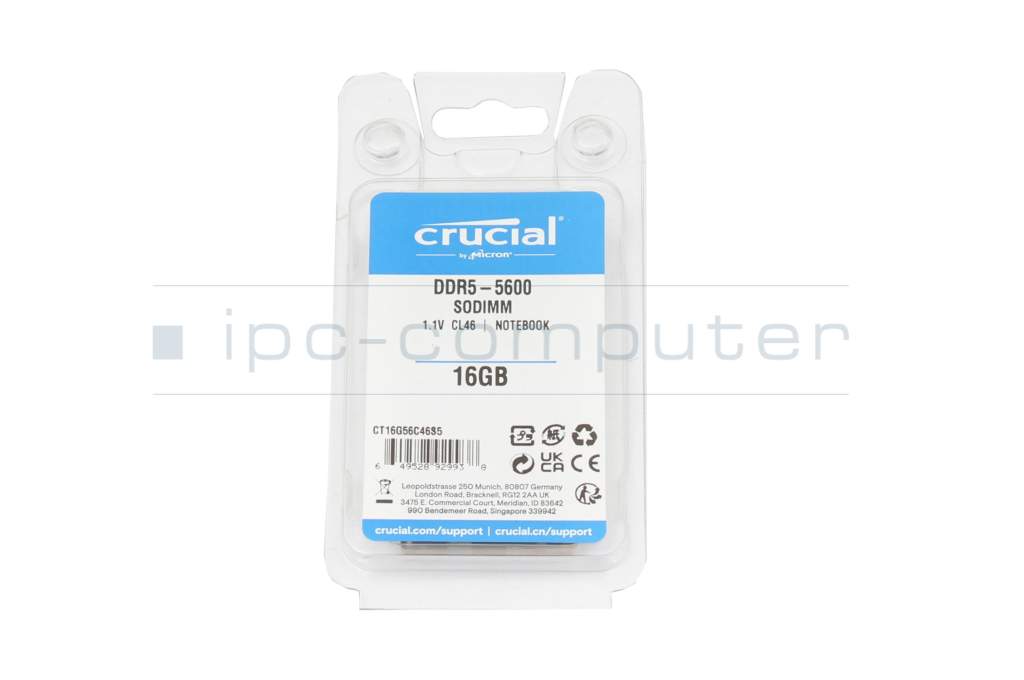
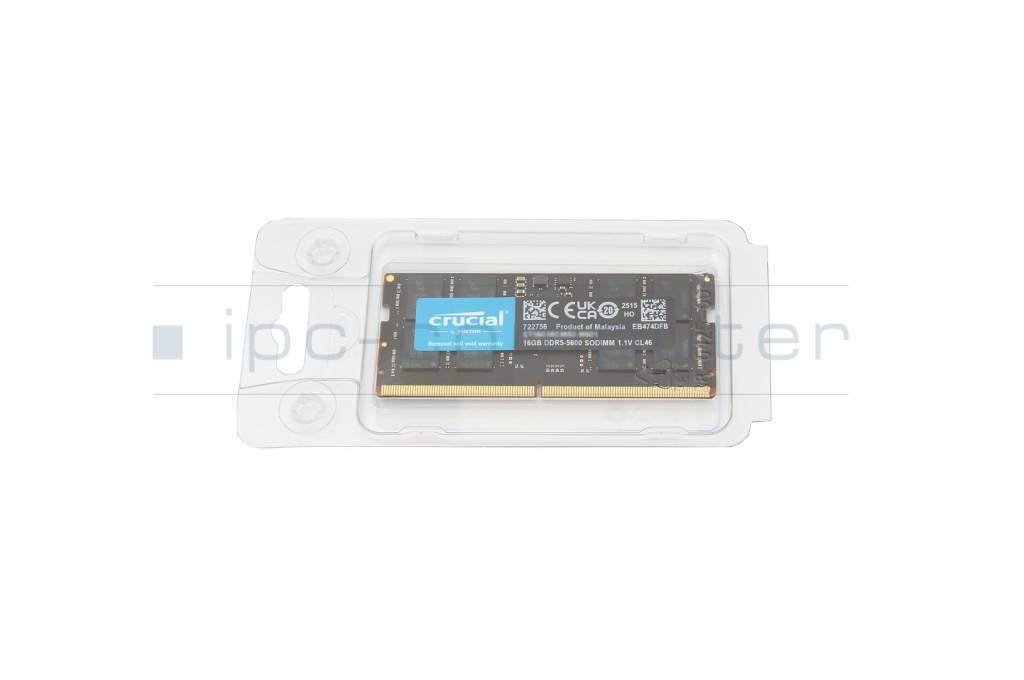
Alternative for Samsung M425R2GA3PB0-CWM memory 16GB DDR5-RAM
173.00 EUR
incl. Tax (19%)
plus shipping charges
Only1 pieces in stock.
shipping today.Express shipping possible.

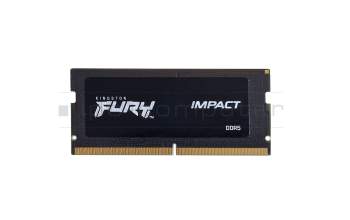
Kingston KF556S40IB-16 memory 16GB DDR5-RAM

Kingston KF556S40IB-16 memory 16GB DDR5-RAM

Small stock
193.00 EUR
incl. Tax (19%)
plus shipping charges
Crucial CT48G56C46S5 memory 48GB DDR5-RAM

Crucial CT48G56C46S5 memory 48GB DDR5-RAM

Currently not available
276.00 EUR
incl. Tax (19%)
plus shipping charges
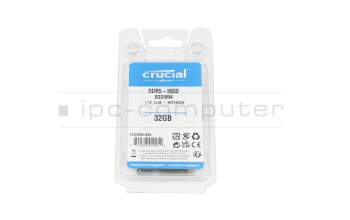
Crucial CT32G56C46S5 memory 32GB DDR5-RAM

Crucial CT32G56C46S5 memory 32GB DDR5-RAM

Small stock
229.00 EUR
incl. Tax (19%)
plus shipping charges

Product Info

Manufacturer
Crucial
Substitute part number
M425R2GA3PB0-CWM
Primary Partnummer
M425R2GA3PB0-CWM
Sicherheitsinformationen
Sicherheits- & Herstellerkontakt-Informationen

This part number is a substitute with different specs.

Common data

Condition
New
Manufacturer
Crucial

Technical Data

Capacity
16GB
Type
SO-DIMM DDR5-RAM
Memory module
PC5-5600
Frequency (MHz)
5600 MHz
Volt
1.1V
Number of memory chips
16
Position of the chips
both sides

Category

Category
Memory / RAM
Usage
Laptop
Excerpt of suitable models for P/N M425R2GA3PB0-CWM
HP ZBook Firefly 14 G9 , Dell G15 (5520) , Schenker Key 17 Pro (E24) , Sager Notebook NP7881D (NP70SND) , Schenker Media 17-E23 (NP70SNx) , Tongfang GM6PX8X , Tongfang GM6PX7X , Clevo V150x , Nexoc GV5 947IG 23V1 (V150RNE) , One V56-13NB-RN5

You've found this article over a part number. We'll check if it's the correct sparepart for your machine. To do this, please insert the manufacturer and the name of the model in the order comment.

How to identify my notebook model?

Videos & Contributions

Does the RAM fit my device?

If you are unsure whether the RAM module fits your notebook, this video provides a short and clear answer to all important questions about compatibility.

Learn more >
Is it worth it? - Upgrading the main memory

Is it worth it? - Upgrading the main memory

RAM expansion in the notebook. Seven points ALWAYS valid notebook tuning TIPS
Learn more >

Swap or expand laptop RAM / main memory

The exchange is child's play, even laypeople without technical knowledge can play. In this video we show how to do it.

Learn more >

Important and useful informations about laptop Memory

Frequently asked questions about Memory

  • Can I install different RAM modules, than the ones already installed

    You can install RAM from a different manufacturer, as long as the specifications are the same.

    For example, when your computer currently has a DDR3 SO-DIMM module with a speed of 1600MHz installed, you should only use DDR3 SO-DIMMs with a 1600 MHz speed to upgrade/replace your RAM. It is possible to use different frequencies but the system will then use the speed of the slowest RAM module.

  • What is the difference between DDR3 and DDR3L?

    The difference between the two types of DDR3 is in their supported voltages. Normal DDR3 requires 1,5 Volt, whereas DDR3L (L for Load reduced) also supports 1,35 Volt. This reduction in voltage results in a slightly lower power consumption. However, this reduction is so small, that the difference in battery life caused by using load reduced RAM even in laptops is hardly noticeable. It only makes a difference in data centers with hundreds of computers, each with up to 32 memory modules.

    Even though the power consumption difference is tiny, you have to watch out for compatibility. Systems, which only support normal DDR3 usually, work with DDR3L, too, because it also supports 1,5 Volt. But there are computers, especially laptops, which only support DDR3L. Normal DDR3 might work here, however this is not guaranteed and might come with some stability issues. So, if you are not sure, which type of DDR3 your system needs, it is better to buy the load reduced variant or consult an expert.

  • What is the maximum amount of RAM my laptop supports

    Expanding the main memory by retrofitting a RAM module is a common tuning measure. Significant improvements result when working with many applications in parallel or when the device already swaps out data to the FP by default (swapping) from the operating system. Nowadays, more and more devices have their main memory soldered directly to the mainboard and can therefore not be replaced. The decisive factor is whether the device still has a free slot for additional memory modules and how many GB you can put in there in total. If such a free slot is available, it is important to determine the right memory module and insert it into the appropriate slot, which is usually located under the bottom of the device or under the keyboard. Almost all devices, with the exception of some ultrabooks and netbooks, already have two or more sockets for storing memory modules. Up to which GB maximum size you can upgrade depends on the mainboard, chipset (information on this is provided in the device manual) and the availability of the modules.

    See also:
  • What RAM do I need for my Notebook

    You can use the following tools to see what RAM your Notebook needs:

    AIDA (Download: www.lavalys.com)

    CPUZ (Downlaod: www.cpu-z.de)

    SIW (System Information for Windows) (Download from www.heise.de)

    HWiNFO (Direct download here)

    Alternatively, you can remove the currently installed RAM and read the necessary specifications from the labels on them. Should there be no label or should you not be able to recognize the type of RAM needed. You can still use the tools listed above or consult a specialist.

  • What speed does my RAM run at

    In Windows 10 open the Task-Manager (Control+Shift+Escape), then click on more details in the bottom left corner. Select the tab performance and click on RAM Now you will be able to see many values about your RAM including its speed.

  • Where can I see how much RAM I have installed in Windows 7

    To see how much RAM you have installed in Windows 7 you have to do the following steps:

All questions about Memory

loader