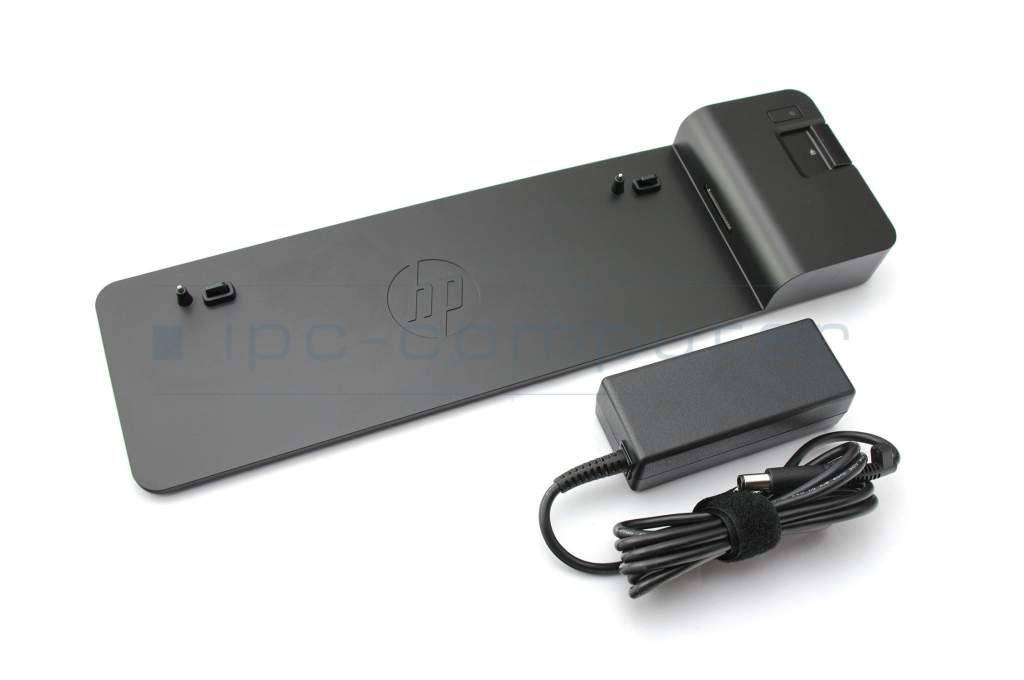
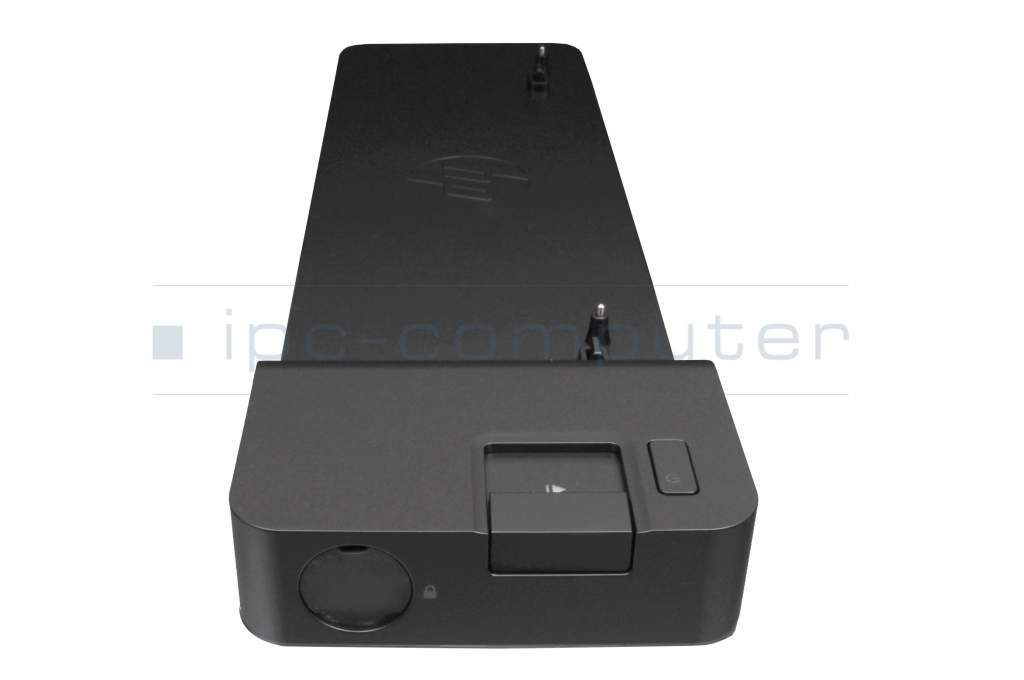
HP D9Y32AA#ABB UltraSlim Docking Station incl. 65W Netzteil


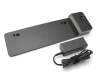

plus shipping charges
- Standardlieferung 22. September - 23. September
- Expresslieferung 22. September
- bei Bestellung innerhalb 1 hrs 59 min




- Manufacturer
- HP
- Item Number
- D9Y32AA#ABB
- Primary Partnummer
- D9Y32AA#ABB
- Safety information
- Sicherheits- & Herstellerkontakt-Informationen
Common data
- Condition
- New
Technical Data
- Connexion to the laptop
- Internal docking port
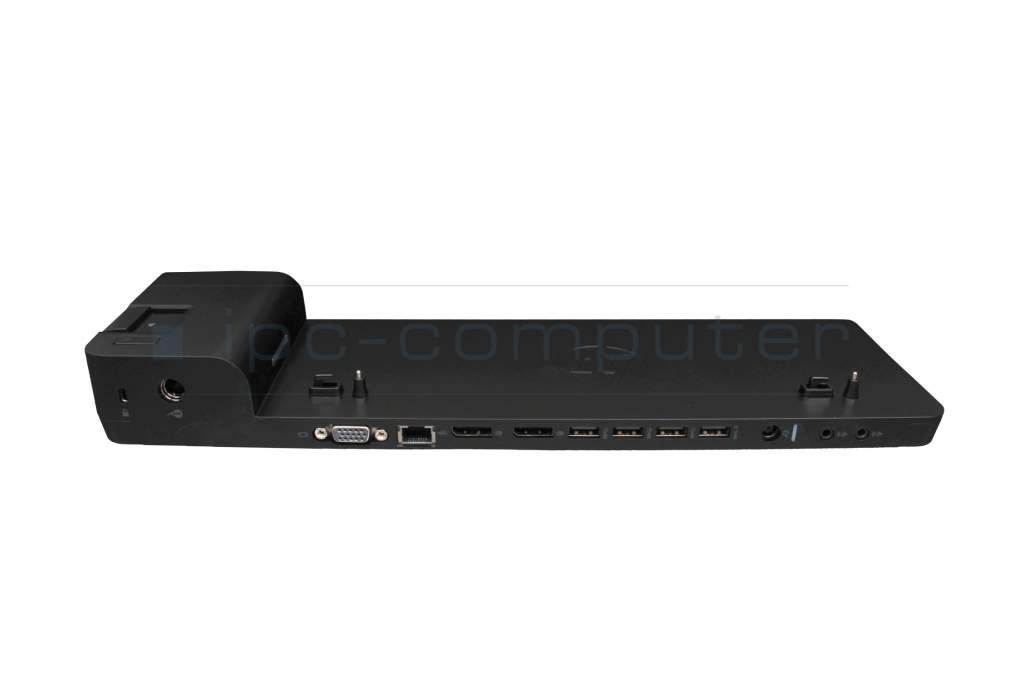
- Connectors
-
1x DC-In (Power supply)
1x Ethernet (RJ-45)
1x Kensington-Lock
1x VGA
1x headphone (line-out)
1x microphone (line-in)
2x DisplayPort
4x USB-A 3.2 Gen 1 - Max. resolution of external monitors
-
1x WUXGA - 1920x1200
2x UHD - 3840x2160 - Delivery includes
-
Docking Station
Manual
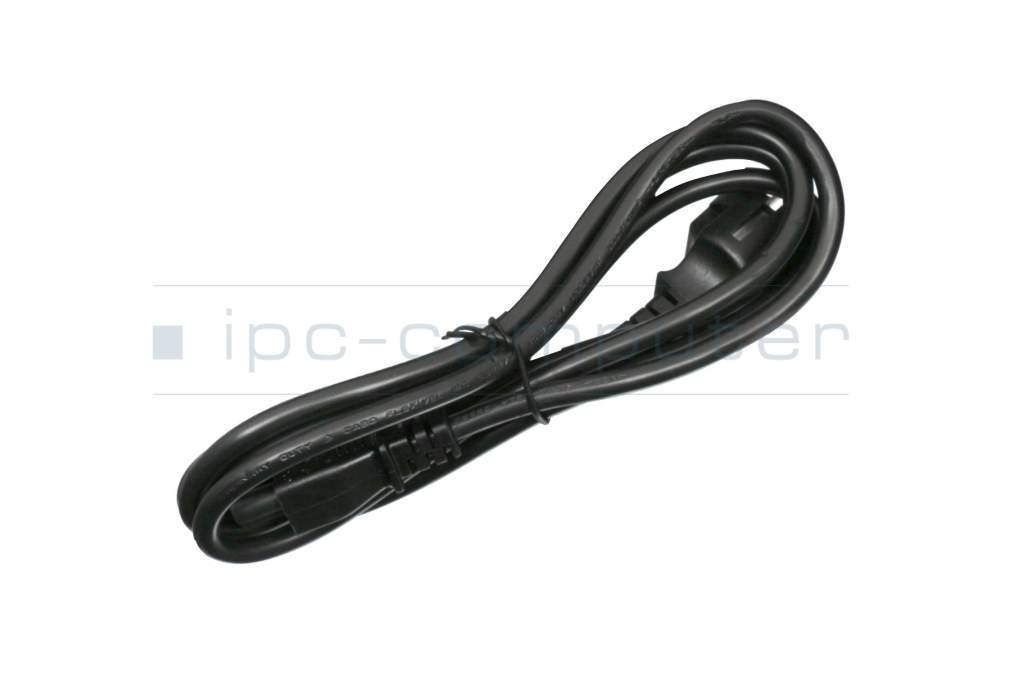
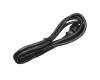
Power cable - Included ac-adaptor
- 65W
- Compatible operating systems
-
Windows 10 (32bit/64bit)
Windows 7 (32bit/64bit)
Windows 8 (32bit/64bit)
Windows 8.1 (32bit/64bit) - Length / Width / Hight
- 36.5 cm / 10.5 cm / 4 cm
Vorteile
Lösen Sie eingeschränkte Anschlussmöglichkeiten schnell und sicher mit dieser Docking Station und verbinden Sie auf einfache Weise eine Maus, Drucker, weitere USB-Geräten. Spiegeln oder Erweitern Sie Ihren Desktop auf mehrere externe Monitore.
Hier finden Sie den vollständigen Bericht über weitere Vorteile.
Hinweis
Vergleichen Sie die Leistung (Watt) Ihres zum Notebook passenden Netzteils mit dem bei dieser Docking Station enthaltenen Netzteil. Für den Betrieb Ihres Notebooks, besonders bei voller Auslastung sollte die Leistung des Docking Station Netzteils gleich oder höher sein wie die des Ihrem Notebook zugehörigen Netzteils.
Learn more about the docking station
Designed exclusively for ultra-slim HP EliteBook notebook PCs (up to G6 generation), the HP UltraSlim Docking Station expands screen, network, and device connectivity so you can be more productive throughout the day - all with a simple one-click, side-loading dock.
Benefit from compatibility with your choice of legacy and future video devices thanks to the two DisplayPort connectors and VGA port. With the Ethernet/LAN connection, you'll be online in no time. Line-in and line-out connections meet all audio requirements. Four USB 3.0 ports provide high-speed connectivity to the USB devices you use most often. USB 3.0 reduces the time required for data transfer (unlike USB 2.0 ) and is backwards compatible with USB 2.0 as well as bidirectional. Headphone and microphone jacks support your multimedia and video conferencing needs.
Suitable for the following series:
- HP EliteBook Folio 1020 G1
- HP EliteBook Folio 1040 G1, G3
- HP EliteBook 1040 G2
- HP EliteBook Revolve 810 G1, G2, G3
- HP EliteBook 820 G1, G2, G3, G4
- HP EliteBook 840 und 850 G1, G2, G3, G4, G5, G6
- HP EliteBook 830 G5, G6
- HP EliteBook 720, 740, 750 G1, G2
- HP EliteBook 725 G3, G4
- HP EliteBook 745, 755 G3, G4, G5, G6
- HP EliteBook 735 G5, G6
- HP ProBook 640, 650 G2, G3, G4, G5
- HP ProBook 645 G2, G3, G4, G5
- HP ProBook 655 G2, G3
- HP EliteBook Folio 9480m, 9470m
- HP ZBook 14u G4, G5, G6
- HP ZBook 15u G3, G4, G5, G6
Category
- Category
- Dockings
- Usage
- Laptop
- Excerpt of suitable models for P/N D9Y32AA#ABB
- HP EliteBook 840 G6 , HP ProBook 650 G3 , HP ProBook 650 G4 , HP ProBook 645 G4 , HP ZBook 15u G6 , HP Pro Tablet x2 612 G1 , HP EliteBook Folio 1040 G1 , HP ZBook 14 , HP ZBook 15u G2 , HP ZBook 14 G2
You've found this article over a part number. We'll check if it's the correct sparepart for your machine. To do this, please insert the manufacturer and the name of the model in the order comment.
Videos & Contributions
Using a laptop with a dock even when it is folded down
In this quick tip we show how you can work with a docking station and an external monitor even when your laptop is folded down.
Learn more >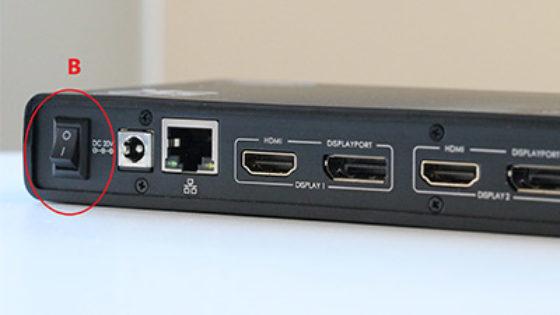
The "secret" with the power button
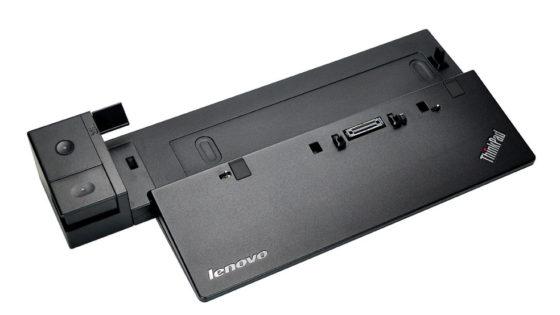
Docking station vs. port replicator
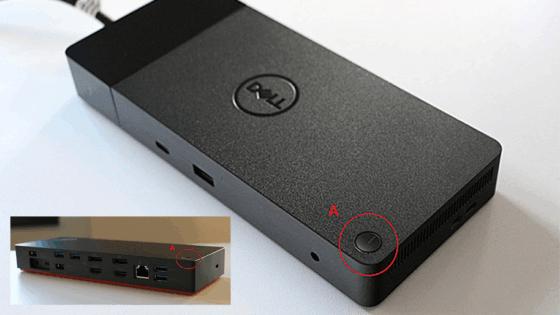
The power button does not activate the notebook?
Important and useful informations about laptop Docking stations
Frequently asked questions about Docking stations
All questions about Docking stations
Docking stations FAQ
Accessories, suitable alternative products and recommendations
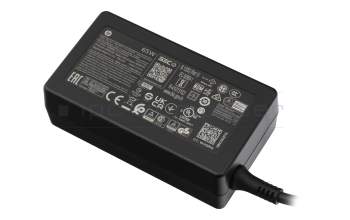
693711-001 original HP AC-adapter 65.0 Watt normal 19,5V
plus shipping charges
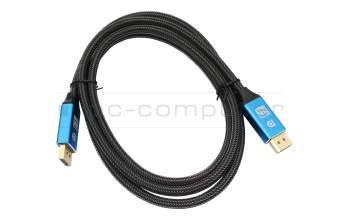
IPC-Computer KA001I 8K DisplayPort to DisplayPort
plus shipping charges
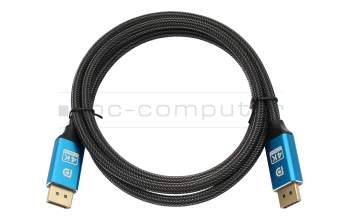
IPC-Computer KA002I 4K HDR DisplayPort to DisplayPort
plus shipping charges