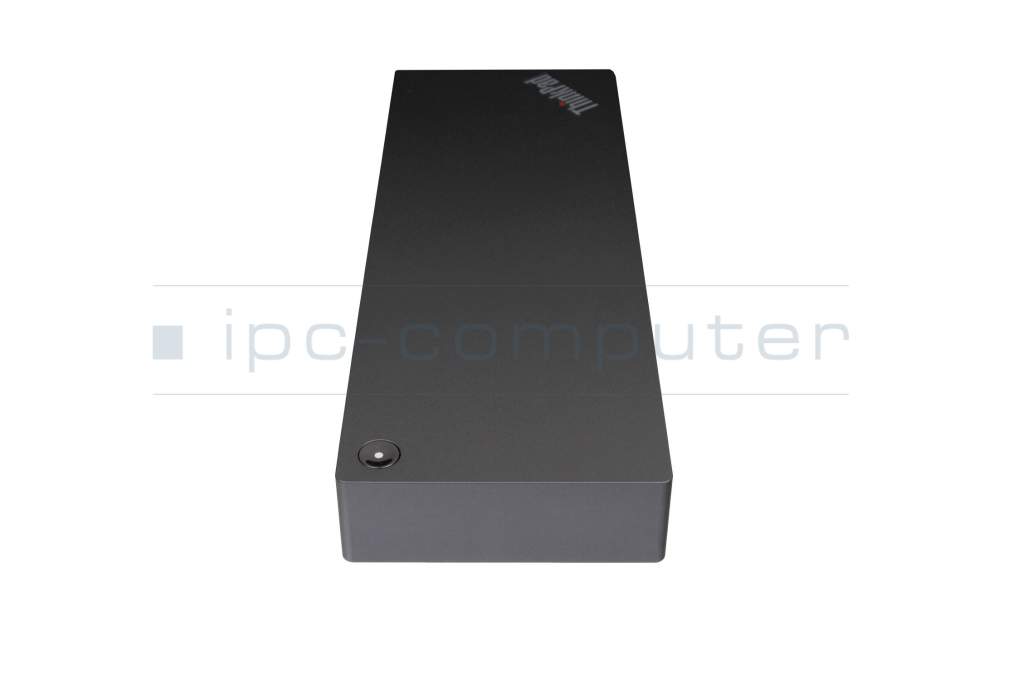
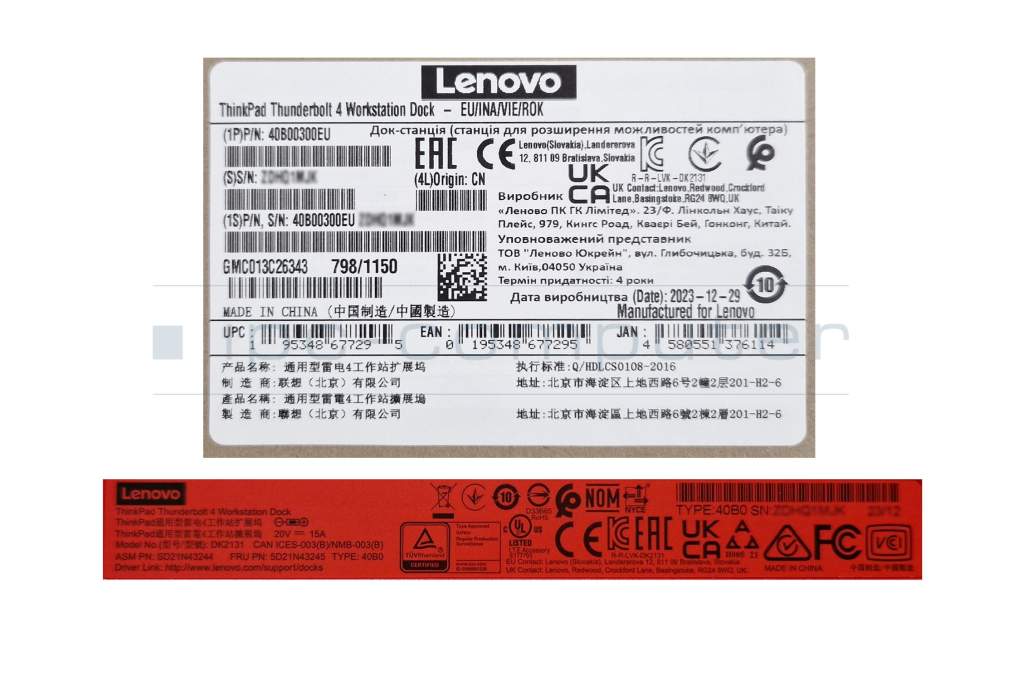
Lenovo 40B00300 ThinkPad TB4 Workstation Dock incl. 300W Netzteil

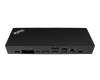
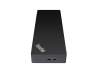
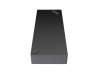

plus shipping charges
- Standardlieferung 2. October - 6. October
- Expresslieferung 1. October
- bei Bestellung innerhalb 2 hrs 42 min





PRIPC2 IPC-Computer TB4 Quad-Display Docking Station incl. 160W ac-adapter
plus shipping charges
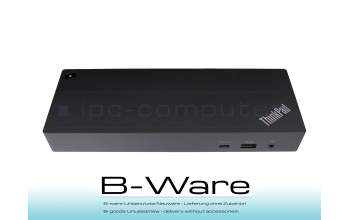
PR002R Lenovo ThinkPad Universal TB4 Dock without power supply b-stock
plus shipping charges
Product Info
- Manufacturer
- Lenovo
- Item Number
- 40B00300
- Primary Partnummer
- 40B00300
- Safety information
- Sicherheits- & Herstellerkontakt-Informationen
Common data
- Condition
- New
Technical Data
- Connexion to the laptop
- Thunderbolt 4
- Connectors
-
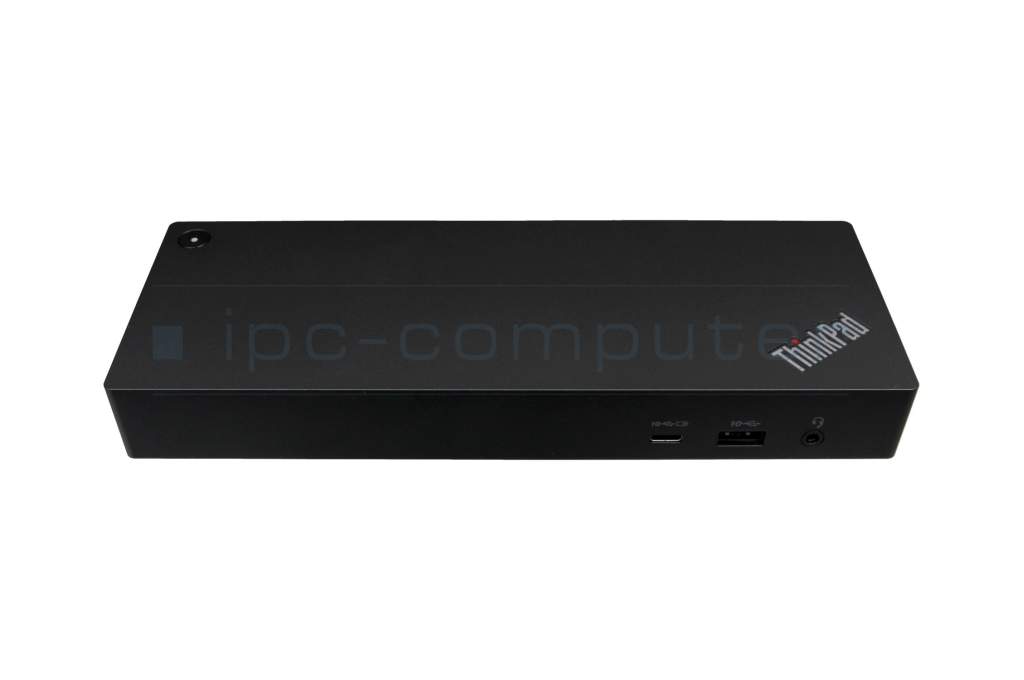
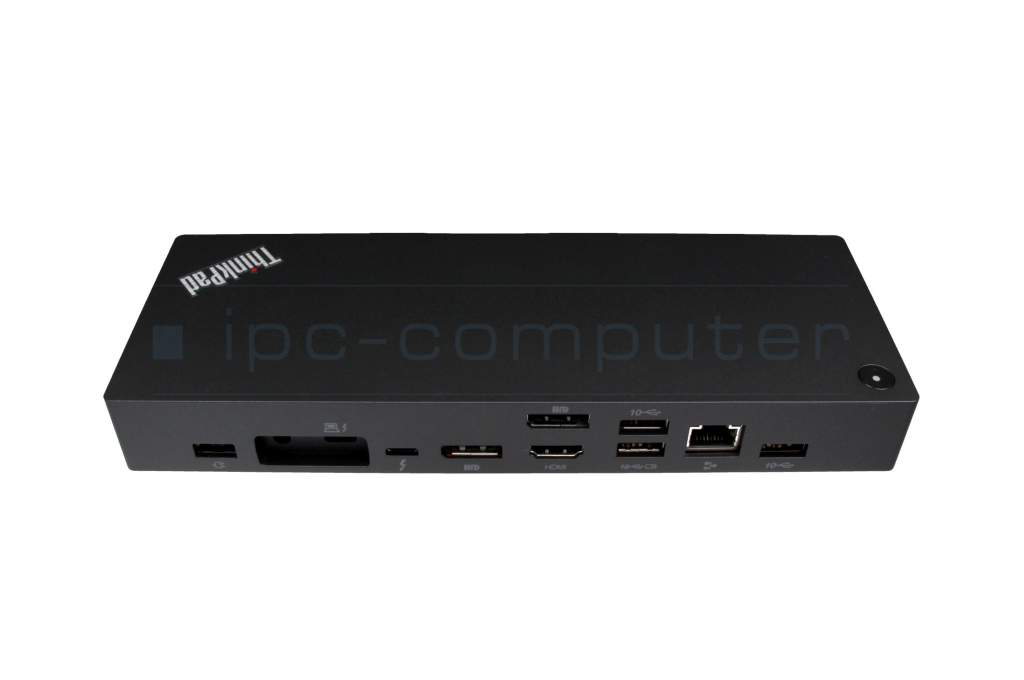
1x Audio-Combo
1x Ethernet (RJ-45)
1x HDMI 2.1
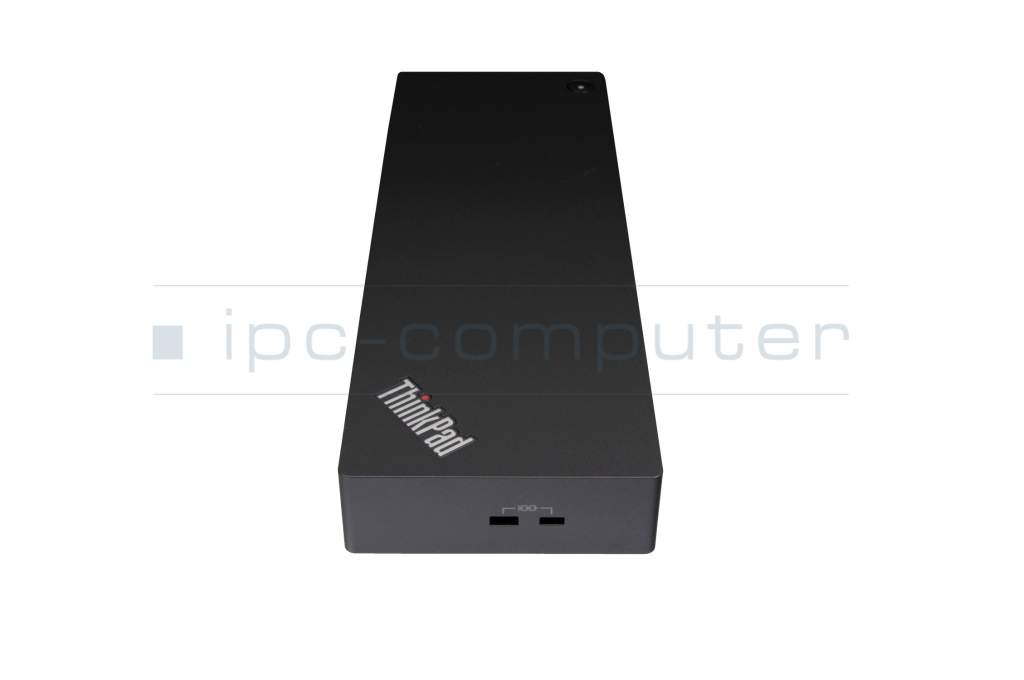
1x Lenovo Split
1x Thunderbolt 4
1x USB-A 3.2 Gen 2 + "Always On" Charging
1x USB-C 3.2 Gen 2 + "Always On" Charging
2x DisplayPort 1.4
3x USB-A 3.1 Gen 1 - Max. resolution of external monitors
-
1x 8K - 7680x4320 @ 30Hz
4x 4K - 3840x2160 @ 60Hz - Delivery includes
-
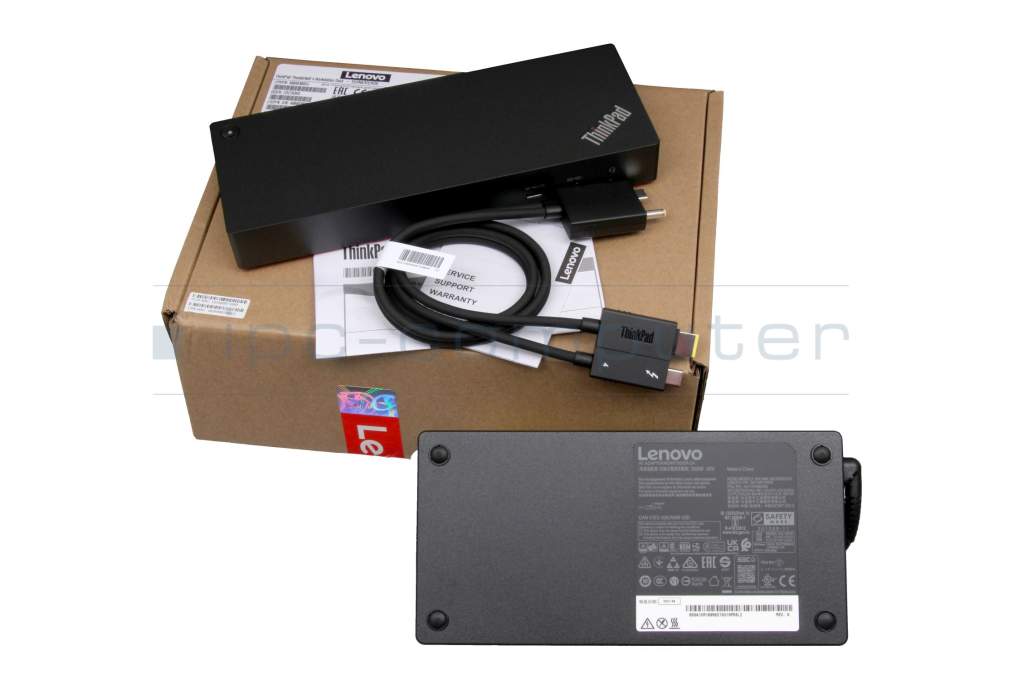
AC-Adapter
Manual
Port Replicator
Power cable
split cable - Included ac-adaptor
- 300W
- Compatible operating systems
-
Linux / Ubuntu
Windows 10 (32bit/64bit)
Windows 11 - Length / Width / Hight
- 22 cm / 8 cm / 3 cm
Vorteile
Lösen Sie eingeschränkte Anschlussmöglichkeiten schnell und sicher mit diesem Port Replikator und verbinden Sie auf einfache Weise eine Maus, Drucker, weitere USB-Geräten. Spiegeln oder Erweitern Sie Ihren Desktop auf mehrere externe Monitore. Hier finden Sie den vollständigen Bericht über weitere Vorteile.Mit einem USB-C-Anschluss benötigen Sie nicht nur kein zusätzliches Netzteil zum Betrieb des Notebooks, Sie können mit dem vorhandenen Port Replikator sogar Ihren Akku aufladen. Beachten Sie aber, dass über den USB-C Anschluss maximal eine Leistungsaufnahme von 100 Watt möglich ist. Sollte Ihr Notebook eine höhere Leistungsaufnahme haben, benötigen Sie weiterhin das Netzteil des Notebooks für den Betrieb.
Lenovo ThinkPad Thunderbolt 4 Workstation Dock (300W) – Maximum Performance for Your Workspace
The Lenovo ThinkPad Thunderbolt 4 Workstation Dock (300W) is the perfect solution for demanding users. It offers up to 230W of charging power via a split cable or up to 100W via USB-C.
Data transfer speeds of up to 40 Gbit/s and support for four 4K monitors or one 8K display. Thanks to Thunderbolt 4, you’ll enjoy a stable connection.
Highlights at a Glance
- Up to 230W charging power for high-performance laptops & workstations
- Support for up to 4x 4K @ 60Hz or 1x 8K @ 30Hz
- Thunderbolt 4 with 40 Gbit/s data transfer
- Compatible with Thunderbolt 3/4, USB4, and USB-C
- Cleverly placed ports for maximum organization
- Ideal for home offices, business, and professional workstations
- Supports Windows 10/11 and Ubuntu 22.04
- Smart remote management: Lenovo Dock Manager app
Ports & Features
- 1x Thunderbolt 4
- 2x DisplayPort 1.4
- 1x HDMI 2.1
- 4x USB-A
- 1x USB-C
- Gigabit Ethernet
- 3.5 mm audio combo jack
- NanoSaver & MicroSaver security port
The docking station is compatible with systems featuring a combined Slim Tip/Thunderbolt port. Thanks to the detachable split cable, it can also be used with compatible USB-C/Thunderbolt devices.
For more information on supported resolutions and display configurations, click here
Category
- Category
- Dockings
- Usage
- Laptop
- Excerpt of suitable models for P/N 40B00300
- Lenovo ThinkPad L13 Yoga (20R5/20R6) , Lenovo ThinkPad L15 Gen 2 (20X7/20X8) , Lenovo ThinkPad P17 Gen 1 (20SN/20SQ) , Lenovo ThinkBook 14 G2 ITL (20VD) , Lenovo Yoga 7 14ITL5 (82BH) , Lenovo ThinkBook 14s G2 ITL (20VA) , Lenovo ThinkBook 13x IAP G2 (21AT) , Lenovo ThinkPad P14s G3 (21AK/21AL) , Lenovo Yoga 7 Pro 14IRH8 (82Y7) , Lenovo ThinkBook 14s Yoga IRU (21JG)
You've found this article over a part number. We'll check if it's the correct sparepart for your machine. To do this, please insert the manufacturer and the name of the model in the order comment.
Videos & Contributions
Using a laptop with a dock even when it is folded down
In this quick tip we show how you can work with a docking station and an external monitor even when your laptop is folded down.
Learn more >Which USB dock connector do I need for my notebook?
To choose the right docking station for your notebook, you should know which USB port you need. In this video, we will go into the differences and special features of the USB ports.
Learn more >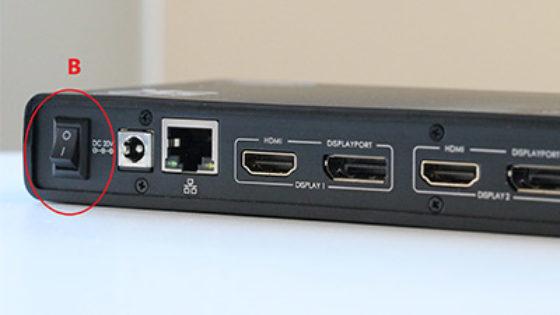
The "secret" with the power button
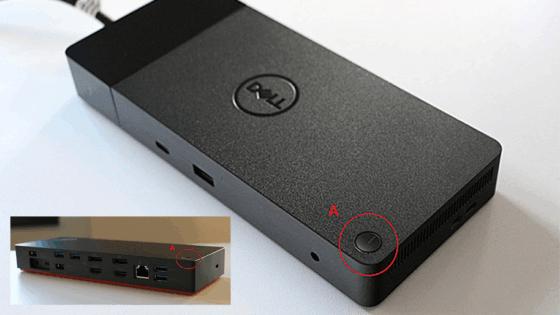
The power button does not activate the notebook?
Important and useful informations about laptop Docking stations
Frequently asked questions about Docking stations
All questions about Docking stations
Docking stations FAQ
Accessories, suitable alternative products and recommendations
5A10W86289 original Lenovo AC-adapter 300.0 Watt large
plus shipping charges
5C11B64632 original Lenovo data / charging cable black 0,70m ThinkPad TB 4 WorkStation Dock Split Cable
plus shipping charges
IPC-Computer KA001I 8K DisplayPort to DisplayPort
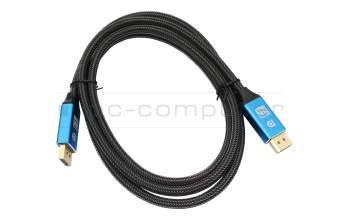
plus shipping charges
IPC-Computer KA002I 4K HDR DisplayPort to DisplayPort
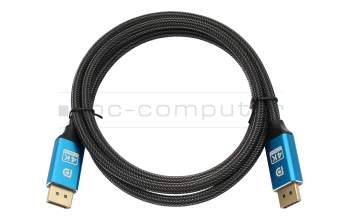
plus shipping charges
IPC-Computer KA003I 4K HDMI to HDMI
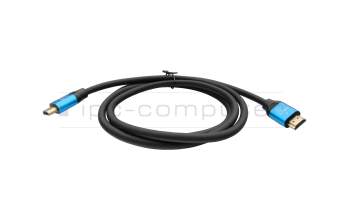
plus shipping charges