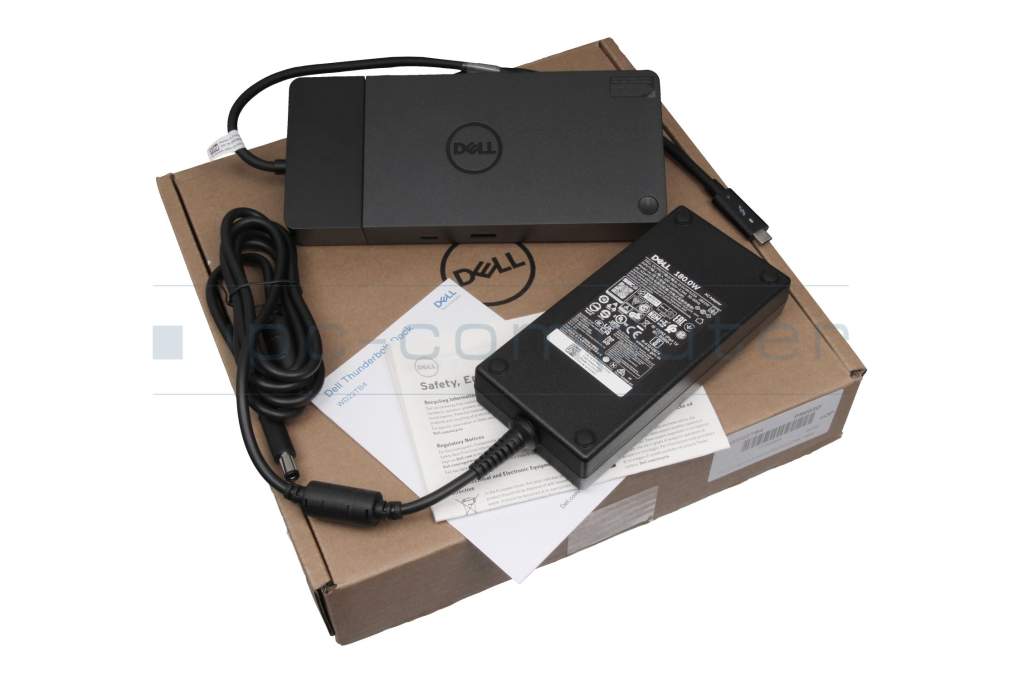
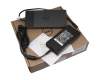
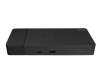
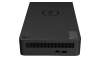
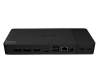
Dell 0MT6V9 TB Dock WD22TB4 incl. 180W Netzteil Modular

plus shipping charges
- Standardlieferung 29. September - 30. September
- Expresslieferung 29. September
- bei Bestellung innerhalb 9 hrs 48 min





PRIPC2 IPC-Computer TB4 Quad-Display Docking Station incl. 160W ac-adapter
plus shipping charges
Product Info
- Manufacturer
- Dell
- Item Number
- 0MT6V9
- Primary Partnummer
- 0MT6V9
- Safety information
- Sicherheits- & Herstellerkontakt-Informationen
Common data
- Condition
- New
Technical Data
- Connexion to the laptop
- Thunderbolt 4
- Connectors
-
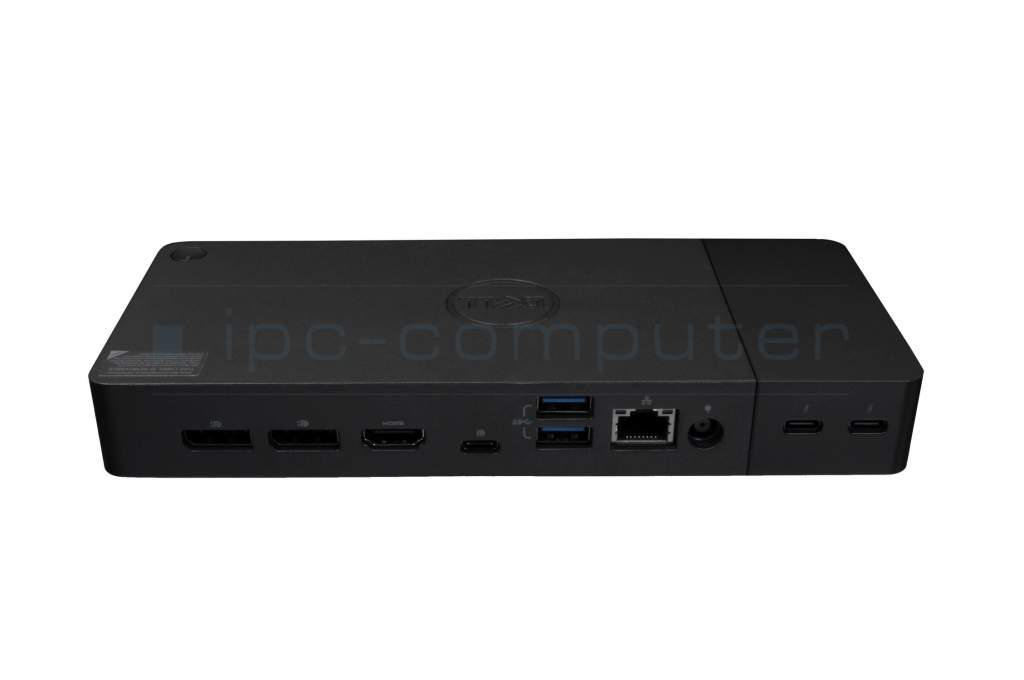
1x DC-In (Power supply)
1x Ethernet (RJ-45)
1x HDMI
1x Noble Wedge Slot
1x USB-C 3.2 Gen 2 DisplayPort
2x DisplayPort 2.1
2x Thunderbolt 4
3x USB-A 3.2 Gen 1 - Max. resolution of external monitors
-
1x QHD - 3840x4320 @ 60Hz
2x QHD - 3840x2160 @ 60Hz
3x QHD - 3440x2160 @ 60Hz
4x QHD - 3440x1440 @ 3x60Hz + 1x30Hz - Delivery includes
-
AC-Adapter
Port Replicator
Power cable
Safety Information - Included ac-adaptor
- 180W
- Compatible operating systems
-
Linux / Ubuntu
Windows 10 (32bit/64bit)
Windows 11 - Length / Width / Hight
- 20.5 cm / 9 cm / 2.9 cm
Vorteile
Lösen Sie eingeschränkte Anschlussmöglichkeiten schnell und sicher mit diesem Port Replikator und verbinden Sie auf einfache Weise eine Maus, Drucker, weitere USB-Geräten. Spiegeln oder Erweitern Sie Ihren Desktop auf mehrere externe Monitore. Hier finden Sie den vollständigen Bericht über weitere Vorteile.Dell's flagship dock is the WD22TB4, a Thunderbolt 4 dock with exceptional modularity.
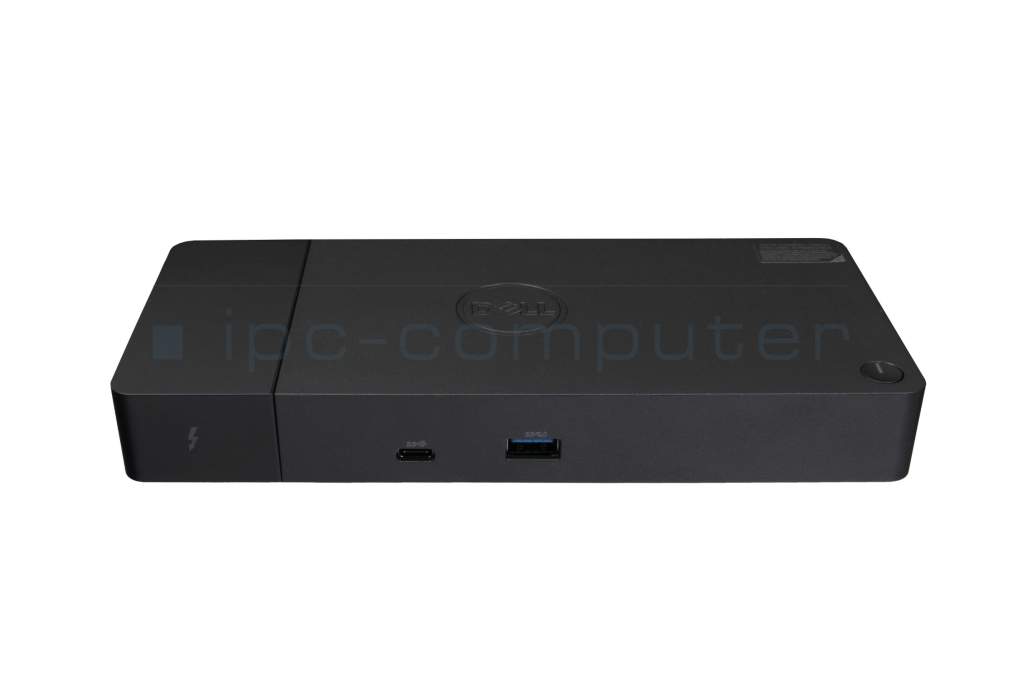
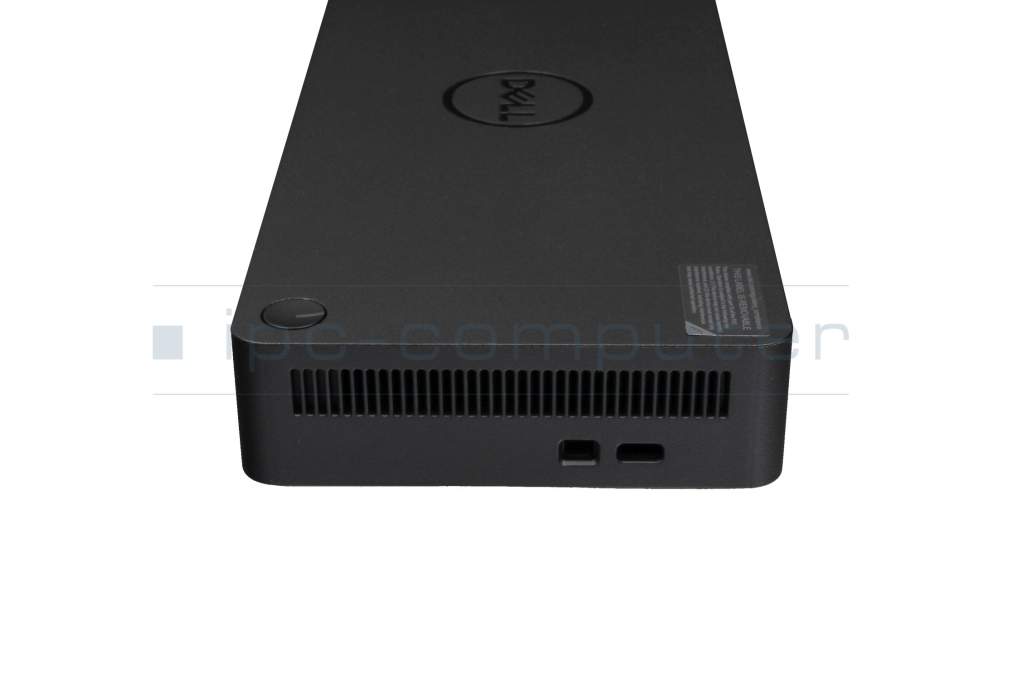
The front of the dock features a single USB-C 3.2 Gen 2 port and a USB-A 3.2 Gen 1 port with PowerShare (always on). On the back of the device are two DisplayPort 1.4 ports, one HDMI 2.0 port, another USB-C 3.2 Gen 2 port (with DisplayPort support), two additional USB-A 3.2 Gen 1 ports with PowerShare, a Gigabit Ethernet port, and the DC input. The dock supports a charging power of up to 130 watts and can be connected simultaneously to up to three 4K 60 Hz displays plus a single 4K 30 Hz monitor. At one end is a removable module that includes two Thunderbolt 4 ports. This can be swapped out for a module with one or two USB-C cables. The Dell Port Replicator WD22TB4 offers a particularly convenient feature for Dell laptop users: the power button. With this feature, users can turn their laptop on and off directly via the port replicator’s power button without having to press the power button on the laptop itself. This feature, available exclusively for Dell laptops, significantly enhances usability and efficiency.
Note on the USB-C port:
Charging capacity with a 180-watt power adapter is 130 watts for Dell systems and 90 watts for systems from other manufacturers.
On non-Thunderbolt systems, the dock’s Thunderbolt ports function as USB Type-C ports.
Important information:
To ensure this dock is recognized by your system, update all your drivers.
Link to User Manual in PDF (English) regarding possible connections with your displays and their screen resolutions
Category
- Category
- Dockings
- Usage
- Laptop
- Excerpt of suitable models for P/N 0MT6V9
- Dell Precision 15 (3560) , Dell Vostro 16 (7620) , Dell XPS 17 (9710) , Dell Inspiron 15 (7510) , Dell Latitude 15 (5530) (DDR4) , Dell Latitude 14 2in1 (7440) , Dell Inspiron 16 (5630) , Dell Latitude 14 (5430) Chromebook , Dell Inspiron 13 2in1 (7391) , Dell Latitude 10 Rugged Extreme (7030)
You've found this article over a part number. We'll check if it's the correct sparepart for your machine. To do this, please insert the manufacturer and the name of the model in the order comment.
Videos & Contributions
Using a laptop with a dock even when it is folded down
In this quick tip we show how you can work with a docking station and an external monitor even when your laptop is folded down.
Learn more >Which USB dock connector do I need for my notebook?
To choose the right docking station for your notebook, you should know which USB port you need. In this video, we will go into the differences and special features of the USB ports.
Learn more >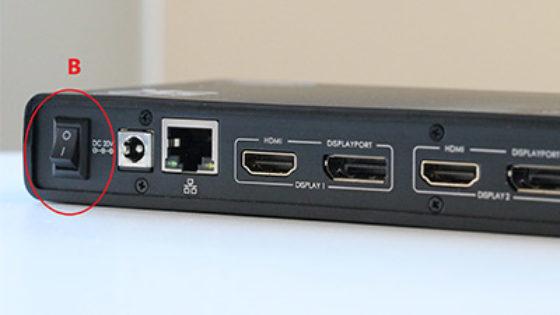
The "secret" with the power button
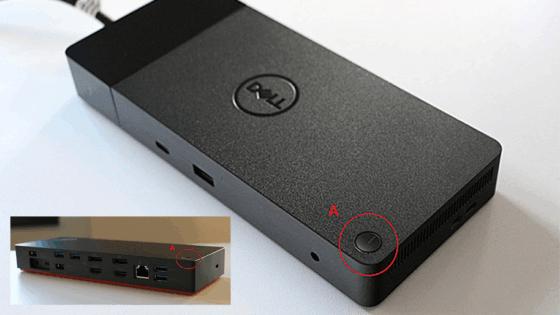
The power button does not activate the notebook?
Important and useful informations about laptop Docking stations
Frequently asked questions about Docking stations
All questions about Docking stations
Docking stations FAQ
Accessories, suitable alternative products and recommendations
0GVW14 original Dell AC-adapter 180.0 Watt slim
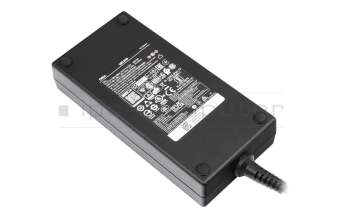
plus shipping charges
IPC-Computer USBC25 USB-C to HDMI adapter
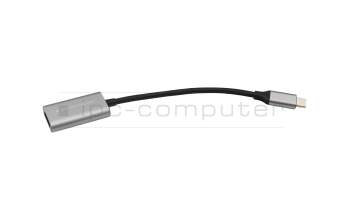
plus shipping charges
IPC-Computer USBC26 USB-C to DP adapter
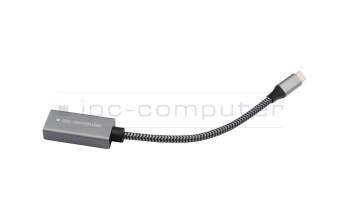
plus shipping charges
IPC-Computer KA001I 8K DisplayPort to DisplayPort
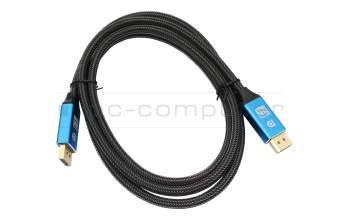
plus shipping charges
IPC-Computer KA002I 4K HDR DisplayPort to DisplayPort
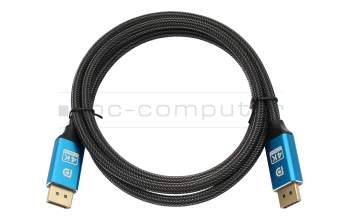
plus shipping charges
IPC-Computer KA003I 4K HDMI to HDMI
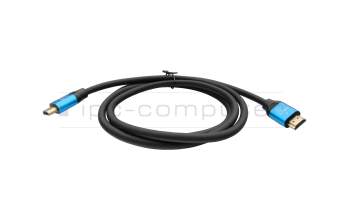
plus shipping charges