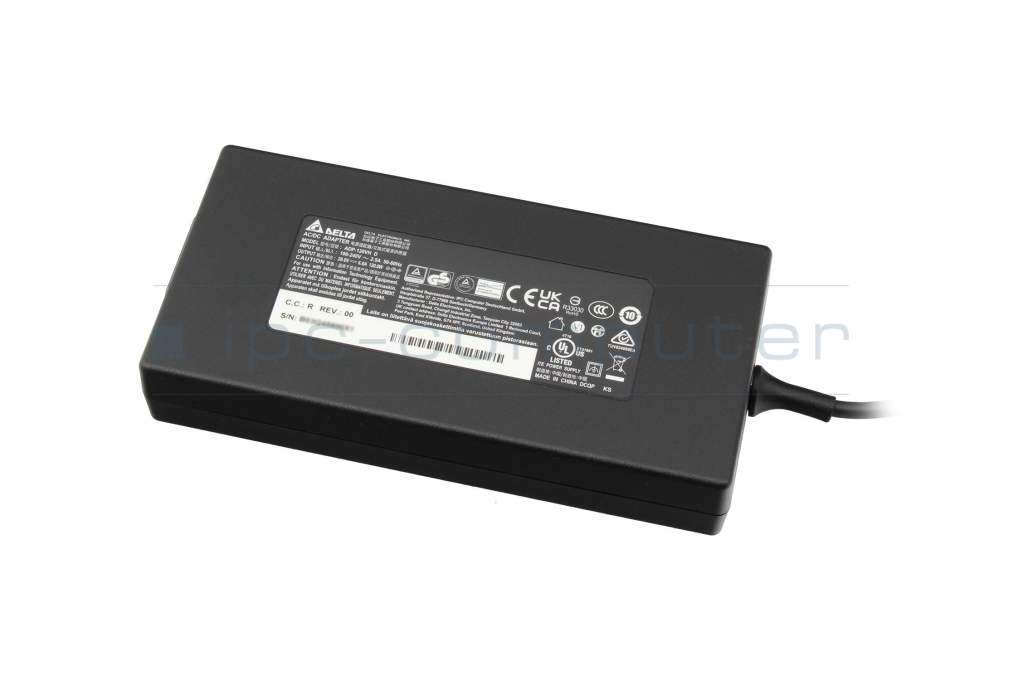
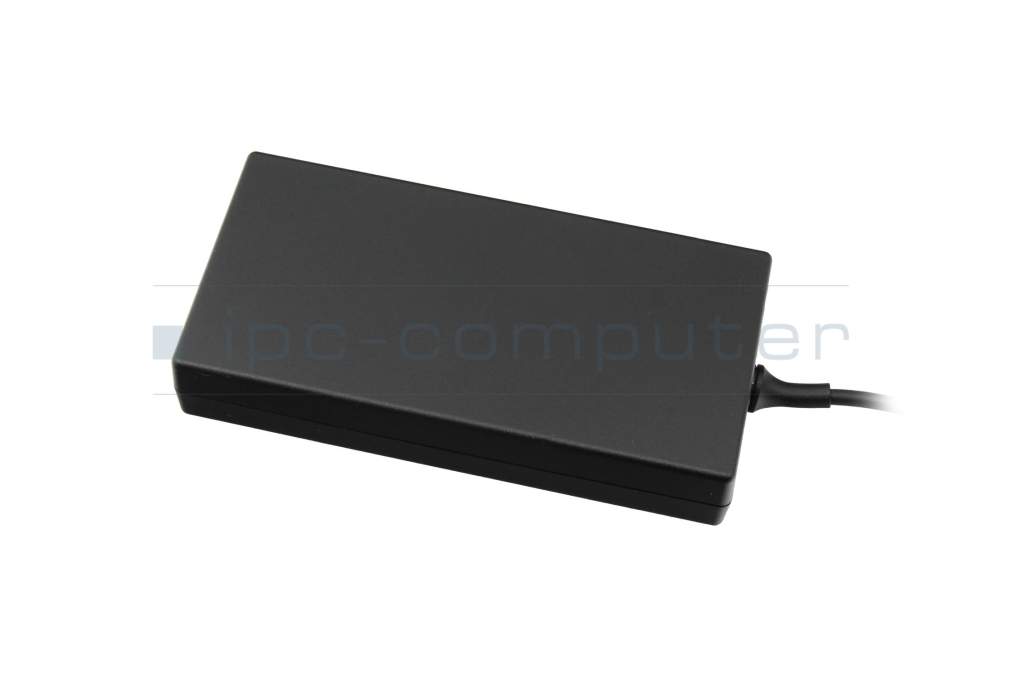
ADP-120VH F original Delta Electronics AC-adapter 120.0 Watt

Kurzbeschreibung
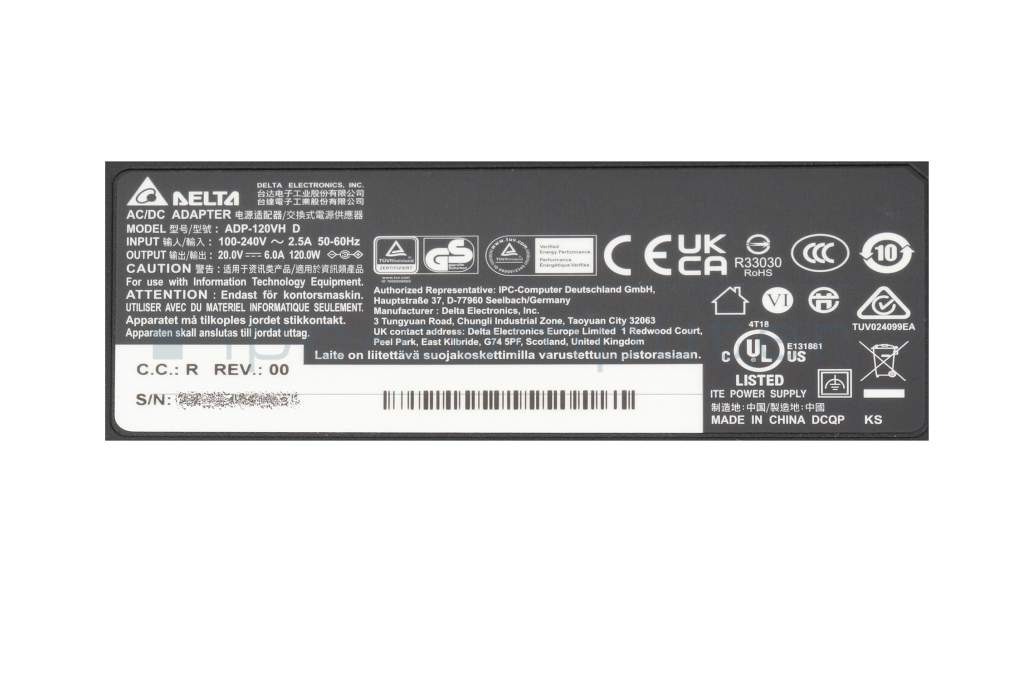
- 20.0 Volt
- 6.0 Ampere
- 120.0 Watt
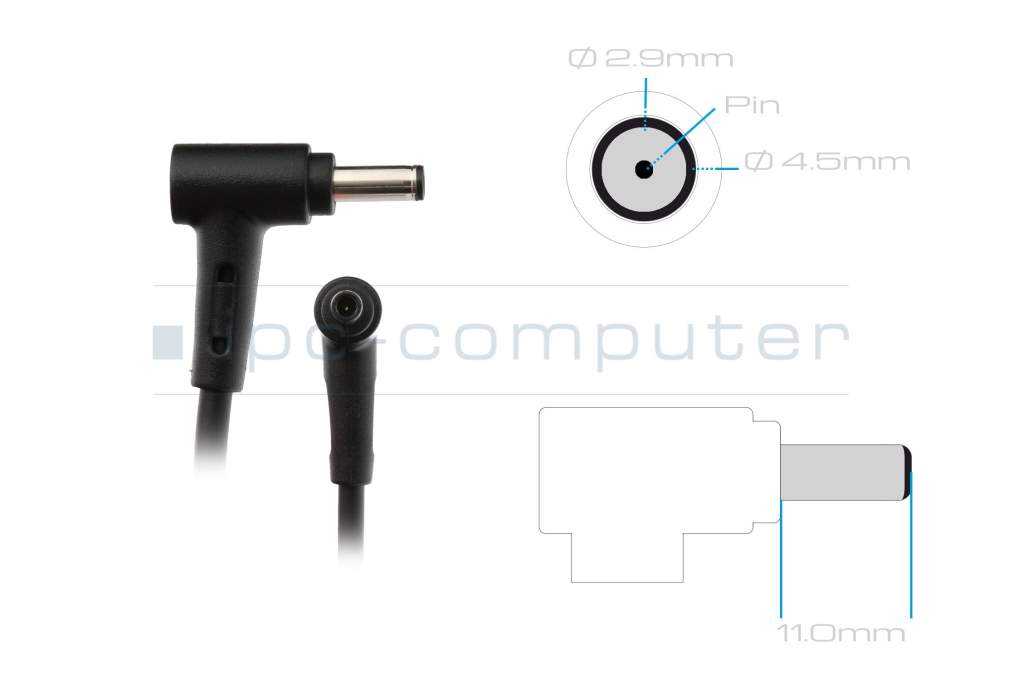
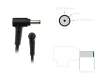
- Connector diameter outer / inner 4.5 mm / 2.9 mm
4900€
incl. Tax (19%)
plus shipping charges
plus shipping charges
In stock.
- Standardlieferung 29. October - 2. November
- Expresslieferung 28. October
- bei Bestellung innerhalb 3 hrs 00 min




- Manufacturer
- Delta Electronics
- Item Number
- ADP-120VH F
- Primary Partnummer
- ADP-120VH F
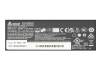
- Safety information
- Sicherheits- & Herstellerkontakt-Informationen
Common data
- Condition
- New
- Manufacturer
- Original directly from Delta Electronics
- Intended use
- Laptops
- Color
- black
- Delivery includes
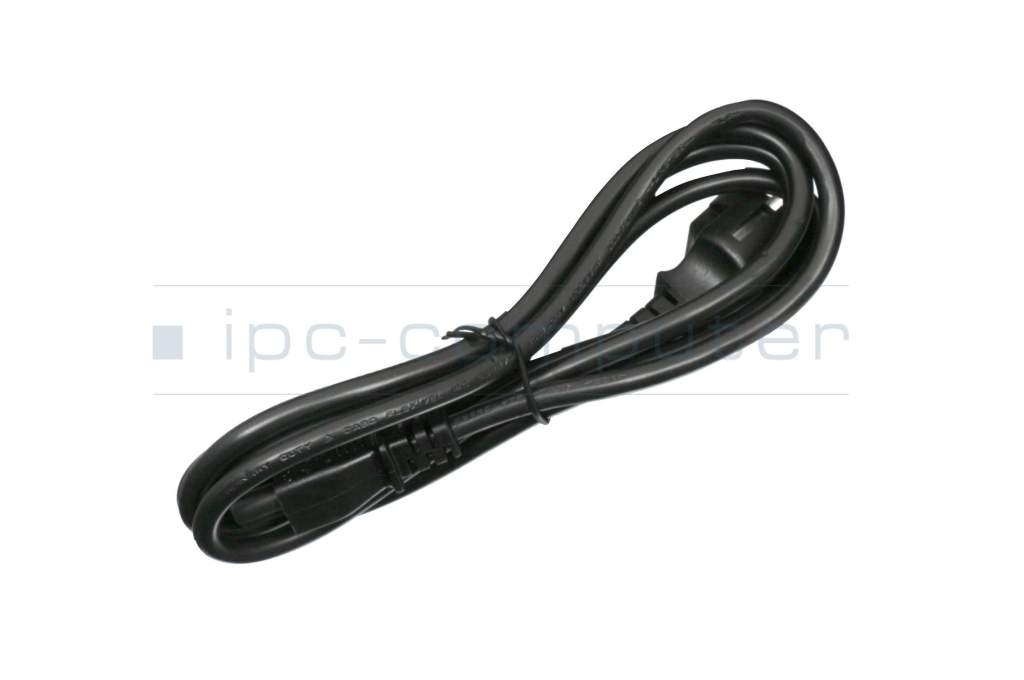
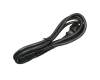
- incl. power cable (3-pole cable C5)
Technical Data
- Tension (volt)
- 20.0 Volt
- Amperage (ampere)
- 6.0 Ampere
- Output (watt)
- 120.0 Watt
- Input (volt)
- 100-240V / 50-60Hz
- Energy efficiency
- VI
Laptop Plug
- Connector type / shape
- round / 90° angeld
- Connector length (mm)
- 11.0 mm
- Connector diameter outer / inner
- 4.5 mm / 2.9 mm
- Connector with pin
- Yes
- Length of the connector cable (m) (ca.)
- 1.75 m
Weight & Meassurements
- Length / Width / Hight
- 137 mm / 67 mm / 25 mm
More Information
- Overload-, short-circuit- and overheat-protected
- yes
- Seal of approval
-
CCC
CE
Technical Inspection Association (TÜV)
UKCA
UL Listed
Sind Sie auf der Suche nach einem hochwertigen und preiswerten Ersatznetzteil für Ihren Laptop?
Setzen Sie auf Qualität und Zuverlässigkeit des Weltmarktführers – Entscheiden Sie sich für Netzteile des Herstellers DELTA!
Ihre Vorteile:
Vertrauen: Delta Electronics ist ein weltweit seit vielen Jahren führender Hersteller von Stromversorgungslösungen.
Günstiger Preis: Durch den direkten Bezug beim Hersteller DELTA können wir Ihnen den Preisvorteil weitergeben.
Kompatibilität: Alle großen Laptop Hersteller lassen ihre Netzteile ebenfalls bei DELTA Electronics fertigen. Damit sind 100% Kompatibilität sichergestellt.
Qualität: Der Hersteller DELTA steht schon seit Jahrzehnten für beste Qualität und Produktsicherheit.
Garantie: 24 Monate IPC-Computer Garantie auf alle von IPC-Computer in Verkehr gebrachten DELTA Netzteile.
Sicherheit: Alle aktuell notwendigen Sicherheitsstandards werden zu 100% erfüllt.
Energieeffizienz: Dank hoher Energieeffizienz spart das Delta Netzteil Strom und schont somit sowohl die Umwelt als auch Ihren Geldbeutel.
Category
- Category
- AC-Adaptor
- Usage
- Laptop
- Excerpt of suitable models for P/N ADP-120VH F
- Asus Pro Essential PU451JF , Asus ZenBook Pro 14 UX480FD , Asus ZenBook Pro 14 UX450FD , Asus ZenBook 15 UX533FN , Asus ZenBook Flip 15 UX562FDX , Asus VivoBook Pro 16X M7600QC , Asus VivoBook Pro 16 M7600QE , MSI GF63 Thin 11UC (MS-16R6) , Asus M6500QH , MSI Thin 15 B12UC
You've found this article over a part number. We'll check if it's the correct sparepart for your machine. To do this, please insert the manufacturer and the name of the model in the order comment.
Videos & Contributions
Important and useful informations about laptop AC adapters
Frequently asked questions about AC adapters
All questions about AC adapters
AC adapters FAQ