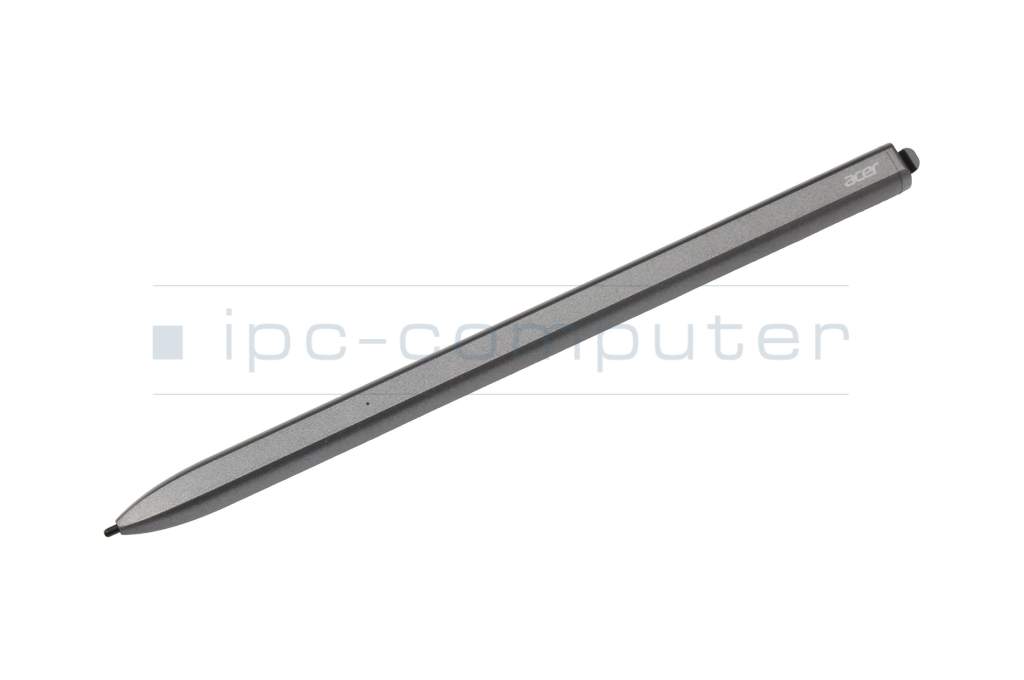
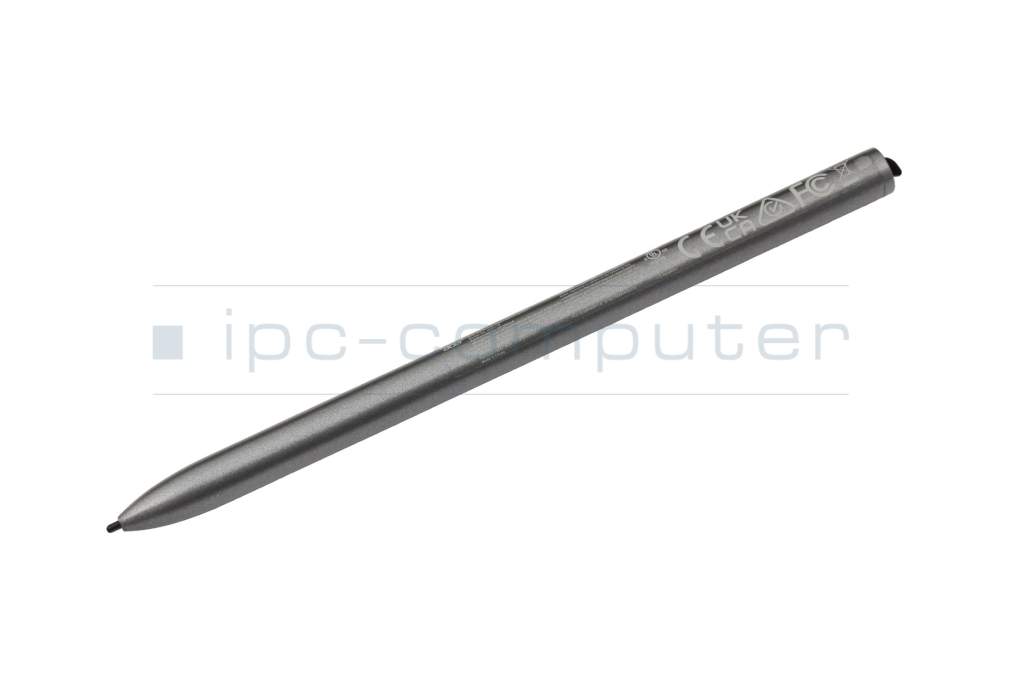
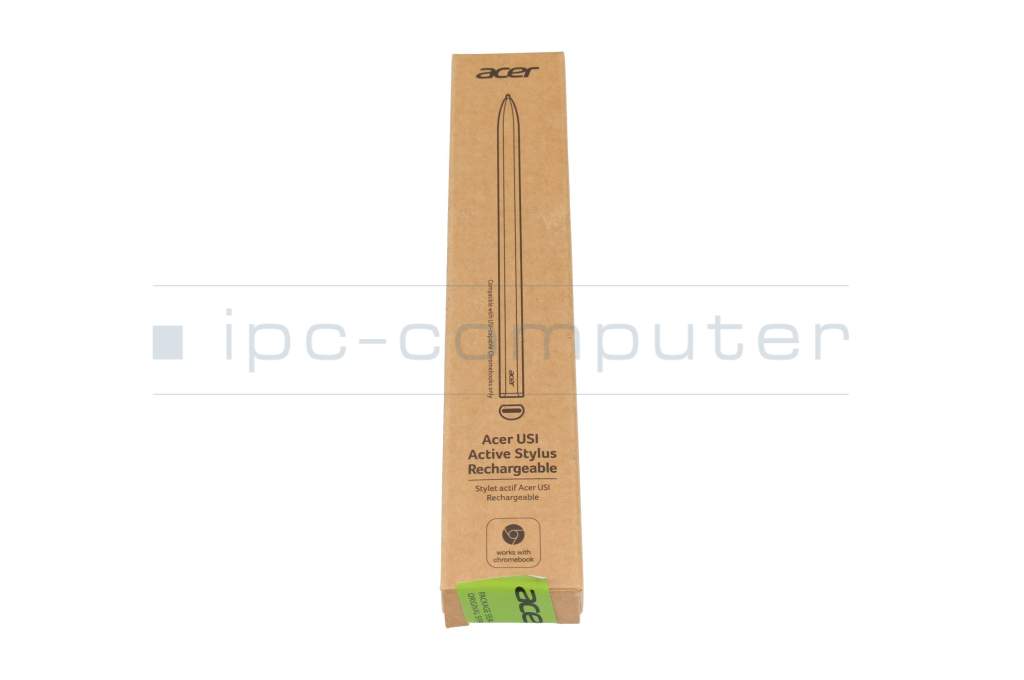
USI Active Stylus original suitable for Acer Chromebook Spin 511 (R753TN)

plus shipping charges
- Standardlieferung 23. September - 25. September
- Expresslieferung 22. September
- bei Bestellung innerhalb 13 hrs 56 min




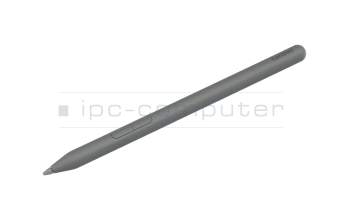
PEN166 Yoga Pen (Linear Pen) - Luna Grey
plus shipping charges
Product Info
Common data
- Condition
- New
- Color
- gray
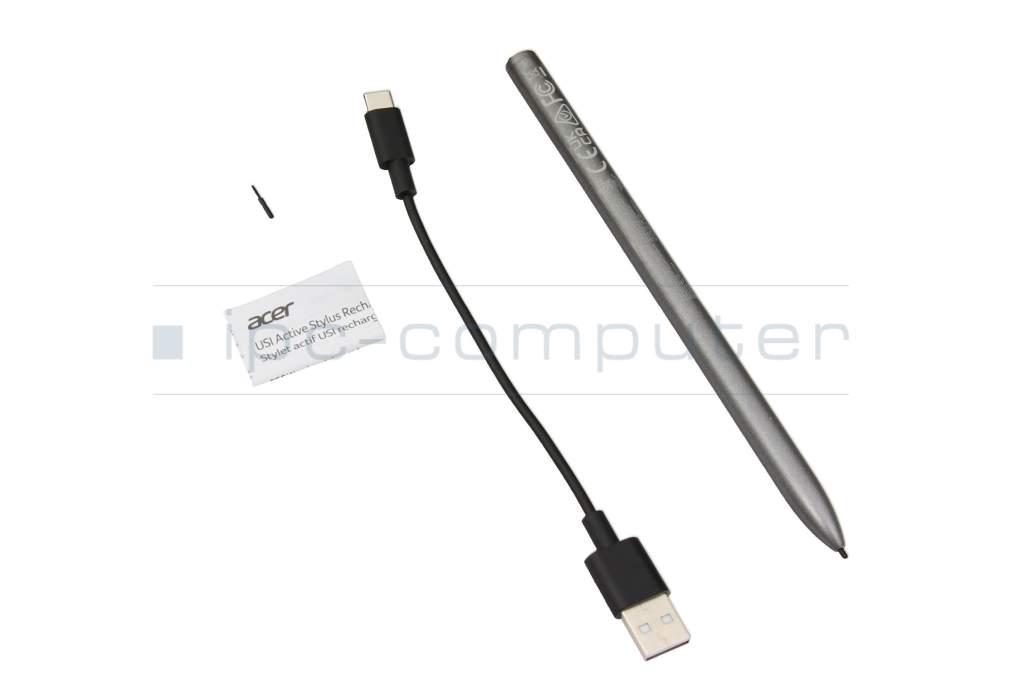
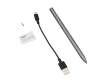
- Delivery includes
- 1x replacement tip / USB-C cable / manual
Technical Data
- Pen protocol
- USI
- Weight (g)
- 18 g
- Length (cm)
- 14 cm
- Diameter (mm)
- 9.5 mm
- Pressure levels
- 4096
- Power supply
- USB-C
- Operating system
- ChromeOS
The USI Active Stylus takes digital writing to a whole new level. The 4096 pressure levels ensure precise lines and enable the finest details - whether for notes or creative sketches. Thanks to USB-C charging, the pen is quickly ready for use again at any time, without the need to change the battery.
The slim, modern design in gray fits comfortably in the hand and, weighing just 18 g, offers optimum comfort even during prolonged use. Thanks to USI technology, the stylus works reliably with compatible ChromeOS devices and enables precise input with high response speed.
Highlights at a glance
- USI standard for broad Chromebook compatibility
- 4096 pressure levels for precise writing & drawing
- Rechargeable via USB-C - no battery change necessary
- Natural writing feel with high accuracy
- Lightweight & ergonomic design (only 18 g)
Technical specifications
- Color: Grey
- Pen protocol: USI
- Pressure levels: 4096
- Power supply: USB-C (rechargeable)
- Operating system: ChromeOS
- Length: 14 cm
- Diameter: 9.5 mm
- Weight: approx. 18 g
Scope of delivery
- USI Active Stylus
- 1x replacement tip
- USB-C cable
- Instruction manual
Conclusion
The USI Active Stylus impresses with its precise input, universal compatibility and modern design. The ideal choice for anyone who wants to work efficiently or create on their Chromebook.
Category
- Category
- Pens / Stylus
- Usage
- Laptop
Videos & Contributions
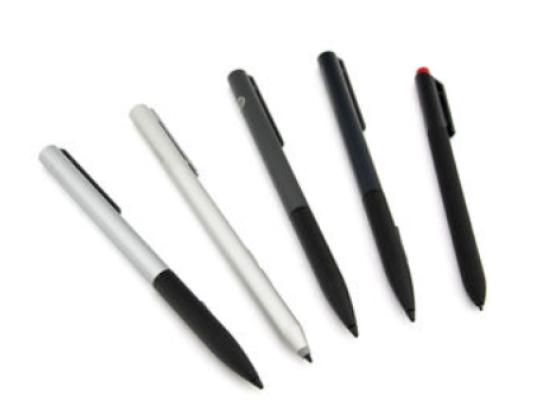
How do styluses work and what should be considered?
