Active Stylus Pen incl. batteries original suitable for LG Gram 16 2in1 (16T90Q)
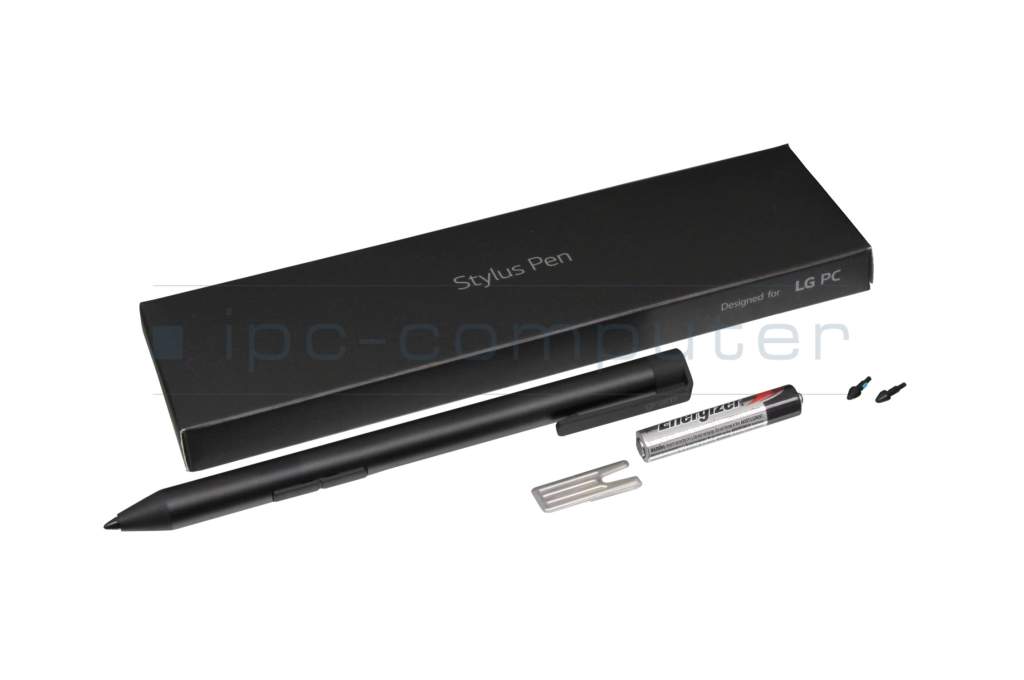
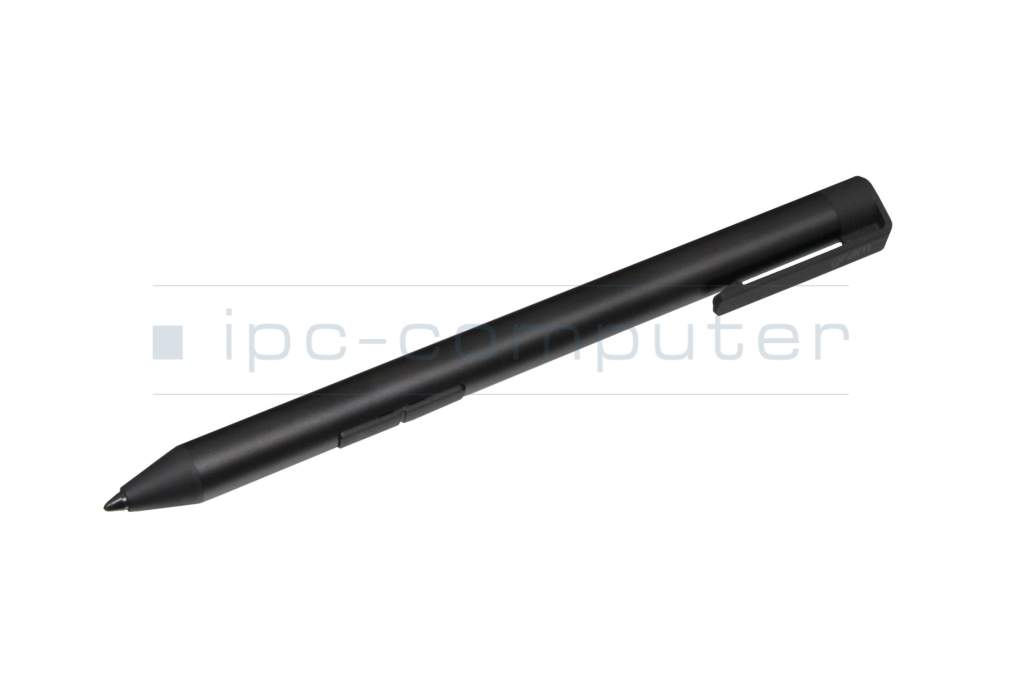
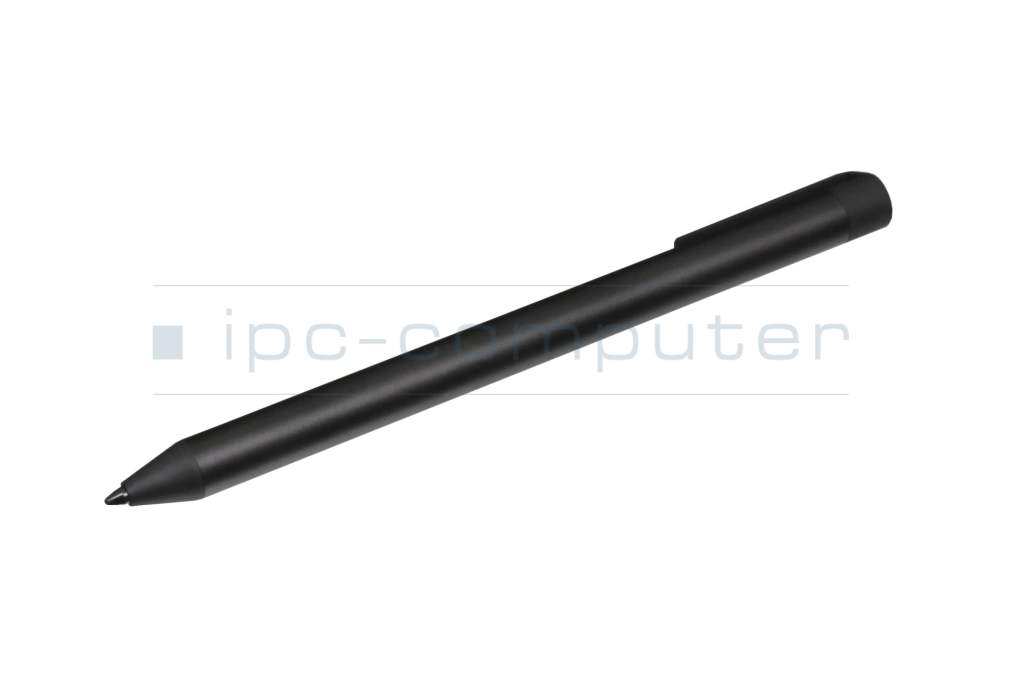
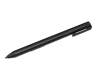
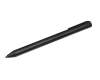
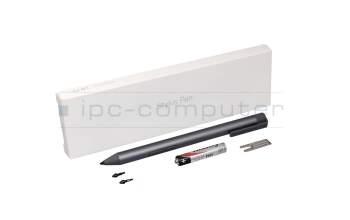
Active Stylus Pen (gray) original suitable for LG Gram 16 2in1 (16T90Q)
plus shipping charges
Product note
This product is EOL (End of Life)
Product Info
Common data
- Condition
- New
- Color
- black
- Delivery includes
- 1x AAAA battery / 2x AAAA batteries / tip removal tool
Technical Data
- Pen protocol
- AES 1.0 Wacom / AES 2.0 Wacom / Advanced In-Cell-Touch Support (AIT)
- Weight (g)
- 11 g
- Length (cm)
- 14 cm
- Diameter (mm)
- 9.5 mm
- Number of buttons
- 2
- Pressure levels
- 4096
- Tilt function
- yes
- Power supply
- Battery
- Operating system
- Windows 10 / Windows 11
Original Active Stylus Pen for LG gram
Writing like with a pen on paper. With a weight of 11 grams, the pen provides a pleasant writing experience and is in no way inferior to a conventional ballpoint pen.
Compatible for LG models of the 14T90P/16T90P series:
14T90P-G.AA76K
14T90P-G.AA79K
14T90P-G.AA7BK
14T90P-G.AA7DK
14T90P-G.AAF6K
14T90P-G.AAFBK
14T90P-G.AAFGK
14T90P-G.AP50ML
14T90P-G.AP56ML
14T90P-G.AP5CL
14T90P-G.AP5DML
14T90P-G.AP5EL
14T90P-G.AP7NL
14T90P-G.AP7WL
14T90P-G.AP7YL
14T90P-G.AR3CL
14T90P-G.AR3SML
14T90P-G.AR5BK
14T90P-G.AR5GK
14T90P-G.ARFGK
14T90P-G.ARTGK
14T90P-O.AA56K
14T90P-O.AA70K
14TD90P-G.AX56K
14TD90P-G.AX5BK
14TD90P-G.AX5GK
14TD90P-G.AX7GK
14TD90P-G.AXFBK
16T90P-G.AA56K
16T90P-G.AA5VL
16T90P-G.AA76K
16T90P-G.AA79K
16T90P-G.AA7BK
16T90P-G.AA7DK
16T90P-G.AAF6K
16T90P-G.AAFBK
16T90P-G.AP50ML
16T90P-G.AAFSK
16T90P-G.AP5DML
16T90P-G.AP79KL
16T90P-G.AP56ML
16T90P-G.AP79ML
16T90P-G.AP7AL
16T90P-G.AP75ML
16T90P-G.AR5BK
16T90P-G.AR5SK
16T90P-G.ARFBK
16T90P-O.AA56K
16T90P-G.AP7NL
16T90P-O.AA70K
16T90P-G.AP7PL
16TD90P-G.AX56K
16TD90P-G.AX5DK
16TD90P-G.AX7DK
16T90P-G.AR5SL
16TD90P-G.AXF6K
16TG90P-G.AA70KN
16TG90P-G.AA7DKN
16TG90P-G.AR5DKF
16TG90P-G.AR5DKN
Category
- Category
- Pens / Stylus
- Usage
- Laptop
Videos & Contributions
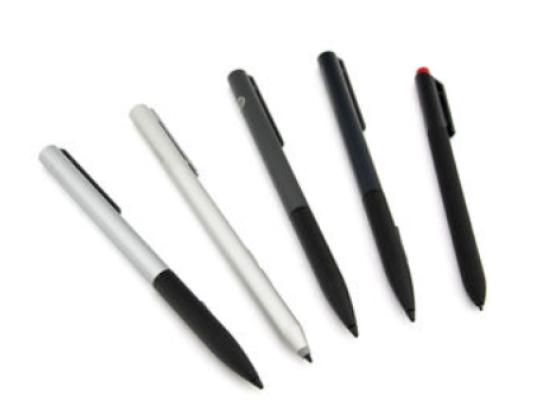
How do styluses work and what should be considered?
Important and useful informations about laptop Pens
Frequently asked questions about Pens
- If your Stylus is using batteries, make sure you have inserted the right batteries in the right orientation and that they are fully charged.
- If this is the first time trying to use the stylus, you might have to remove a piece of insulation between the batteries and the contact. Usually this can just be pulled out from the side.
- If it is not using batteries, make sure the stylus is fully charged.
- If it is still not working, try restarting the device you are trying to use the stylus with or using it with another compatible device.
- If this should still not work contact us, or the manufacturer o the device.
