Active Stylus Pen incl. batteries original suitable for LG Gram 16 (16T90Q-K)
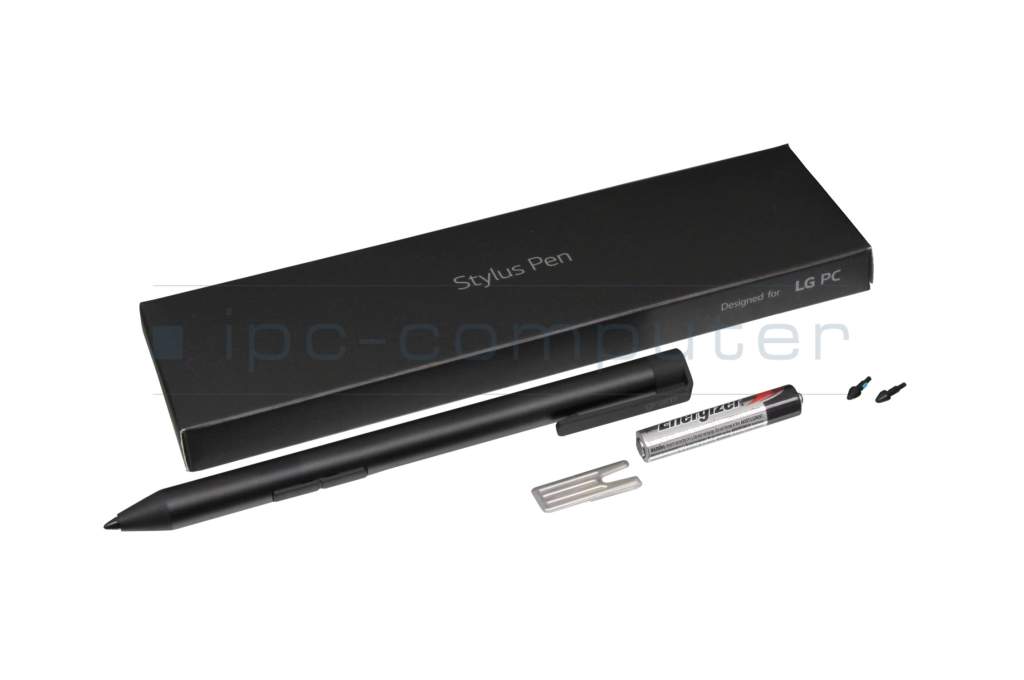
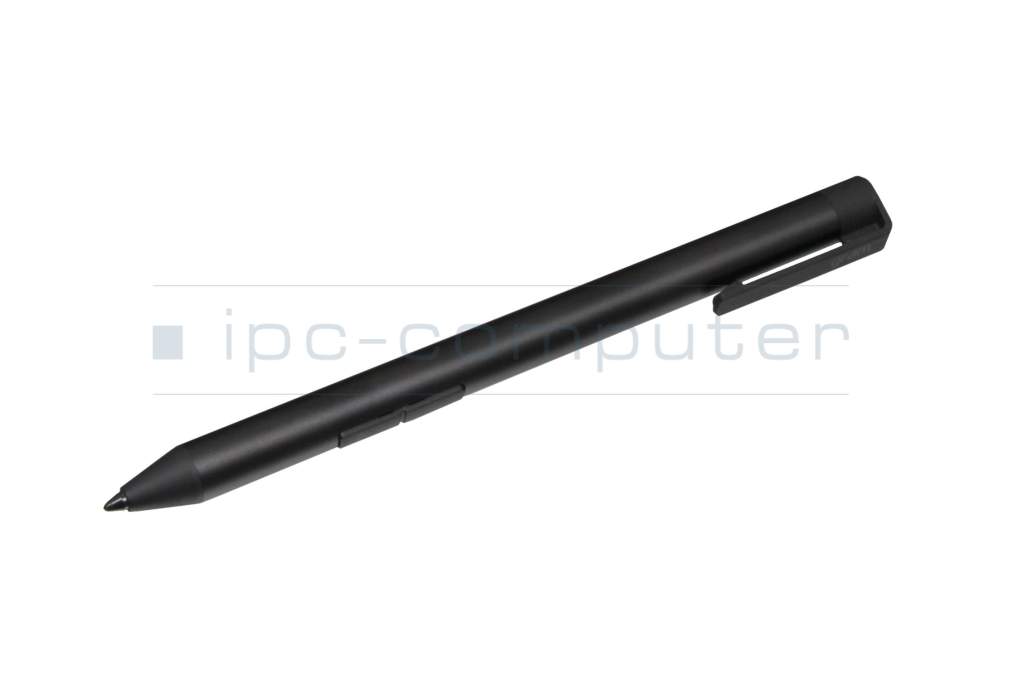
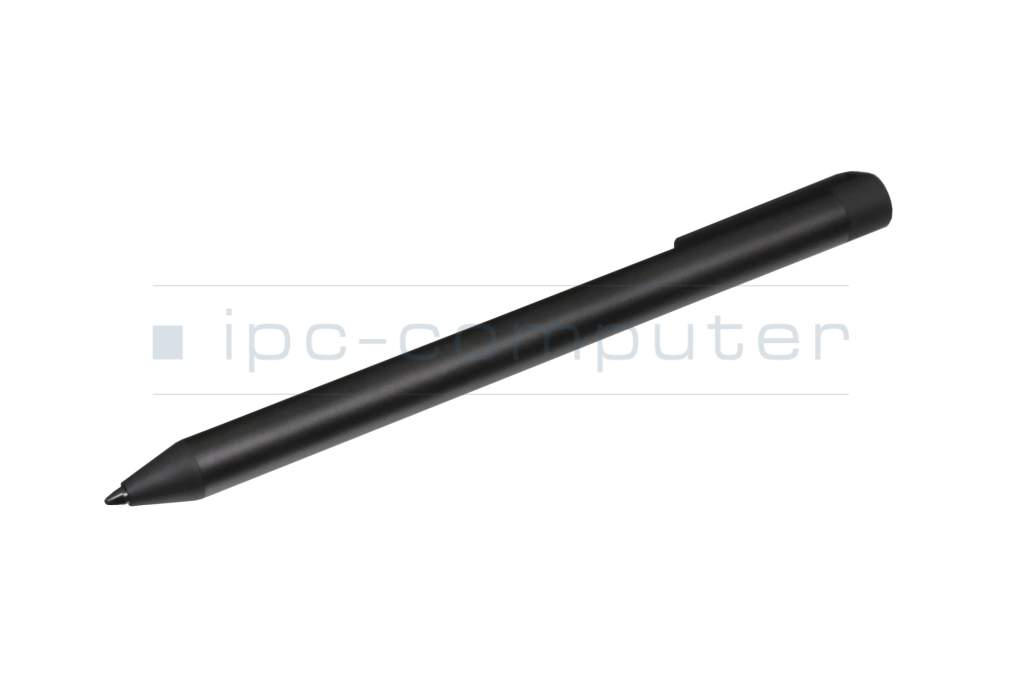
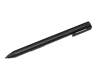
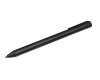
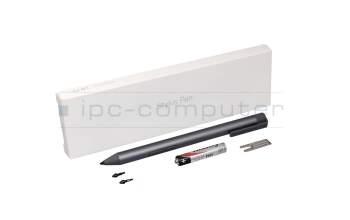
Active Stylus Pen (gray) original suitable for LG Gram 16 (16T90Q-K)
plus shipping charges
Product note
This product is EOL (End of Life)
Product Info
Common data
- Condition
- New
- Color
- black
- Delivery includes
- 1x AAAA battery / 2x AAAA batteries / tip removal tool
Technical Data
- Pen protocol
- AES 1.0 Wacom / AES 2.0 Wacom / Advanced In-Cell-Touch Support (AIT)
- Weight (g)
- 11 g
- Length (cm)
- 14 cm
- Diameter (mm)
- 9.5 mm
- Number of buttons
- 2
- Pressure levels
- 4096
- Tilt function
- yes
- Power supply
- Battery
- Operating system
- Windows 10 / Windows 11
Original Active Stylus Pen for LG gram
Writing like with a pen on paper. With a weight of 11 grams, the pen provides a pleasant writing experience and is in no way inferior to a conventional ballpoint pen.
Compatible for LG models of the 14T90P/16T90P series:
14T90P-G.AA76K
14T90P-G.AA79K
14T90P-G.AA7BK
14T90P-G.AA7DK
14T90P-G.AAF6K
14T90P-G.AAFBK
14T90P-G.AAFGK
14T90P-G.AP50ML
14T90P-G.AP56ML
14T90P-G.AP5CL
14T90P-G.AP5DML
14T90P-G.AP5EL
14T90P-G.AP7NL
14T90P-G.AP7WL
14T90P-G.AP7YL
14T90P-G.AR3CL
14T90P-G.AR3SML
14T90P-G.AR5BK
14T90P-G.AR5GK
14T90P-G.ARFGK
14T90P-G.ARTGK
14T90P-O.AA56K
14T90P-O.AA70K
14TD90P-G.AX56K
14TD90P-G.AX5BK
14TD90P-G.AX5GK
14TD90P-G.AX7GK
14TD90P-G.AXFBK
16T90P-G.AA56K
16T90P-G.AA5VL
16T90P-G.AA76K
16T90P-G.AA79K
16T90P-G.AA7BK
16T90P-G.AA7DK
16T90P-G.AAF6K
16T90P-G.AAFBK
16T90P-G.AP50ML
16T90P-G.AAFSK
16T90P-G.AP5DML
16T90P-G.AP79KL
16T90P-G.AP56ML
16T90P-G.AP79ML
16T90P-G.AP7AL
16T90P-G.AP75ML
16T90P-G.AR5BK
16T90P-G.AR5SK
16T90P-G.ARFBK
16T90P-O.AA56K
16T90P-G.AP7NL
16T90P-O.AA70K
16T90P-G.AP7PL
16TD90P-G.AX56K
16TD90P-G.AX5DK
16TD90P-G.AX7DK
16T90P-G.AR5SL
16TD90P-G.AXF6K
16TG90P-G.AA70KN
16TG90P-G.AA7DKN
16TG90P-G.AR5DKF
16TG90P-G.AR5DKN
Category
- Category
- Pens / Stylus
- Usage
- Laptop
Videos & Contributions
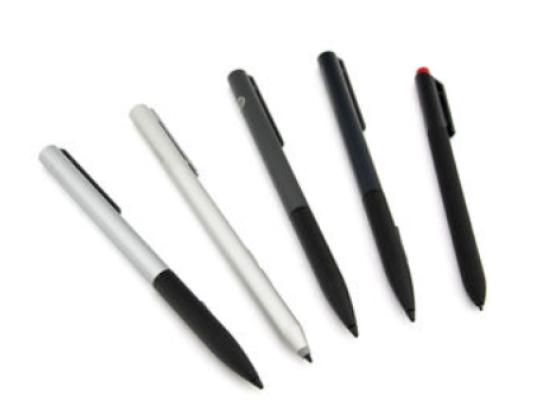
How do styluses work and what should be considered?
Important and useful informations about laptop Pens
Frequently asked questions about Pens
- If your Stylus is using batteries, make sure you have inserted the right batteries in the right orientation and that they are fully charged.
- If this is the first time trying to use the stylus, you might have to remove a piece of insulation between the batteries and the contact. Usually this can just be pulled out from the side.
- If it is not using batteries, make sure the stylus is fully charged.
- If it is still not working, try restarting the device you are trying to use the stylus with or using it with another compatible device.
- If this should still not work contact us, or the manufacturer o the device.
