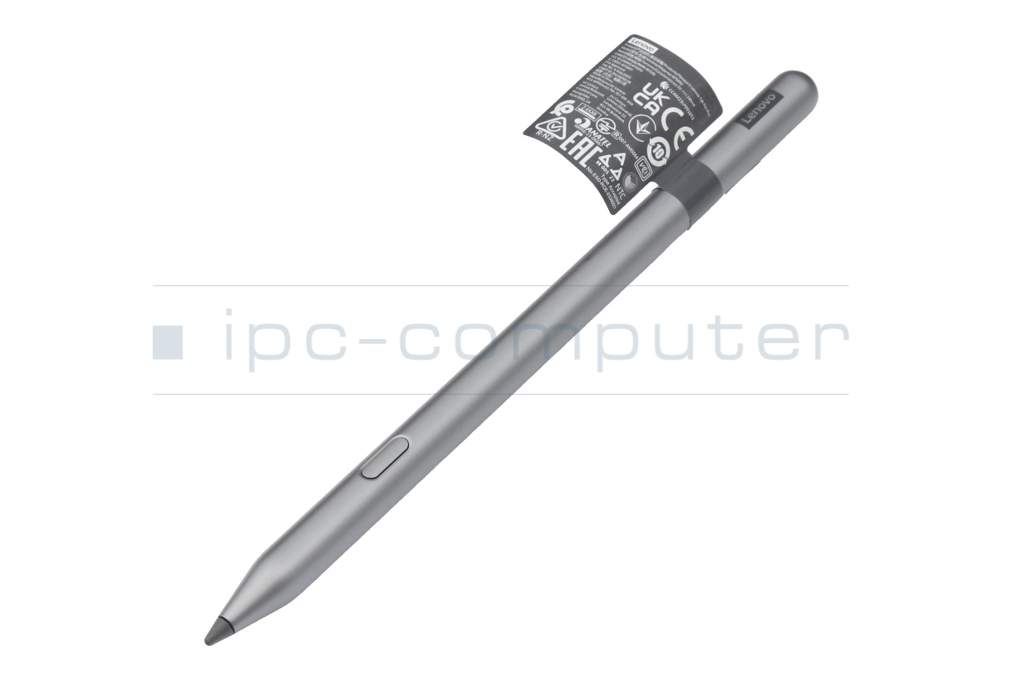
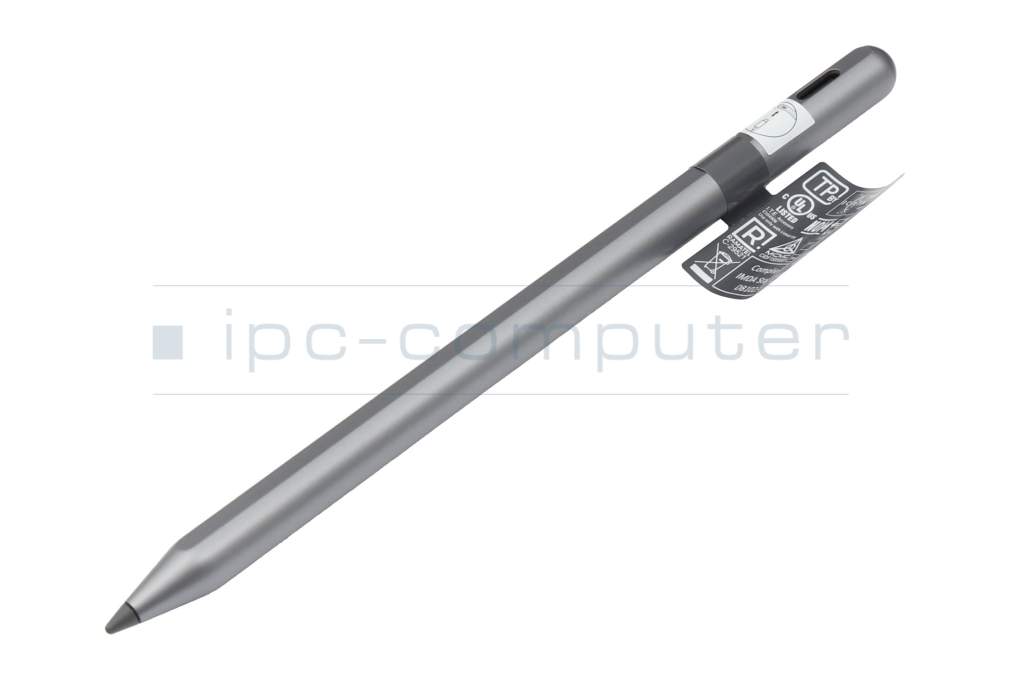
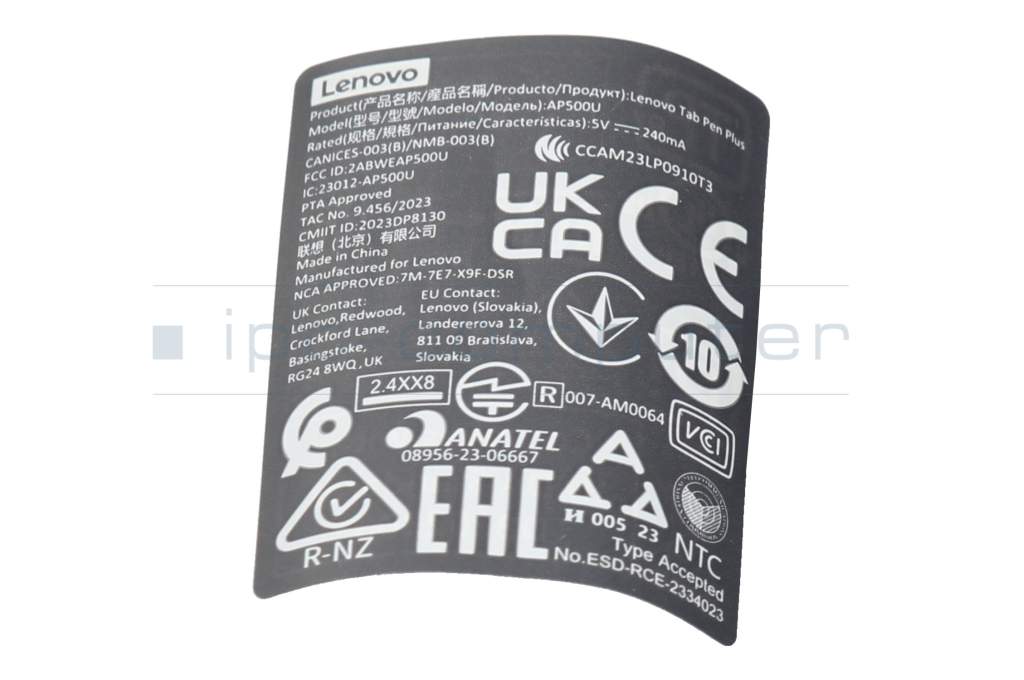
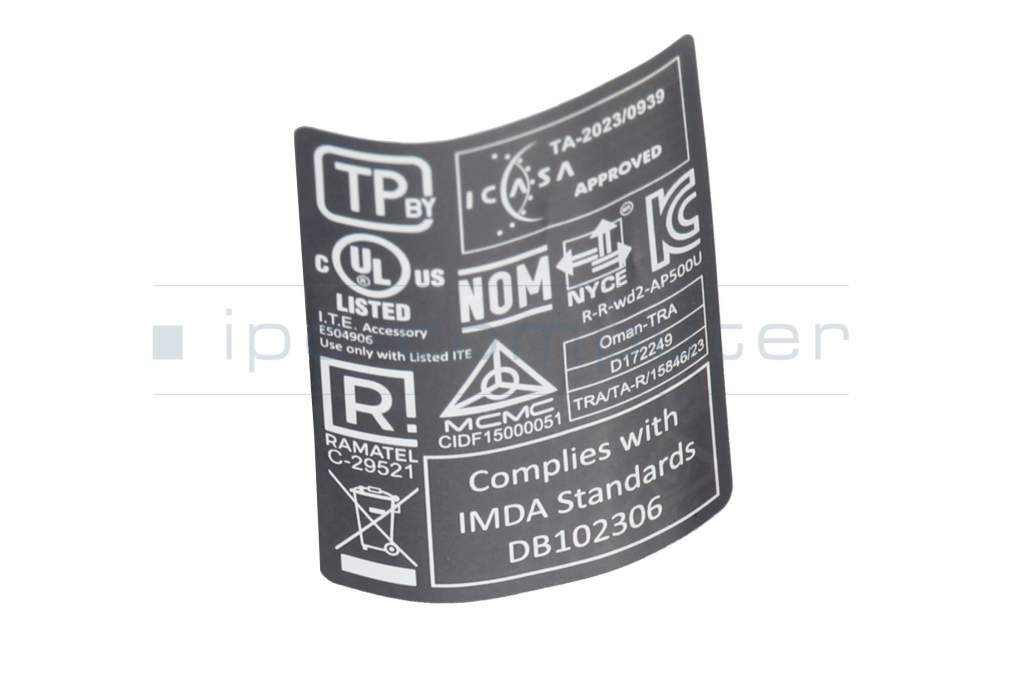
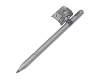
Tab Pen Plus (Picasson Pen) original suitable for Lenovo Tab Plus (TB351FU)

plus shipping charges
- Standardlieferung 22. September - 23. September
- Expresslieferung 22. September
- bei Bestellung innerhalb 20 hrs 54 min




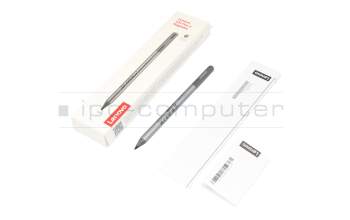
USI Pen 2 Magnetic incl. battery original suitable for Lenovo Tab Plus (TB351FU)
plus shipping charges
Product Info
Common data
- Condition
- New
- Color
- gray
Technical Data
- Pen protocol
- USI 2.0
- Weight (g)
- 13 g
- Length (cm)
- 16.0 cm
- Diameter (mm)
- 9 mm
- Number of buttons
- 1
- Pressure levels
- 4096
- Tilt function
- yes
- Bluetooth
- yes
- Power supply
- USB-C
The Lenovo Tab Pen Plus (Picasson Pen) is a powerful active stylus for precise writing, drawing and creative work on compatible tablets. With 4096 pressure levels, tilt detection and extremely low latency, it offers a particularly natural and responsive writing experience - ideal for notes, sketches and digital design.
Thanks to modern USI 2.0 technology and a fast Bluetooth connection, the stylus can be paired effortlessly and used immediately. Practical features such as palm recognition and an integrated connection warning provide additional convenience in everyday life.
Product highlights
- 4096 pressure levels for precise lines & creative freedom
- Tilt detection for realistic shading
- Ultra-low latency for smooth writing & drawing
- USI 2.0 standard for modern tablet compatibility
- Fast pairing via Bluetooth®
- Palm recognition for comfortable working
- Warning function when connection is lost
Technical specifications
- Color: Grey
- Pen protocol: USI 2.0
- Pressure levels: 4096
- Tilt function: Yes
- Bluetooth: Yes
- Number of buttons: 1
- Power supply: USB-C (rechargeable)
- Length: 16.0 cm
- Diameter: 9 mm
- Weight: approx. 13 g
Conclusion
The Lenovo Tab Pen Plus impresses with its high precision, modern design and smart functions. Perfect for anyone who wants to use their tablet productively or work creatively - with a smooth writing experience and maximum control.
Category
- Category
- Pens / Stylus
- Usage
- Laptop
Videos & Contributions
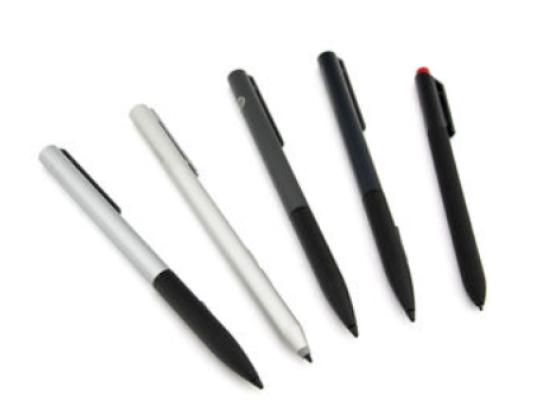
How do styluses work and what should be considered?

Accessories, suitable alternative products and recommendations
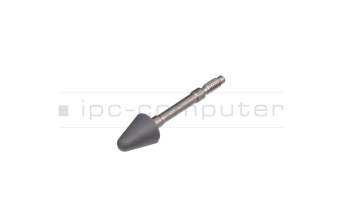
Lenovo 5O28C19840 Accessory
plus shipping charges