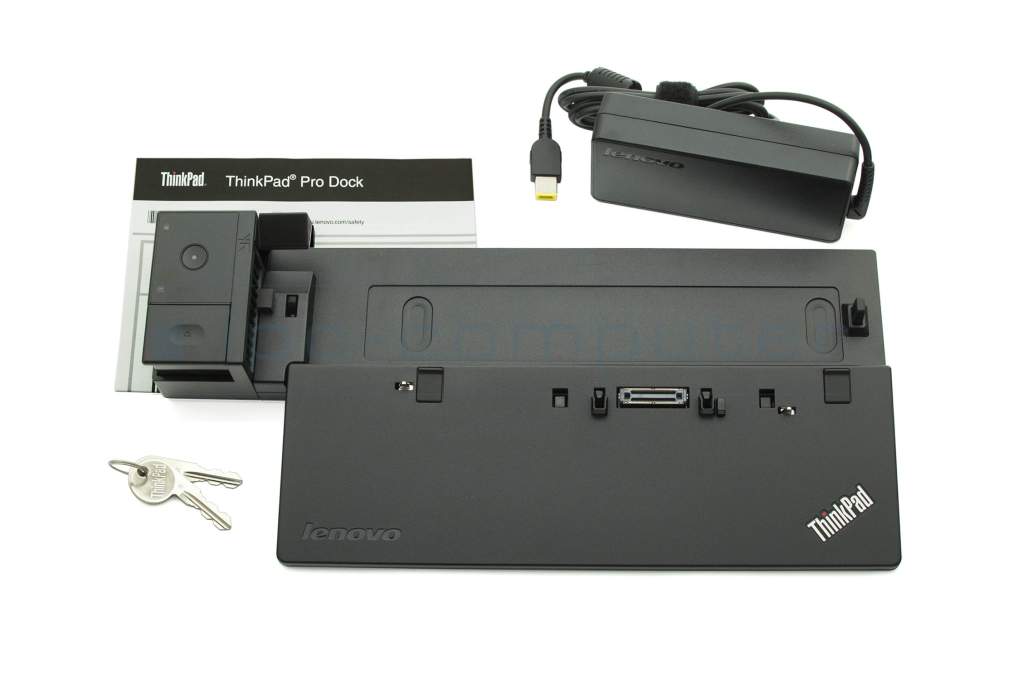
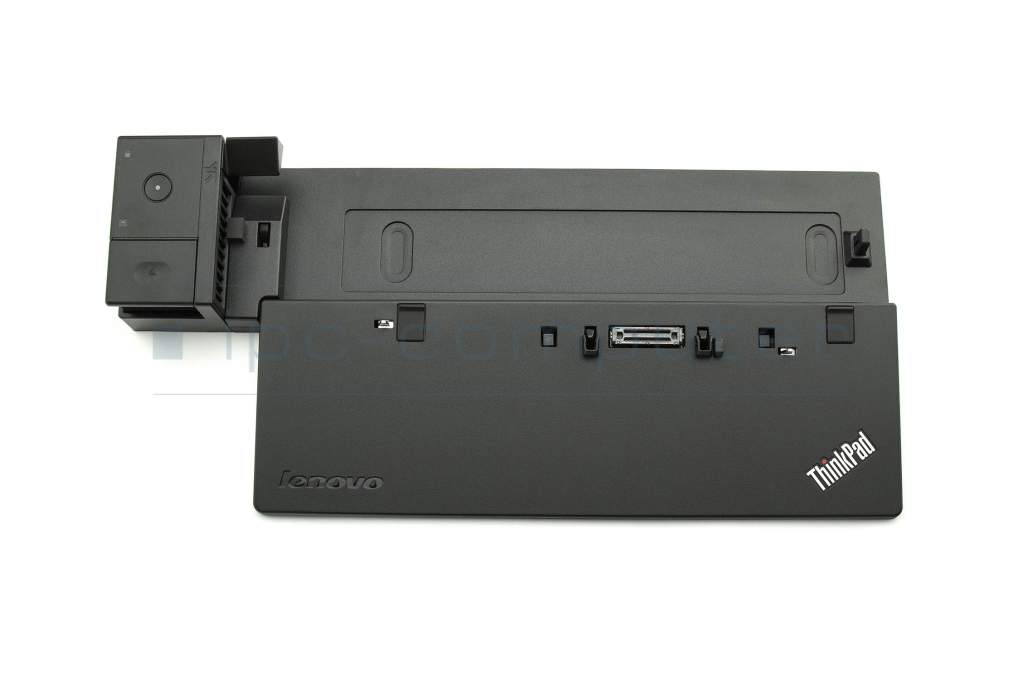
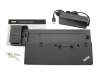
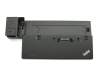
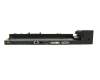
Lenovo ThinkPad T450s (20BX/20BW) Docking Station incl. 65W ac-adapter with 13 ports

plus shipping charges




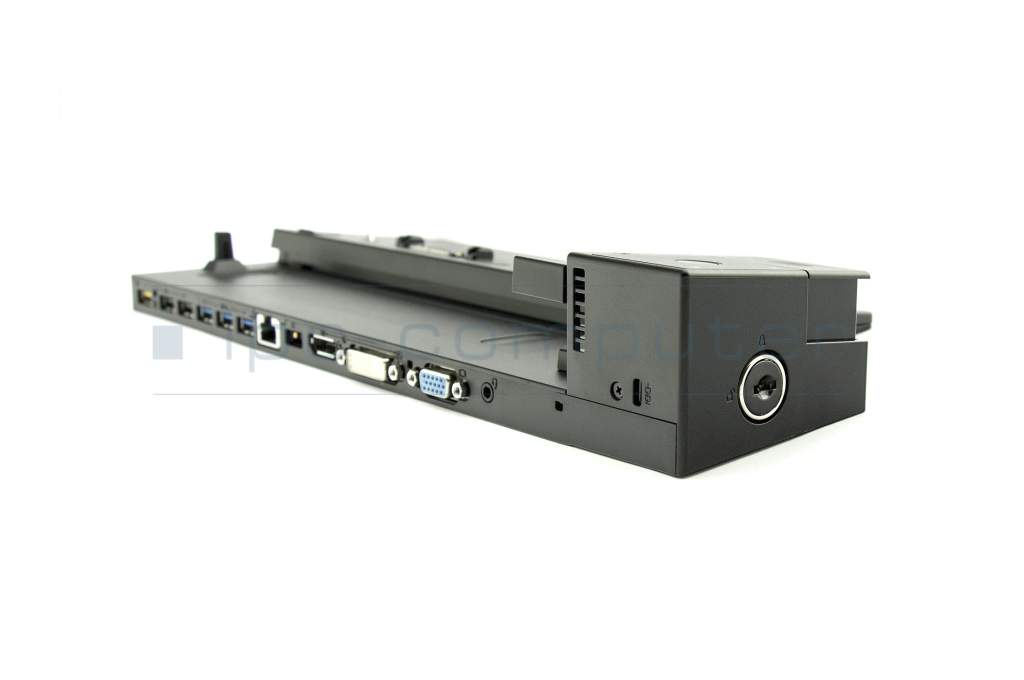
Not usable in conjunction with high-capacity batteries! Pro variant with lockable lock for the laptop.
Common data
- Condition
- New
Technical Data
- Connexion to the laptop
- Internal docking port
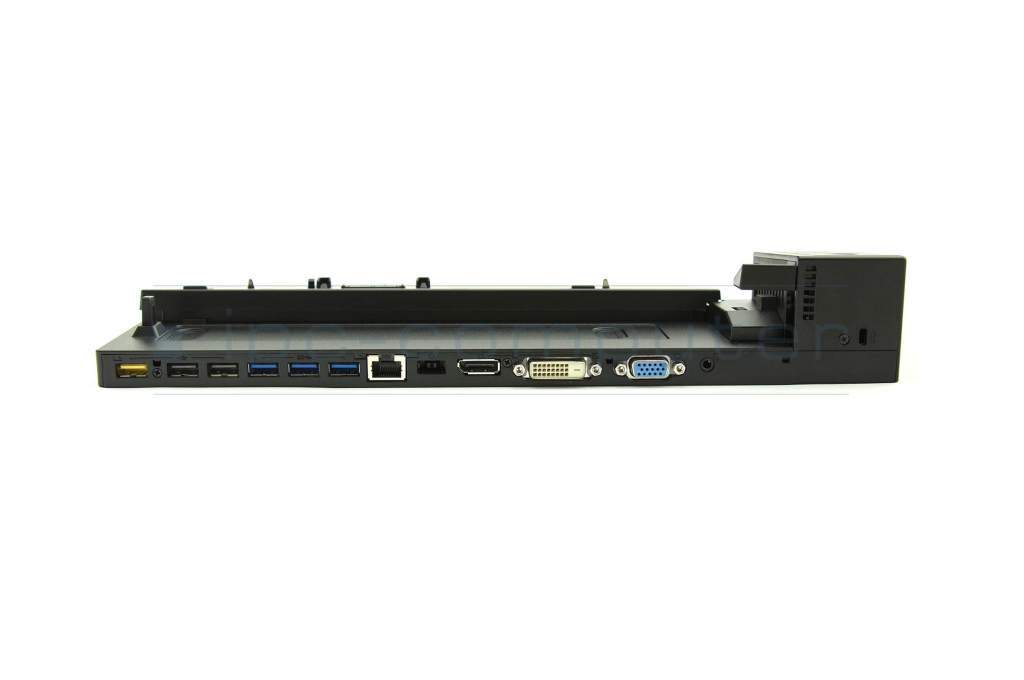
- Connectors
-
1x Audio-Combo
1x DC-In (Power supply)
1x DVI
1x DisplayPort
1x Ethernet (RJ-45)
1x Kensington-Lock
1x USB-A 2.0 (always-on USB charging)
1x VGA
2x USB-A 2.0
3x USB-A 3.0 - Max. resolution of external monitors
-
1x UHD - 3840x2160
2x WUXGA - 1920x1200 - Delivery includes
-
2x keys for security lock
Docking Station
Manual
Power cable - Included ac-adaptor
- 65W
- Compatible operating systems
-
Windows 10 (32bit/64bit)
Windows 7 (32bit/64bit)
Windows 8 (32bit/64bit)
Windows 8.1 (32bit/64bit) - Length / Width / Hight
- 34.5 cm / 16 cm / 5.5 cm
Vorteile
Lösen Sie eingeschränkte Anschlussmöglichkeiten schnell und sicher mit dieser Docking Station und verbinden Sie auf einfache Weise eine Maus, Drucker, weitere USB-Geräten. Spiegeln oder Erweitern Sie Ihren Desktop auf mehrere externe Monitore.
Hier finden Sie den vollständigen Bericht über weitere Vorteile.
Hinweis
Vergleichen Sie die Leistung (Watt) Ihres zum Notebook passenden Netzteils mit dem bei dieser Docking Station enthaltenen Netzteil. Für den Betrieb Ihres Notebooks, besonders bei voller Auslastung sollte die Leistung des Docking Station Netzteils gleich oder höher sein wie die des Ihrem Notebook zugehörigen Netzteils.
Category
- Category
- Dockings
- Usage
- Laptop
Videos & Contributions
Using a laptop with a dock even when it is folded down
In this quick tip we show how you can work with a docking station and an external monitor even when your laptop is folded down.
Learn more >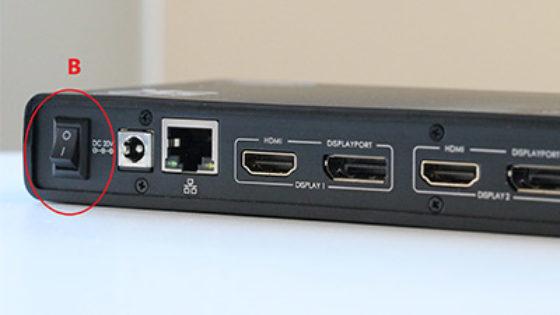
The "secret" with the power button
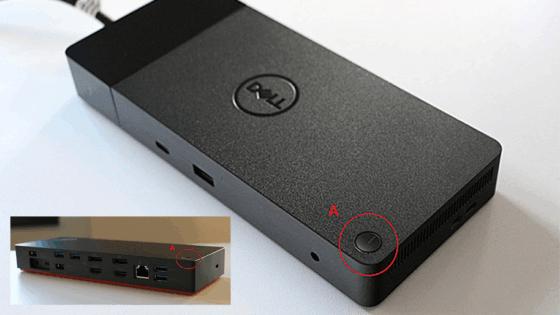
The power button does not activate the notebook?
Important and useful informations about laptop Docking stations
Frequently asked questions about Docking stations
All questions about Docking stations
Docking stations FAQ
Accessories, suitable alternative products and recommendations
IPC-Computer KA001I 8K DisplayPort to DisplayPort
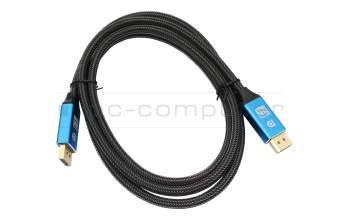
plus shipping charges
IPC-Computer KA002I 4K HDR DisplayPort to DisplayPort
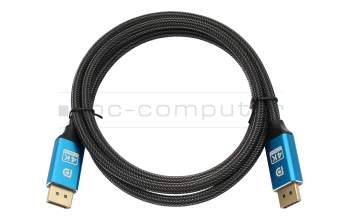
plus shipping charges