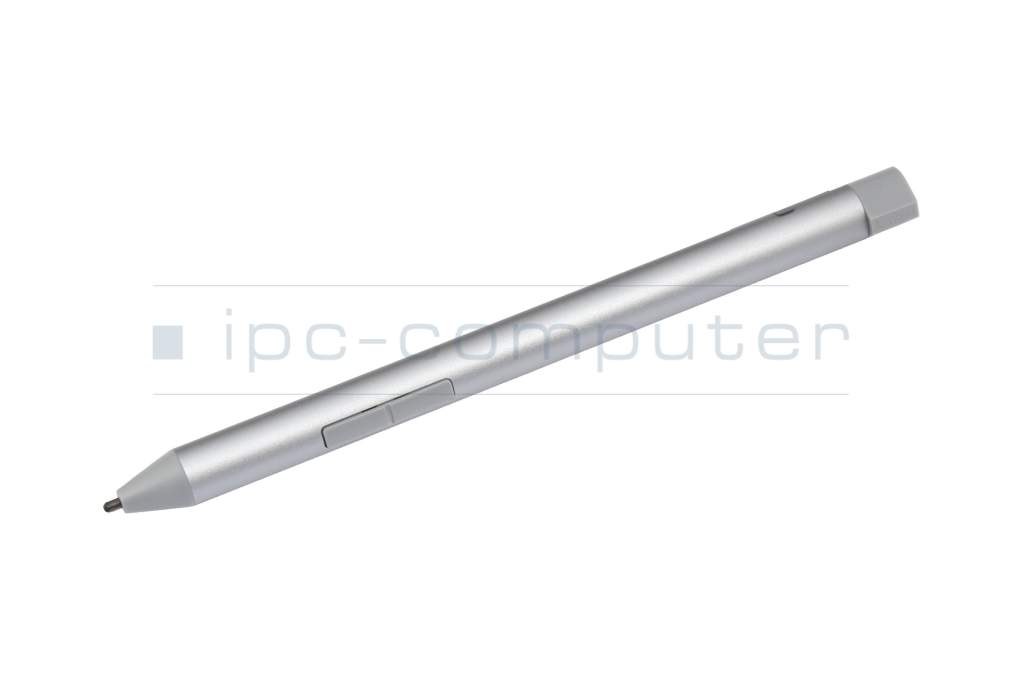
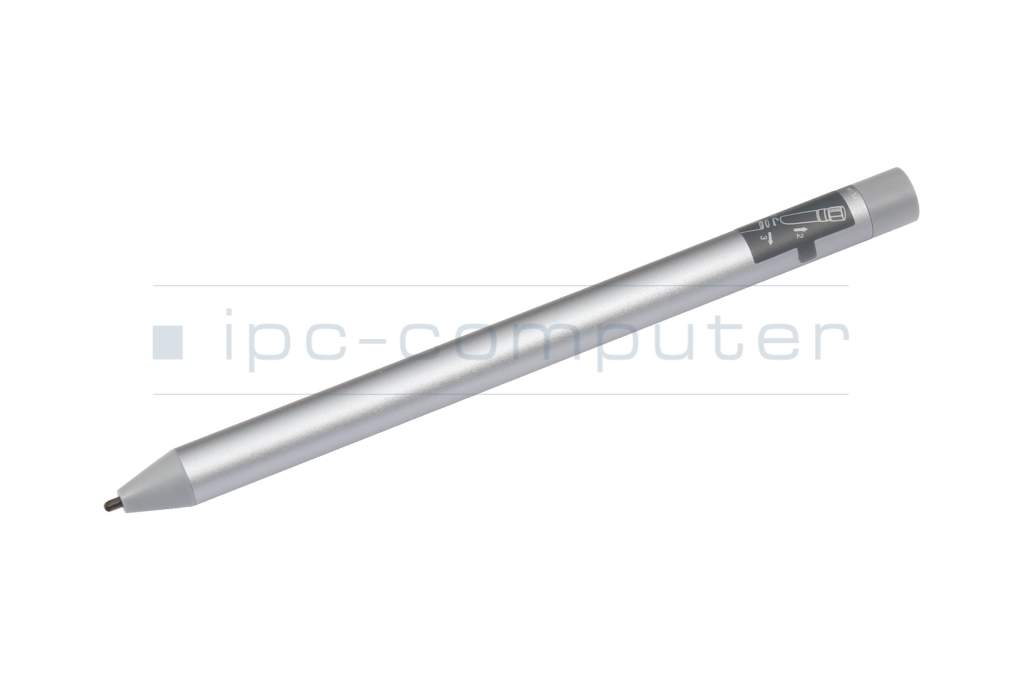
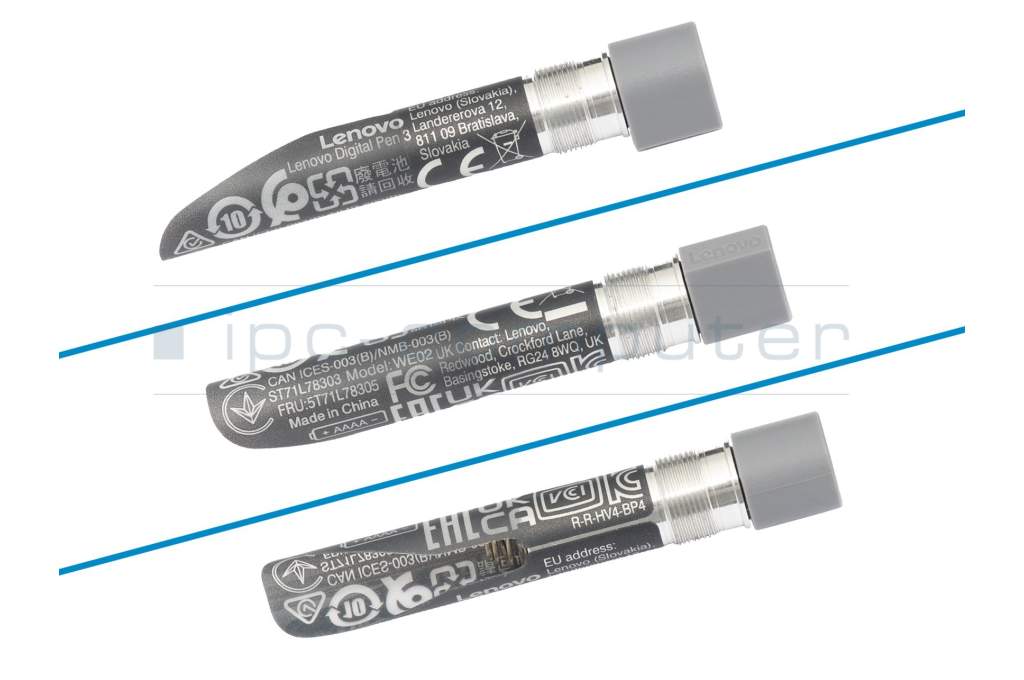
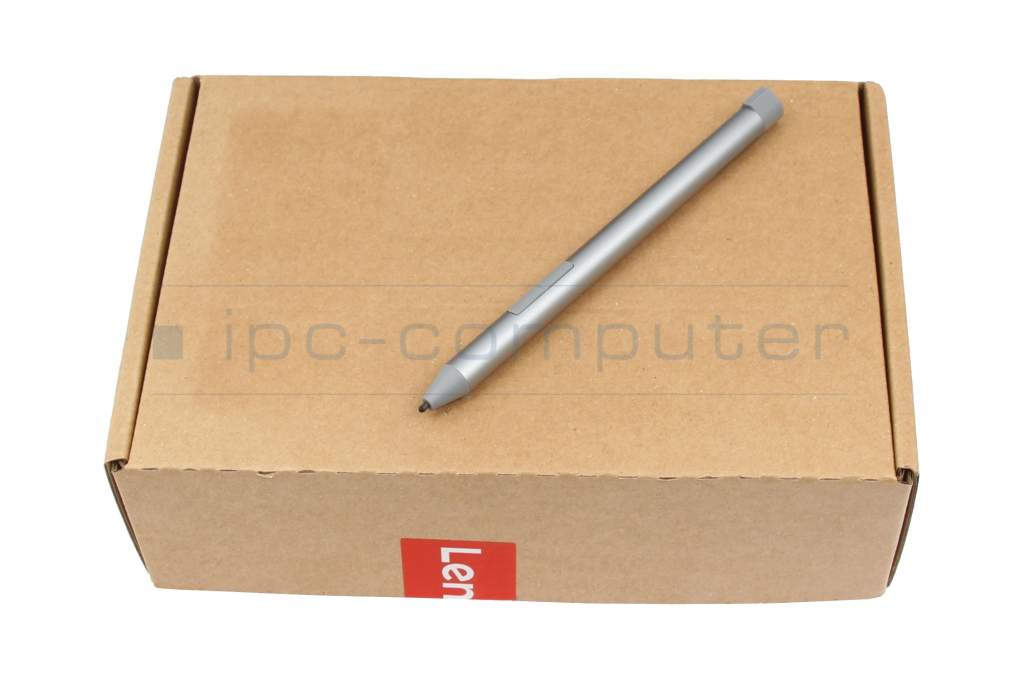
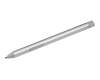
Digital Pen 3 silver incl. battery original suitable for Lenovo IdeaPad Flex 5 Chrome 14IAU7 (82T5)

5900€
incl. Tax (19%)
plus shipping charges
plus shipping charges
5 pieces in stock.
- Standardlieferung 23. September - 25. September
- Expresslieferung 22. September
- bei Bestellung innerhalb 10 hrs 18 min




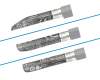
Note: To switch between the supported protocols, the two function buttons must be pressed and held simultaneously for 25 seconds.
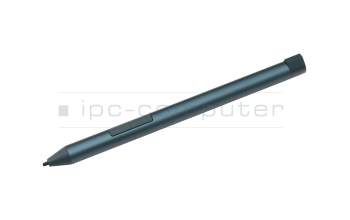
Digital Pen 3 blue incl. battery original suitable for Lenovo IdeaPad Flex 5 Chrome 14IAU7 (82T5)
In stock
5900€
incl. Tax (19%)
plus shipping charges
plus shipping charges
Product Info
Common data
- Condition
- New
- Color
- silver
- Delivery includes
- 1x AAAA battery
Technical Data
- Pen protocol
- AES 1.0 Wacom / AES 2.0 Wacom / MPP 2.0 / USI / WGP
- Weight (g)
- 17 g
- Length (cm)
- 14 cm
- Diameter (mm)
- 9.5 mm
- Number of buttons
- 2
- Pressure levels
- 4096
- Power supply
- Battery
- Running time
- 2000h
- Operating system
- ChromeOS / Windows 10 / Windows 11
Your creative companion: Lenovo Digital Pen 3
Take your productivity and creativity to the next level with the Lenovo Digital Pen 3!
This high-quality stylus is specially designed to work seamlessly with compatible Lenovo tablets and laptops.
Why the Lenovo Digital Pen 3?
- Precision and comfort: Thanks to its high pressure sensitivity and precise pen tip, you can create drawings, notes and designs with absolute accuracy.
- Natural writing feel: The pen feels like writing on paper, ideal for handwritten notes, sketches or creative projects.
- Compatibility: Works great with various Lenovo Yoga, IdeaPad and ThinkPad devices that support Active Pen technology. Best of all, it can replace pens from many other manufacturers.
- Ergonomic design: Fits comfortably in the hand and reduces fatigue during prolonged use.
- Long battery life: Equipped with long-lasting battery so you can fully concentrate on your work - without constant recharging.
Perfect for:
- Creative minds who want to draw or sketch.
- Students and professionals who prefer handwritten notes.
- Designers and developers who need detailed and precise input.
Experience the perfect combination of technology and comfort with the Lenovo Digital Pen 3.
Available now - discover a new world of digital productivity!
Category
- Category
- Pens / Stylus
- Usage
- Laptop
Videos & Contributions
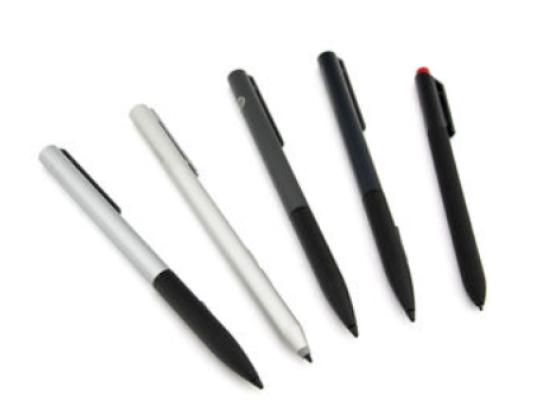
How do styluses work and what should be considered?
Using a pen to operate the touchscreen is a convenient feature. But not every pen works with every notebook or tablet. You have to pay attention to these features.
Learn more >
