SPEN-HP-01 original HP stylus incl. battery

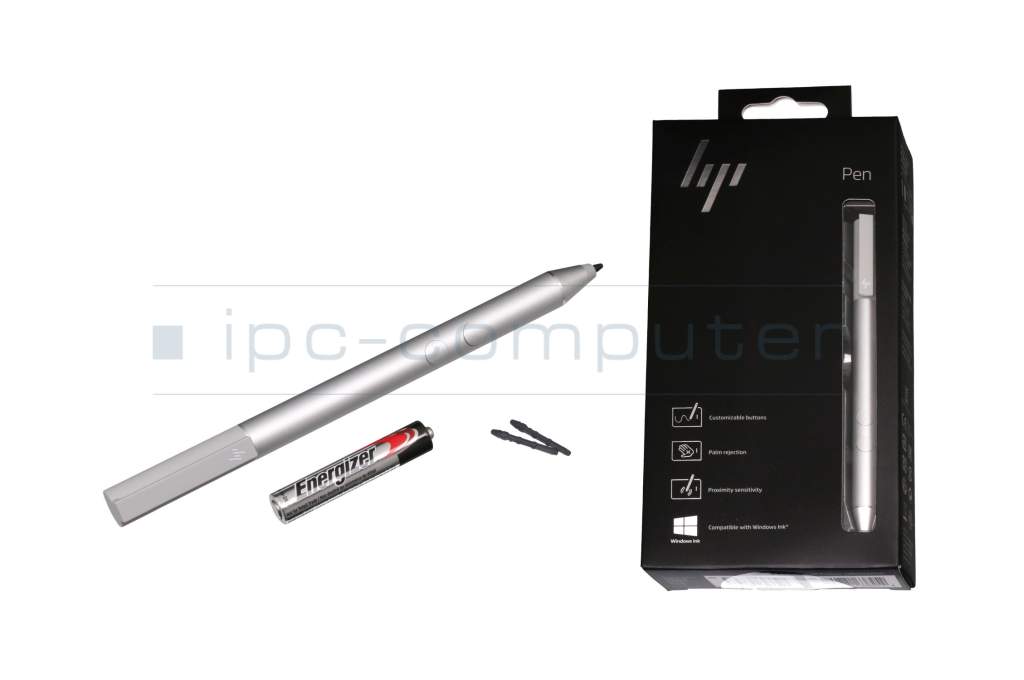
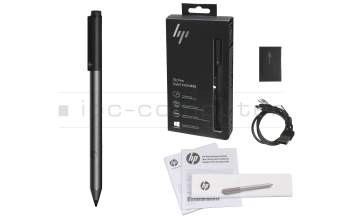
2MY21AA#ABB original HP Tilt Pen
plus shipping charges

PEN129 IPC-Computer Universal MPP 2.0 Pen (USB-C)
plus shipping charges
Product note
This product is EOL (End of Life)
Product Info
- Manufacturer
- HP
- Item Number
- SPEN-HP-01
- Primary Partnummer
- 1MR94AA
- Safety information
- Sicherheits- & Herstellerkontakt-Informationen
Common data
- Condition
- New
- Color
- silver
- Delivery includes
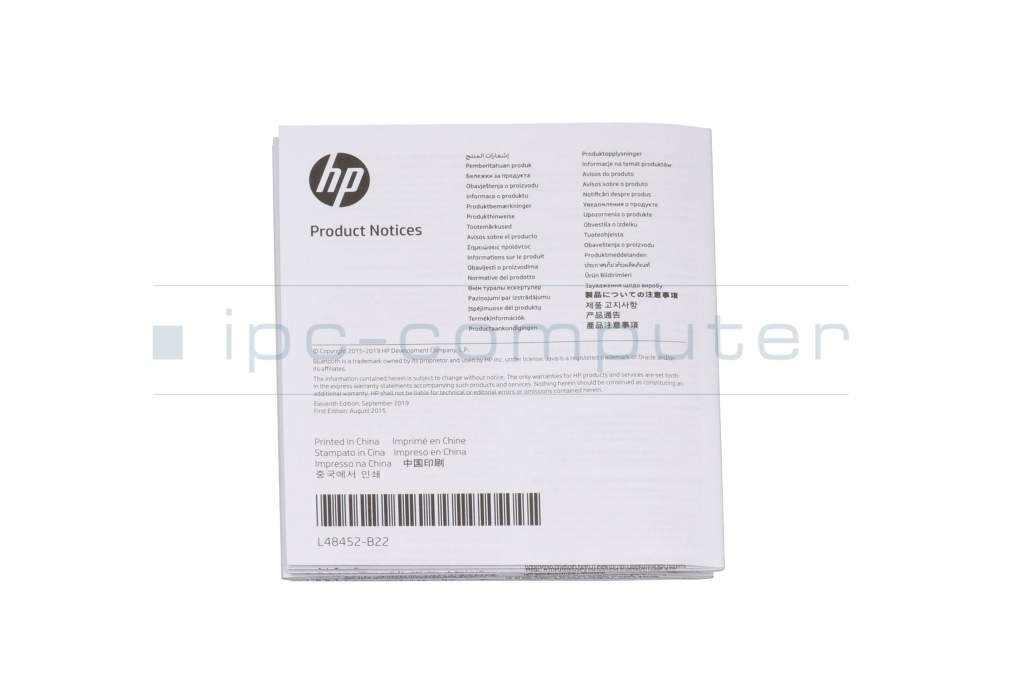
- 1x AAAA battery / 2x replacement tips / manual
Technical Data
- Pen protocol
- MPP
- Weight (g)
- 11 g
- Length (cm)
- 13.9 cm
- Diameter (mm)
- 10 mm
- Number of buttons
- 2
- Pressure levels
- ---
- Bluetooth
- yes
- Power supply
- Battery
- Operating system
- Windows 10 / Windows 11
Invent a whole new way of expressing yourself - write, draw or calculate - naturally and lifelike with high precision. With advanced N-trig technology, you can significantly increase your productivity.
State-of-the-art N-trig technology for more precise input
Write like a pen on paper with precision tip and pressure sensitivity
Compatible with a range of apps for all activities from drawing to arithmetic
Ready to use out of the box - no additional software or drivers required - compatible with certain HP platforms
Customizable buttons
Long battery life of up to 18 months (according to HP)
System requirements: Pen-enabled device with Windows 10
This HP Pen is compatible with the following model series according to the manufacturer:
- Envy 12-e000, 15-bp000, 15-bp100, 15-cn0000, 15-cn1000
- Envy X2 12-e000, 12-g000
- Envy X360 15-bp100, 15-cn0000, 15-cn1000, 15-dr0000, 15M-cn0000, 15T-bp100, 15T-cn000, 15T-cn100, 15T-dr000, 15T-dr100, 15T-ed000
- Pavilion 14-ba000, 14-ba100, 14-cd0000, 14-cd1000, 14-dd0000, 14-dh0000, 14-dh1000, 14-dw0000
- Pavilion 15-br000, 15-br100, 15-dq0000, 15-dq1000
- Pavilion X360 11-ad000, 11-ad100
- Pavilion X360 14-ba100, 14-dh0000, 14M-cd0000, 14T-ba000, 14T-cd100, 14T-dh200
- Pavilion X360 15T-br000, 15T-cr000, 15T-dq100
- Spectre 13-ac000, 13-aw0000
- Spectre X360 13-ac000, 13-ae000, 13-aw0000, 13T-aw000
Category
- Category
- Pens / Stylus
- Usage
- Laptop
- Excerpt of suitable models for P/N SPEN-HP-01
- HP Spectre x360 13-aw0000 , HP Envy x360 15-cn0300 , HP Envy x360 15-cn0700 , HP Envy x360 13-ar0400 , HP Pavilion x360 14-dh0400 , HP Spectre x360 13-aw2000 , HP Envy x360 13-ag0800 , HP Envy x360 15-cp0800 , HP Pavilion x360 14-cd0100 , HP Pavilion X360 15t-br000
You've found this article over a part number. We'll check if it's the correct sparepart for your machine. To do this, please insert the manufacturer and the name of the model in the order comment.
Videos & Contributions
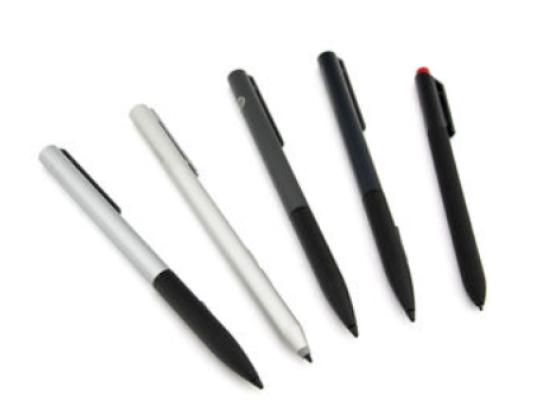
How do styluses work and what should be considered?
Important and useful informations about laptop Pens
Frequently asked questions about Pens
- If your Stylus is using batteries, make sure you have inserted the right batteries in the right orientation and that they are fully charged.
- If this is the first time trying to use the stylus, you might have to remove a piece of insulation between the batteries and the contact. Usually this can just be pulled out from the side.
- If it is not using batteries, make sure the stylus is fully charged.
- If it is still not working, try restarting the device you are trying to use the stylus with or using it with another compatible device.
- If this should still not work contact us, or the manufacturer o the device.
