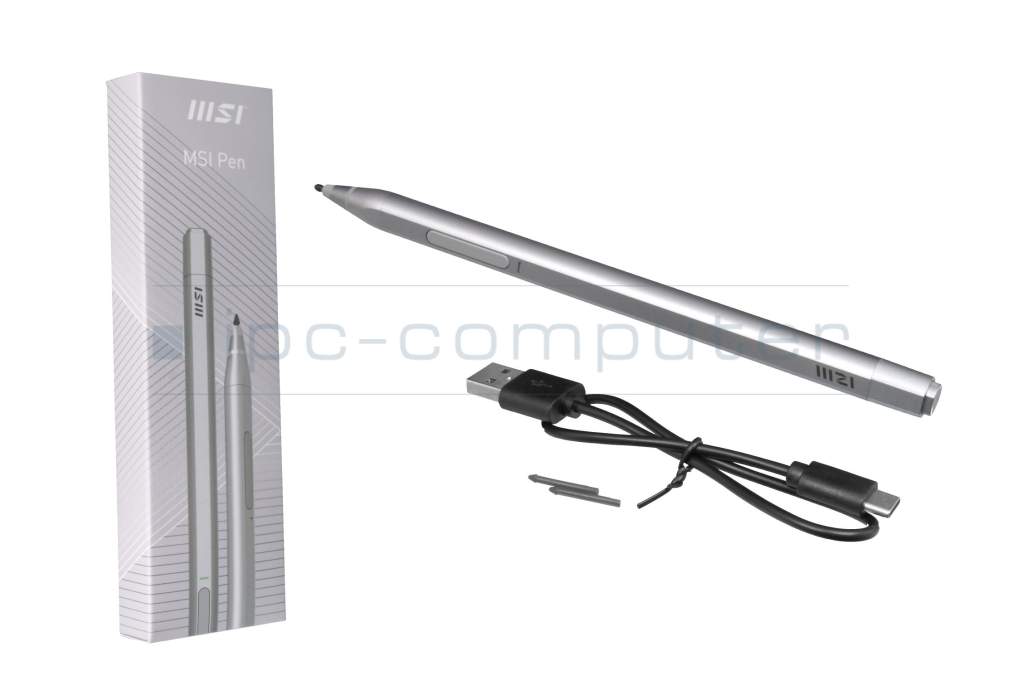
S1S0000330D22 original MSI PEN 1P

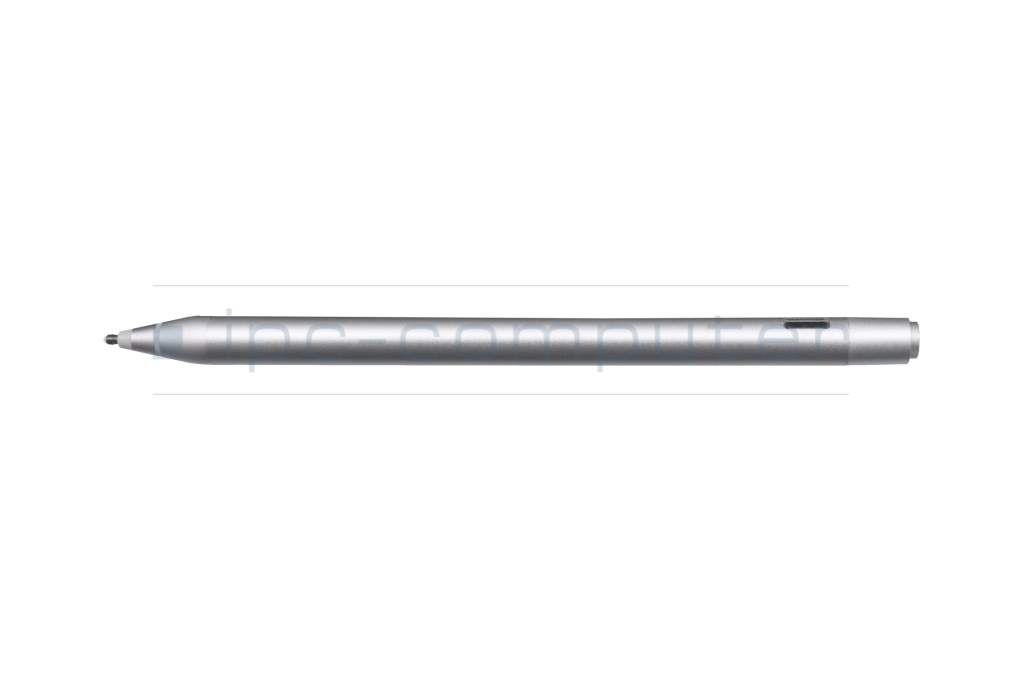
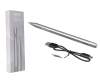


PEN129 IPC-Computer Universal MPP 2.0 Pen (USB-C)
In stock
3500€
incl. Tax (19%)
plus shipping charges
plus shipping charges
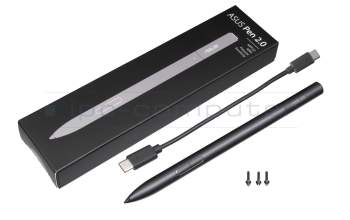
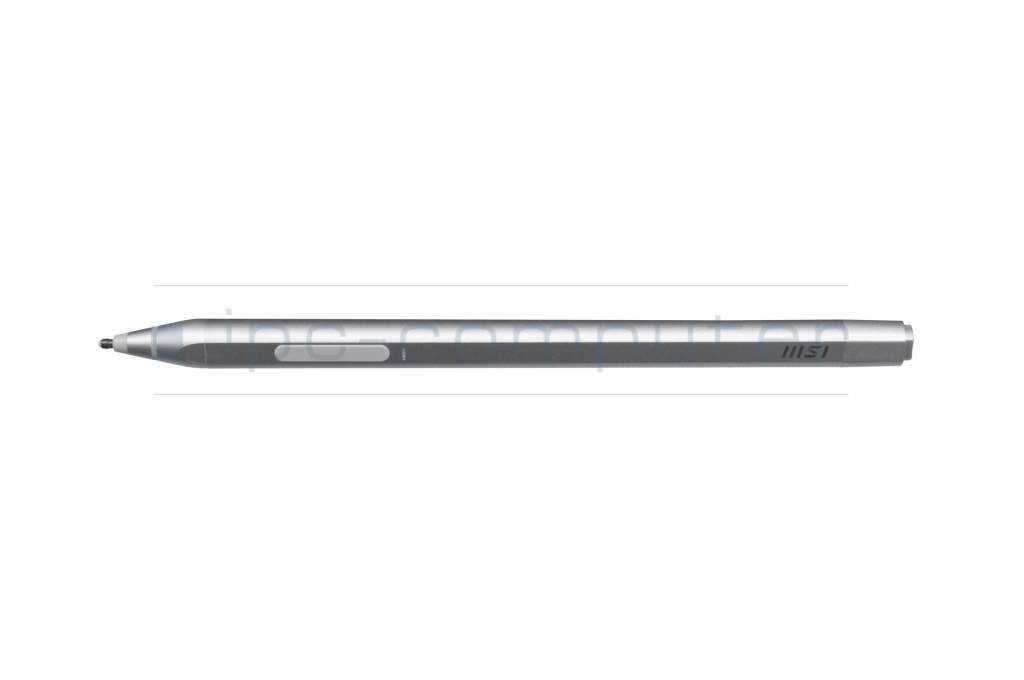
PEN066 ASUS Pen 2.0
In stock
6800€
incl. Tax (19%)
plus shipping charges
plus shipping charges
Product note
This product is EOL (End of Life)
Product Info
- Manufacturer
- MSI
- Item Number
- S1S0000330D22
- Primary Partnummer
- S1S-0000330-D22
- Safety information
- Sicherheits- & Herstellerkontakt-Informationen
Common data
- Condition
- New
- Color
- silver
- Delivery includes
- 2x replacement tips / USB-C cable / manual
Technical Data
- Pen protocol
- MPP 2.0
- Weight (g)
- 13 g
- Length (cm)
- 14.8 cm
- Diameter (mm)
- 9 mm
- Number of buttons
- 2
- Tilt function
- yes
- Bluetooth
- yes
- Power supply
- USB-C
- Operating system
- Windows 10 / Windows 11
- Supports the latest Microsoft MPP 2.0 technology
- 4096 pressure levels
- Support Tilt
- 266 Report Rate
- Rechargeable via USB-C
- 1.3 mm pen tip
- Productivity up to 65 hours of battery life
- Recognition of the pen up to 8-10 mm above the display
Category
- Category
- Pens / Stylus
- Usage
- Laptop
- Excerpt of suitable models for P/N S1S0000330D22
- MSI Creator Z17 A12UHST/A12UHT (MS-17N1) , MSI Summit E14 Flip Evo A13MT (MS-14F1) , MSI Summit E13 Flip (MS-13P2) , MSI Creator Z16P B12UGS/B12UGST (MS-15G1) , MSI Creator Z17 A12UHST/A12UHT (MS-17N1) , MSI Creator Z17 A12UE/A12UET (MS-17N1) , MSI Creator Z17 A12UGST/A12UGT (MS-17N1) , MSI Creator Z17 A12UMST/A12UKST (MS-17N1) , MSI Creator Z16P B12UHT/B12UHST (MS-15G1) , MSI CreatorPro Z16P B12UMST (MS-15G1)
You've found this article over a part number. We'll check if it's the correct sparepart for your machine. To do this, please insert the manufacturer and the name of the model in the order comment.
Videos & Contributions
MSI Pen Review and comparison with ASUS Pen 2.0
The ideal MSI pen for Summit series laptops. The cheaper alternative: the ASUS Pen 2.0
Learn more >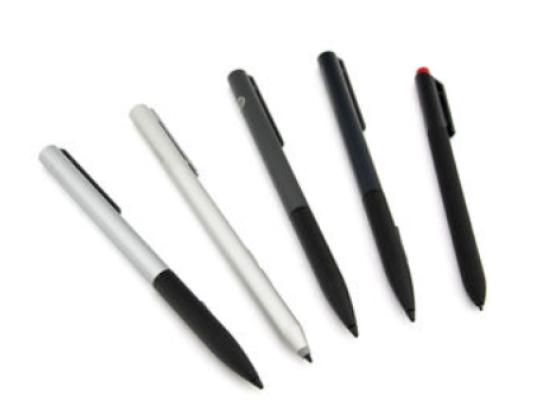
How do styluses work and what should be considered?
Using a pen to operate the touchscreen is a convenient feature. But not every pen works with every notebook or tablet. You have to pay attention to these features.
Learn more >