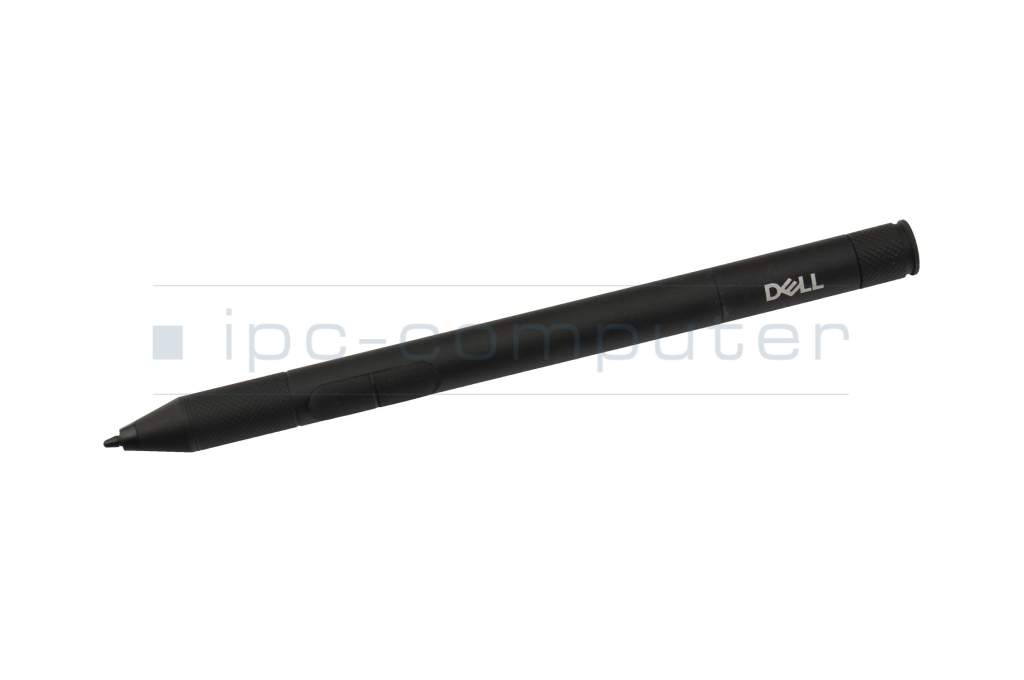
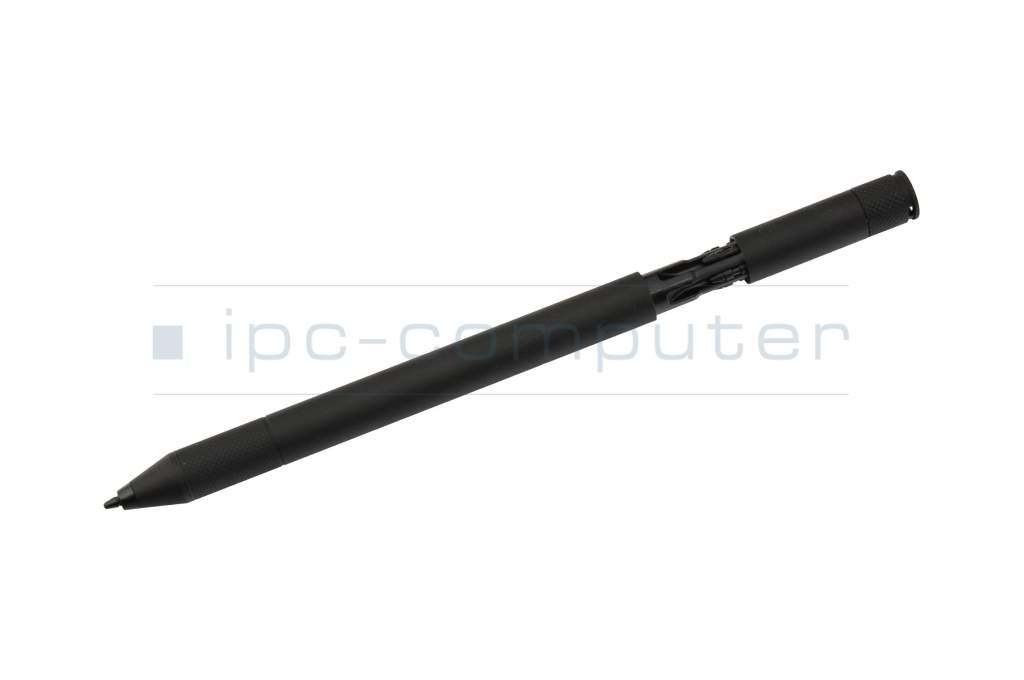
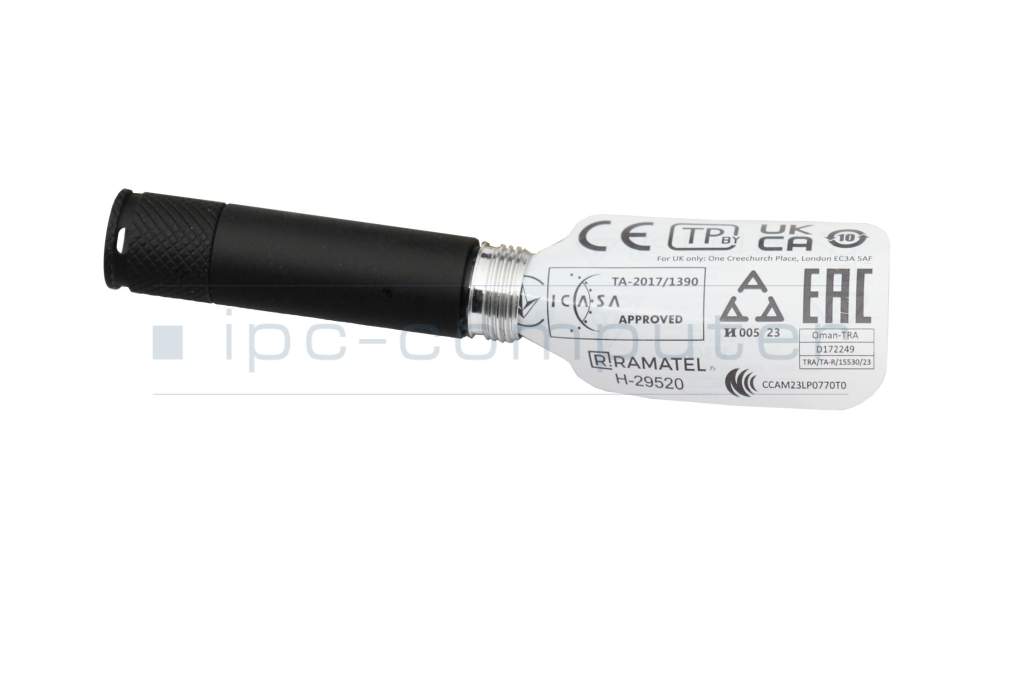
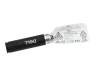
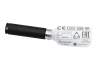
MRFFX original Dell Active Stylus Pen PN720R incl. battery



plus shipping charges
- Standardlieferung 28. October - 30. October
- Expresslieferung 28. October
- bei Bestellung innerhalb 17 hrs 02 min




Substitute part numbers:
0MRFFX, OMRFFX
Unused new goods - The white outer packaging may show slight stains/storage marks.
- Manufacturer
- Dell
- Item Number
- MRFFX
- Sub-Partnumbers
- 0MRFFX, OMRFFX
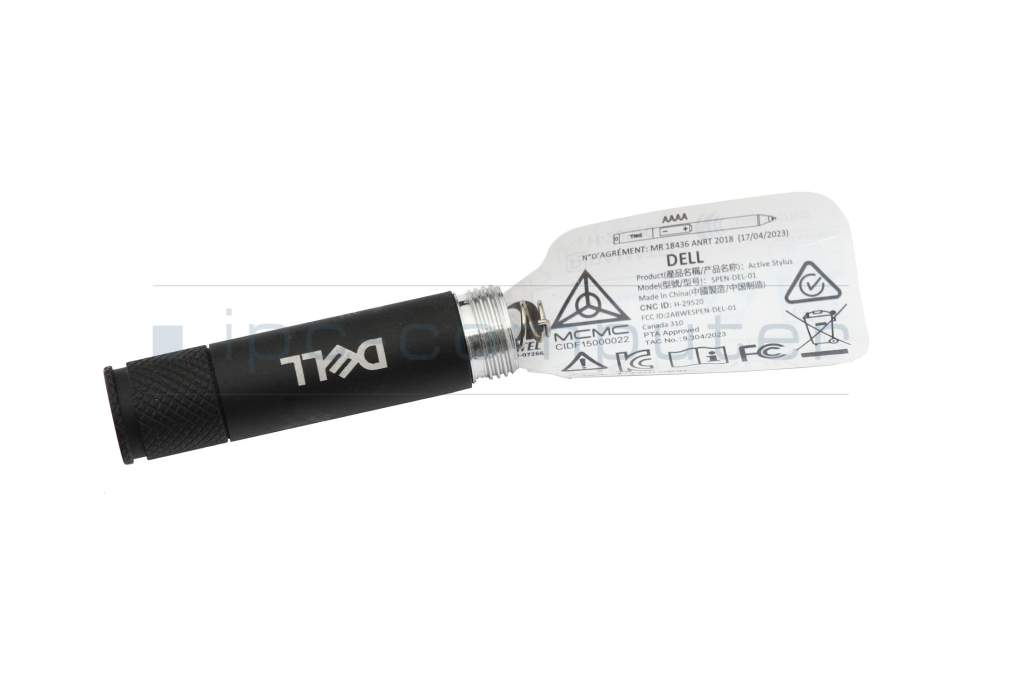
- Safety information
- Sicherheits- & Herstellerkontakt-Informationen
Common data
- Condition
- New
- Color
- black
- Delivery includes
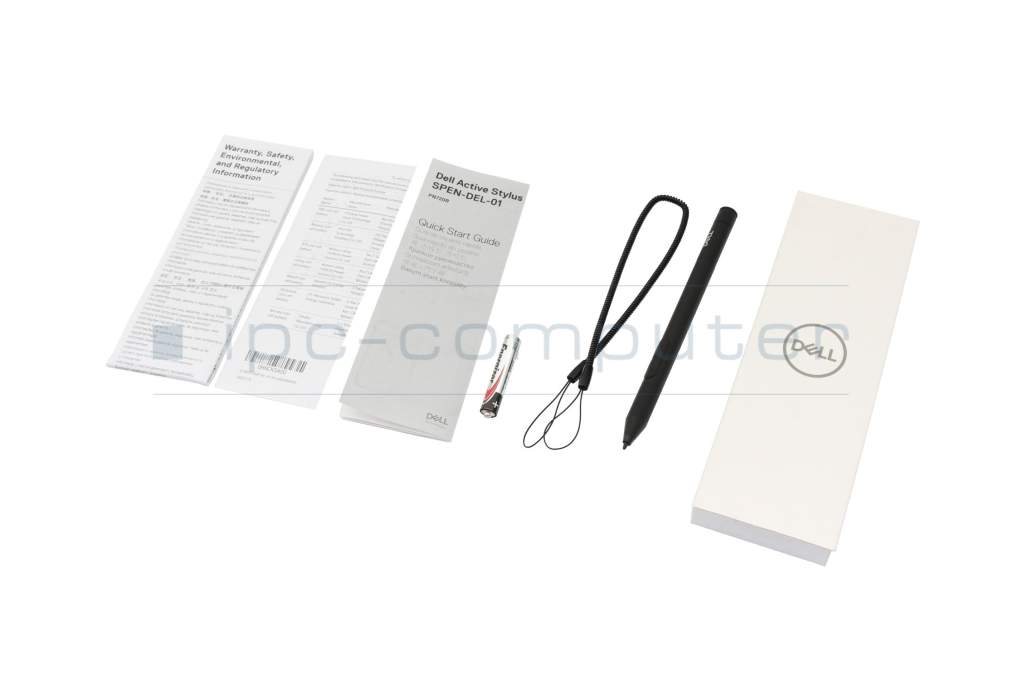
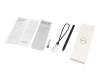
- 1x AAAA battery / 4x replacement tips / Holding strap / manual
Technical Data
- Pen protocol
- MPP 1.0
- Weight (g)
- 15 g
- Length (cm)
- 14 cm
- Diameter (mm)
- 10 mm
- Number of buttons
- 2
- Tilt function
- yes
- Power supply
- Battery
- Operating system
- Windows 11
Dell Active Stylus Pen PN720R - Precise input for your rugged tablet
The Dell Active Stylus Pen PN720R is the ideal addition to your compatible Dell Rugged Tablet or other devices with Microsoft Pen Protocol (MPP). Whether in the field, in the office or on the go - this stylus pen impresses with its precision, easy handling and robust workmanship.
Precise & versatile
Thanks to the widely used MPP (Microsoft Pen Protocol), the stylus is not only optimized for Dell devices, but is also compatible with many Windows laptops and tablets across all manufacturers. Perfect for notes, sketches or precise work.
Technical specifications
- Protocol: MPP (Microsoft Pen Protocol)
- Weight: 15 g
- Length: 14 cm
- Diameter: 10 mm
- Buttons: 2 function buttons
- Tilt function: Yes
- Power supply: AAAA battery
- Operating system: Windows 11
Scope of delivery
1x Dell Active Stylus Pen PN720R
1x AAAA battery
4x replacement tips
1x manual
1x lanyard
Compatibility
Designed for the following models:
Latitude 7030 Rugged Extreme Tablet
Latitude 7230 Rugged Extreme Tablet
Latitude 7220 Rugged Extreme Tablet
Dell Pro Rugged 10 Tablet
Dell Pro Rugged 12 Tablet
Category
- Category
- Pens / Stylus
- Usage
- Laptop
- Excerpt of suitable models for P/N MRFFX
- Dell Latitude 12 Rugged Extreme Tablet (7220) , Dell Inspiron 14 2in1 (7420) , Dell Latitude 14 2in1 (9440) , Dell Latitude 14 2in1 (9430) , Dell Inspiron 16 2in1 (7630) , Dell Latitude 13 2in1 (5320) , Dell Latitude 12 Rugged Extreme (7230) , Dell Latitude 12 Rugged Tablet (7220) , Dell Latitude 12 Rugged Extreme Tablet (7220) , Dell Latitude 12 (7275)
You've found this article over a part number. We'll check if it's the correct sparepart for your machine. To do this, please insert the manufacturer and the name of the model in the order comment.
Videos & Contributions
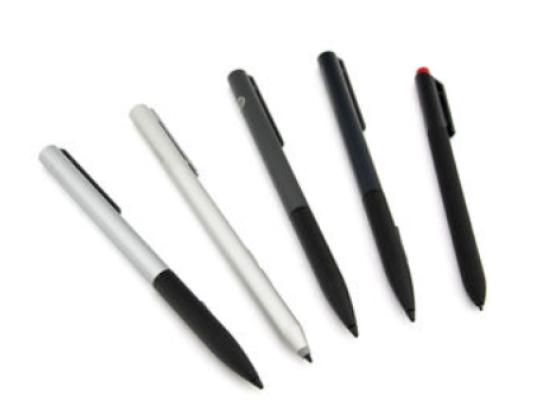
How do styluses work and what should be considered?

Accessories, suitable alternative products and recommendations
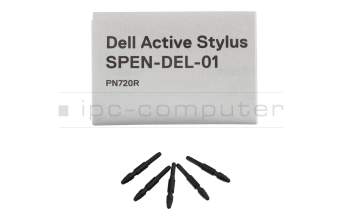
Dell 04371K Replacement tips for Dell Active Stylus Pen PN720R
plus shipping charges