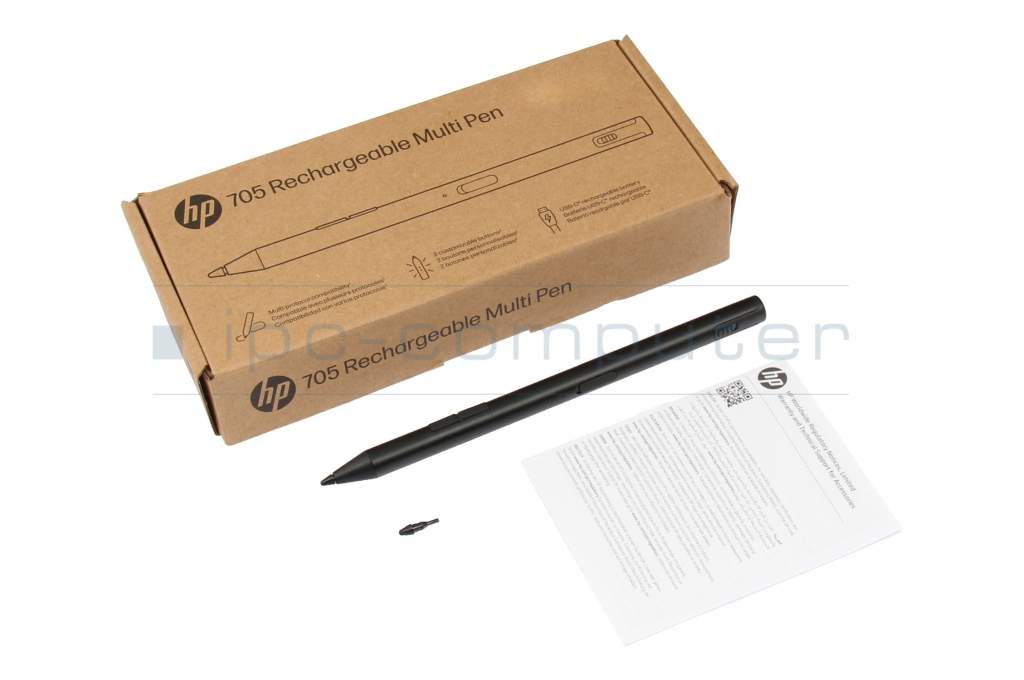
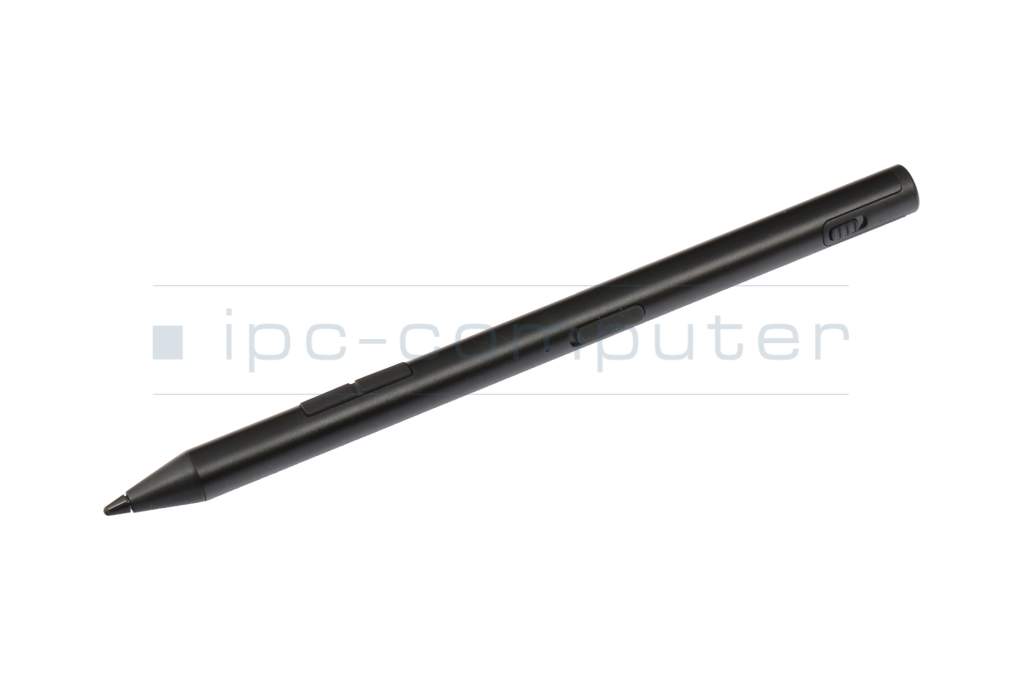
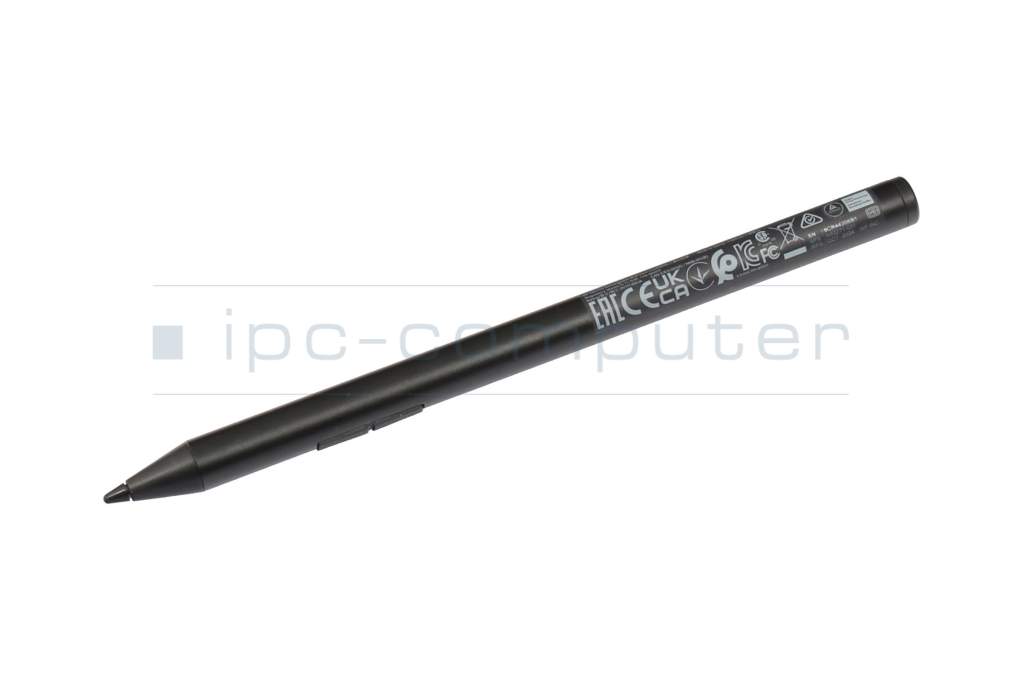
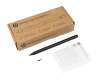
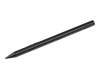
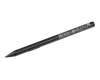
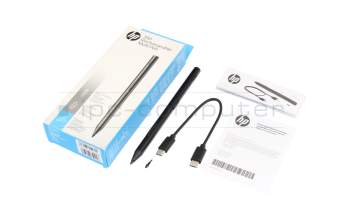
93Z27AA#ABB original HP 705/700 Rechargeable Multi Pen





Substitute part numbers:
TPA-W001P, 93Z27AA
Multi-protocol compatibility includes Wacom AES 2.0/MPP 2.0/USI 1.0. If the pen does not automatically connect to your device, press both buttons on the pen for approximately 5 seconds to establish a connection.
PEN16R Stylus b-stock
plus shipping charges
Product Info
- Manufacturer
- HP
- Item Number
- 93Z27AA#ABB
- Sub-Partnumbers
- TPA-W001P, 93Z27AA
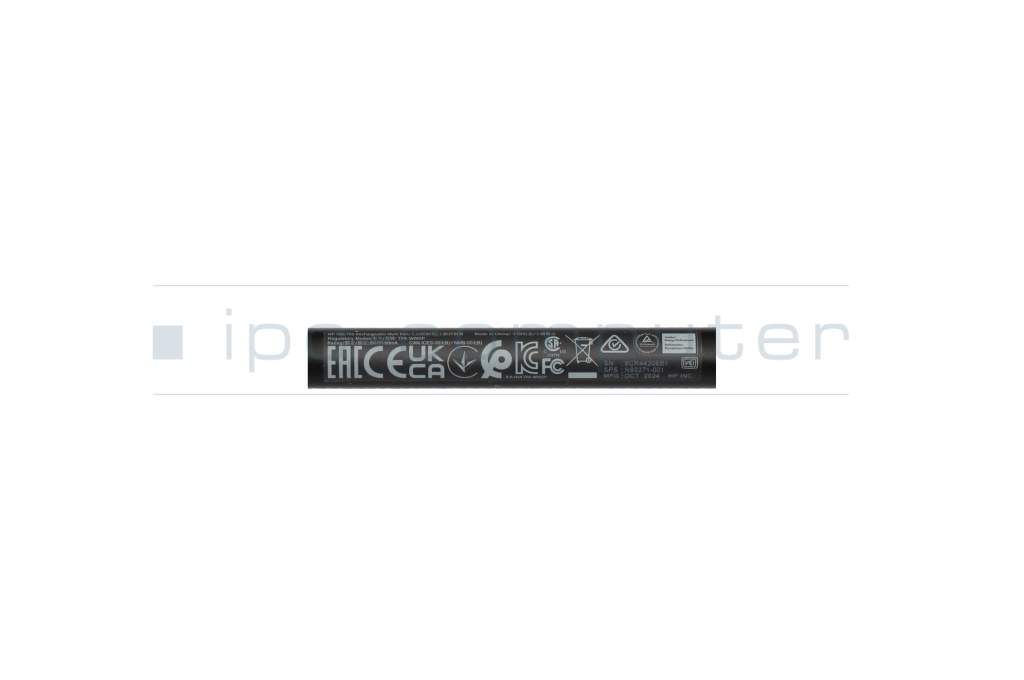
- Safety information
- Sicherheits- & Herstellerkontakt-Informationen
Common data
- Condition
- New
- Color
- black
- Delivery includes
- 1x replacement tip / USB-C cable / manual
Technical Data
- Pen protocol
- AES 2.0 Wacom / MPP 2.0 / USI
- Weight (g)
- 13 g
- Length (cm)
- 15 cm
- Diameter (mm)
- 9 mm
- Number of buttons
- 2
- Pressure levels
- 4096
- Tilt function
- yes
- Power supply
- USB-C
- Running time
- 20 Days
- Operating system
- ChromeOS / Windows 10 / Windows 11
HP 705 Rechargeable Multi Pen – Precision that inspires
The HP 705 Rechargeable Multi Pen is the ideal stylus for productive work across multiple devices. Thanks to multi-protocol compatibility, you can effortlessly switch between different systems and stay in your workflow at all times. Precise tip control ensures a natural, fluid writing and drawing experience – perfect for taking notes, sketching, and professional business applications.
With customizable buttons, tilt, and pressure sensitivity, the pen adapts precisely to your movements, allowing you to work more efficiently and with greater personalization. The integrated battery provides up to 25 days of runtime with typical use. An LED indicator keeps you informed of the current charge status.
The HP 705 also excels in sustainability: It is made from at least 60% recycled household materials and comes in FSC-certified packaging – a thoughtful choice for environmentally conscious work.
Your benefits at a glance:
Cross-device multi-protocol compatibility
Precise, natural input
Two freely assignable function keys
Up to 25 days of battery life with USB-C
Sustainable design
Note: Multi-protocol compatibility includes Wacom AES 2.0/MPP 2.0/USI 1.0. If the pen does not automatically connect to your device, press and hold both buttons on the pen for approximately 5 seconds to establish a connection.
Category
- Category
- Pens / Stylus
- Usage
- Laptop
- Excerpt of suitable models for P/N 93Z27AA#ABB
- HP EliteBook X Flip G1i 14 , HP Pavilion x360 Convertible 14-dy0000 , HP Envy x360 Convertible 15-eu0000 , HP Envy x360 15-es0000 , HP Envy x360 15-es1000 , HP Envy x360 13-bd0000 , HP Spectre x360 14-ea1000 , HP Envy x360 13z-ar000 , HP Envy x360 2in1 15-ew0000 , HP Pavilion x360 14-ek0000
You've found this article over a part number. We'll check if it's the correct sparepart for your machine. To do this, please insert the manufacturer and the name of the model in the order comment.
Videos & Contributions
HP 700/705 Rechargeable Multi Pen für Envy, Spectre, OmniBook - HP Stylus Pen Vorstellung
✍? *Den HP 700/705 Multi Pen gibt's hier:*https://www.ipc-computer.de/notebook-ersatzteile/pens/pen-93z27aa-abb-141541191?utm_source=YouTube+Notebook-Doktor...
Learn more >
How do styluses work and what should be considered?
