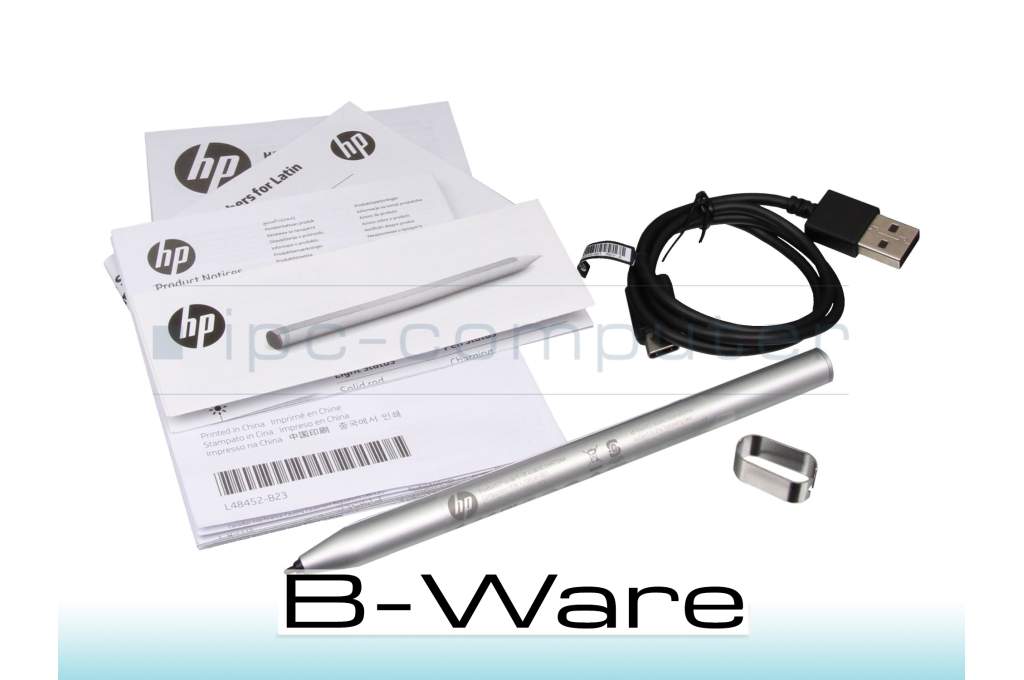
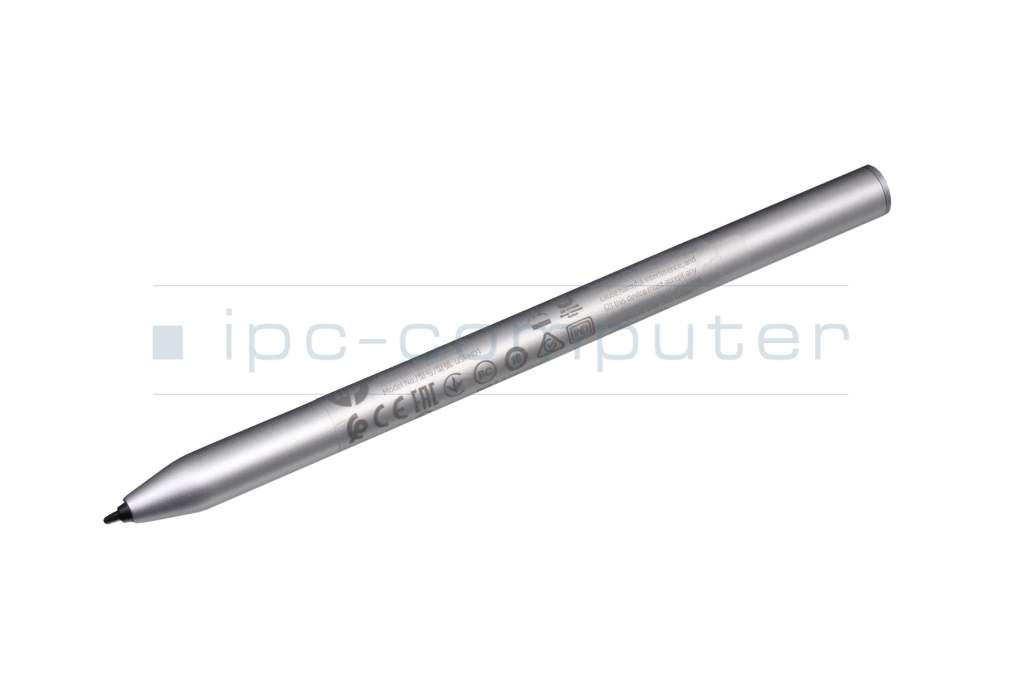
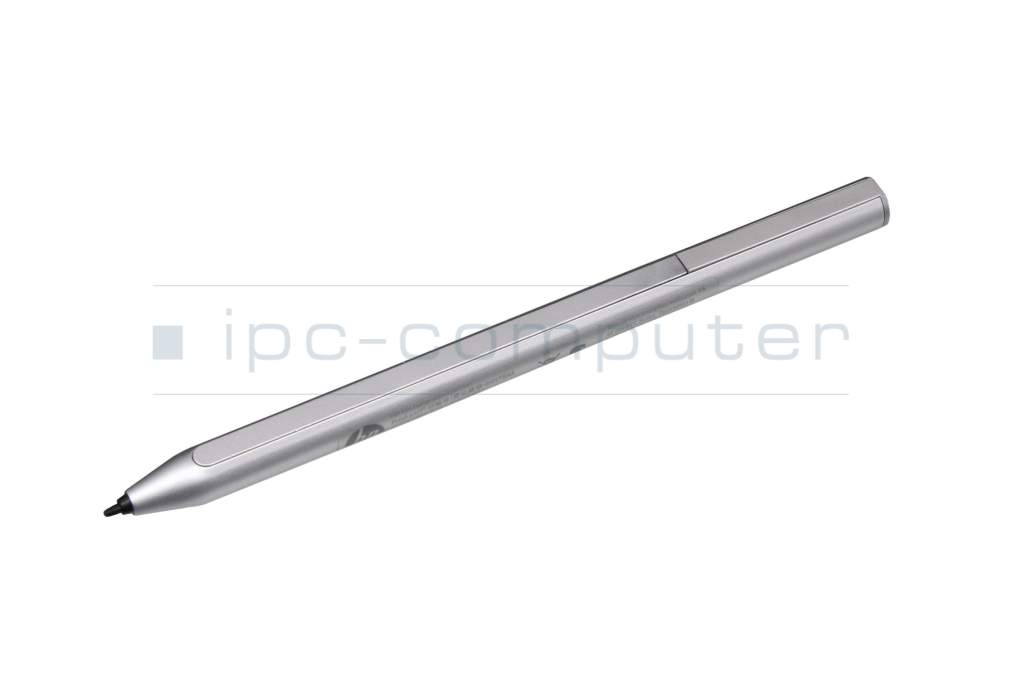
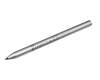
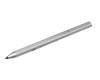
8NN78AA original HP USI Active Pen (without replacement tips) b-stock

plus shipping charges
- Standardlieferung 20. October - 21. October
- Expresslieferung 20. October
- bei Bestellung innerhalb 21 hrs 48 min




Substitute part numbers:
HP 8NN78AA#ABB, HP 8NN78AA#ABL
Condition: B-goods - This is a technically flawless spare part / accessory item from customer returns or an item with traces of storage. The article may have optical defects such as signs of use such as scratches, abrasion or the like, but which do not affect the function and / or the original packaging may be damaged or not present. // The pictures shown are symbolic and do not show the actual condition of the item offered!
235N6AA original HP USI Active Pen
plus shipping charges
Product Info
- Manufacturer
- HP
- Item Number
- 8NN78AA
- Sub-Partnumbers
- 8NN78AA#ABB, 8NN78AA#ABL
- Safety information
- Sicherheits- & Herstellerkontakt-Informationen
Common data
- Color
- gray
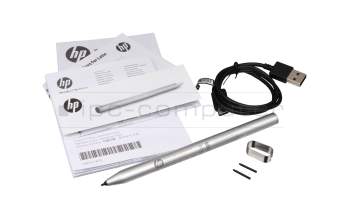
- Delivery includes
- USB-C cable / manual / tip removal tool
Technical Data
- Pen protocol
- USI
- Weight (g)
- 9 g
- Length (cm)
- 14.4 cm
- Diameter (mm)
- 9.5 mm
- Pressure levels
- 4096
- Power supply
- USB-C
- Running time
- 20 Days
- Operating system
- ChromeOS
Category
- Category
- Pens / Stylus
- Usage
- Laptop
- Excerpt of suitable models for P/N 8NN78AA
- HP Chromebook x360 14b-cb0000 , HP Elite c1030 Chromebook , HP Chromebook x360 14c-cc0000 , HP Chromebook x360 14b-cb0000 , HP Chromebook x360 14c-ca0000 , HP Chromebook x360 14a-ca0000
You've found this article over a part number. We'll check if it's the correct sparepart for your machine. To do this, please insert the manufacturer and the name of the model in the order comment.
Videos & Contributions
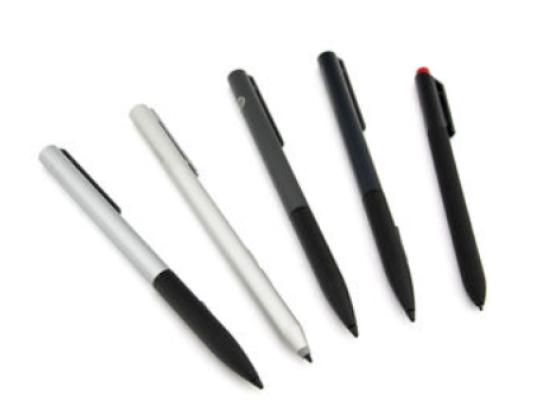
How do styluses work and what should be considered?