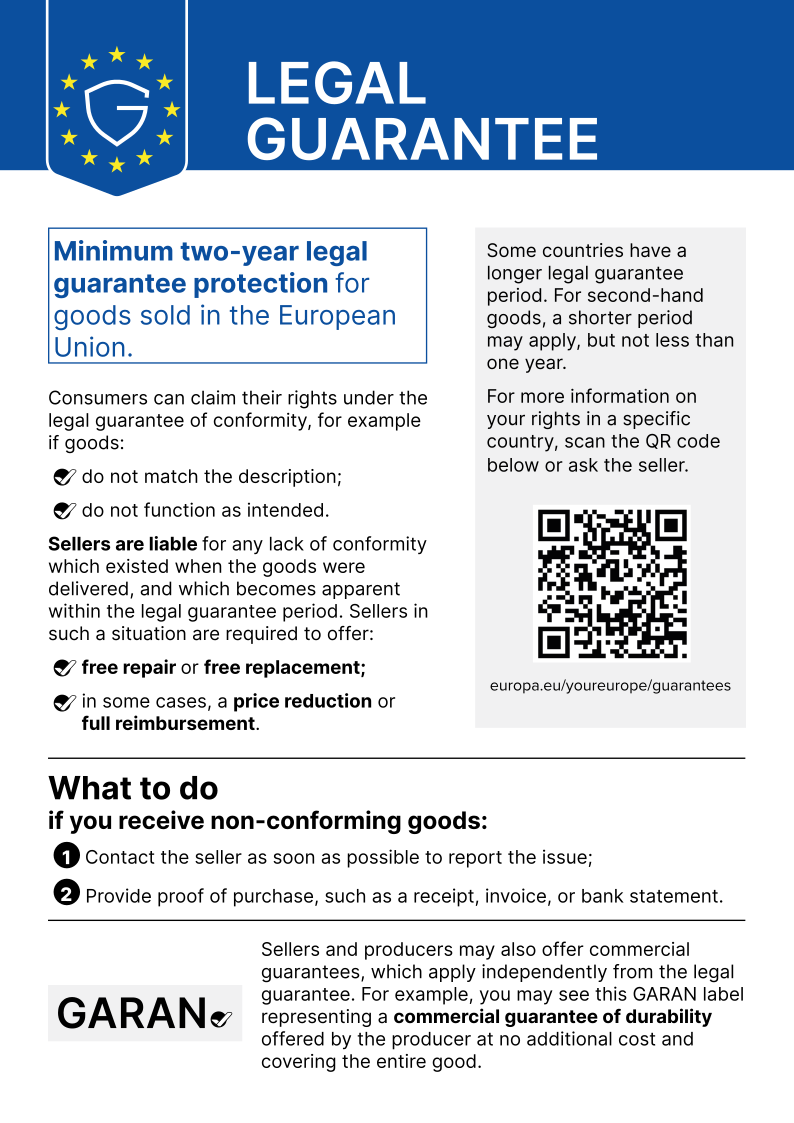
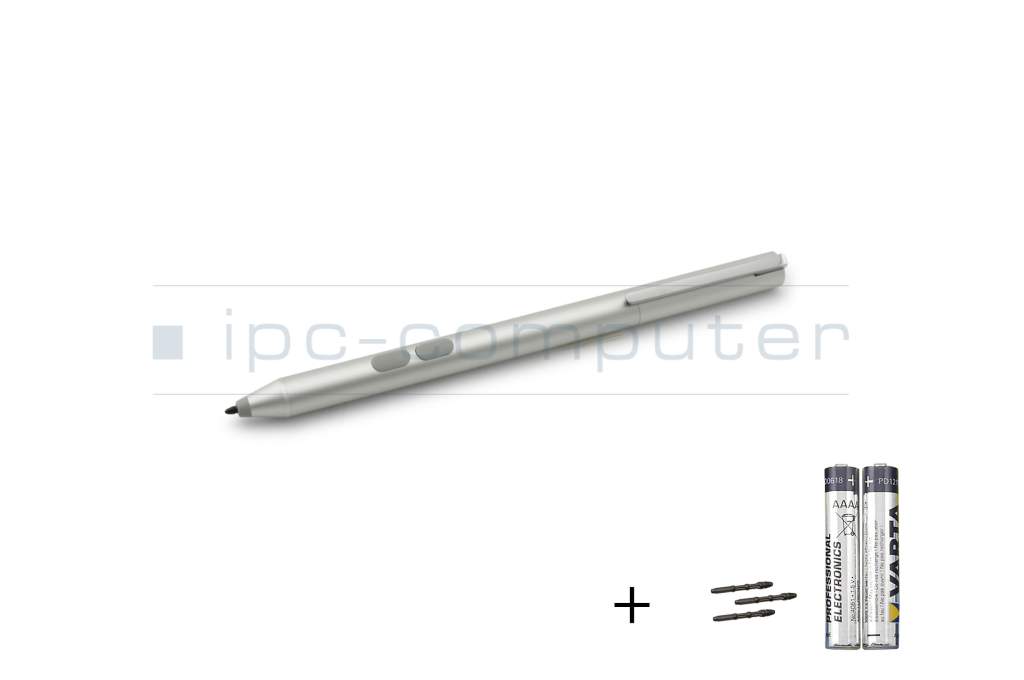
04190-00130500 original Asus + Tips incl. batteries

EOL
Unfortunately there are no alternative products.
Substitute part numbers:
04190-00130700
Product note
This product is EOL (End of Life)
- Manufacturer
- Asus
- Item Number
- 04190-00130500
- Sub-Partnumbers
- 04190-00130700
- Safety information
- Sicherheits- & Herstellerkontakt-Informationen
Common data
- Condition
- New
- Color
- silver
- Delivery includes
- 2x AAAA batteries / 3x replacement tips
Technical Data
- Weight (g)
- 16 g
- Length (cm)
- 14.6 cm
- Diameter (mm)
- 9.8 mm
- Number of buttons
- 2
- Pressure levels
- ---
Category
- Category
- Pens / Stylus
- Usage
- Laptop
- Excerpt of suitable models for P/N 04190-00130500
- Asus ZenBook Flip 14 UX461UA , Asus VivoBook Flip 15 TP510UF , Asus UX561UN , Asus Transformer 3 T305CA , Asus Transformer 3 Pro T303UA , Asus Transformer Mini T102HA , Asus Transformer 4 Pro T304UA , Asus Transformer Mini (T103HAF) , Asus VivoBook Flip 12 TP203NA , Asus Transformer Mini (T103HA)
You've found this article over a part number. We'll check if it's the correct sparepart for your machine. To do this, please insert the manufacturer and the name of the model in the order comment.
Videos & Contributions
Introduction - Asus Stylus Pen - [90NB0000-P00100]
In this video we would like to introduce you to the Asus Stylus Pen [90NB0000-P00100] in more detail.
Learn more >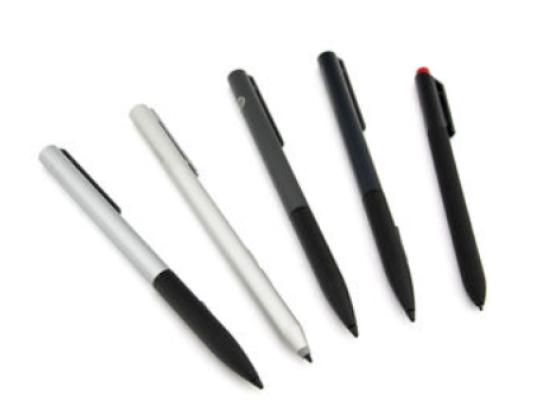
How do styluses work and what should be considered?
Using a pen to operate the touchscreen is a convenient feature. But not every pen works with every notebook or tablet. You have to pay attention to these features.
Learn more >