GUB0N LG DVD Writer Ultraslim
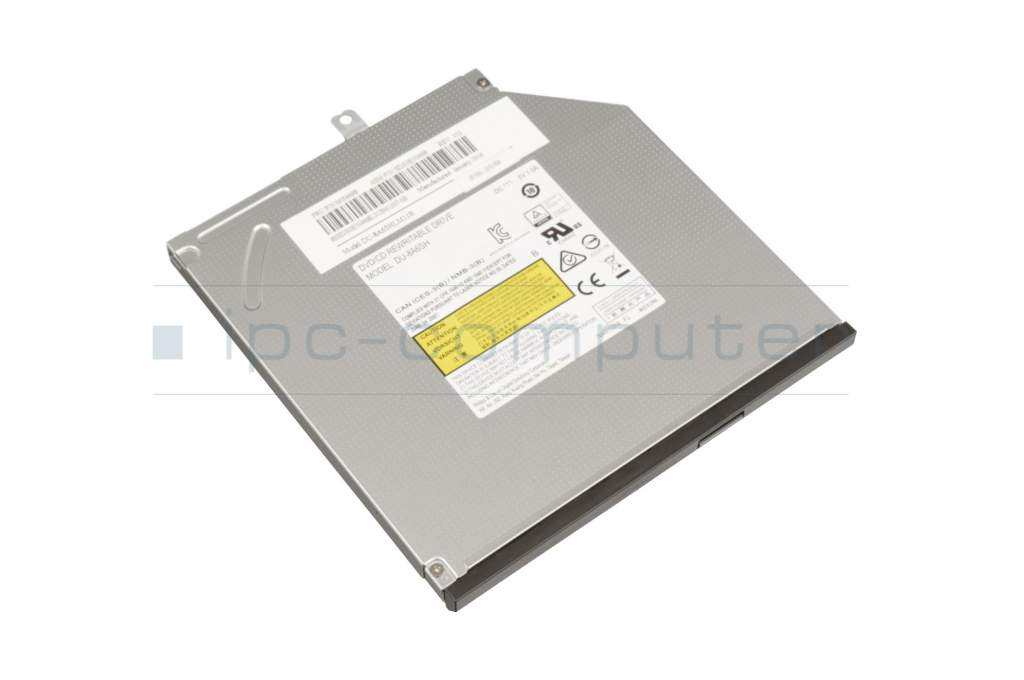
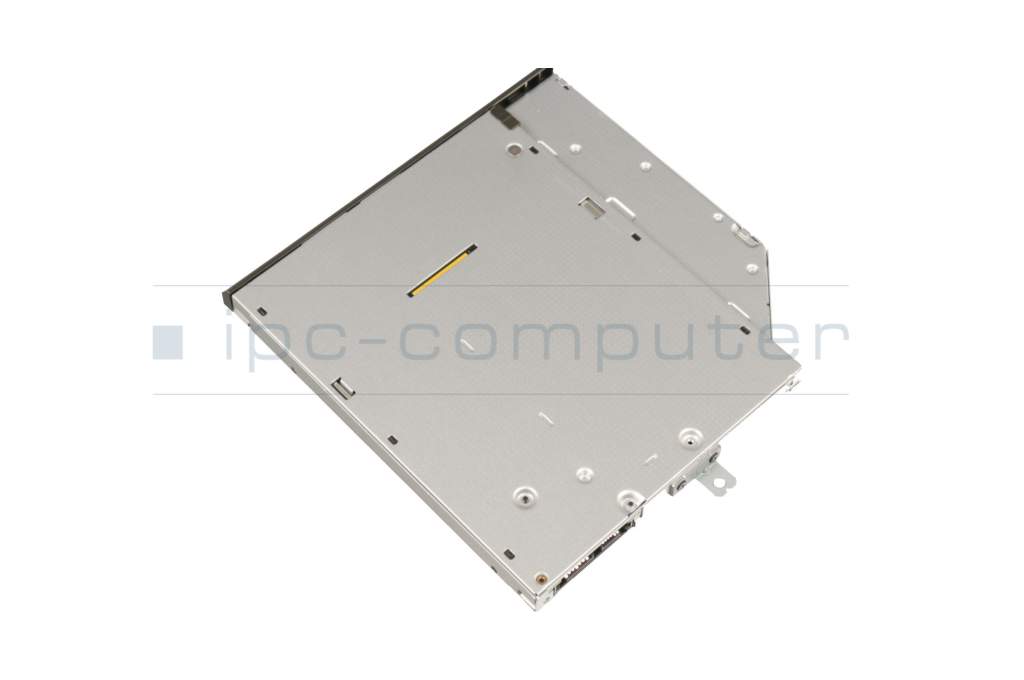
plus shipping charges




- Manufacturer
- Lenovo
- Item Number
- GUB0N
- Primary Partnummer
- DU-8A6SH
- Safety information
- Sicherheits- & Herstellerkontakt-Informationen
The offered manufacturer number is an alternative (substitute) to the spare part number you are looking for.
Common data
- Condition
- New
- Manufacturer
- Lite-on / Philips
Technical Data
- Type
- DVD Writer
- Type of construction
- Ultraslim
- Interface
- S-ATA
- Mechanism
- Tray
- Height
- 9.5 mm
- Front bezel fixation
- GBAS
- Delivery includes
-
Bezel
Bracket
Reading speed
- Readable CD-ROM
- 24x
- Readable DVD-ROM
- 8x
Writing speed
- Recordable CD-R
- 24x
- Recordable CD-RW
- 24x
- Recordable DVD+R
- 8x
- Recordable DVD+R DL
- 6x
- Recordable DVD+RW
- 6x
- Recordable DVD-R
- 8x
- Recordable DVD-R DL
- 6x
- Recordable DVD-RAM
- 5x
- Recordable DVD-RW
- 6x
Note
Um dieses Laufwerk optimal nutzen zu können benötigen Sie ein Brennsoftware die nicht dem Lieferumfang beiliegt.
Category
- Category
- Optical drives
- Usage
- Laptop
- Excerpt of suitable models for P/N GUB0N
- Lenovo ThinkPad X240 (20AM) , Lenovo ThinkPad T440p (20AN/20AW) , Lenovo ThinkPad W540 (20BG/20BH) , Lenovo ThinkPad T540p (20BF/20BE) , Lenovo ThinkPad W541 (20EF/20EG) , Lenovo ThinkPad X230t , Lenovo ThinkPad X230 Tablet , Lenovo ThinkPad X230i Tablet , Lenovo ThinkPad X230 , Lenovo ThinkPad X230i
You've found this article over a part number. We'll check if it's the correct sparepart for your machine. To do this, please insert the manufacturer and the name of the model in the order comment.
Videos & Contributions
Instructions - BluRay burner upgrade
Would you like to upgrade your drive to a Blu Ray compatible one? Here we show you how this is possible and what requirements your notebook should have.
Learn more >
Just a DVD dummy in your notebook?
Replacing the optical drive including the front panel
This video serves as a step-by-step guide for replacing the optical drive including the cover from your notebook.
Learn more >Important and useful informations about laptop Optical drives
Frequently asked questions about Optical drives
This is technically possible, although there are a few things you need to consider.
First your DVD drive needs to be connected via SATA and not PATA, because that is what all Blu-Ray drives use. Second you should test, whether your system meets the requirements of playing a Blu-Ray with a tool like BD & 3D Advisor by Cyberlink.
Optical drive manufacturers used o use different types of bezels for their drives, which made it hard wo find one for your drive. That is why the “General Bezel Assembling Standard” has been created, now most bezels should fit on most optical drives.

All questions about Optical drives
Optical drives FAQ