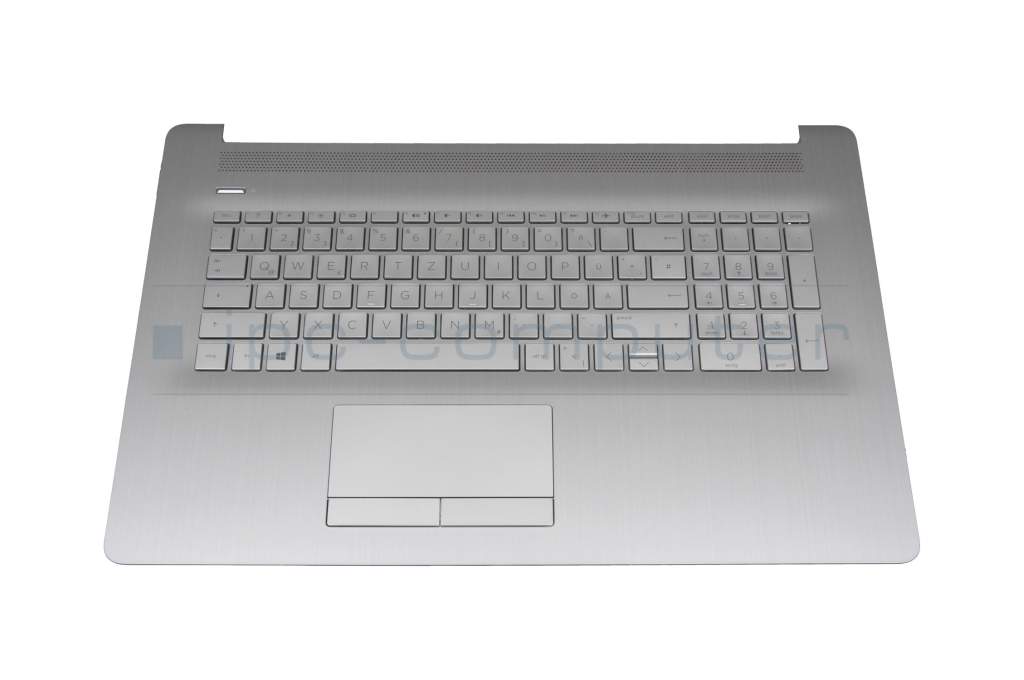
L92790-041 original HP keyboard incl. topcase DE (german) silver/silver with backlight (DVD)

Substitute part numbers:
2H1719-05330I Rev.A
Keyboard including touchpad (TP) / without DVD tray
Product note
This product is EOL (End of Life)
- Manufacturer
- HP
- Item Number
- L92790-041
- Sub-Partnumbers
- 2H1719-05330I Rev.A,
- Safety information
- Sicherheits- & Herstellerkontakt-Informationen
Common data
- Condition
- New
- Manufacturer
- Original directly from HP
- Layout
- DE (german)
- Color of keyboard caps
- silver matte
- Case-Color
- silver
More Information
- Numpad
- Yes
- Backlight
- Yes
- Additional-Keys
-
Mouse buttons
On/Off button - Inclusive
- Touchpad
Note
This keyboard is for models without an optical drive (DVD) and with a conventional touchpad.
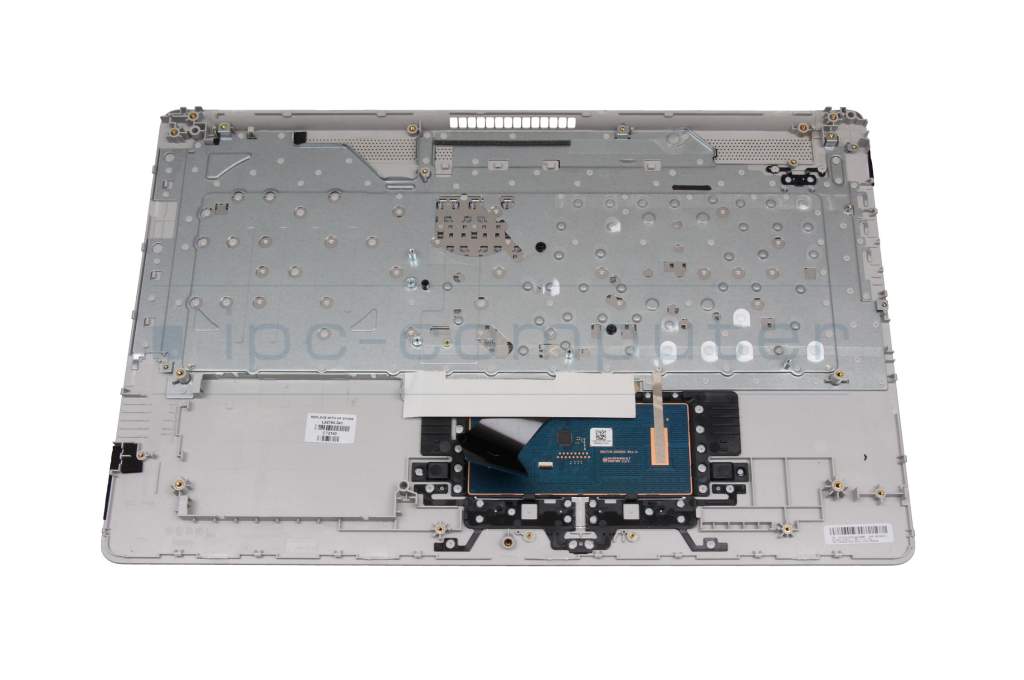
Within the same model series, there are keyboards with and without an optical drive (DVD) and with a conventional touchpad (TP) or with a precision touchpad (PTP). If the wrong keyboard is selected, it could be that the identical keyboard fits but does not work.
When the keyboard is removed, there is a small white label on the underside of the keyboard, directly on the touchboard, to indicate whether it has a PTP. This label then says “PTP”. A photo of the underside and the touchboard is also helpful for us to identify the keyboard.
If it is not possible to remove the keyboard and the manufacturer number of the keyboard is not known,
for some models, we can also find out the required keyboard for your notebook from the model designation. Please state this model number when ordering.
Category
- Category
- Keyboard
- Usage
- Laptop
- Excerpt of suitable models for P/N L92790-041
- HP 17-ca1000
You've found this article over a part number. We'll check if it's the correct sparepart for your machine. To do this, please insert the manufacturer and the name of the model in the order comment.
Videos & Contributions
Laptop keyboard FAQ
In this video we answer the most important questions about laptop keyboards.
Learn more >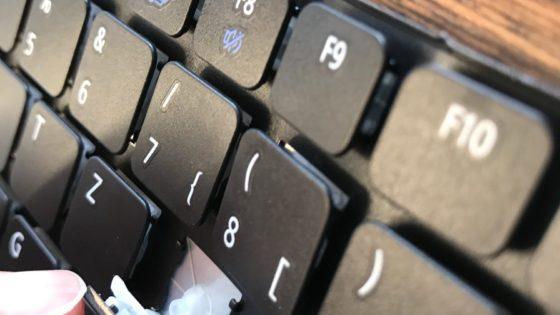
Can I buy individual key caps for my keyboard?
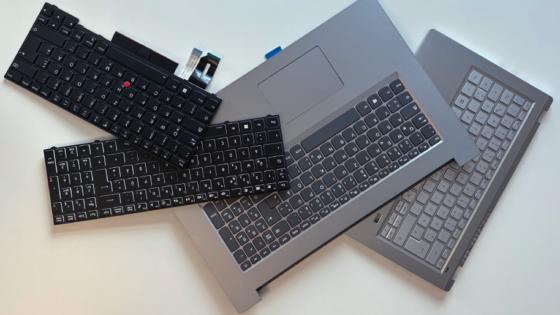
The most common types and installation variants
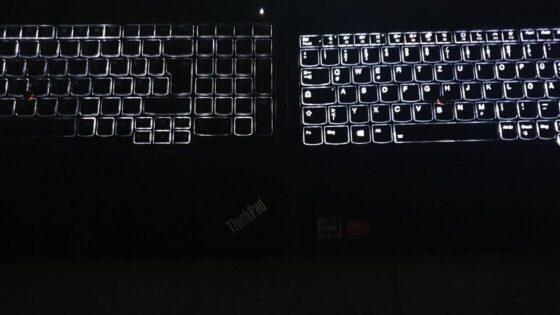
Notebook keyboard original or replica?
Notebook connectors - this is how a change works
This video shows the functionality of various connectors in the notebook as an example.
Learn more >Important and useful informations about laptop Keyboards
Frequently asked questions about Keyboards
All questions about Keyboards
Keyboards FAQ