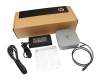
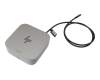
HP P34015-001 TB4 Dockingstation G6 100 W incl. 120W Netzteil

plus shipping charges
- Standardlieferung 16. October - 20. October
- Expresslieferung 15. October
- bei Bestellung innerhalb 10 hrs 32 min




Substitute part numbers:
6070B2312701, P34055-001

PRIPC2 IPC-Computer TB4 Quad-Display Docking Station incl. 160W ac-adapter
plus shipping charges
Product Info
- Manufacturer
- HP
- Item Number
- P34015-001
- Sub-Partnumbers
- 6070B2312701, P34055-001
- Safety information
- Sicherheits- & Herstellerkontakt-Informationen
Common data
- Condition
- New
Technical Data
- Connexion to the laptop
- Thunderbolt 4
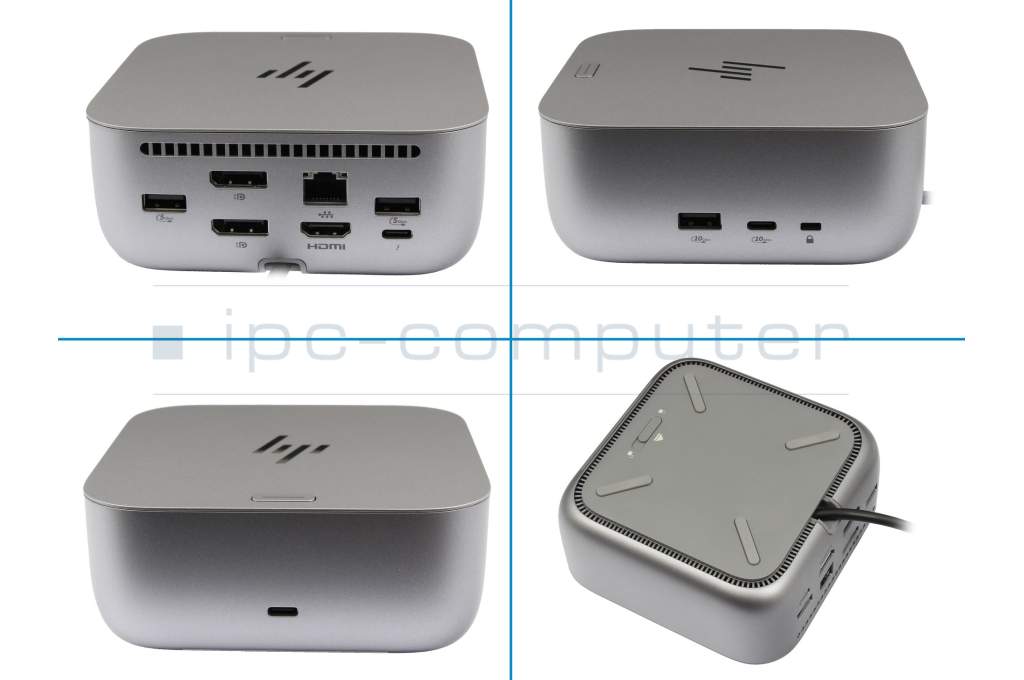
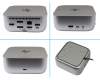
- Connectors
-
1x HDMI
1x Kensington-Lock
1x RJ-45
1x Thunderbolt 4
1x USB-A 3.2 Gen 2
2x DisplayPort
2x USB-A 3.2 Gen 1
2x USB-C 3.2 Gen 2 - Max. resolution of external monitors
-
1x 5K - 5120x2880 @ 60Hz
2x 4K - 3840x2160 @ 60Hz
3x QHD - 2560x1440 @ 60Hz
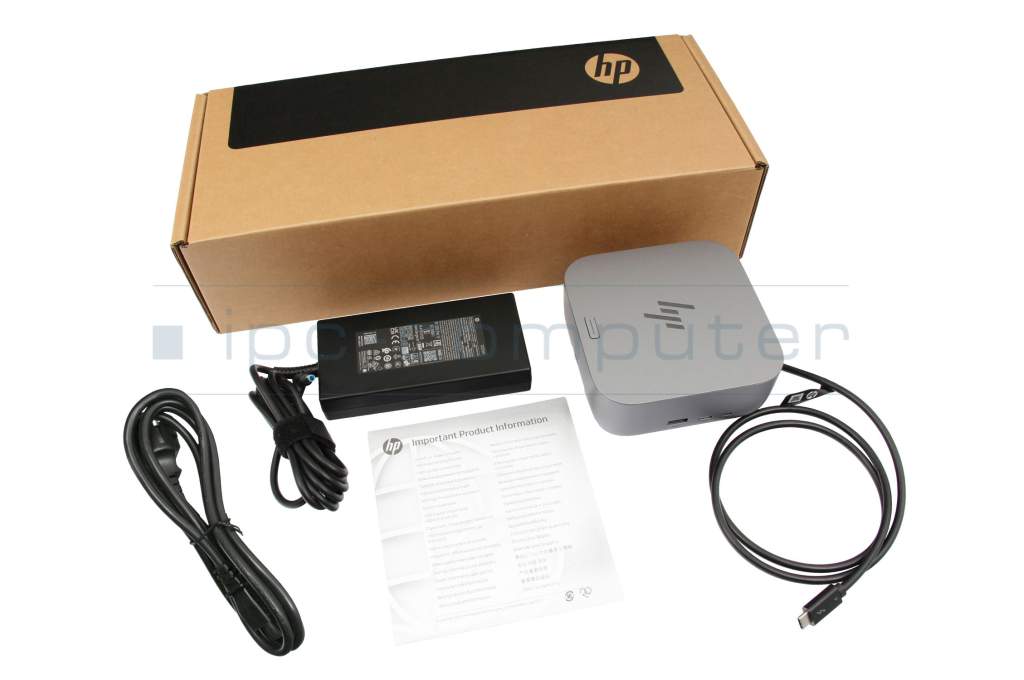
4x 4K - 3840x2160 @ 60Hz - Delivery includes
-
AC-Adapter
Manual
Port Replicator
Power cable - Included ac-adaptor
- 120W
- Compatible operating systems
-
ChromeOS
Linux / Ubuntu
Mac OS
Windows 10 (32bit/64bit)
Windows 11 - Length / Width / Hight
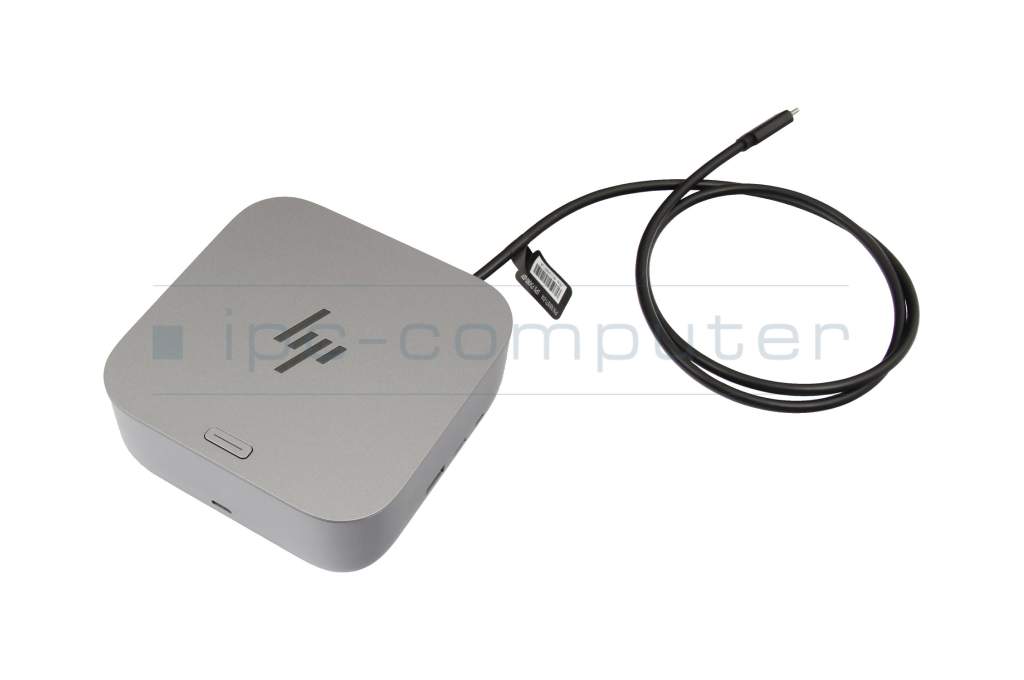
- 12 cm / 12 cm / 4.5 cm
Vorteile
Lösen Sie eingeschränkte Anschlussmöglichkeiten schnell und sicher mit diesem Port Replikator und verbinden Sie auf einfache Weise eine Maus, Drucker, weitere USB-Geräten. Spiegeln oder Erweitern Sie Ihren Desktop auf mehrere externe Monitore. Hier finden Sie den vollständigen Bericht über weitere Vorteile.HP Thunderbolt 4 Docking Station G6 100W: Powerful Thunderbolt 4 dock with 100W Power Delivery, multi-display support, and fast data transfers
Looking for a reliable Thunderbolt 4 docking station? This docking station with Thunderbolt 4 connectivity is perfect for HP laptops with a Thunderbolt 4 port (also backward compatible with laptops with a USB-C port). This docking station offers an efficient solution for connecting numerous devices, running multiple monitors, and optimizing your workspace. Benefit from high-performance technology with 4K and 5K UHD support and versatile connectivity options.
Highlights of this Thunderbolt 4 docking station:
Compatibility: Specifically designed for HP laptops with Thunderbolt 4 and USB-C ports, guaranteeing a stable connection and high performance.
Multi-display support: Connect one 5K UHD display or up to four 4K UHD displays for enhanced overview and productivity in your workday.
Fast charging & Power Delivery: Charge your laptop while it's running with up to 100W of power via Thunderbolt 4.
Versatile monitor connections: One HDMI port and two DisplayPort interfaces enable flexible multi-monitor configurations, ideal for professional applications.
Multiple USB ports: A total of five USB ports (one USB-C 3.1, three USB 3.2, and one Thunderbolt 4) ensure fast data transfer and easy cable management.
High-speed network connection: A 2.5 Gigabit LAN RJ45 port provides a Gigabit LAN connection, guaranteeing process optimization in the office or home office.
Advanced features: Support for PXE boot, Wake-on-LAN, and MAC address pass-through for professional network integration.
Main ports:
1x USB Type-C 10 Gbps signaling rate (up to 15 W power delivery via USB)
1x USB Type-A 10 Gbps signaling rate (with charging function)
1x Nano security lock slot
1x USB Type-C 10 Gbps signaling rate (up to 15 W power delivery via USB)
1x Thunderbolt 4 with USB Type-C 40 Gbps signaling rate
2x USB Type-A 5 Gbps signaling rate (with charging function)
1x HDMI 2.1
2x DisplayPort 1.4
1x RJ-45 (2.5 GbE)
Thunderbolt 4/USB-C 3.2 with 40 Gbps signaling rate for fast connection and high flexibility
Display ports:
HDMI, DisplayPort output, and USB Type-C/Thunderbolt for brilliant 4K or 5K displays
With this Thunderbolt 4 docking station for HP laptops equip you perfectly for effective work, presentations, or creative projects. They also reliably connect your peripherals and enable professional multi-display use – for the highest demands.
Category
- Category
- Dockings
- Usage
- Laptop
- Excerpt of suitable models for P/N P34015-001
- HP Envy x360 15-es0000 , HP ZBook Firefly 15 G8 , HP Elite Dragonfly Max , HP EliteBook 840 G9 , HP ProBook 440 G9 , HP ZBook Firefly 16 G10 , HP Elite 830 x360 G10 , HP EiteBook 830 G10 , HP ZBook X G1i 16 , HP Envy x360 15ew-1000
You've found this article over a part number. We'll check if it's the correct sparepart for your machine. To do this, please insert the manufacturer and the name of the model in the order comment.
Videos & Contributions
Using a laptop with a dock even when it is folded down
In this quick tip we show how you can work with a docking station and an external monitor even when your laptop is folded down.
Learn more >Which USB dock connector do I need for my notebook?
To choose the right docking station for your notebook, you should know which USB port you need. In this video, we will go into the differences and special features of the USB ports.
Learn more >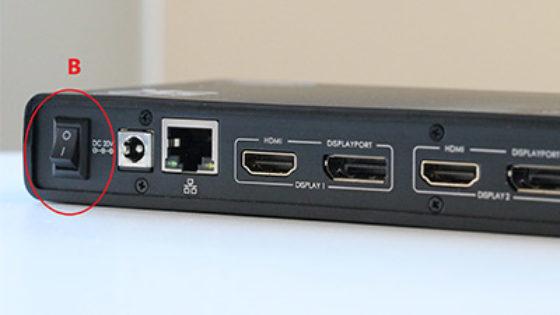
The "secret" with the power button
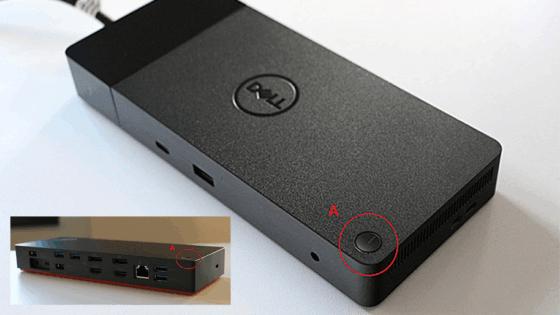
The power button does not activate the notebook?
Important and useful informations about laptop Docking stations
Frequently asked questions about Docking stations
All questions about Docking stations
Docking stations FAQ
Accessories, suitable alternative products and recommendations
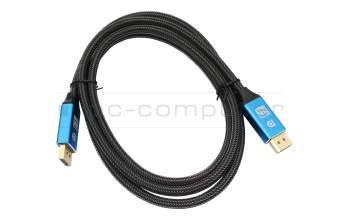
IPC-Computer KA001I 8K DisplayPort to DisplayPort
plus shipping charges
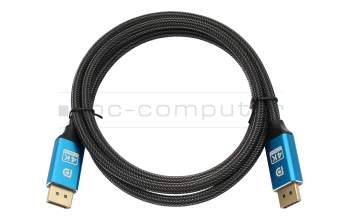
IPC-Computer KA002I 4K HDR DisplayPort to DisplayPort
plus shipping charges
IPC-Computer KA003I 4K HDMI to HDMI
plus shipping charges