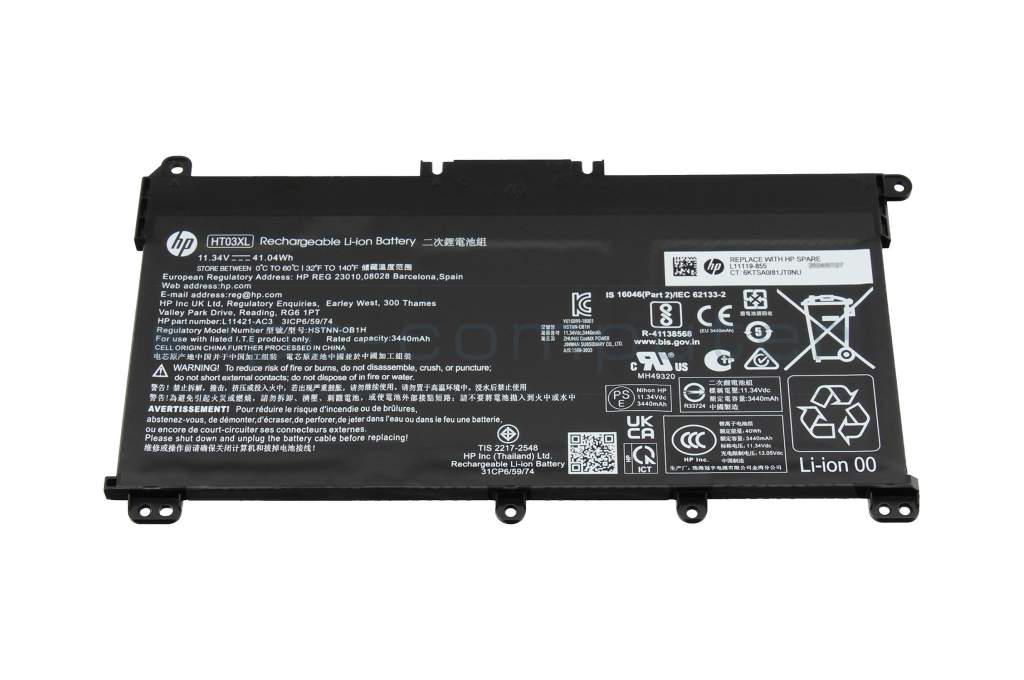
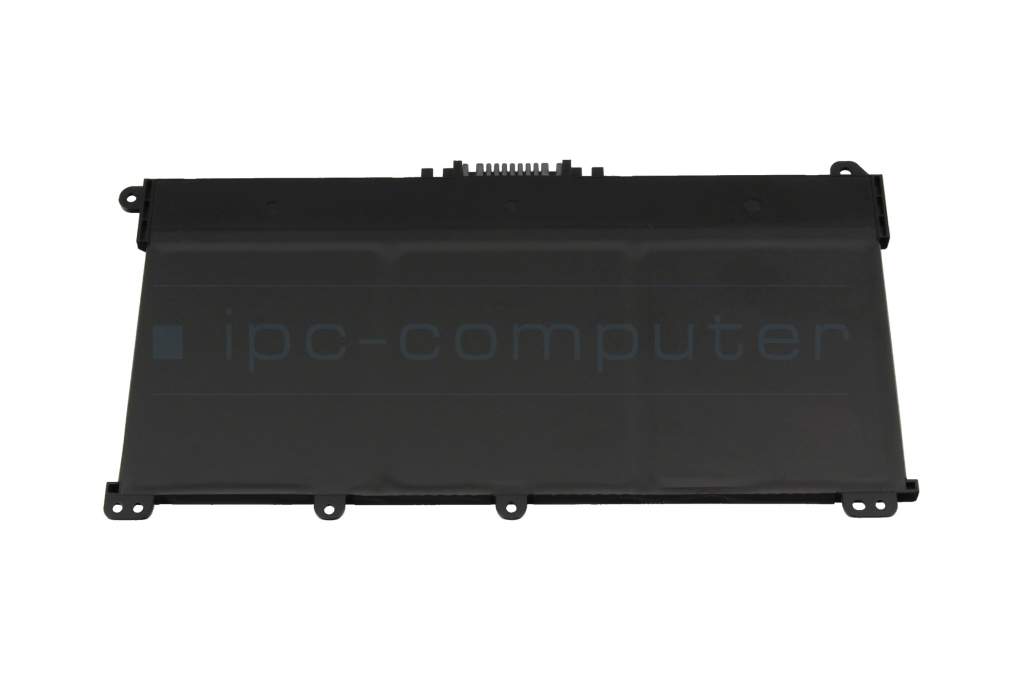
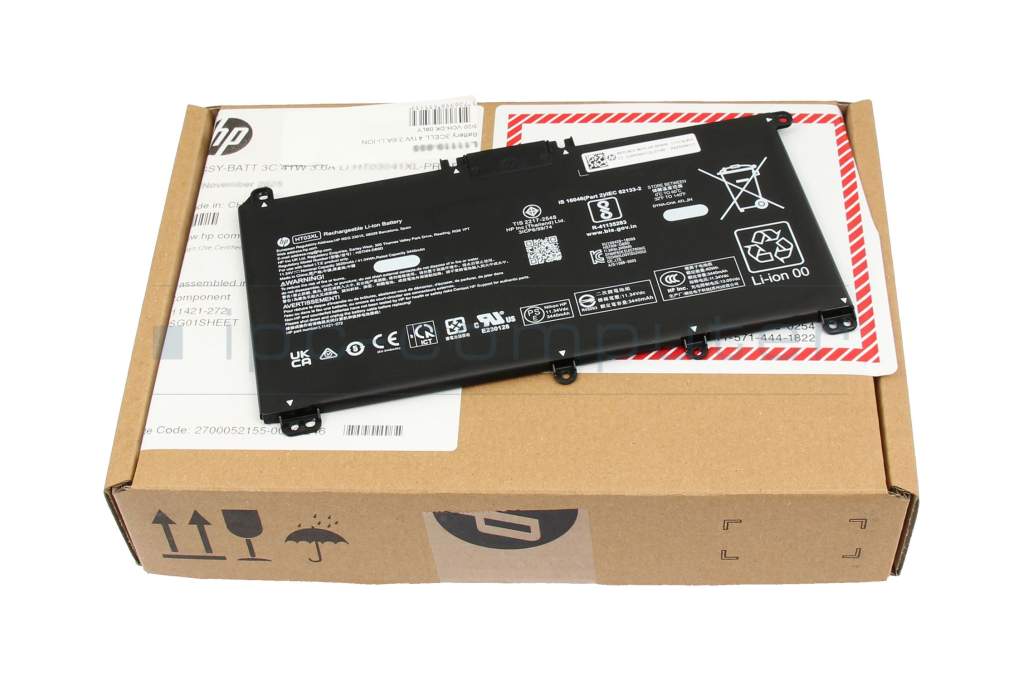
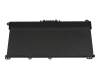
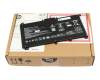
HT03XL original HP battery 41.04Wh HT03XL

plus shipping charges
- Standardlieferung 23. September - 25. September
- Expresslieferung 22. September
- bei Bestellung innerhalb 3 hrs 54 min




Installation in our repair shop
Substitute part numbers:
HT03, HSTNN-IB8O, HSTNN-1B80, 1588-3003, 3ICP6/59/74, L11421-AC3
Note: HP HT03XL 3-cell battery—Please make sure your battery is the HT03XL model before purchasing. This battery fits various model series - In the HP 15-cs1000, 15-cs2000, and 15-cs3000 model series, batteries with different designs are installed depending on the configuration. The battery offered here cannot be used as an alternative to the HP LG04XL battery!
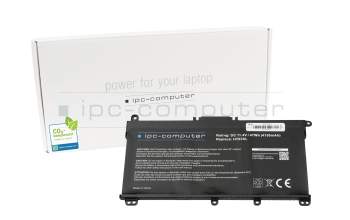
IPC-Computer battery compatible to HP L11119-855 with 47Wh
plus shipping charges
Product Info
- Manufacturer
- HP
- Item Number
- HT03XL
- Sub-Partnumbers
- HT03, HSTNN-IB8O, HSTNN-1B80, 1588-3003, 3ICP6/59/74, L11421-AC3
- Safety information
- Sicherheits- & Herstellerkontakt-Informationen
Common data
- Condition
- New
- Manufacturer
- Original directly from HP
- Color
- black
Technical Data
- Battery type
- intern
- Battery technology
- Li-Polymer
- Capacity
- 3440 mAh / 41.04 Wh
- Output (volt)
- 11.34 Volt
- Number of cells
- 3 Cells
Battery Quality
RoHS kompatibel |
 Weitere Informationen Weitere Informationen |
|
ReachG kompatibel und zertifiziert |
Weitere Informationen |
|
ChemG Einhaltung aller Stoffverbote |
Weitere Informationen |
|
Batterie Gesetz erfüllt |
Weitere Informationen |
Category
- Category
- Batteries
- Usage
- Laptop
- Excerpt of suitable models for P/N HT03XL
- HP 15-db0000 , HP Pavilion 15-cw0000 , HP Pavilion 15-cs2400 , HP Pavilion 15-cs0900 , HP Pavilion x360 14-dh0100 , HP 14-ck2000 , HP 15s-fq1000 , HP 14-cf3000 , HP 15s-eq1000 , HP Envy x360 15-cn1000
You've found this article over a part number. We'll check if it's the correct sparepart for your machine. To do this, please insert the manufacturer and the name of the model in the order comment.
Videos & Contributions
Step-by-step Guide: Replacing an HP Battery!
In this video, you will see how to replace the internal battery of your HP notebook.
Learn more >01 AHT03C
Auf YouTube findest du die angesagtesten Videos und Tracks. Außerdem kannst du eigene Inhalte hochladen und mit Freunden oder gleich der ganzen Welt teilen.
Learn more >
Determine the battery life of the notebook - this is how it works!
Instructions - Replacing the Integrated Notebook Battery
In diesem Video siehst du, wie man den internen Akku sicher tauschen kann. Hier getzeigt an einem Lenovo ThinkPad E590.
Learn more >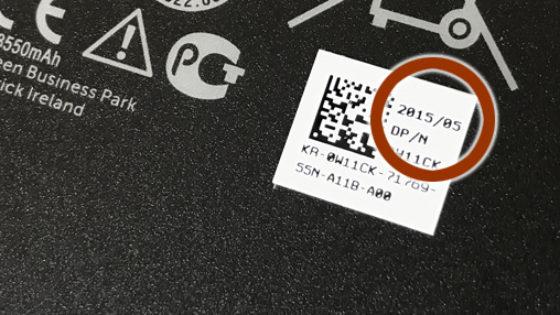
Why are notebook batteries often a few years old when you buy them?
How can I recharge my notebook battery to 100%?
Important and useful informations about laptop Batteries
FAQs specific to this article
Opening a laptop requires care, the right tools and some experience.
Be sure to observe the following basic rules:
- De-energize: Disconnect the device completely from the mains and de-energize the internal battery.
- Tools: Use suitable precision mechanics tools and observe ESD protection.
- Caution: Systematically loosen the housing screws and carefully lift off the base cover with a plastic tool.
No force: Do not use force! Many devices have hidden screws under rubber feet or stickers.
Video instructions: Our "My laptop from the inside" series clearly shows how different laptop models are constructed. The more than 250 videos (YouTube) will help you to understand the design and locate components safely.
Service: If you are unsure or permanently installed components need to be separated, our technicians in the workshop will safely remove and repair them.
Frequently asked questions about Batteries
All questions about Batteries
Batteries FAQ
Accessories, suitable alternative products and recommendations
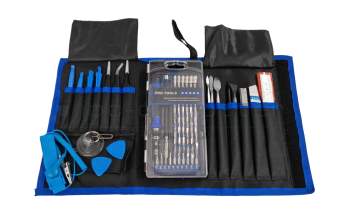
IPC-Computer SCREW2 Screwdriver and opener set - 80 pieces
plus shipping charges