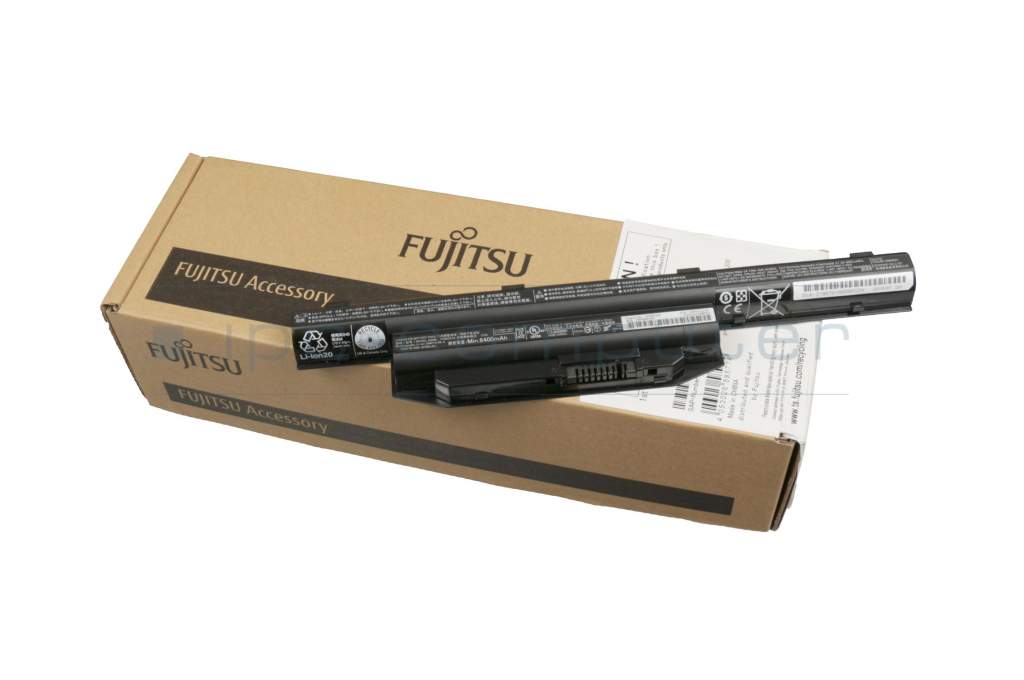
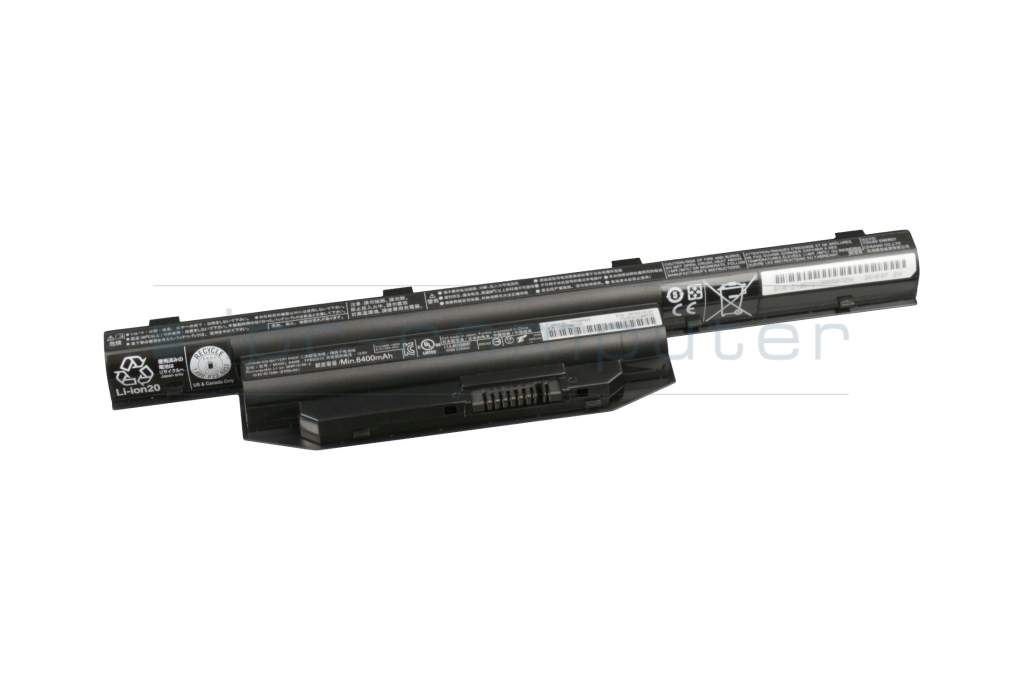
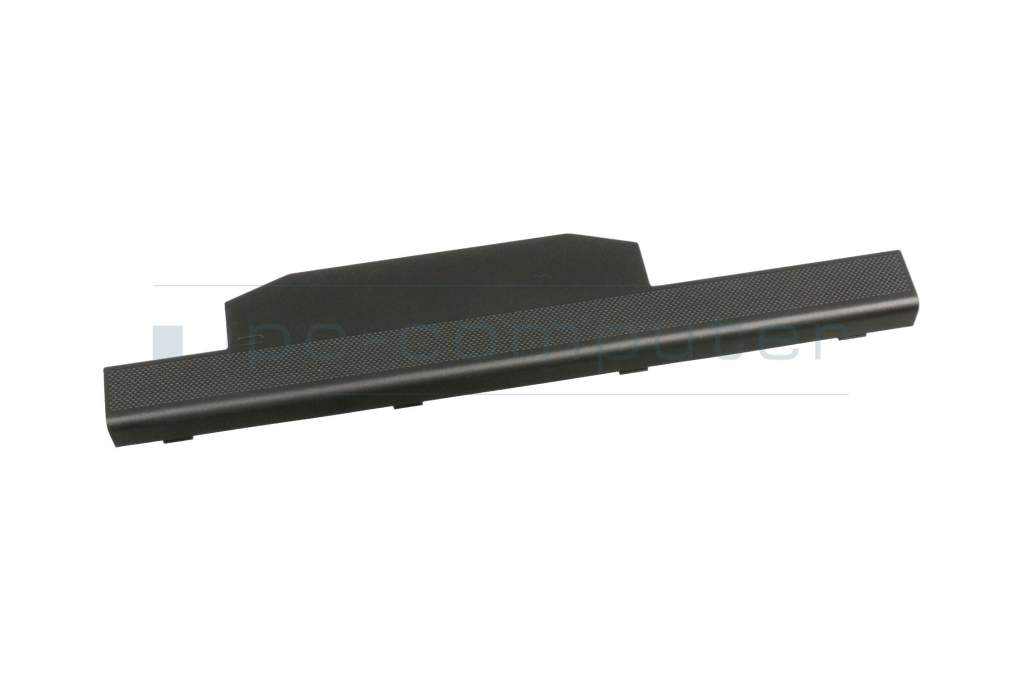
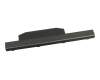
CP651529-XX original Fujitsu battery 72Wh

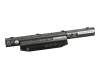
Substitute part numbers:
CP671396-XX, CP671397-XX
Product note
This product is EOL (End of Life)
- Manufacturer
- Fujitsu
- Item Number
- CP651529-XX
- Sub-Partnumbers
- CP671396-XX, CP671397-XX
- Safety information
- Sicherheits- & Herstellerkontakt-Informationen
The offered manufacturer number is an alternative (substitute) to the spare part number you are looking for.
Common data
- Condition
- New
- Manufacturer
- Original directly from Fujitsu
- Color
- black
Technical Data
- Battery type
- standard
- Battery technology
- Li-Ion
- Capacity
- 6700 mAh / 72 Wh
- Output (volt)
- 10.8 Volt
- Number of cells
- 6 Cells
Battery Quality
RoHS kompatibel |
 Weitere Informationen Weitere Informationen |
|
ReachG kompatibel und zertifiziert |
Weitere Informationen |
|
ChemG Einhaltung aller Stoffverbote |
Weitere Informationen |
|
Batterie Gesetz erfüllt |
Weitere Informationen |
These original Fujitsu batteries are unused and fully functional.
Due to the age of the compatible laptop models, this battery is no longer being produced, which means that they may have an older production date.
Due to a certain age, it may happen that such a battery cannot always be used immediately after being inserted into the laptop. They can lose too much voltage over a longer period of time and may need to be reactivated first.
What can you do to reactivate a new laptop battery with too low a voltage?
The laptop's intelligent charging electronics and a little patience can help here.
If the actual nominal voltage of the new laptop battery is only slightly below the actual nominal voltage, it often helps to leave the battery in the laptop while it is switched off and connect the power supply for a longer period of time. During this time, the laptop's charging electronics try to charge the battery in pulses and very gently with a low charging current of only around 100 mA until the normal nominal voltage is reached. This is the crucial phase in which many apparently defective new laptop batteries can be completely reactivated. After that, the charging process is continued with a normal charging current of 1-2 amps until the battery has reached its nominal capacity.
Give the charging electronics a few hours. Stimulating the battery with pulses of low charging current can take a really long time.
The new laptop battery is deeply discharged and cannot be reactivated. Is this a warranty case?
Yes, if the new laptop battery can no longer be reactivated, we will of course exchange it free of charge.
Category
- Category
- Batteries
- Usage
- Laptop
- Excerpt of suitable models for P/N CP651529-XX
- Fujitsu LifeBook E546 , Fujitsu LifeBook A557 , Fujitsu LifeBook A357 , Fujitsu LifeBook E744 , Fujitsu LifeBook E734 , Fujitsu LifeBook E754 , Fujitsu LifeBook E554 , Fujitsu LifeBook E544 , Fujitsu LifeBook E556 , Fujitsu LifeBook E736
You've found this article over a part number. We'll check if it's the correct sparepart for your machine. To do this, please insert the manufacturer and the name of the model in the order comment.
Videos & Contributions

Determine the battery life of the notebook - this is how it works!
Replacing the external battery - Cuidado de la batería - Tips & hints
This video shows how you can quickly and easily remove the external battery from the notebook and insert it again.
Learn more >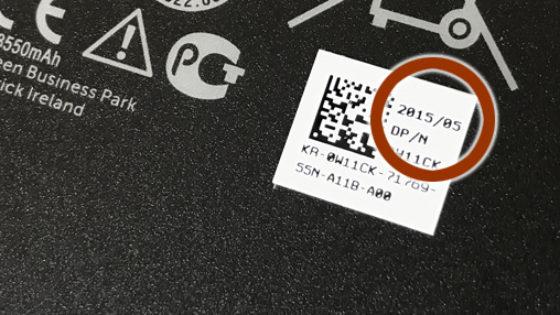
Why are notebook batteries often a few years old when you buy them?
How can I recharge my notebook battery to 100%?
Important and useful informations about laptop Batteries
Frequently asked questions about Batteries
All questions about Batteries
Batteries FAQ