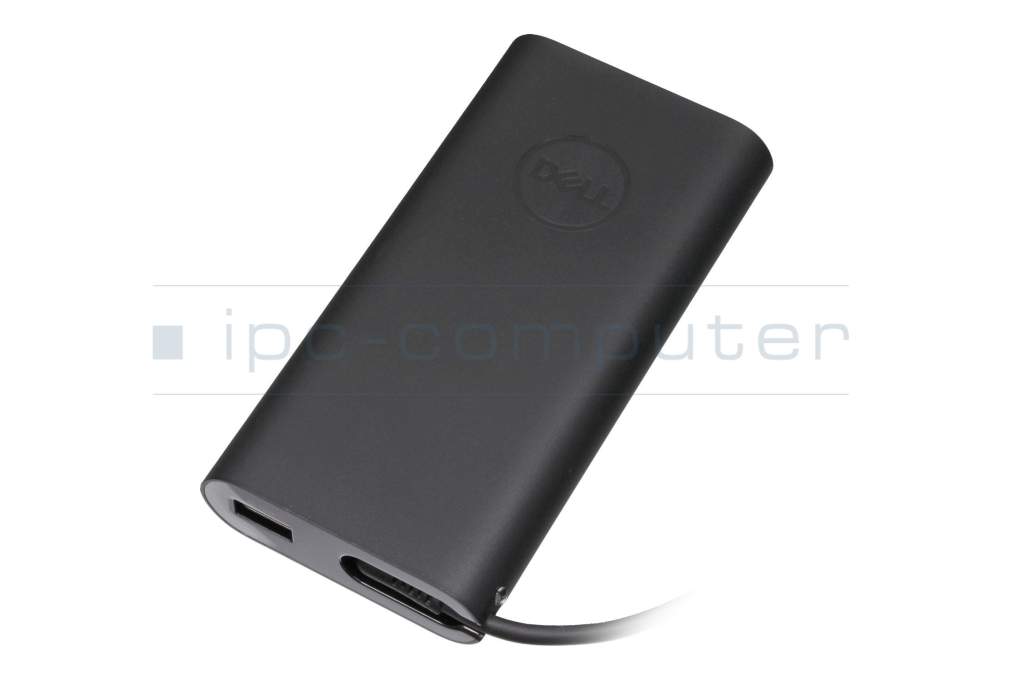
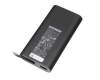
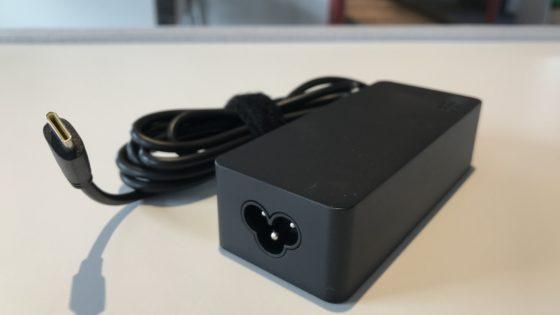
PA901C original Dell USB-C AC-adapter 100.0 Watt rounded Plus

DELL Original
69.00 EUR
incl. Tax (19%)
plus shipping charges
7 pieces in stock.
shipping today.Express shipping possible.

Substitute part numbers:

HU10436-20202, HA100PM190, DELL-PA901C

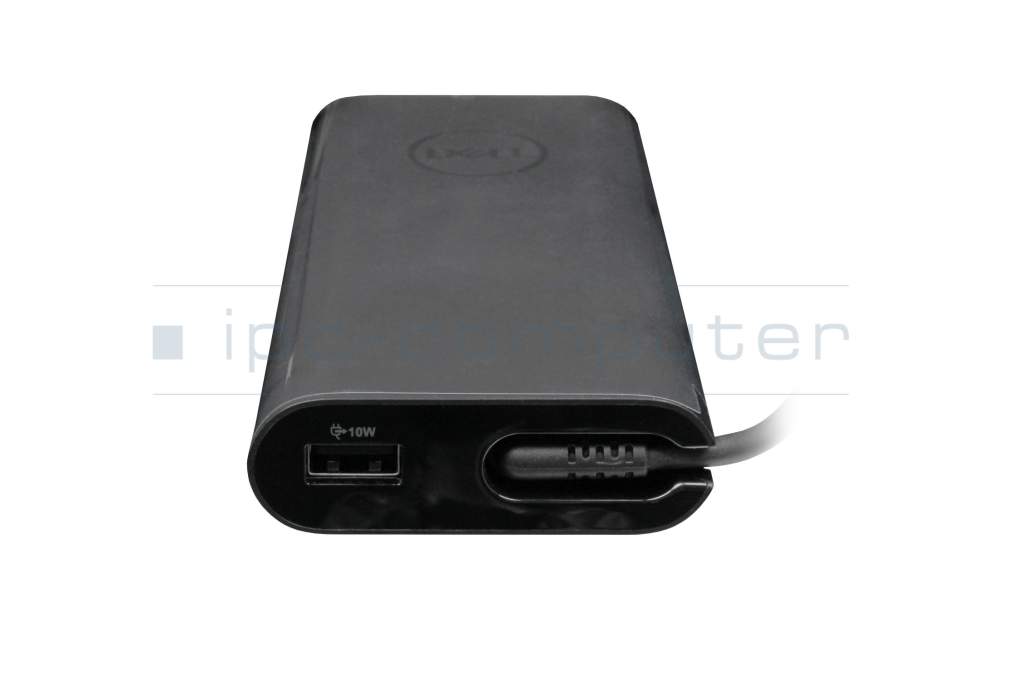
+USB-A Port 10W
450-AGOQ original Dell USB-C AC-adapter 90.0 Watt rounded

450-AGOQ original Dell USB-C AC-adapter 90.0 Watt rounded

In stock
62.00 EUR
incl. Tax (19%)
plus shipping charges

Product Info

Manufacturer
Dell
Item Number
PA901C
Sub-Partnumbers
HU10436-20202, HA100PM190, DELL-PA901C
Sicherheitsinformationen
Sicherheits- & Herstellerkontakt-Informationen

Common data

Condition
New
Manufacturer
Original directly from Dell
Intended use
Laptops
Color
black
Design
rounded
Delivery includes
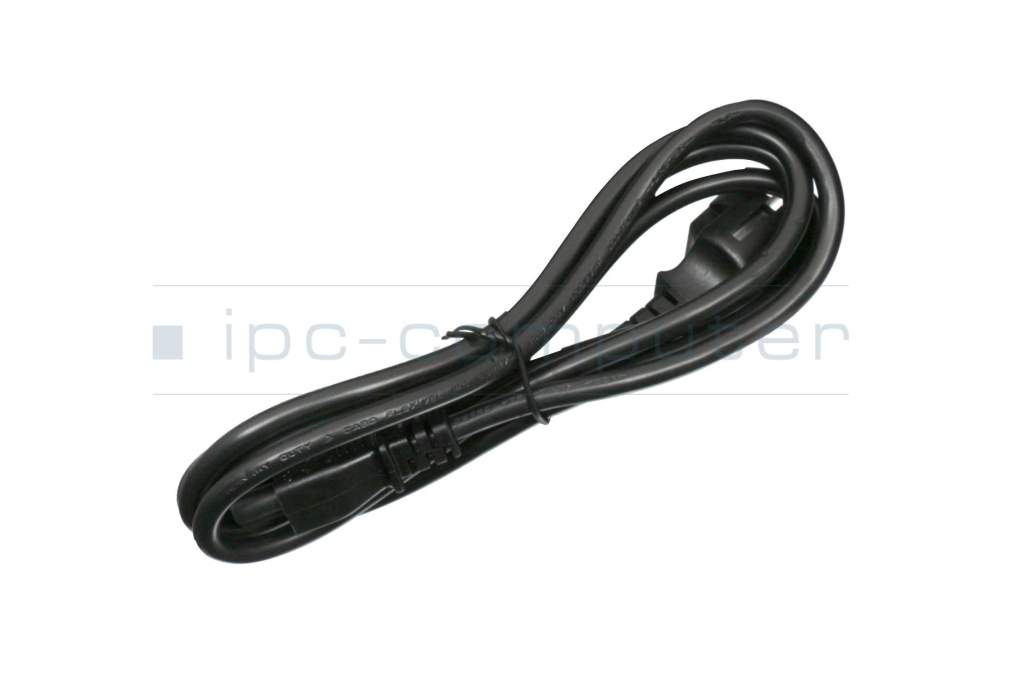
incl. power cable (3-pole cable C5)

Technical Data

Tension (volt)
20 Volt
Amperage (ampere)
4.5 Ampere
Output (watt)
100.0 Watt
Additional output
15V / 3A / 45W
20V / 4.5A / 90W
5V / 2A / 10W
5V / 3A / 15W
9V / 3A / 27W
Input (volt)
100-240V / 50-60Hz

Laptop Plug

Connector type / shape
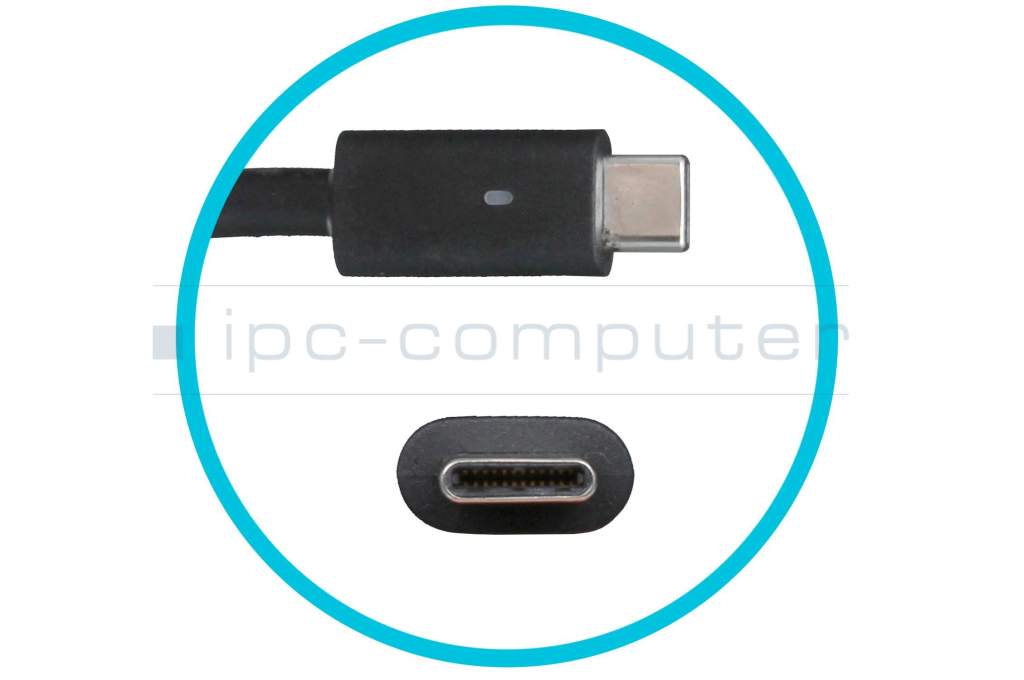
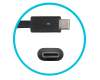
USB-C / 180° straight
Length of the connector cable (m) (ca.)
1.00 m

Weight & Meassurements

Length / Width / Hight
13 mm / 66 mm / 22 mm

More Information

Overload-, short-circuit- and overheat-protected
yes
Seal of approval
CCC
CE
N
NOM NYCE
PSE
Singapore Safety Mark
Technical Inspection Association (TÜV)
UL Listed
tbs_17884

Fast charging with Express Charge.
Simultaneous charging of laptop and smartphone via a second USB-A port (10 W).
Compact and slim design for everyday use.

Category

Category
AC-Adaptor
Usage
Laptop
Excerpt of suitable models for P/N PA901C
Dell Latitude 12 2in1 (5285) , Dell Latitude 13 (7390) , Dell Latitude 12 (7285) , Dell Latitude 15 (5511) , Dell Latitude 15 (9510) , Dell Precision 17 (5760) , Dell Latitude 14 (5400) , Dell Latitude 14 (5420) , Dell Latitude 14 (5431) , Dell Latitude 14 2in1 (7430)

You've found this article over a part number. We'll check if it's the correct sparepart for your machine. To do this, please insert the manufacturer and the name of the model in the order comment.

How to identify my notebook model?

Videos & Contributions

Not all USB-C power supplies are the same

Not all USB-C power supplies are the same

USB Type C is intended to simplify the connection between devices by requiring only one connection. However, there are sometimes serious differences in USB-C power supplies.
Learn more >

Recognize defective notebook power supply - purchase advice

Notebook power supplies are essential for most technical aids in the office and at home. - With these "step-by-step" instructions we help to prevent bad purchases.

Learn more >
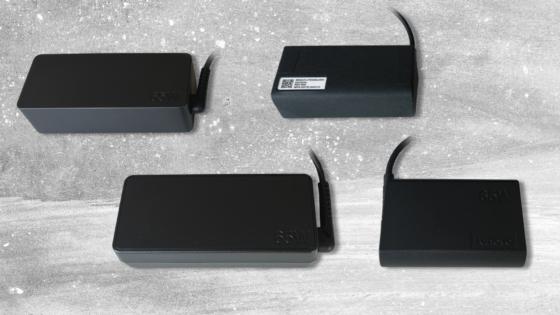
New notebook power supplies in various designs

New notebook power supplies in various designs

Customers often wonder why their replacement power supply looks different from the original. Why you don't have to worry about compatibility and what advantages an alternative design offers.
Learn more >

Important and useful informations about laptop AC adapters

Frequently asked questions about AC adapters

  • How do I find out how what the output power (watts) of my power supply is

    All the necessary information to calculate it can be found on the back of the power supply. To calculate the output power of the unit, use the specifications listed under "output".

    Calculation:

    Ampere * Volt = Watt

    Example: 4,74 A * 19 V = 90,06 W

    The power supply therefor has 90 Watt.

  • I have a 65 watt power supply, can I also use one with 90 watt?

    Yes, you can use a power supply with a higher wattage, however you need to pay attention that the voltage doesn't deviate more than one volt from the voltage of the original power supply.

    It also doesn't work the other way around; your new power supply needs to have at least the same wattage as the old one.

  • My laptop battery is no longer charging, is my charger broken?

    Not necessarily, try taking your battery out (if possible) and starting the computer while connected to the charger in question. If it starts, the power supply is working but something in the Notebook is broken.

    There are also multiple indicator lights, on the laptop, whether it is being charged, also this can be seen in most operating systems. You can also use the indicator light found on some chargers to diagnose an issue with a cable.

  • My power supply is getting pretty hot, is that normal?

    Power supplies are subject to certain specifications and can reach up to 50°C. The most amount of heat is produced when working on the Notebook and charging the battery at the same time. As long as you can touch your charger without getting burnt, its temperature is probably within specification. However, it is most important, that the heat can be dissipated, therefor you should never put your power supply under a blanket or in a closed drawer.  

  • Will my battery charge faster with a power supply that has a higher wattage

    No, because a circuit in the Notebook controls how much power arrives at the battery and not the charger.

All questions about AC adapters

loader