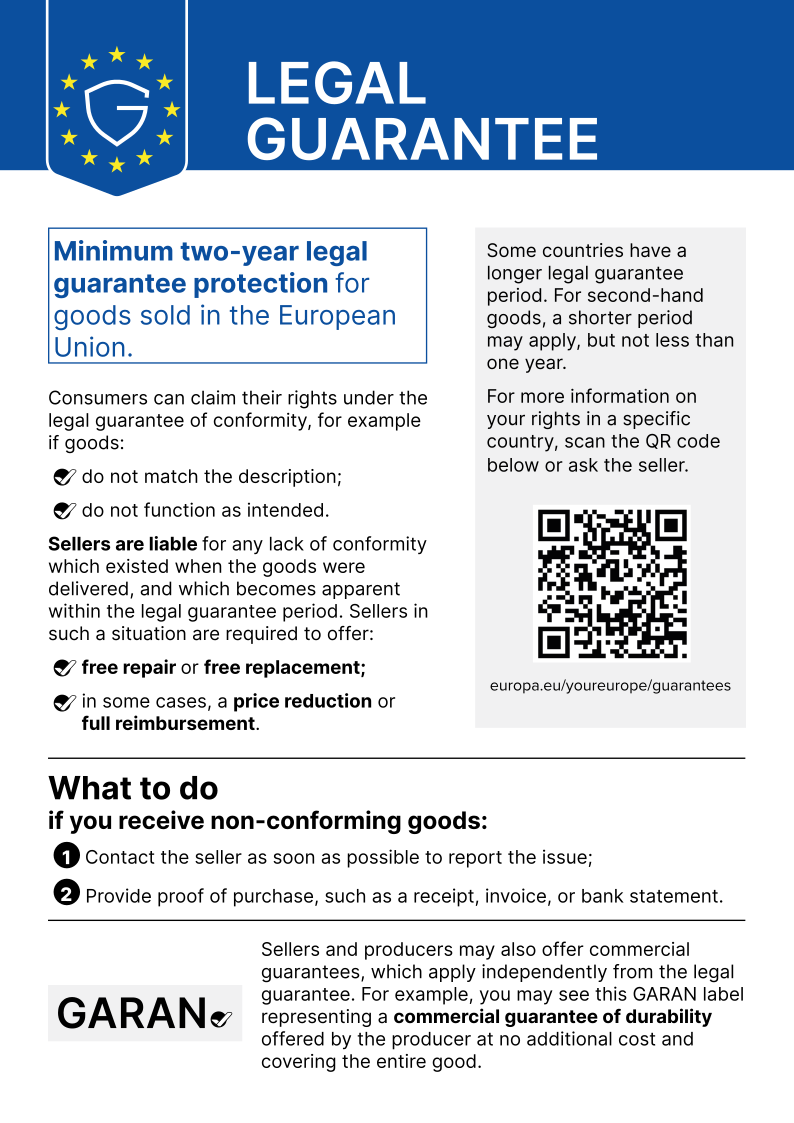
90XB04EN-MPW0M0 original Asus USB-C AC-adapter 65.0 Watt

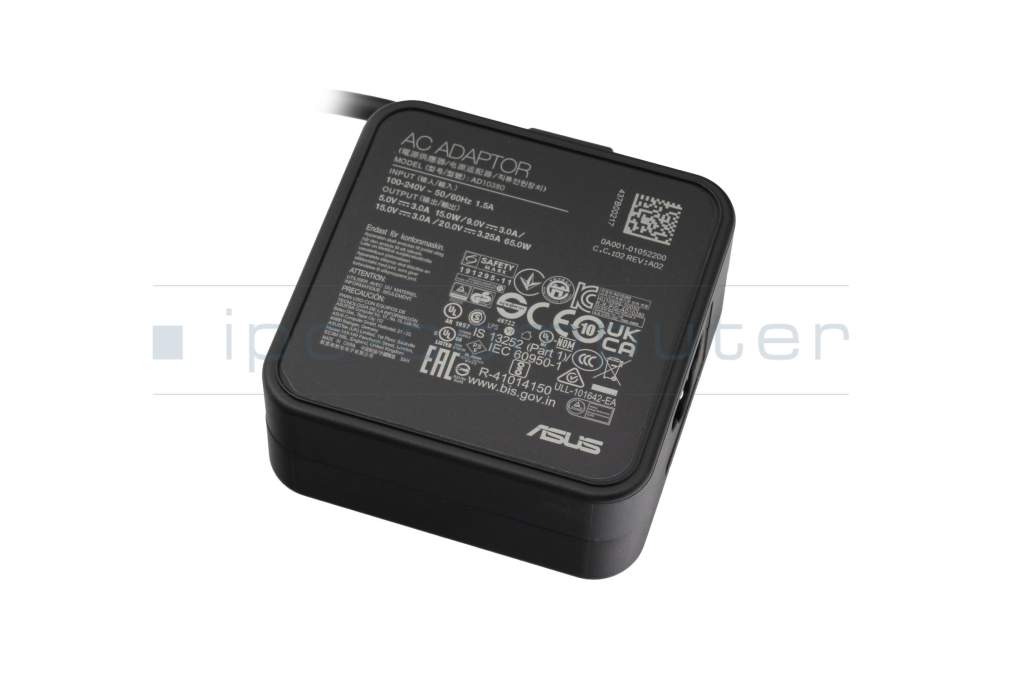
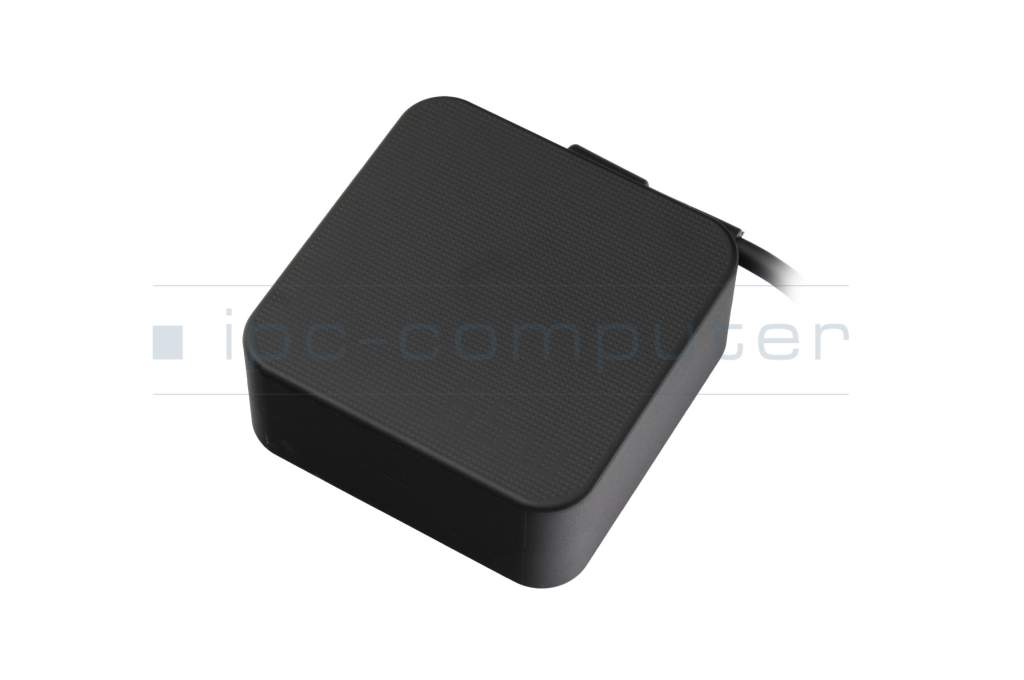
Kurzbeschreibung
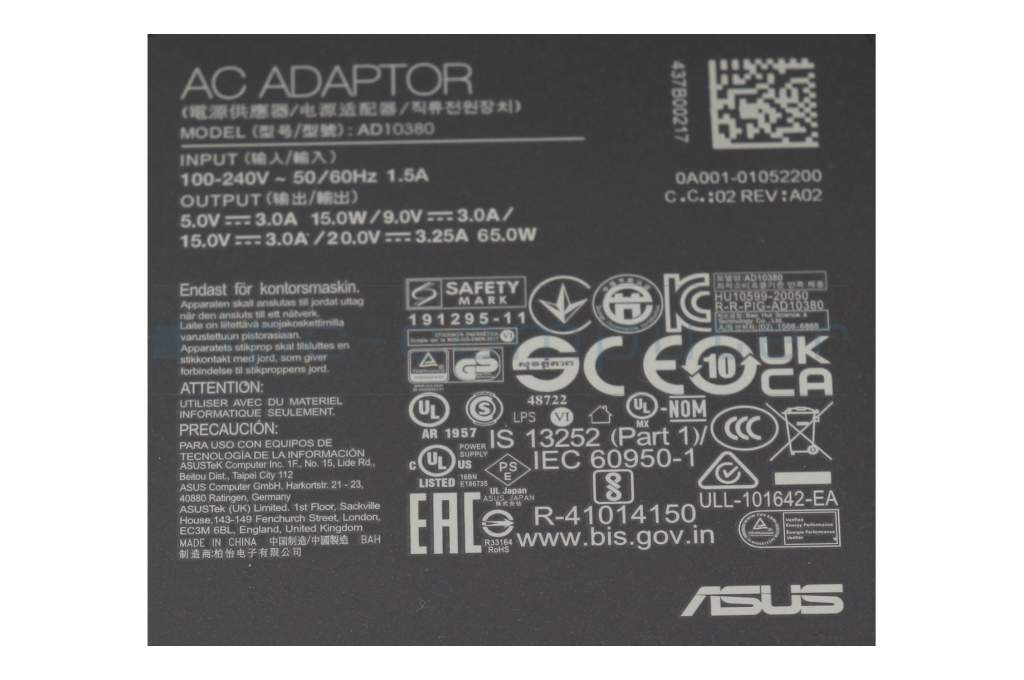
- 20.0 Volt
- 3.25 Ampere
- 65.0 Watt
plus shipping charges
- Standardlieferung 29. October - 2. November
- Expresslieferung 28. October
- bei Bestellung innerhalb 2 hrs 46 min




Substitute part numbers:
0A001-00892300, AC65-00, 0A001-01053200, 0A001-01056900, 0A001-01058600, 0A001-01056700, 0A001-01057100
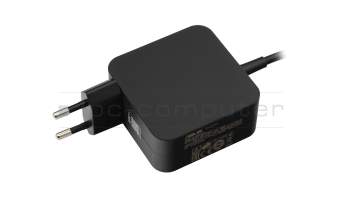
0A001-01053900 original Asus USB-C AC-adapter 65.0 Watt EU wallplug
plus shipping charges
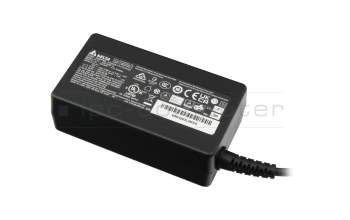
NT65Y1 USB-C AC-adapter 65.0 Watt
plus shipping charges
Product Info
- Manufacturer
- Asus
- Item Number
- 90XB04EN-MPW0M0
- Sub-Partnumbers
- 0A001-00892300, AC65-00, 0A001-01053200, 0A001-01056900, 0A001-01058600, 0A001-01056700, 0A001-01057100
- Safety information
- Sicherheits- & Herstellerkontakt-Informationen
Common data
- Condition
- New
- Manufacturer
- Original directly from Asus
- Intended use
- Laptops
- Color
- black
- Delivery includes
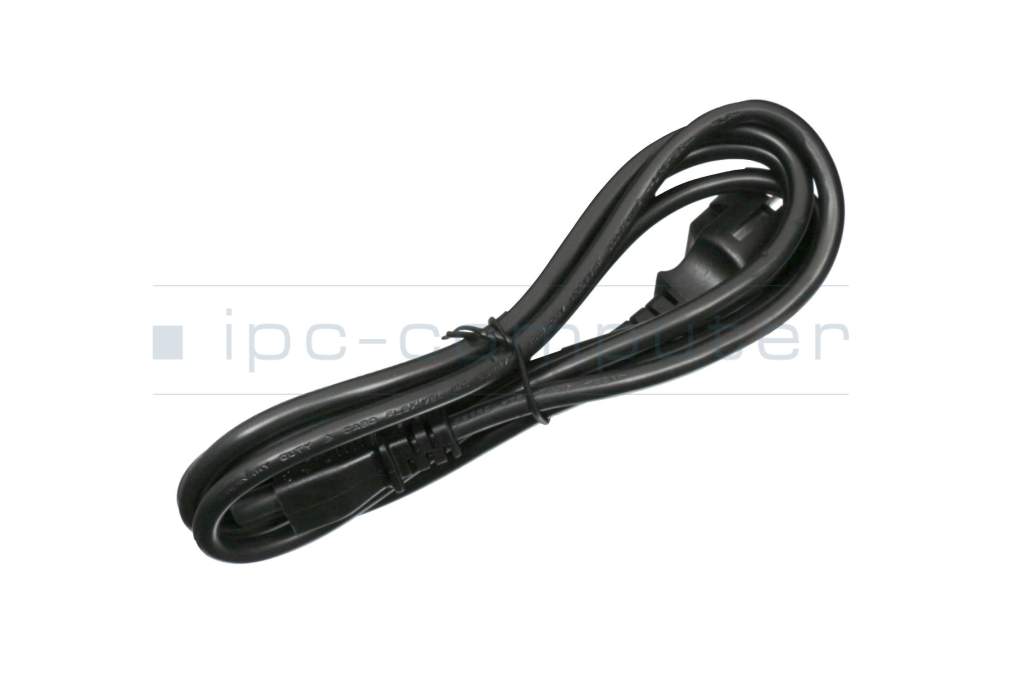
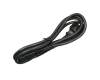
- incl. power cable (3-pole cable C5)
Technical Data
- Tension (volt)
- 20.0 Volt
- Amperage (ampere)
- 3.25 Ampere
- Output (watt)
- 65.0 Watt
- Additional output
-
15V / 3A / 45W
20V / 3,25A / 65W
5V / 3A / 15W
9V / 3A / 27W - Input (volt)
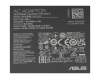
- 100-240V / 50-60Hz
- Energy efficiency
- VI
Laptop Plug
- Connector type / shape
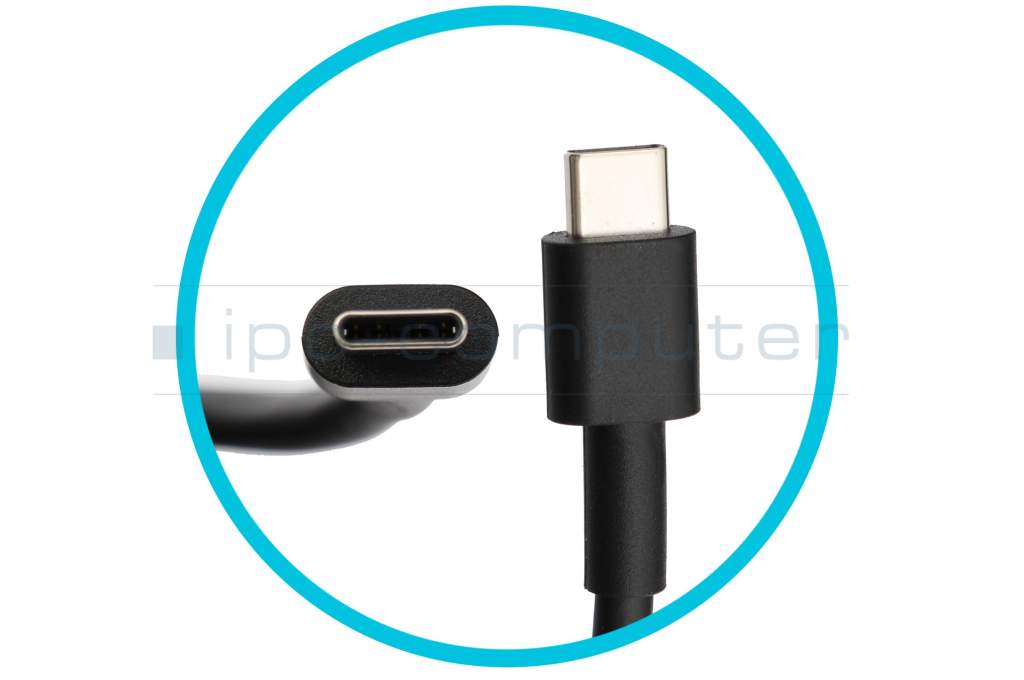
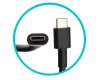
- USB-C / 180° straight
- Length of the connector cable (m) (ca.)
- 1.75 m
Weight & Meassurements
- Length / Width / Hight
- 65 mm / 65 mm / 30 mm
More Information
- Overload-, short-circuit- and overheat-protected
- yes
- Seal of approval
-
CCC
CE
NOM NYCE
PSE
SEC
Singapore Safety Mark
Technical Inspection Association (TÜV)
TÜV Argentina Certificado
UKCA
UL Listed
UL sustainability
Ukraine Safety
Category
- Category
- AC-Adaptor
- Usage
- Laptop
- Excerpt of suitable models for P/N 90XB04EN-MPW0M0
- Asus ZenBook 14 UX425EA , Asus ZenBook 14 UX435EG , Asus ROG Zephyrus M GU502GW , Asus ExpertBook B2 Flip B2502FBA , Asus B5302FBA , Asus ExpertBook L2 Flip L2402FYA , Asus L2402CYA , Asus UX371EA , Asus UX482EA , Asus ExpertBook B1 B1502CGA
You've found this article over a part number. We'll check if it's the correct sparepart for your machine. To do this, please insert the manufacturer and the name of the model in the order comment.
Videos & Contributions
Not all USB-C power supplies are the same
Recognize defective notebook power supply - purchase advice
Notebook power supplies are essential for most technical aids in the office and at home. - With these "step-by-step" instructions we help to prevent bad purchases.
Learn more >Important and useful informations about laptop AC adapters
Frequently asked questions about AC adapters
All questions about AC adapters
AC adapters FAQ