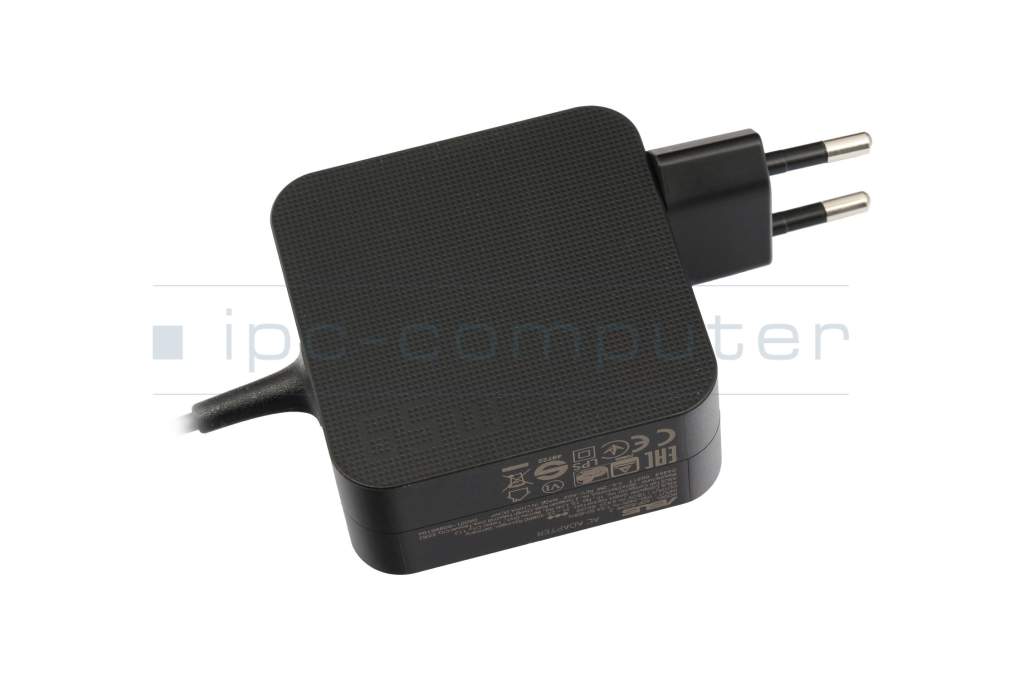
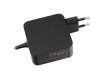
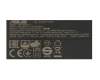
6G8W9BU07VE original Asus AC-adapter 65.0 Watt EU wallplug normal

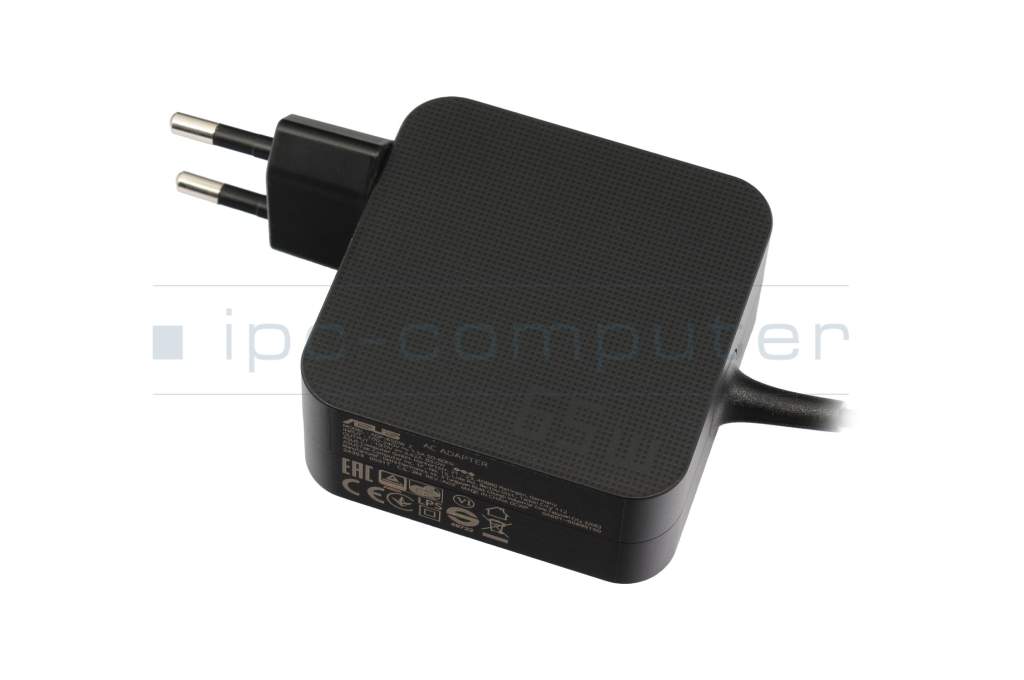
ASUS Original
35.00 EUR
incl. Tax (19%)
plus shipping charges
In stock.
shipping today.Express shipping possible.

Width: 74mm, length: 74mm, height: 29mm

Manufacturer
Asus
Item Number
6G8W9BU07VE
Primary Partnummer
90-XB3NN0PW00040Y
Sicherheitsinformationen
Sicherheits- & Herstellerkontakt-Informationen

The offered manufacturer number is an alternative (substitute) to the spare part number you are looking for.

Common data

Condition
New
Manufacturer
Original directly from Asus
Intended use
Laptops
Color
black
Design
normal
Delivery includes
incl. wallplug (EU)

Technical Data

Tension (volt)
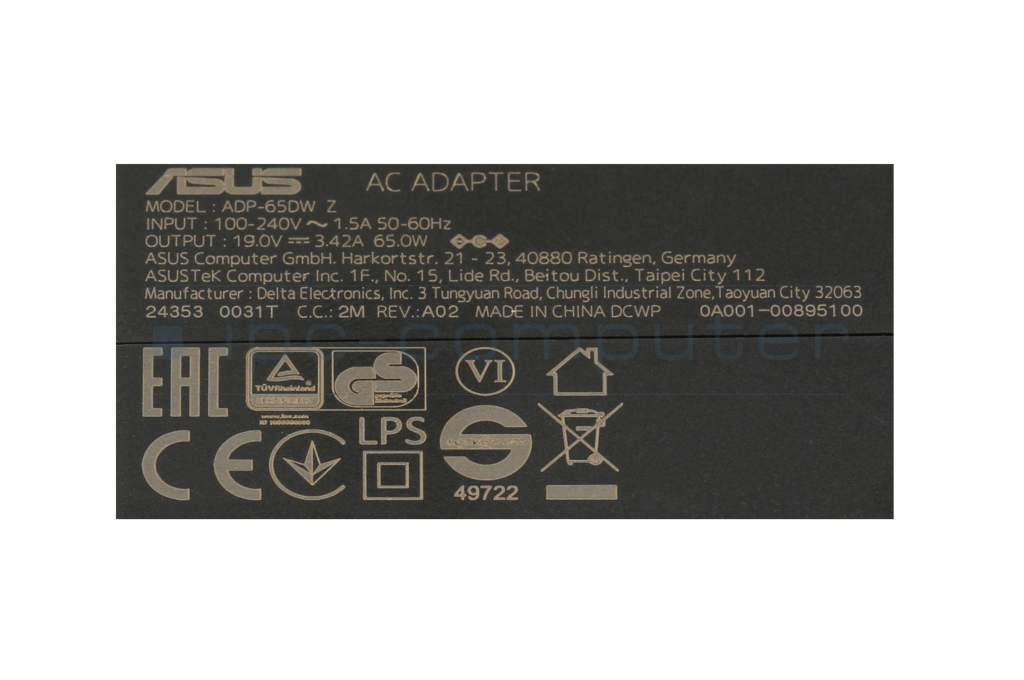
19 Volt
Amperage (ampere)
3.42 Ampere
Output (watt)
65.0 Watt
Input (volt)
100-240V / 50-60Hz
Energy efficiency
V

Laptop Plug

Connector type / shape
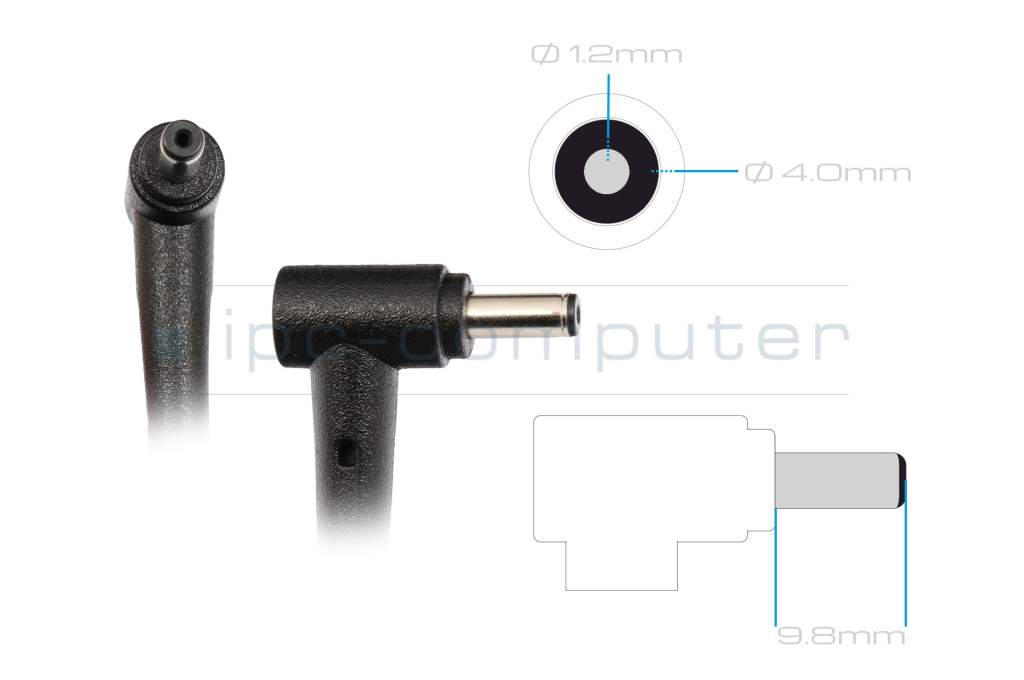
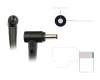
round / 90° angeld
Connector length (mm)
9.8 mm
Connector diameter outer / inner
4.0 mm / 1.2 mm
Connector with pin
No
Length of the connector cable (m) (ca.)
2.00 m

Weight & Meassurements

Length / Width / Hight
64 mm / 29 mm / 64 mm

More Information

Overload-, short-circuit- and overheat-protected
yes
Seal of approval
CE
Technical Inspection Association (TÜV)

Category

Category
AC-Adaptor
Usage
Laptop
Excerpt of suitable models for P/N 6G8W9BU07VE
Asus Transformer Book Flip TP300 , Asus ZenBook UX52VS , Asus Transformer Book Flip TP300LA , Asus X302LA , Asus VivoBook 15 X510UQ , Asus ZenBook UX3410UQ , Asus VivoBook 14 X442UA , Asus VivoBook 14 X442UN , Asus VivoBook S15 S510UR , Asus VivoBook Flip 14 TP410UF

You've found this article over a part number. We'll check if it's the correct sparepart for your machine. To do this, please insert the manufacturer and the name of the model in the order comment.

How to identify my notebook model?

Videos & Contributions

Recognize defective notebook power supply - purchase advice

Notebook power supplies are essential for most technical aids in the office and at home. - With these "step-by-step" instructions we help to prevent bad purchases.

Learn more >
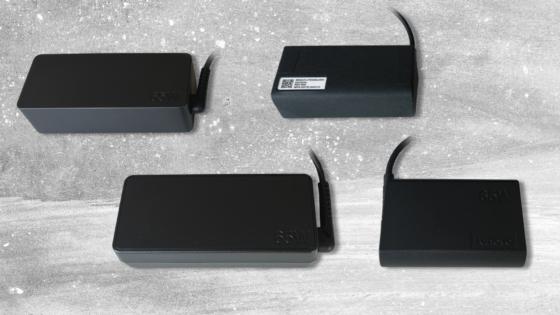
New notebook power supplies in various designs

New notebook power supplies in various designs

Customers often wonder why their replacement power supply looks different from the original. Why you don't have to worry about compatibility and what advantages an alternative design offers.
Learn more >

Important and useful informations about laptop AC adapters

Frequently asked questions about AC adapters

  • How do I find the right power supply for my Notebook in your online shop

    In our online shop you can choose your notebook in the menu on the left, then all compatible articles will be listed.

    If you can't find your model, you can also enter the manufacturer part number of your power supply in the search.  

    Examples for manufacturer part numbers:

    Toshiba: A000007000, K000060890, PA3468E-1AC3
    Acer: AP.06501.024, 7452480100
    Fujitsu-Siemens: UWL:76-01B900-5A, WTS:25.10173.071, FSP:811002431
    Asus: 90-XB0KOAPW00070Q
    HP: 381090-001
    Lenovo: 40Y7673

    Examples for part numbers, that can also be found on power supplies but are not manufacturer part numbers:

    ADP-60SH B, PA-1650-54, ADP-90CD, PA3468-1AC3

  • My laptop battery is no longer charging, is my charger broken?

    Not necessarily, try taking your battery out (if possible) and starting the computer while connected to the charger in question. If it starts, the power supply is working but something in the Notebook is broken.

    There are also multiple indicator lights, on the laptop, whether it is being charged, also this can be seen in most operating systems. You can also use the indicator light found on some chargers to diagnose an issue with a cable.

  • My USB-C charger will not charge my device correctly

    Oftentimes the reason for this is, that with USB-C all devices have to agree on the current and voltage used for charging. Therefore, all involved devices must support USB Power Delivery, so that enough power can be transmitted to charge devices such as laptops. The cable used for charging is also part of these devices, which means you have to make sure your cable supports USB-PD. If one or more devices do not support USB-PD a maximum of 15 Watt can flow.

  • Why is my power supply humming, hissing or beeping

    Basically, a power supply converts the AC voltage from the mains into a lower DC voltage for a consumer. In the case of a laptop power supply, the output voltage and maximum output current are usually fixed.

    The main component of any power supply unit or power supply is a transformer. In laptop power supplies, this is usually characterized by a very compact design.

    The 220-volt alternating current from the wall socket generates a magnetic field in the transformer, whose charge changes from positive to negative 50 times per second. These electrical oscillations can cause parts of the transformer wires, iron cores and coils to move slightly. While the parts are usually glued together tightly, the connections can become partially loose for a variety of reasons, or the insulation on the coil wires can become brittle. And this can cause the annoying noises. The power supply hums.

    The movements of the transformer components can also be transferred to other components in the very compactly designed laptop power supply and cause additional small vibrations there, which also cause noises.

    Reassuring when the power supply hums: Noise developments in power supplies don't affect the electrical functionality and are usually harmless.

    Depending on the cause of the noise, mounting the power supply differently, e.g. on a different base or on a piece of foam rubber, may solve the problem.

  • Will my battery charge faster with a power supply that has a higher wattage

    No, because a circuit in the Notebook controls how much power arrives at the battery and not the charger.

All questions about AC adapters

loader