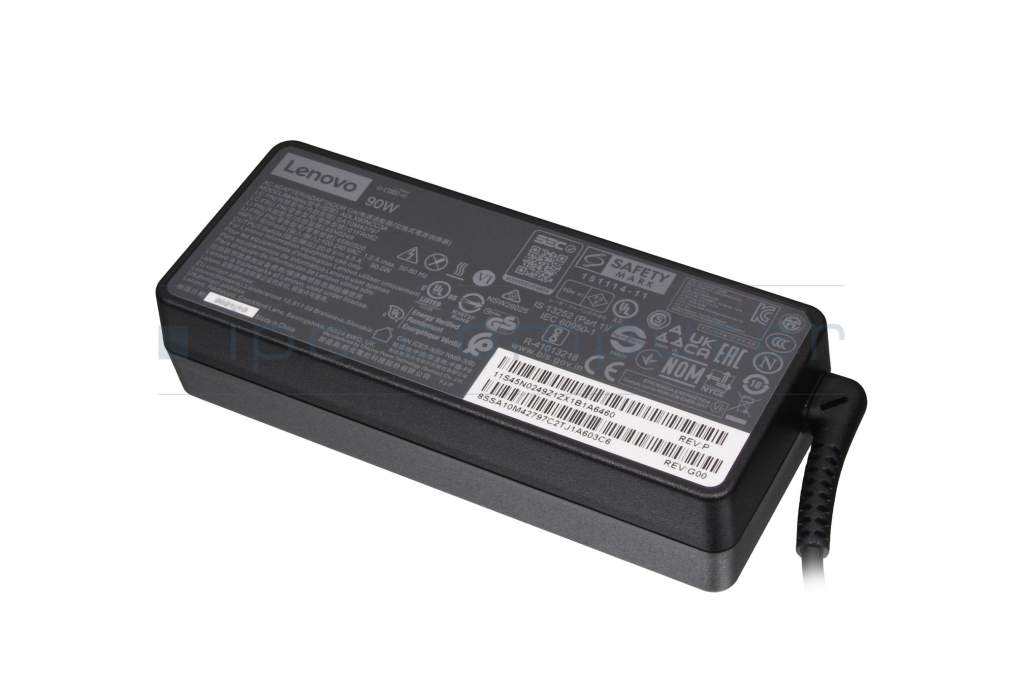
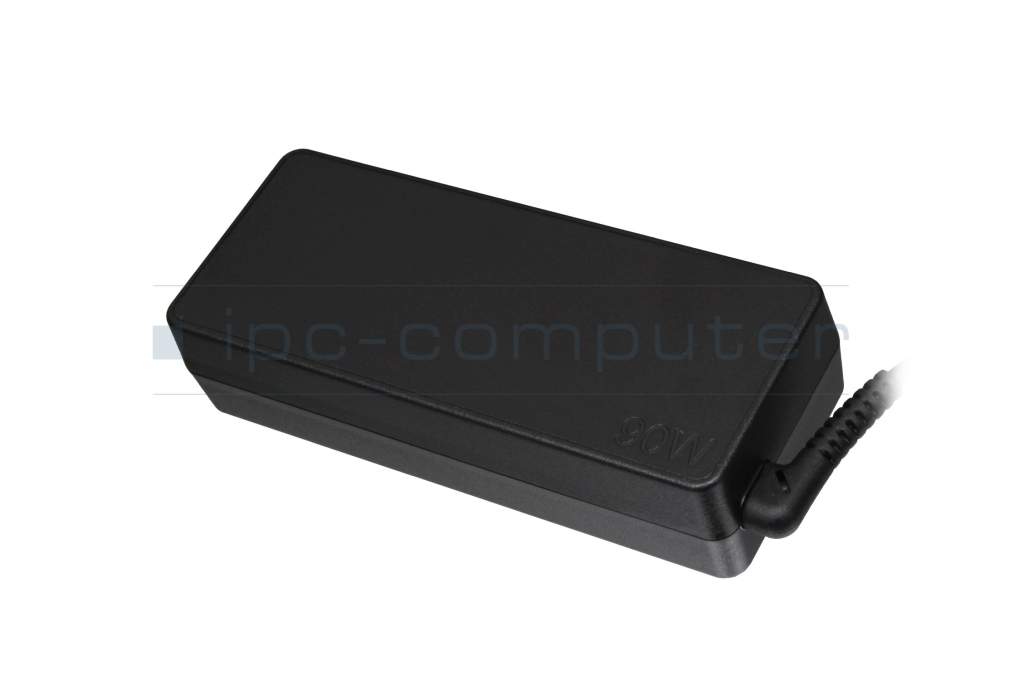
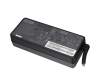
36200287 original Lenovo AC-adapter 90.0 Watt

Kurzbeschreibung
- 20.0 Volt
- 4.5 Ampere
- 90.0 Watt
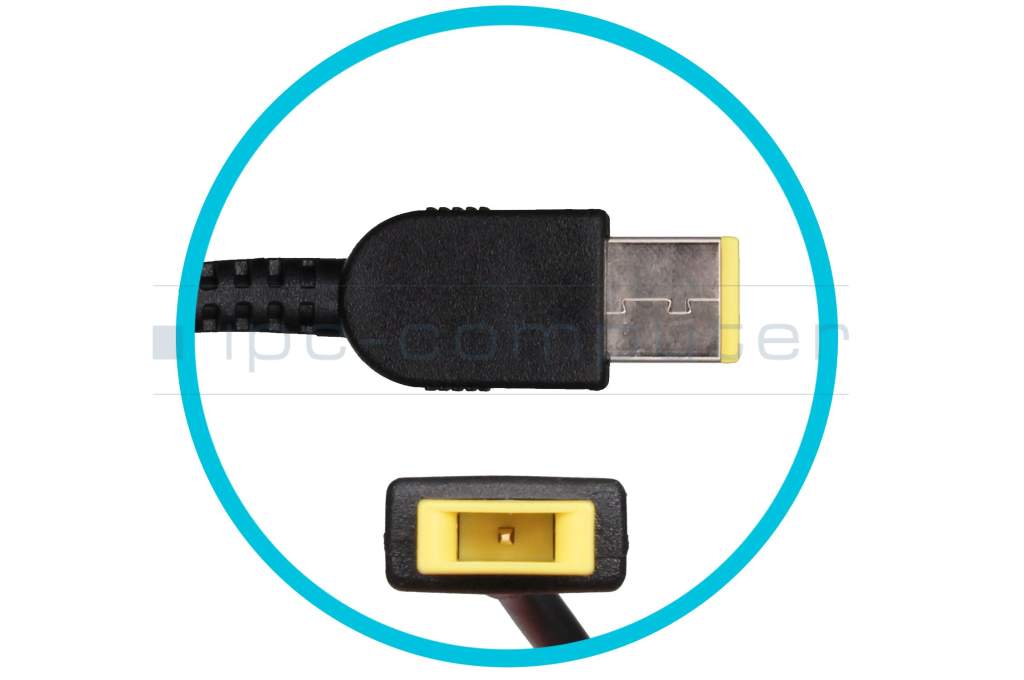
- Connector diameter outer / inner 11.0 mm / 3.0 mm
plus shipping charges
- Standardlieferung 26. October - 27. October
- Expresslieferung 23. October
- bei Bestellung innerhalb 5 hrs 13 min




Substitute part numbers:
36200254, 36200604
- Manufacturer
- Lenovo
- Item Number
- 36200287
- Sub-Partnumbers
- 36200254, 36200604
- Safety information
- Sicherheits- & Herstellerkontakt-Informationen
Common data
- Condition
- New
- Manufacturer
- Original directly from Lenovo
- Intended use
- All-in-One PC's / Laptops
- Color
- black
- Delivery includes
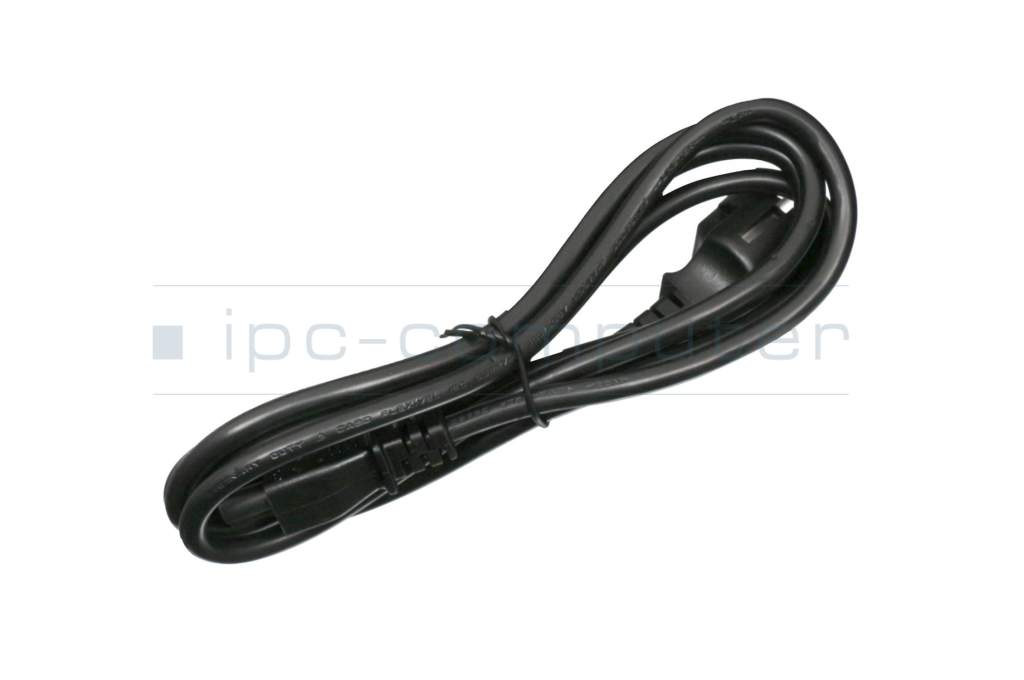
- incl. power cable (3-pole cable C5)
Technical Data
- Tension (volt)
- 20.0 Volt
- Amperage (ampere)
- 4.5 Ampere
- Output (watt)
- 90.0 Watt
- Input (volt)
- 100-240V / 50-60Hz
- Energy efficiency
- VI
Laptop Plug
- Connector type / shape
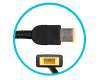
- Slim Tip / 180° straight
- Connector length (mm)
- 11.5 mm
- Connector diameter outer / inner
- 11.0 mm / 3.0 mm
- Connector with pin
- Yes
- Length of the connector cable (m) (ca.)
- 1.75 m
Weight & Meassurements
- Length / Width / Hight
- 125 mm / 50 mm / 30 mm
More Information
- Overload-, short-circuit- and overheat-protected
- yes
- Seal of approval
-
CCC
CE
ENEC
N
NOM NYCE
PCT
PSE
Singapore Safety Mark
Technical Inspection Association (TÜV)
TÜV Argentina Certificado
UL Listed
UL sustainability
With an additional original Lenovo 90 watt power adapter, you can ensure a reliable power supply for your Lenovo device. Simply keep one power supply unit at home, one at the office and one in your notebook bag for immediate and convenient access to the mains. This power supply is perfect as a spare or backup power supply or charger for compatible Lenovo notebooks or all-in-ones. It is compatible with all Lenovo devices that have the rectangular flat power plug (slim tip). It is not compatible with older notebooks that are equipped with a round power plug. Lenovo power adapters are so compact that you can always carry a spare in your notebook bag. This 90-watt power supply is just as high quality and powerful as the one supplied with your Lenovo notebook.
Category
- Category
- AC-Adaptor
- Usage
- Laptop
- Excerpt of suitable models for P/N 36200287
- Lenovo IdeaPad G700 , Lenovo G500 (80A6) , Lenovo ThinkPad L540 (20AU/20AV) , Lenovo ThinkPad X240s (20AK/20AJ) , Lenovo ThinkPad T440 (20B7/20B6) , Lenovo Yoga 730-15IWL (81JS) , Lenovo IdeaCentre 310S-08IGM (90HX) , Lenovo IdeaCentre AIO A340 , Lenovo IdeaCentre AIO 520-22IKU (F0D5) , Lenovo ThinkPad T460p (20FW/20FX)
You've found this article over a part number. We'll check if it's the correct sparepart for your machine. To do this, please insert the manufacturer and the name of the model in the order comment.
Videos & Contributions
Important and useful informations about laptop AC adapters
Frequently asked questions about AC adapters
All questions about AC adapters
AC adapters FAQ