Tilt Pen original suitable for HP Spectre x360 13-ae000

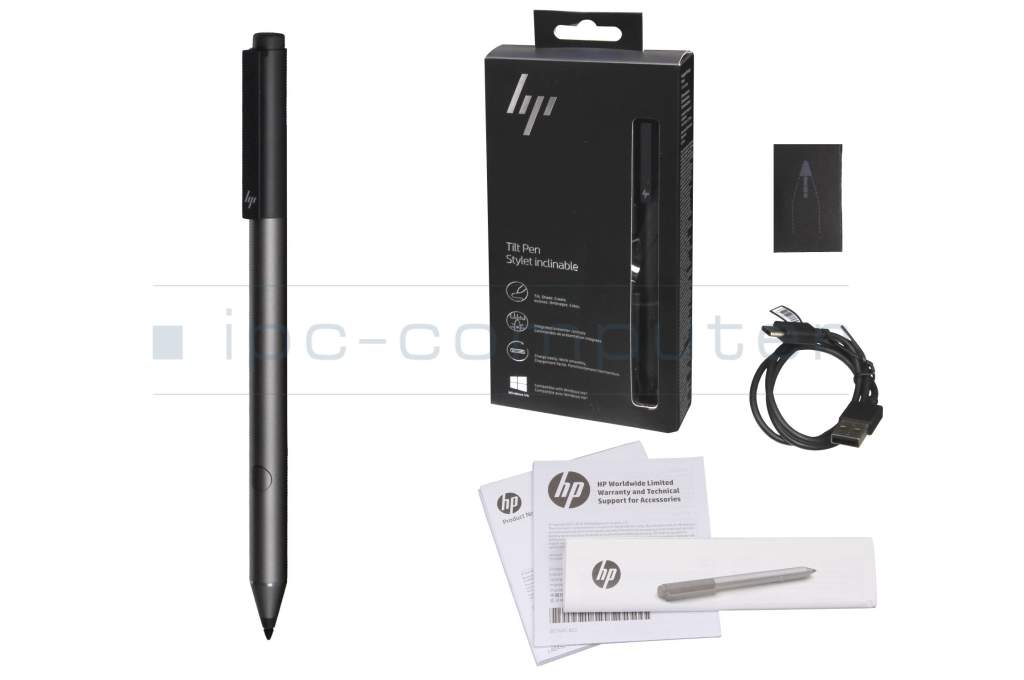
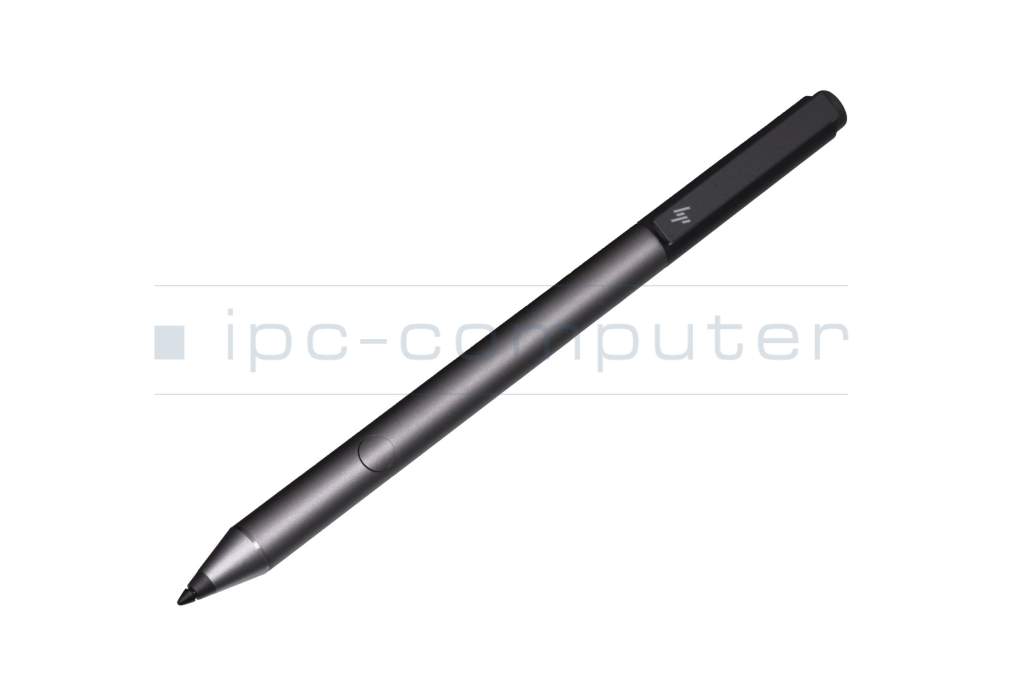
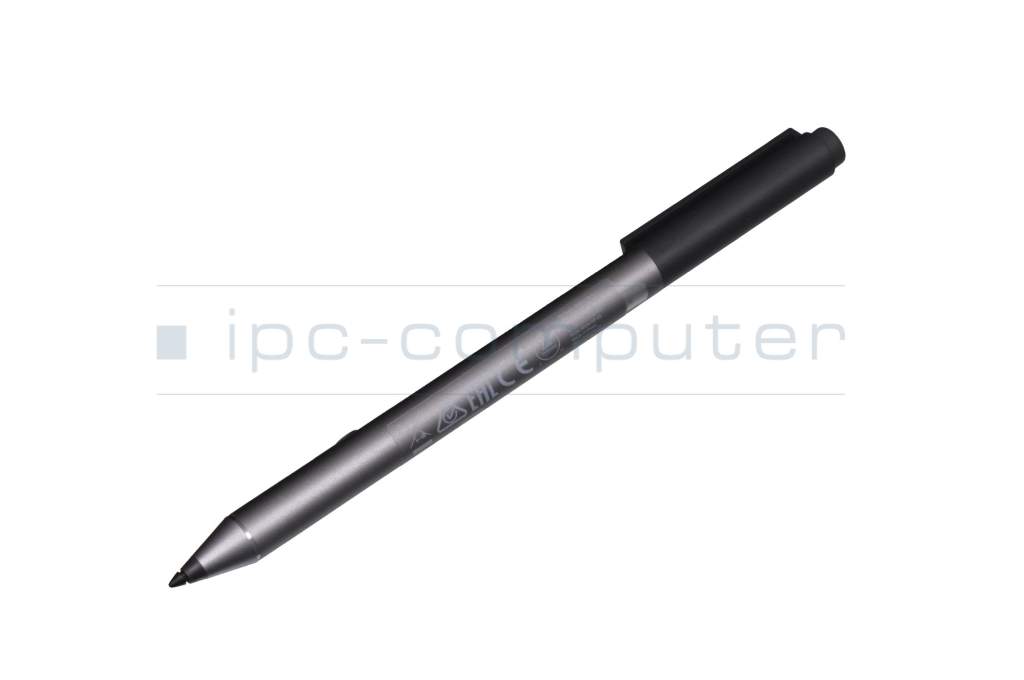
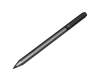
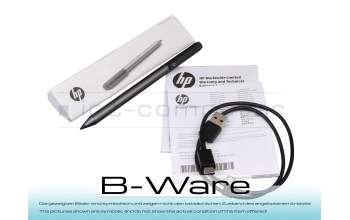
PEN95R Tilt Pen b-stock
plus shipping charges
Product note
This product is EOL (End of Life)
Product Info
Common data
- Condition
- New
- Color
- black
- Delivery includes
- 2x replacement tips / USB-C cable / manual
Technical Data
- Pen protocol
- MPP 1.0 / N-Trig
- Weight (g)
- 14 g
- Length (cm)
- 15 cm
- Diameter (mm)
- 9.5 mm
- Number of buttons
- 2
- Pressure levels
- ---
- Tilt function
- yes
- Bluetooth
- yes
- Power supply
- USB-C
- Running time
- 10h
- Operating system
- Windows 10 / Windows 11
Live your creativity and write and paint like on paper. Thanks to the integrated presentation control, the HP Tilt Pen is also a perfect companion for work and school.
The pen provides a true-to-life drawing experience with its tilt feature and pressure detection.
Activate presentation mode to conveniently move the cursor, scroll through slides, and highlight key points in your presentation.
- Customizable Bluetooth key
- Compatible with Windows Ink
- Battery life of up to 10 hours
- Rechargeable via USB-C
- State-of-the-art N-trig technology
- Precise tip for full control
- Compatible with HP devices with Microsoft Pen Protocol (MPP)
Suitable for Windows Ink-enabled MPP touchscreen devices with Microsoft Windows 10/11 operating system
Note on use: The use of screen protectors/glass may affect the accuracy and glide of the pen.
* Please note that the pen only works with MPP-enabled touchscreen devices. Among other things, it does not work on touchpads, touch keyboards or conventional tablets or smartphones.
Category
- Category
- Pens / Stylus
- Usage
- Laptop
Videos & Contributions
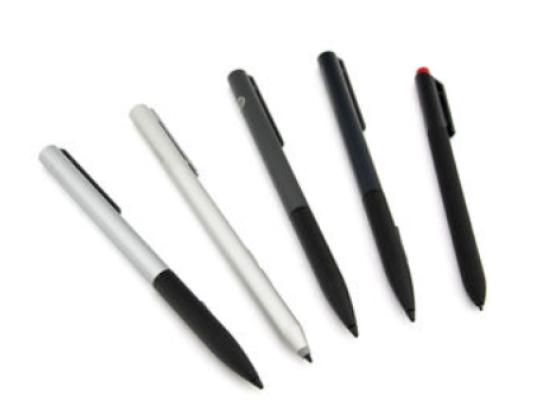
How do styluses work and what should be considered?
