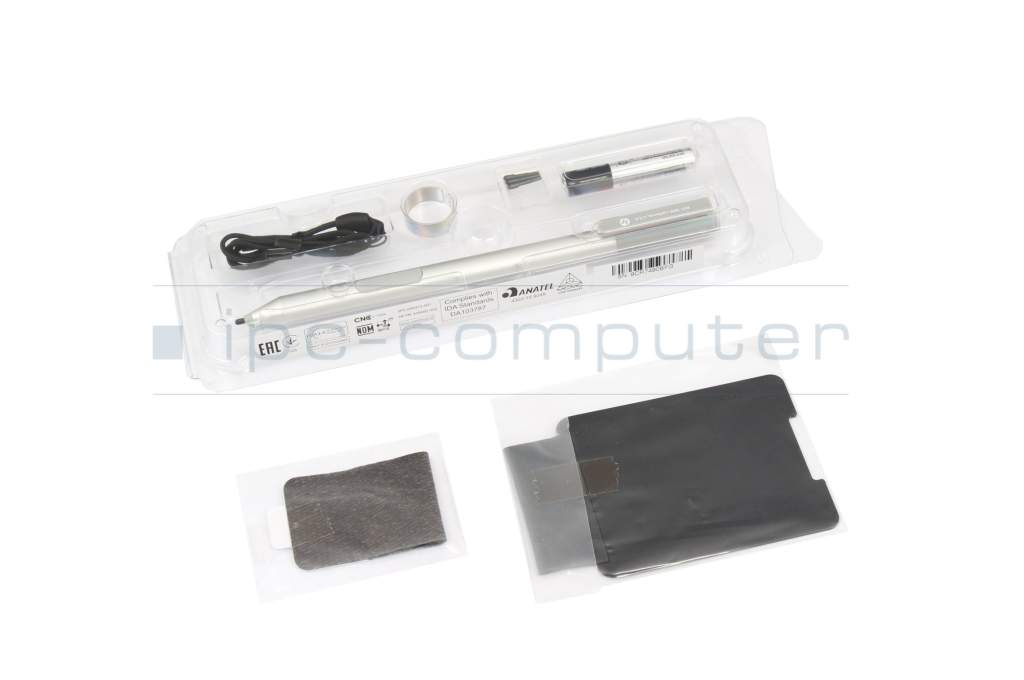
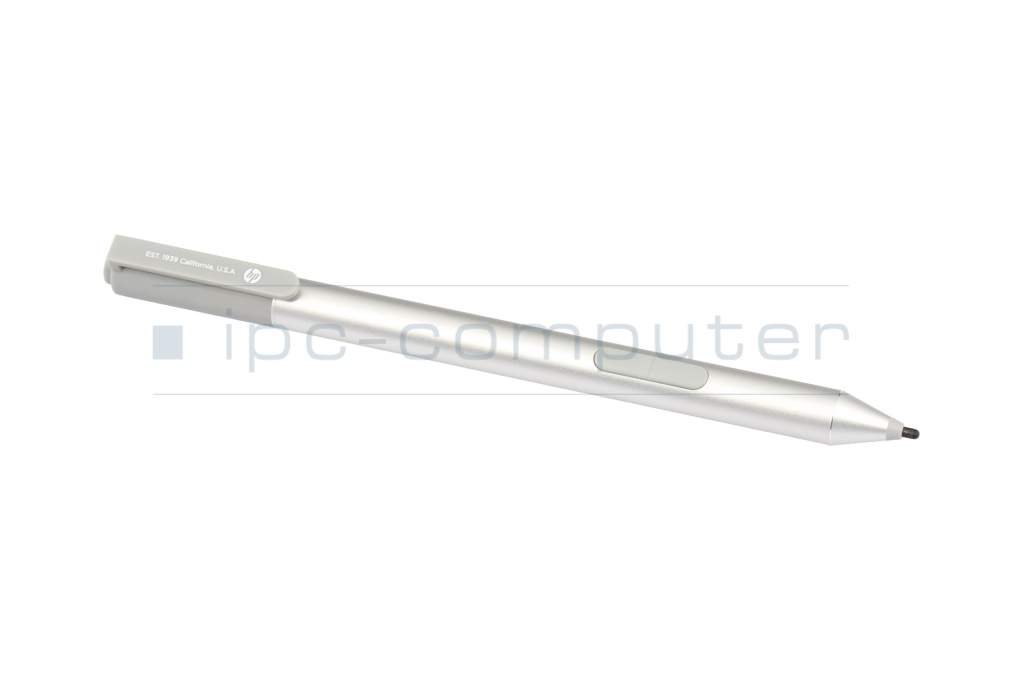
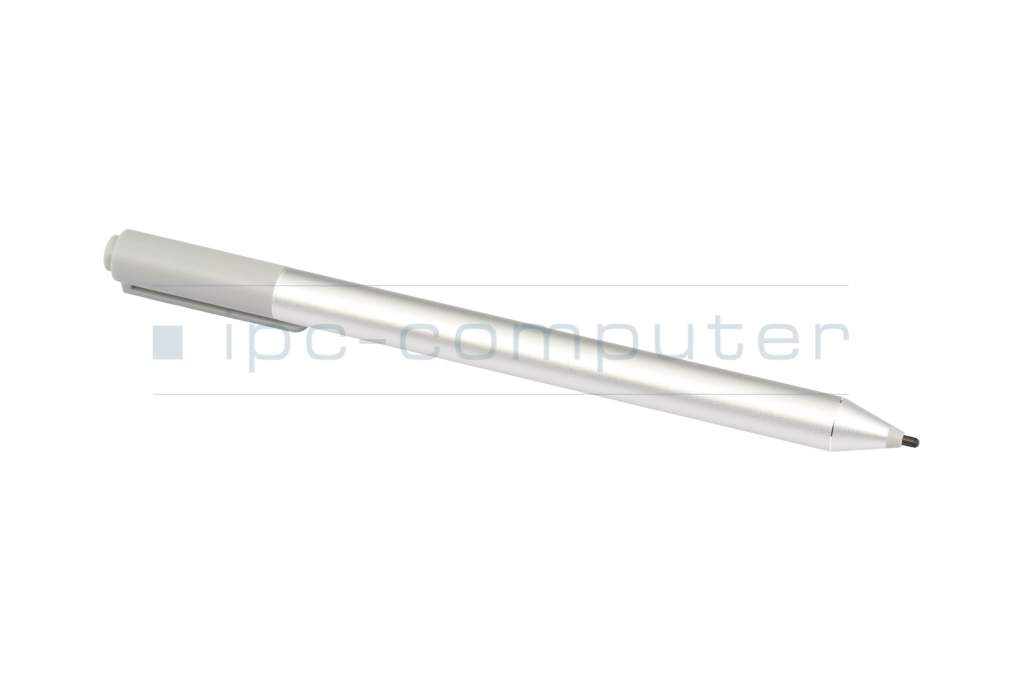
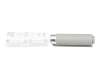
Stylus incl. batteries original suitable for HP EliteBook x360 1030 G2

5500€
incl. Tax (19%)
plus shipping charges
plus shipping charges
Only1 pieces in stock.
- Standardlieferung 21. September - 22. September
- Expresslieferung 18. September
- bei Bestellung innerhalb 7 hrs 46 min




Common data
- Condition
- New
- Color
- silver
- Delivery includes
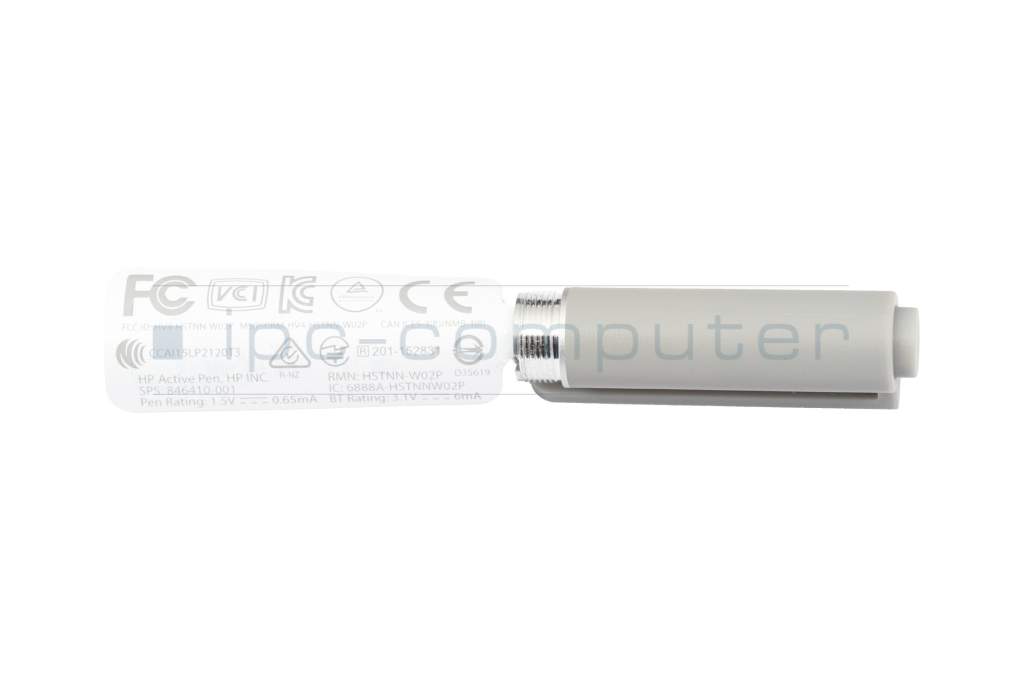
- 1x AAAA battery / 3x AAAA batteries / Holding strap / Pen holder / tip removal tool
Technical Data
- Weight (g)
- 18 g
- Length (cm)
- 14.8 cm
- Diameter (mm)
- 1 mm
- Number of buttons
- 3
- Pressure levels
- 2048
- Tilt function
- yes
- Power supply
- Battery
- Operating system
- Windows 10 / Windows 8
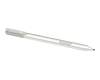
HP Active Pen touch pen (P/N: 846410-001, silver, incl. 3 replacement tips, wrist strap and battery)
- Intuitive on-screen operation
Write, draw and control applications naturally with this pen. Sensitive pressure detection ensures that the line width varies depending on the pressure. - Individual Bluetooth commands
With the integrated Bluetooth function, you can connect your favorite programs directly to the pen and start them at the touch of a button. - Instant recognition & versatile buttons
As soon as the pen approaches the display, the device automatically recognizes it and displays the optimum position. Two function buttons on the side make it easy to mark, delete and select content.
Category
- Category
- Pens / Stylus
- Usage
- Laptop
Videos & Contributions
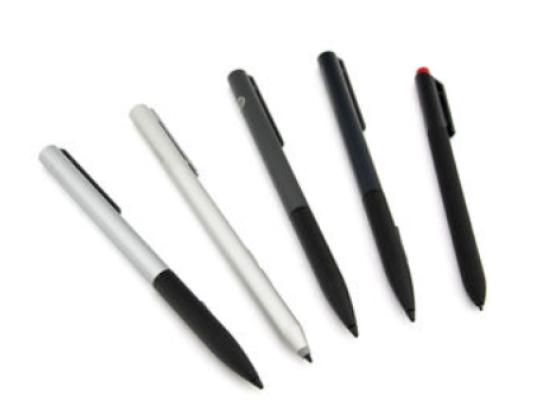
How do styluses work and what should be considered?
Using a pen to operate the touchscreen is a convenient feature. But not every pen works with every notebook or tablet. You have to pay attention to these features.
Learn more >
