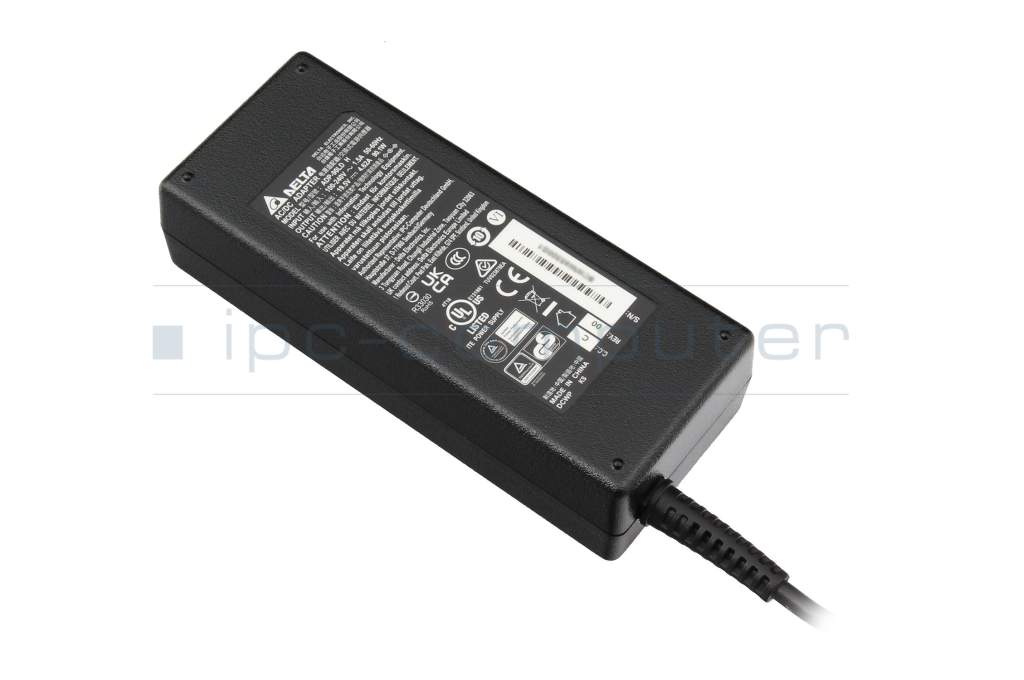
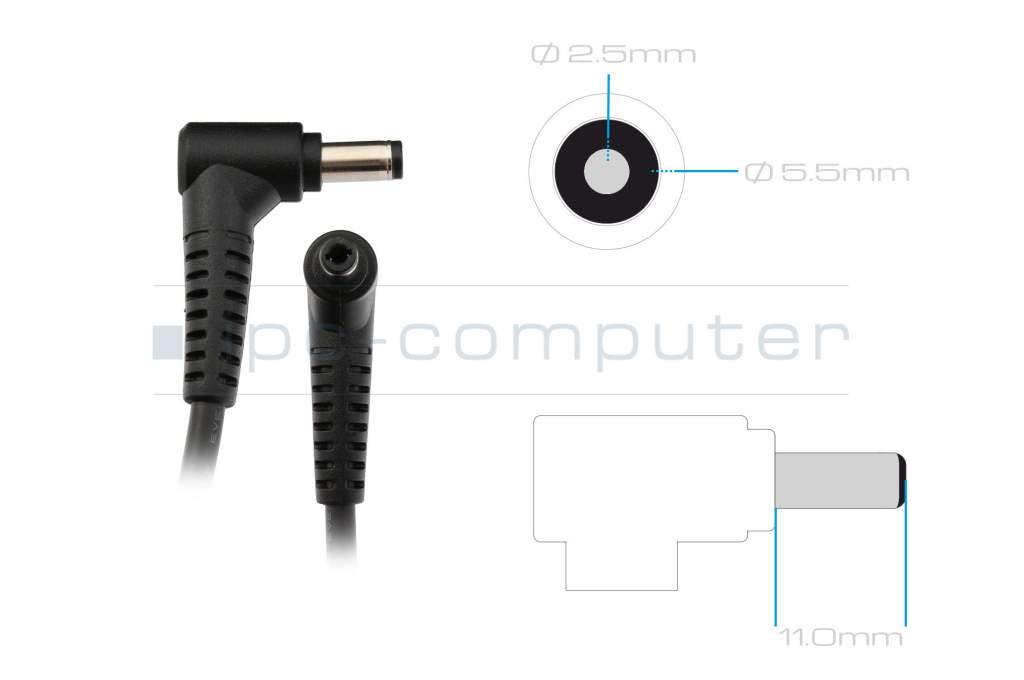
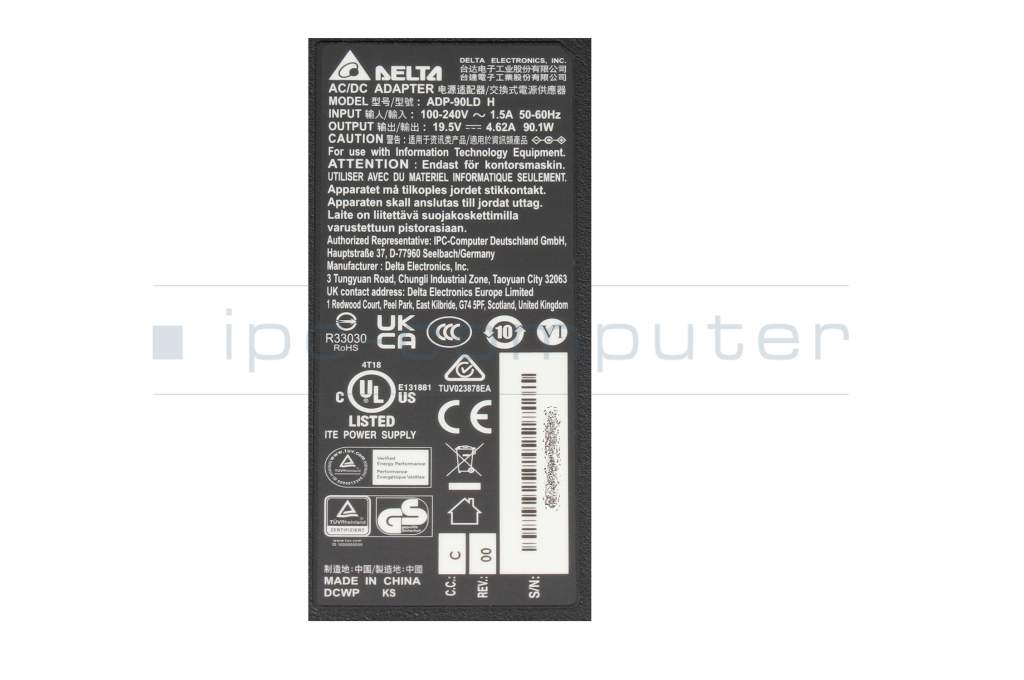
It's very easy - in just a few steps:
Tip: If you are unsure, you can also send the name of your device or photos of the rating plate of the old power supply unit to our service team - we will help you find the right power supply unit free of charge.

If your laptop battery no longer charges, this can have various causes. Often the problem is not with the battery itself, but with the AC adapter, the charging electronics or the software settings.
Possible reasons:
If your laptop does not charge via USB-C, this is usually not due to a defect, but to compatibility or performance problems. USB-C uses the power delivery standard (USB-PD), which must be supported by both devices.
The most common causes:
Troubleshooting tips:
Caution: You can tell that charging is working if the charging indicator reacts immediately and the power supply unit clicks or hums briefly. If this does not happen, there is almost always a compatibility problem.
This depends on how wrong the charger is - but the basic rule is: a wrong power supply can seriously damage your laptop.
Possible consequences:
With USB-C devices with the Power Delivery standard, the risk is lower as the laptop and charger automatically negotiate how much voltage is allowed to flow. A non-compatible AC adapter will usually simply not charge - the only danger here is with cheap replicas without PD certification.
Conclusion:
The wrong charger can lead to anything from harmless charging errors to permanent device damage. For maximum safety and a long service life of your laptop, you should always use an original AC adapter for your laptop. The easiest way to find this is to search for the laptop model in the IPC Shop.
Inside a AC adapter are components that convert the mains voltage (e.g. 230 V) into the right voltage for your laptop. GaN AC adapters use gallium nitride semiconductors for this purpose.
This has several advantages:
Important: GaN power supplies are currently still somewhat more expensive than conventional laptop power supplies. The combination of compact form factor and proven quality makes them an attractive choice for many customers.
For many laptop models, several suitable AC adapters are displayed in the store. This is normal and has technical reasons, but can quickly lead to uncertainty ("Which one is the right one?").
Basically, all AC adapters displayed for your device are compatible, but differ in terms of
What is GaN?
GaN stands for gallium nitride -a modern semiconductor material. GaN AC adapters can be
Technically, they fully replace classic power supplies. The only important thing is that the power (watts) and connection type match your laptop.
How to choose the right AC adapter
1. pay attention to the power (watts)
Volt × Ampere = Watt
Recommendation:
2. round plug or USB-C / Power Delivery (PD)?
In the past, most laptops were only supplied with a classic round plug power supply. Today, many models also support charging via USB-C with Power Delivery (PD) - even if a round plug power supply was included in the original scope of delivery.
This means for you:
Advantages of USB-C / PD AC adapters:
If you don't feel like experimenting, simply stick with the plug type of your current power supply (e.g. classic round plug). If you want to be more modern and flexible, you can consciously switch to a USB-C PD power supply - provided your device supports USB-C charging.
Modern laptop AC adapters are so-called switching AC adapters - they work with very high switching frequencies and should function practically silently. If you still hear a humming, hissing or whirring noise, this is not normal and often indicates a technical defect or inferior components.
Typical causes are
Such noises hardly ever occur with original AC adapters as they undergo strict quality and safety tests. Replica AC adapters, on the other hand, often use simple components without sufficient interference suppression - here, humming or hissing is a clear warning sign.
Important: If an AC adapter hums or hisses audibly, stop using it!
Disconnect it from the AC adapter immediately and dispose of replica AC adapters immediately, as they can pose a safety risk. Only use original AC adapters to ensure a stable, quiet and safe power supply for your laptop.
With Delta power supply units, you get quality from the world market leader - and with us, several advantages at once:
If you are looking for a high-quality, attractively priced and absolutely reliable replacement power supply unit, OEM Delta power supply units are the ideal choice.
→ View Delta power supply units directly at the direct importer IPC-Computer
This means you get exactly the right power supply unit for your laptop quickly and reliably - without having to experiment.
→ Find suitable laptop power supply units in the IPC-Computer Shop.
Many years of experience in laptop repair clearly show that you should use original AC adapters or tested branded AC adapters wherever possible and not cheap replicas because:
The bottom line is that an original or OEM AC adapter is often a little more expensive, but you get maximum safety, full compatibility and less risk - and that is precisely what is crucial for a safety-relevant component such as the power supply unit.
→ In the Store section "AC adapters for laptops" you will find a large selection of original and tested quality AC adapters.
No, just because the AC adapter has more watts, your battery will not automatically charge faster. The decisive factor is the power required by your laptop and the permissible power of the charging electronics - not the maximum power of the AC adapter.
How does charging work technically?
This means:
If your laptop is only designed for 65 W, for example, a 90 W or 120 W AC adapter alone will not provide a turbo charging. The device limits the charging current itself.