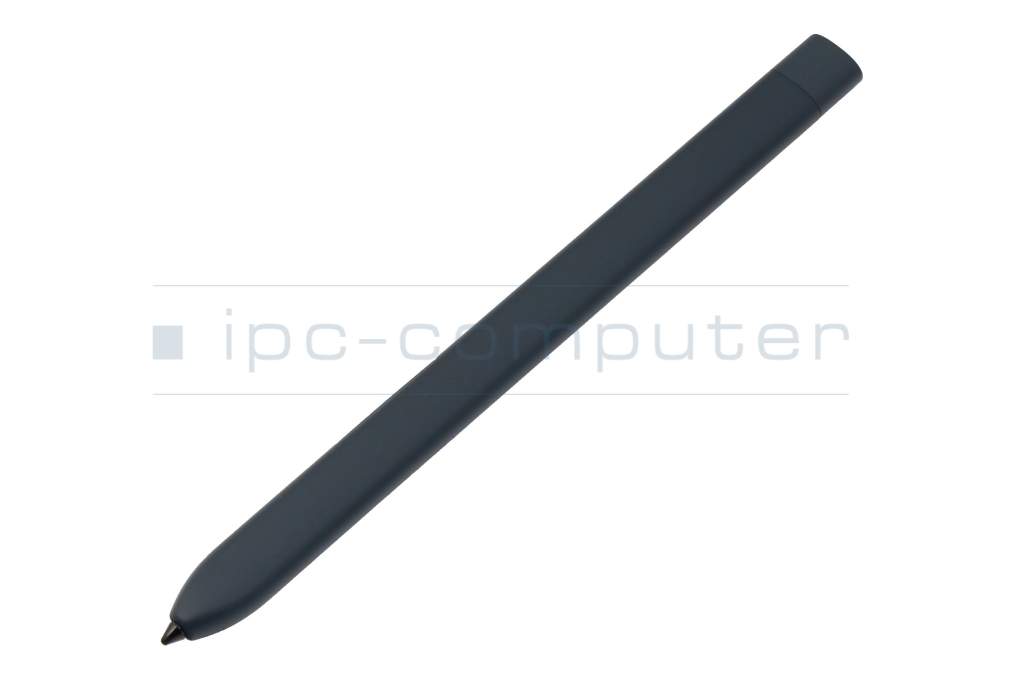
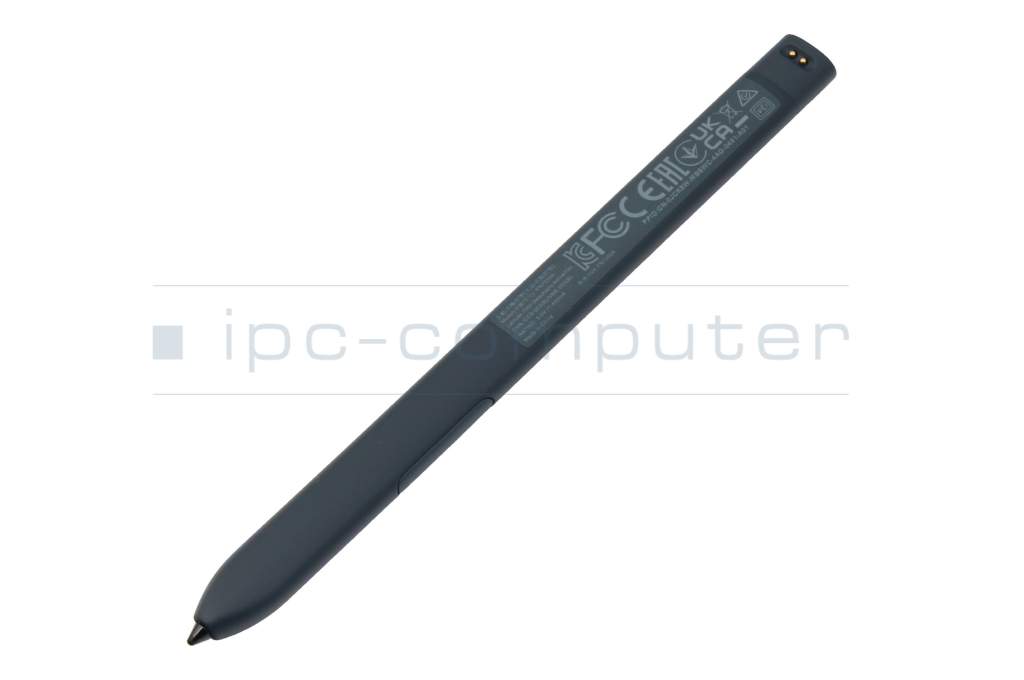
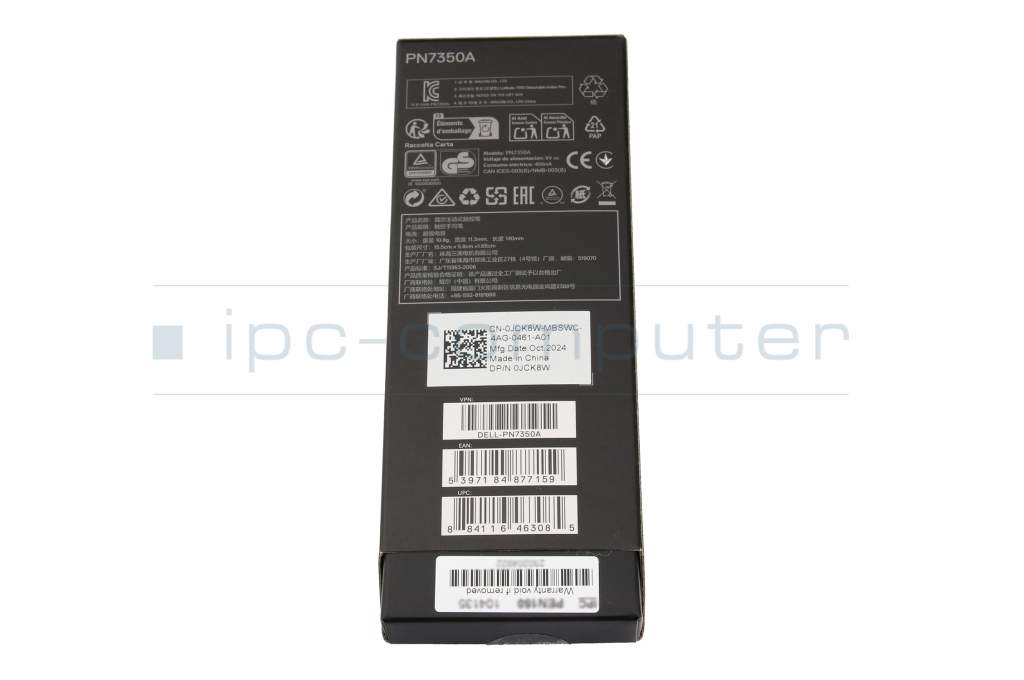
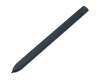
Active Pen original suitable for Dell Latitude 13 (7350) 2014

plus shipping charges
- Standardlieferung 16. June - 17. June
- Expresslieferung 16. June
- bei Bestellung innerhalb 3 hrs 55 min




Common data
- Condition
- New
- Color
- gray
- Delivery includes
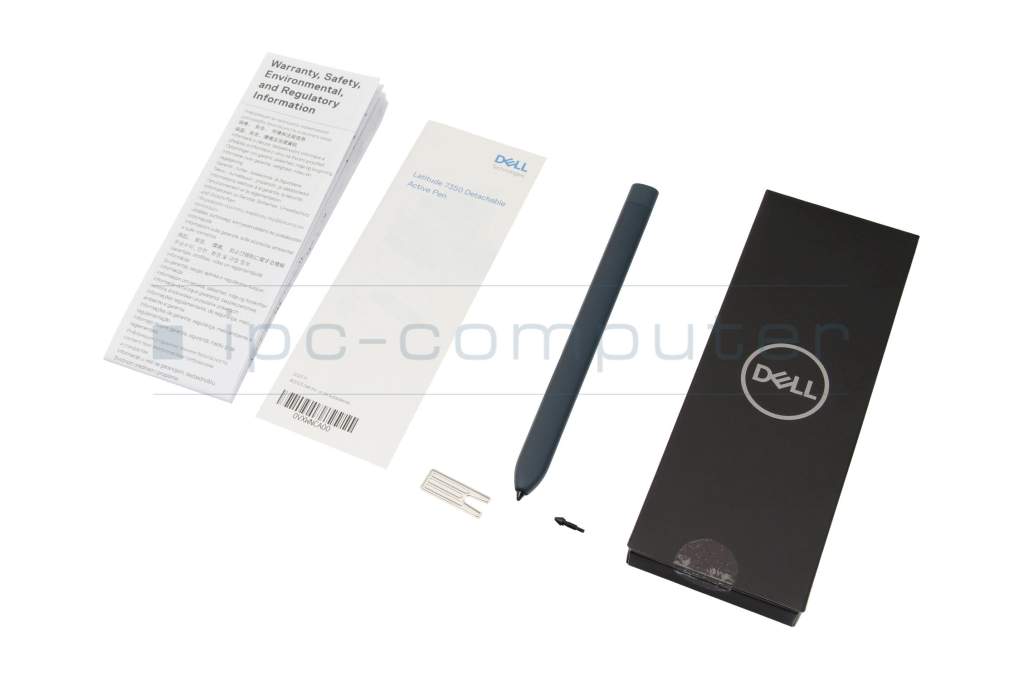
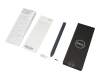
- 1x replacement tip / manual / tip removal tool
Technical Data
- Pen protocol
- AES 1.0 Wacom
- Weight (g)
- 11 g
- Length (cm)
- 14 cm
- Diameter (mm)
- 6.5 mm
- Number of buttons
- 2
- Power supply
- internal connector
- Operating system
- Windows 11
Discover the Dell Active Pen: precision meets performance
Take your productivity to the next level with the Dell Active Pen. Thanks to the latest Wacom Active AES technology, you experience a natural, paper-like writing experience - ideal for notes, sketches, markings or everyday tasks.
Quick charge function - always ready for use:
The elegant pen is an integral part of the Latitude 7350/7320 Detachable model series. It charges completely in just 30 seconds - perfect for quick use in meetings or on the go.
Functional & elegant:
Slim, ultra-lightweight design (only 11g, 140×11.3×6.5mm) in high-quality "River Solid Light" color
Support for Windows Ink - direct capture of ideas, screenshots and drawn notes
Sustainable & cost-saving:
Rechargeable battery - no constant battery changes, environmentally friendly and efficient
Category
- Category
- Pens / Stylus
- Usage
- Laptop
Videos & Contributions
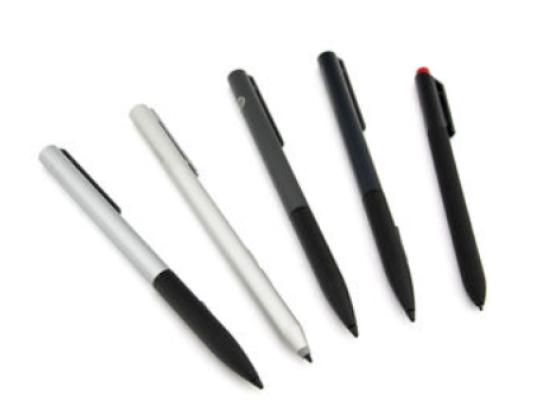
How do styluses work and what should be considered?

Accessories, suitable alternative products and recommendations
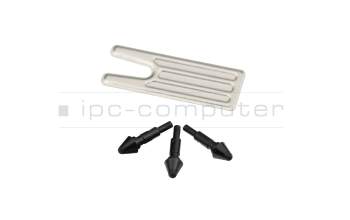
Dell 0D6KTP Replacement Tips for Dell Active Pen (NB1022/3 Pack)
plus shipping charges