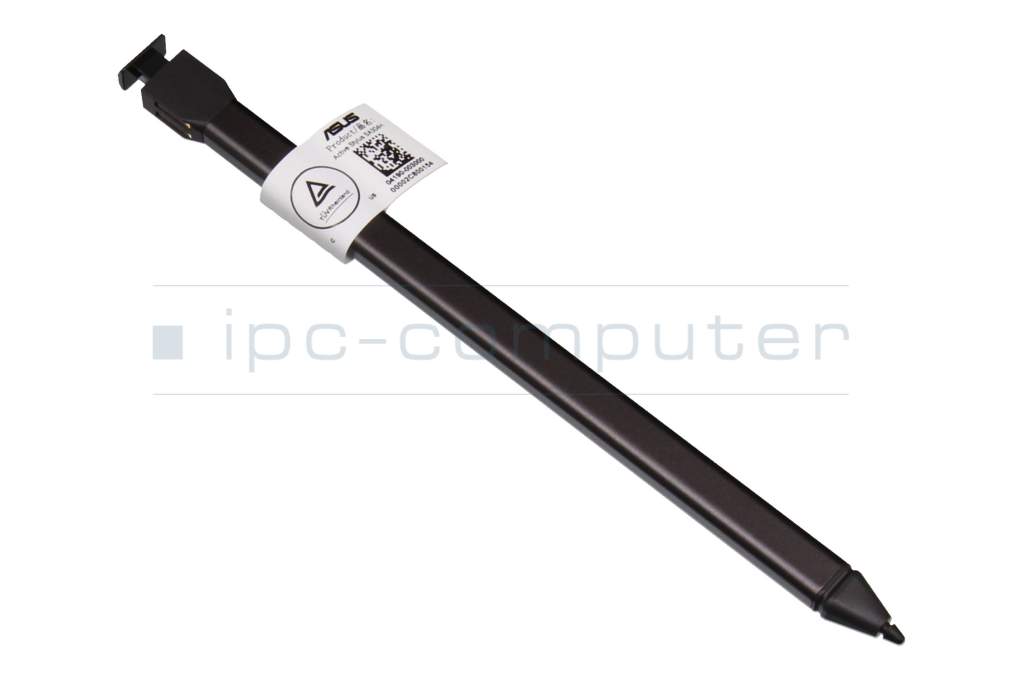
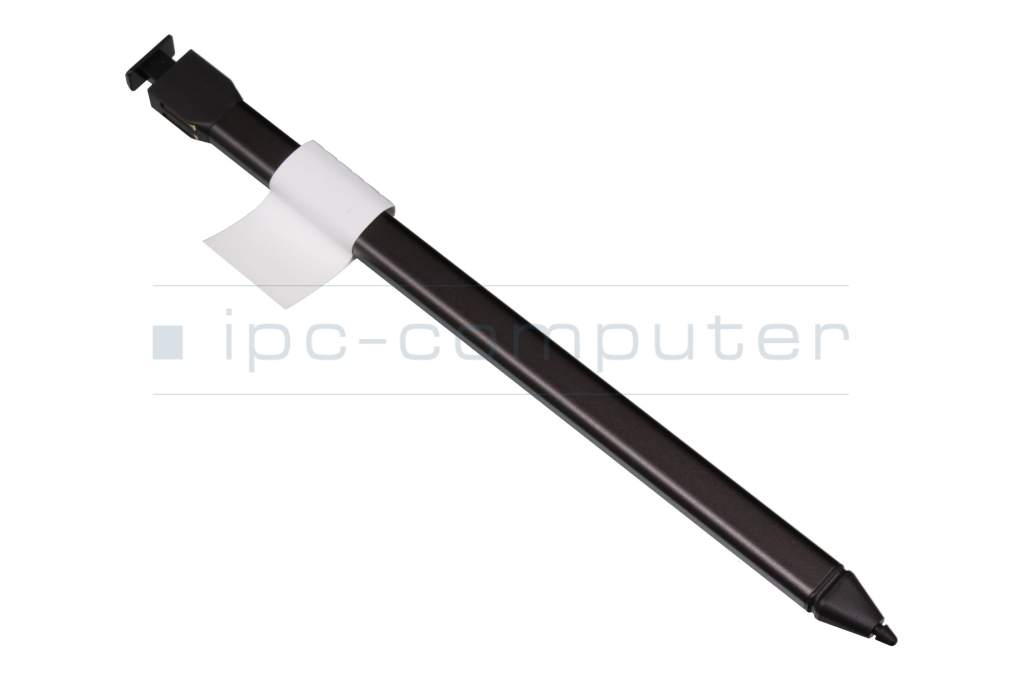
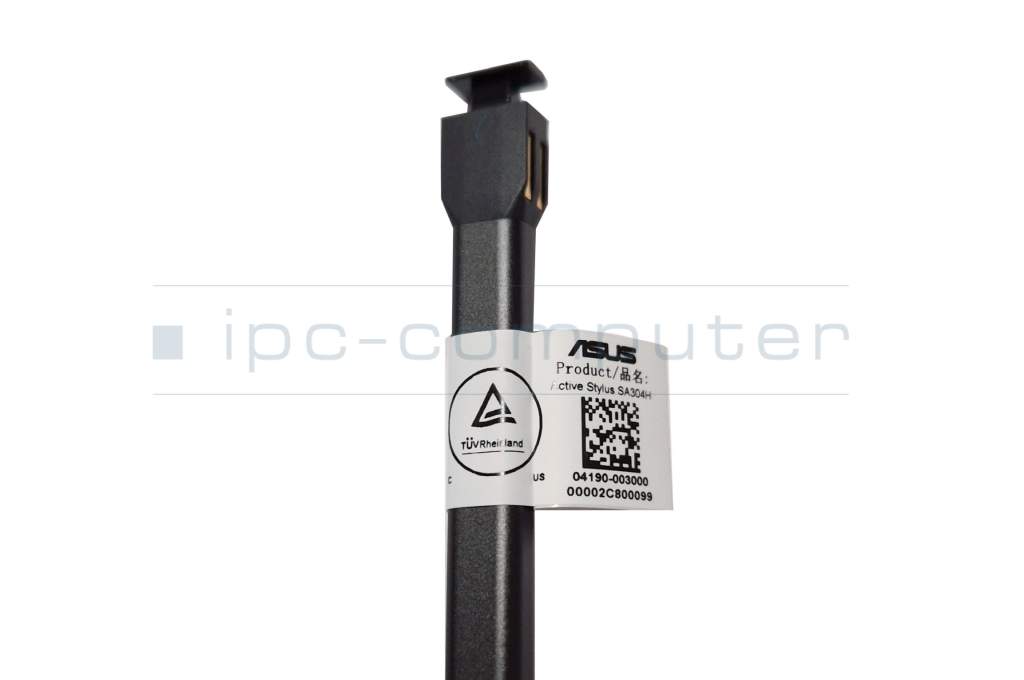
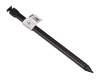
USI 2.0 original suitable for Asus CM1402FM2A

6500€
incl. Tax (19%)
plus shipping charges
plus shipping charges
Only1 pieces in stock.
- Standardlieferung 22. October - 26. October
- Expresslieferung 21. October
- bei Bestellung innerhalb 3 hrs 20 min




Depending on the model type, the corresponding dust protection cap on the slot must first be removed to charge/store the pen. You can find more information on this in the manual which you can download from the Asus support page for your model under “Manual & Documents”.
Common data
- Condition
- New
- Color
- anthracite / black
Technical Data
- Pen protocol
- USI 2.0
- Weight (g)
- 7 g
- Length (cm)
- 12,5 cm
- Diameter (mm)
- 7 mm
- Power supply
- internal connector
- Operating system
- ChromeOS
Category
- Category
- Pens / Stylus
- Usage
- Laptop
Videos & Contributions
Asus Stylus Pen Comparison - SA204H vs. SA304H
In this video, we compare the two almost identical-looking stylus pens from ASUS.
Learn more >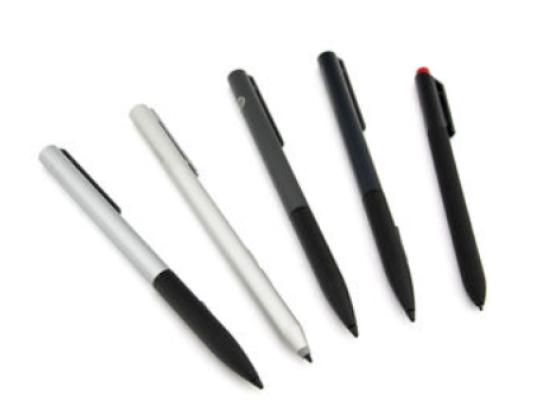
How do styluses work and what should be considered?
Using a pen to operate the touchscreen is a convenient feature. But not every pen works with every notebook or tablet. You have to pay attention to these features.
Learn more >