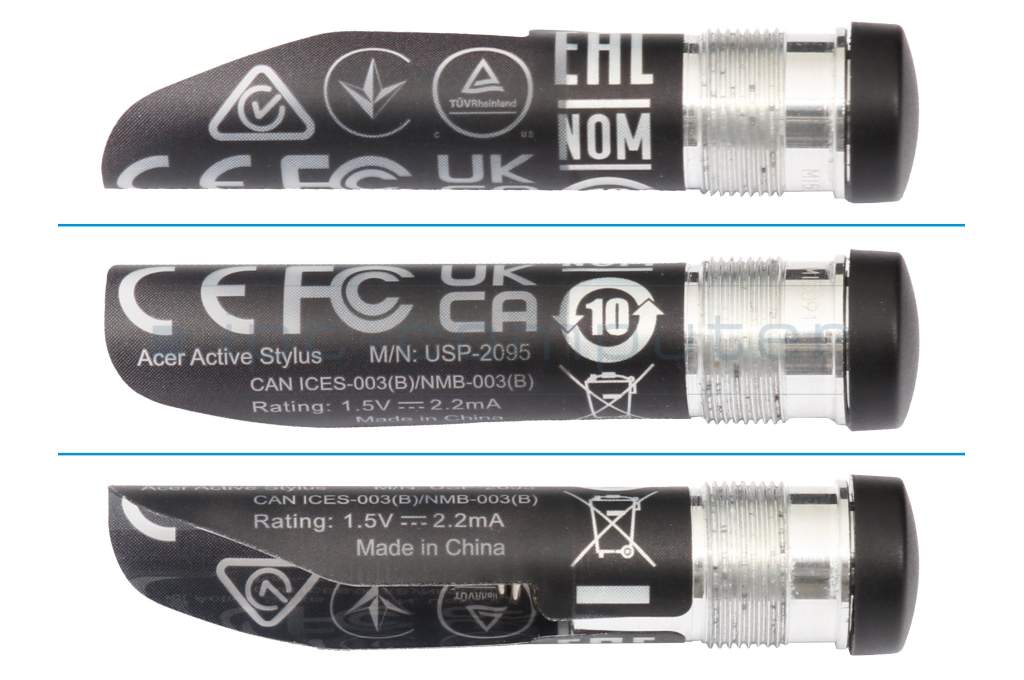
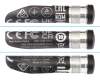
Active Stylus ASA410 original suitable for Acer Spin 5 (SP513-52N)

6900€
incl. Tax (19%)
plus shipping charges
plus shipping charges
3 pieces in stock.
- Standardlieferung 22. October - 26. October
- Expresslieferung 21. October
- bei Bestellung innerhalb 5 hrs 38 min




Common data
- Condition
- New
- Color
- black
- Delivery includes
- manual
Technical Data
- Pen protocol
- AES 2.0 Wacom / MPP 2.5 / USI
- Weight (g)
- 17 g
- Length (cm)
- 14 cm
- Diameter (mm)
- 9.5 mm
- Number of buttons
- 2
- Pressure levels
- 4096
- Tilt function
- yes
- Power supply
- Battery
- Operating system
- ChromeOS / Windows 11
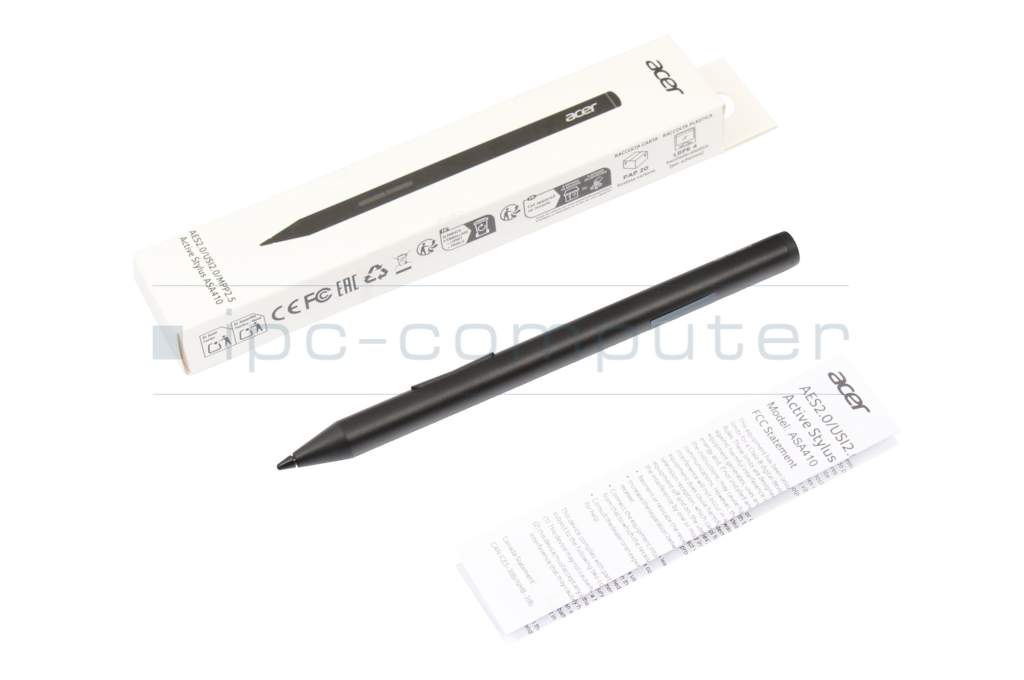
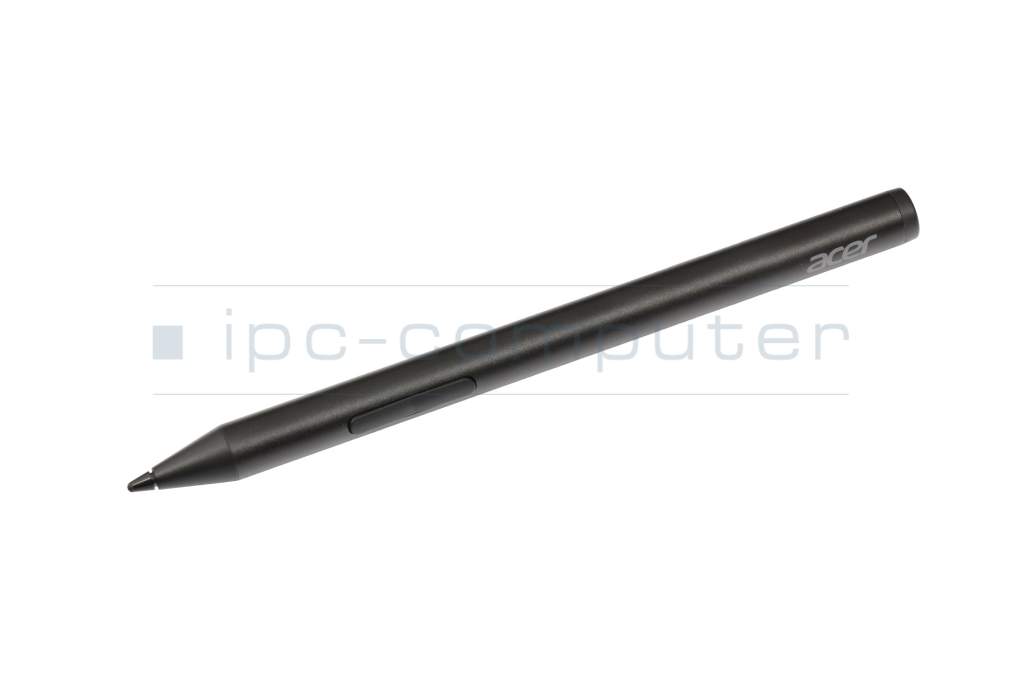
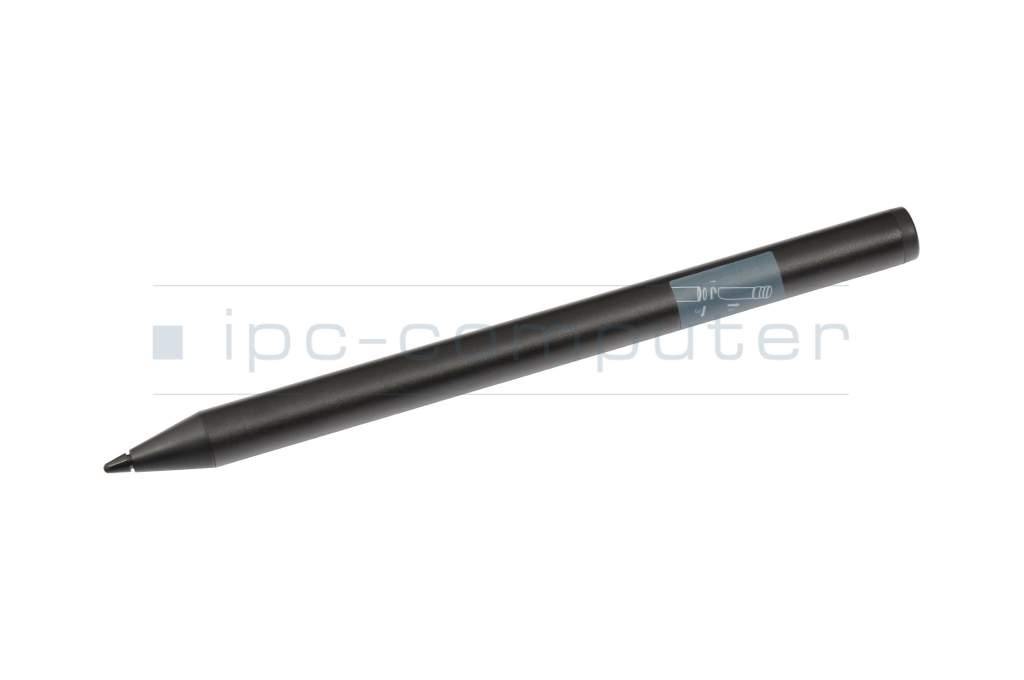
The Acer Active Stylus is a precise and versatile stylus for digital note-taking and creative work on a wide range of compatible Windows and ChromeOS devices thanks to state-of-the-art multi-protocol support.
With 4096 pressure levels and intelligent tilt detection , the pen reacts particularly precisely to every movement and pressure intensity. The lightweight, ergonomic design also ensures comfortable working, even during prolonged use. The robust pen tip ensures a pleasant writing experience and a long service life in daily use.
Highlights at a glance
- 4096 pressure levels for precise writing & drawing
- Supports AES 2.0, USI 2.0 & MPP 2.5 protocol
- Compatible with many Windows & ChromeOS devices
- Tilt detection for a natural writing experience
- High-quality pen tip for precise input
- Ergonomic & lightweight design
- Operates on 1x AAAA alkaline battery
Whether for school, study, office or creative design - the Acer Active Stylus offers reliable performance and precise control for everyday digital life.
Category
- Category
- Pens / Stylus
- Usage
- Laptop
Videos & Contributions
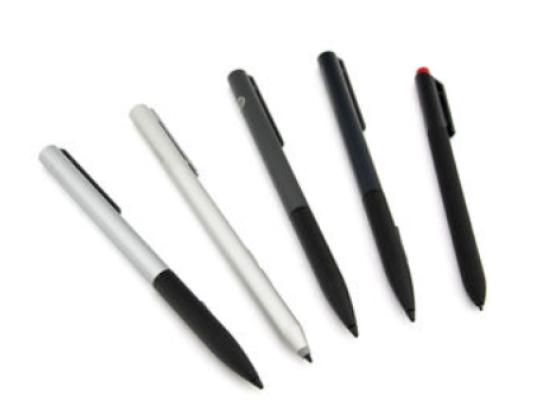
How do styluses work and what should be considered?
Using a pen to operate the touchscreen is a convenient feature. But not every pen works with every notebook or tablet. You have to pay attention to these features.
Learn more >